



 More Products
 Compare












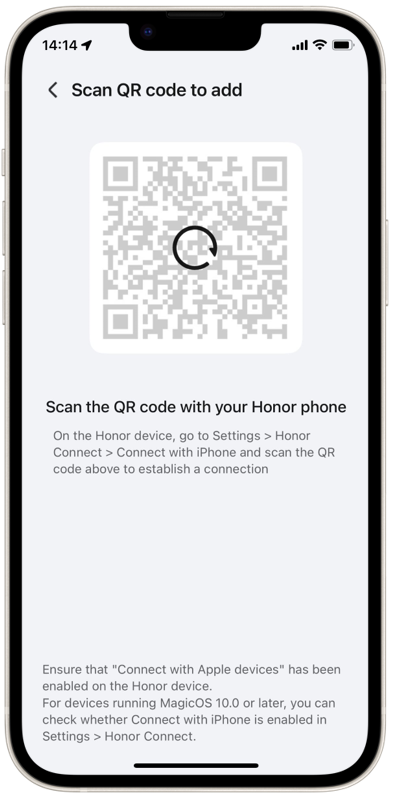
Unable to load the connection QR code for Honor Connect on iPhone
| Unable to load the connection QR code for Honor Connect on iPhone |
Issue description
When you use the Honor Connect app on an iPhone to connect to an Honor phone, the QR code for scanning to connect continuously fails to load.
Solution
Follow the steps below to troubleshoot this issue:
- On the iPhone, go to Settings > Notifications > Honor Connect > Allow Notifications and turn on the switch.
- Ensure your network connection is reachable.
- Install the latest version of the Honor Connect app from the App Store.
If the issue persists, go to Honor Connect app > More menu in the upper right corner > Help and customer service > Feedback. On this screen, briefly describe the issue, choose to upload logs, and leave your contact information.
微信扫描二维码分享文章
Thank you for helping us grow better!
Your response has been submitted successfully!
