


 More Products
 Compare









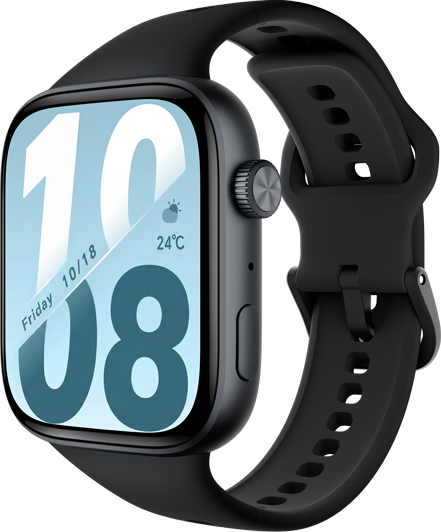


Setting the Screen Always Display
 . The screen will then stay on for the amount of time you set.
微信扫描二维码分享文章
Thank you for helping us grow better!
Your response has been submitted successfully!



我的荣耀 开启荣耀之旅
Copyright © Honor Device Co., Ltd. 2020-2026. All rights reserved.
 粤公网安备44030002002883号 粤ICP备20047157号