



 More Products
 Compare


More Products


Back






Back






我的荣耀 开启荣耀之旅
打开
App 内打开



 Disagree Terms
 Log out




 [Back to the basics 101]#10: Ultra Power Saving mode
![]()

0

0

0
Follow
Following



Share


Favorite
Comment

Like
 The link Copied
Add to Favorites
Create
Confirm
Comments (
0 )


Comment…
Add to Favorites
Create
Confirm


Copyright © Honor Device Co., Ltd. 2020-2026. All rights reserved.
 粤公网安备44030002002883号 粤ICP备20047157号
- Posts
- photo
- video

Wazzup guys
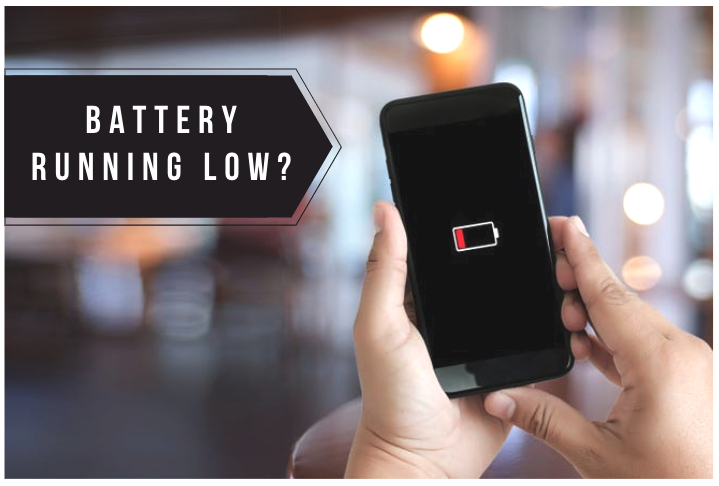
Running out of battery and you don't have your charger or power bank with you? No worries! You can set your phone to Ultra Power Saving mode to save the remaining battery juice on your device!
What is Ultra Power Saving mode?
Ultra Power Saving mode is one of the options on battery optimization which strictly controls background app usage to save battery. This feature only allows Dialer, SMS, Contacts, and other user-specified apps to run in the background and disabling all system apps except Wi-Fi and mobile data.
You can have up to six (6) apps available on your screen and you can manage which one you'd like to select.
How to enable Ultra Power Saving mode?
Go to Settings then select Battery.
Toggle the radio button beside Ultra Power Saving mode and tap on Enable on the pop-up message
And that's it! You should be able to see two (2) options above on your screen when you're on Ultra Power Saving mode.
Edit option (located on the upper-left) allows you to manage the apps you'd like to use while you're on Ultra Power Saving mode.
Exit option (located on the upper-right) allows you to exit Ultra Power Saving mode.
I'm unable to take any screenshots on how it looks like, since Ultra Power Saving mode disable the screenshot feature, so I'd suggest you to try it out when there's a power outage on your area and you want to save the remaining battery juice on your device.
Hope this helps! Let me know if you have any questions.
Stay safe
Report