



 More Products
 Compare







































我的荣耀 开启荣耀之旅
打开
App 内打开



 Disagree Terms
 Log out




 Do HONOR Magic Watch 2 work well with iPhone?
![]()

0

0

0
Follow
Following



Share


Favorite
Comment

Like
 The link Copied
Add to Favorites
Create
Confirm
Comments (
0 )


Comment…
Add to Favorites
Create
Confirm


Copyright © Honor Device Co., Ltd. 2020-2025. All rights reserved.
 粤公网安备44030002002883号 粤ICP备20047157号
- Posts
- photo
- video

Hi guys
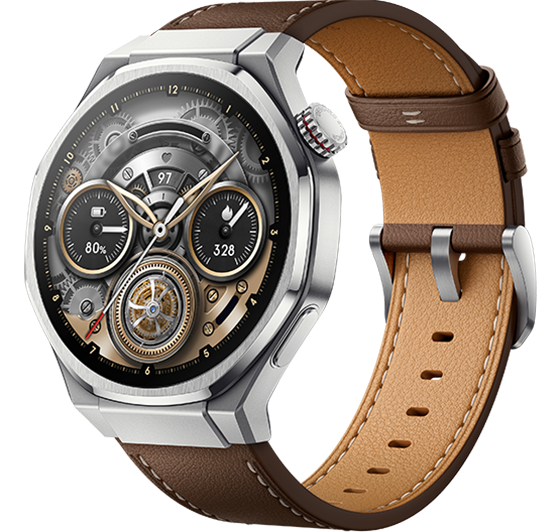
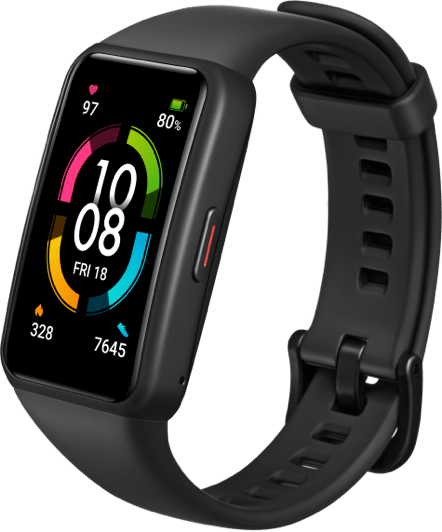
The new HONOR Magic * 2 is compatible with both Android 4.4 and above or iOS 9.0 and above devices. So, it can work well with your HUAWEI, iPhone or Samsung phones. In this post, we’ll share you the pairing method about the latest HONOR Magic * 2.
When you use the HONOR Magic * 2 for the first time, please long press the physical button to turn it on. The * Bluetooth is paired by default.
Do not pair directly with the HONOR Magic * 2 through the mobile phone system Bluetooth. Download the latest version of the HUAWEI Health App for pairing and make sure the phone Bluetooth is turned on.
How to download HUAWEI Health App?
Android users:
● you can search for "HUAWEI Health" App in Huawei App Store for download and installation;
● you can scan the QR code on the * or download the QR code in the product box;
● you can download HUAWEI Health App from Google App store and other application markets.
iOS users:
● the mobile phone terminal logs in to App Store to search for "HUAWEI Health" App to download and install;
● scan the QR code on the * or download and install the QR code in the product box.
You can also view the detailed guide from here: Easy Steps to get the Huawei Health App on your Smartphone!
How to pairing HONOR MagicWatch 2 with your phone?
Android users:
Step 1:
Open HUAWEI Health. You may need to grant the app the required permissions. Go to Devices > Add > Smart *, and choose HONOR MagicWatch 2.
Step 2:
Touch PAIR, and the app will search for nearby devices. Once it has found your *, select it.
Step 3:
A pairing request will appear on the *'s screen. Touch "√" . Then confirm the pairing on your phone too.
iOS users:
Step 1:
Open HUAWEI Health, then go to Devices and touch + in the upper right corner. Select Smart *, and choose HONOR MagicWatch 2.
Step 2:
Touch PAIR, and the app will search for nearby devices. Once it's found your *, select it.
Step 3:
A pairing request will appear on your * screen. Touch "√" to confirm the pairing.
*Notes:
• When pairing your * for the first time, you can use your phone to scan the QR code on the * screen, which will download the HUAWEI Health app.
• If your * does not respond after you touch "√" to confirm the pairing request, press and hold the Down button to unlock your *, then pair again.
• The * can only connect to one phone at a time, and vice versa. If you want to pair your * with another phone, disconnect it from the current phone using HUAWEI Health, then initiate the pairing on the new phone by following the instructions above.
I hope this guide is useful
Report