



 More Products
 Compare



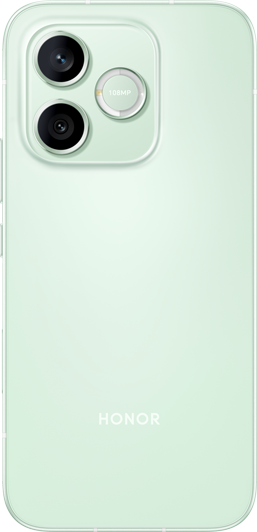
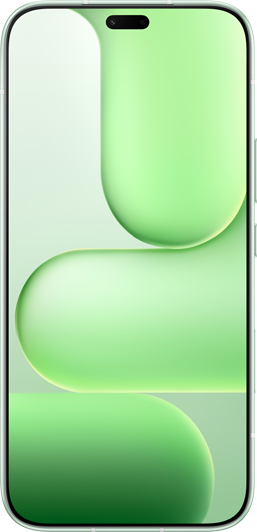





After downloading or applying themes, white blurs appear in the Contact or Message interface
微信扫描二维码分享文章
Thank you for helping us grow better!
Your response has been submitted successfully!
