



 More Products
 Compare













































我的荣耀 开启荣耀之旅



 Disagree Terms
 Log out




[Tips & Tricks] Discover the hidden features of the Airplane Mode


 Last reply :

Hey everyone!
How much do you know about the Airplane mode?
Many of you will be aware that it blocks signal reception and transmission for safety reasons during flights.
Well, this mode can actually be used in other different scenarios.
What exactly is the Airplane mode?
The Airplane mode is an offline mode which reduces security risks by cutting off all communication connections of the device. Turning it on will effectively avoid the electromagnetic interference so as to keep the flight safe and normal.
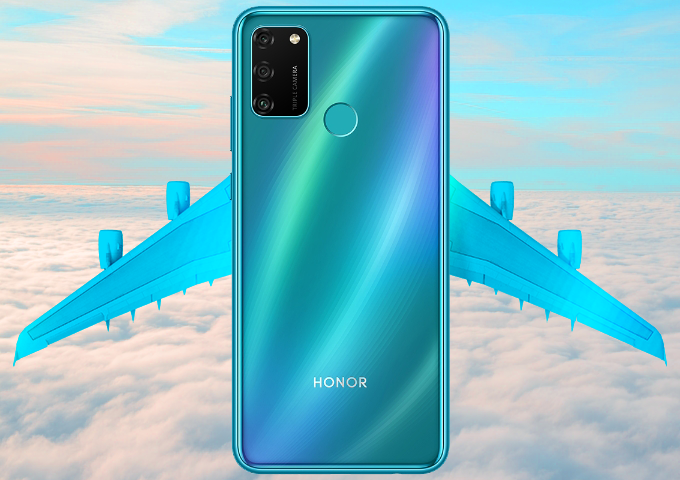
Worried about having nothing to do on a flight? In fact, you can still enjoy *, videos or e-books already downloaded on your phone when this mode is enabled.
But is this function useless when you're not flying?
See below the two main hidden features of the Airplane mode.
Hidden Feature 1: Silence all distractions
Enable the Airplane mode to prevent yourself from distractions such as incoming phone calls, messages, and social media notifications. This can come in handy when you’re taking notes or in a meeting; even in the cinema!
To get a more immersive gaming experience, activate this mode and manually re-connect to a Wi-Fi network. No phone calls will interrupt your game!
untitleddailyReminders: After the Airplane mode is turned on, the phone will automatically turn off wireless functions among which Bluetooth and Wi-Fi can be manually re-enabled.
You could also turn on the Do Not Disturb mode to silence incoming phone calls and message notifications.
Hidden Feature 2: Reconnect to the network
When you are passing through tunnels or in a lift, your device may encounter network failure or interruptions.
In this case, try enabling and disabling the Airplane mode to quickly reconnect your phone to the network.

Did you find this article useful?
For what do you use Airplane mode? Leave a comment and drop a like ;)


- Posts
- Following
- Followers
- Energy
-

Revolt
-
+ Follow

-
- 131 Posts
- 23 Following
- 250 Followers
- 8520 Energy






- Posts
- photo
- video

Hey everyone!
How much do you know about the Airplane mode?
Many of you will be aware that it blocks signal reception and transmission for safety reasons during flights.
Well, this mode can actually be used in other different scenarios.
What exactly is the Airplane mode?
The Airplane mode is an offline mode which reduces security risks by cutting off all communication connections of the device. Turning it on will effectively avoid the electromagnetic interference so as to keep the flight safe and normal.
Worried about having nothing to do on a flight? In fact, you can still enjoy *, videos or e-books already downloaded on your phone when this mode is enabled.
But is this function useless when you're not flying?
See below the two main hidden features of the Airplane mode.
Hidden Feature 1: Silence all distractions
Enable the Airplane mode to prevent yourself from distractions such as incoming phone calls, messages, and social media notifications. This can come in handy when you’re taking notes or in a meeting; even in the cinema!
To get a more immersive gaming experience, activate this mode and manually re-connect to a Wi-Fi network. No phone calls will interrupt your game!
untitleddailyReminders: After the Airplane mode is turned on, the phone will automatically turn off wireless functions among which Bluetooth and Wi-Fi can be manually re-enabled.
You could also turn on the Do Not Disturb mode to silence incoming phone calls and message notifications.
Hidden Feature 2: Reconnect to the network
When you are passing through tunnels or in a lift, your device may encounter network failure or interruptions.
In this case, try enabling and disabling the Airplane mode to quickly reconnect your phone to the network.
Did you find this article useful?
For what do you use Airplane mode? Leave a comment and drop a like ;)