



 More Products
 Compare


ABOUT HONOR
Events









我的荣耀 开启荣耀之旅
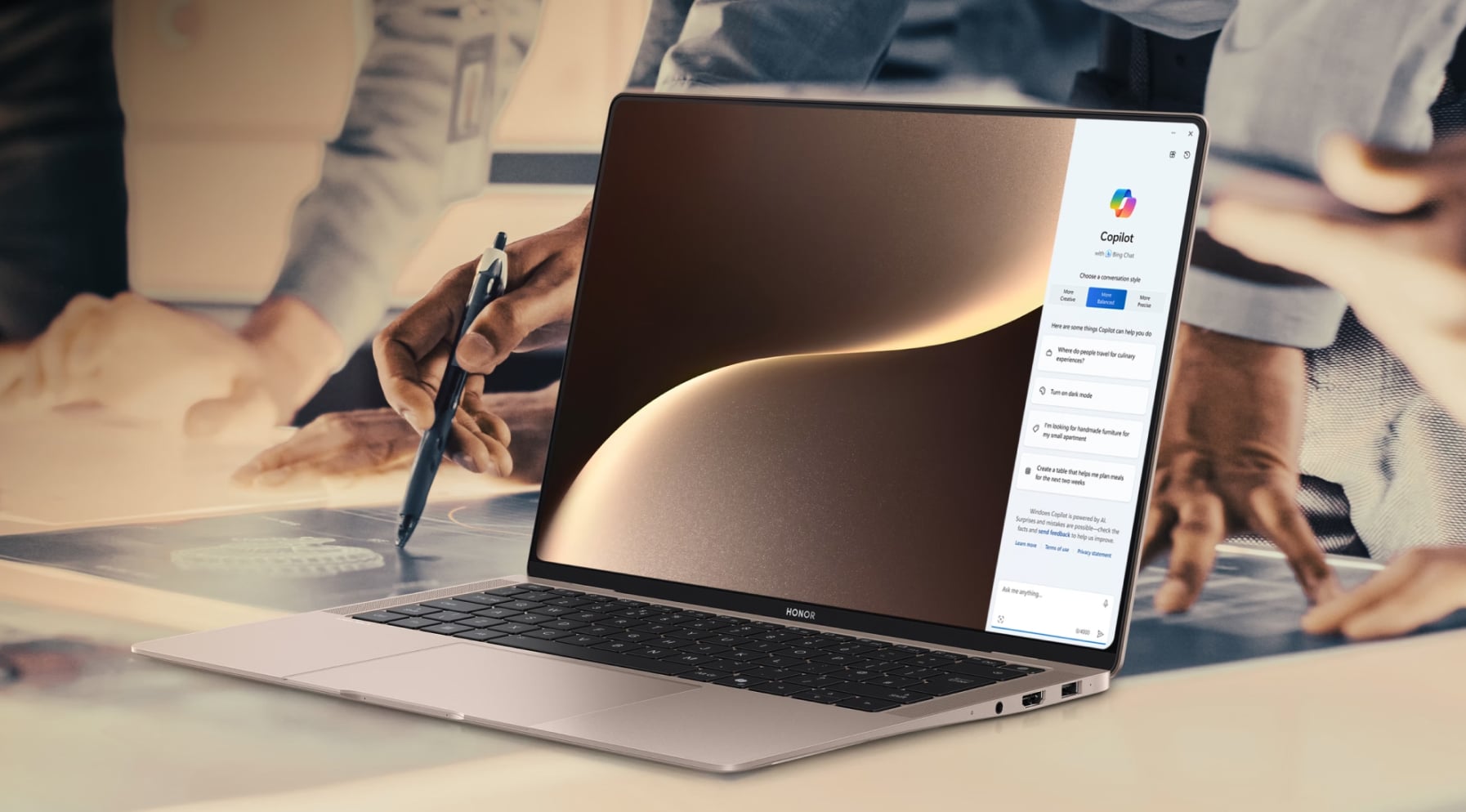
Best Touch Screen Laptop: Top Picks and Buying Tips
Table of Contents
Like the idea of using more than just a keyboard and trackpad, but also tapping, swiping, pinching to zoom, dragging items around, or even sketching right on the screen? A touch screen laptop lets you do all of that, but picking the right one can feel tricky. This guide walks you through some of the best touch screen laptop options and highlights the features that actually matter once you start using them day to day.
Best Rated Touch Screen Laptops from HONOR
Whether you’re tackling coursework or shifting between office tasks, two of HONOR’s touch screen laptop models really stand out: the MagicBook Art 14 2025 and the MagicBook Pro 14.
Both give you bright OLED touch screens and modern Intel Core Ultra processors, but they lean in slightly different directions. Let’s take a closer look at each:
HONOR MagicBook Art 14 2025
Want the best laptop computer with touch screen that’s ultra-portable? Check out the HONOR MagicBook Art 14 2025. It weighs about 1 kg and is around 1 cm thick, so you get a 14.6-inch laptop that still feels like an easy carry.
The 14.6” OLED HONOR Eye Comfort touch display uses a 3:2 aspect ratio, crisp 3.1K (3120 × 2080) resolution, 120 Hz refresh rate and up to 1600-nit brightness, which keeps text and fine detail clear in both indoor and bright conditions.
Inside, a 16-core Intel Core Ultra 7 processor, 32 GB of LPDDR5x memory and a 1 TB SSD give you plenty of headroom for multitasking, office apps and light creative work.
A detachable 1080p magnetic webcam, six-speaker spatial audio and a three-mic array support smooth calls, while Wi-Fi 6E plus USB-C, Thunderbolt 4, USB-A and HDMI ports keep you connected at home or on the move.
Best for: You if you want a large, sharp Windows OS touch screen laptop in the lightest possible shell, and you spend a lot of time travelling, hot-desking or jumping on video calls from different places.
What’s good:
● Around 1 kg and ~1 cm thick, so a full 14.6-inch laptop still feels easy to carry in a backpack or tote.
● 14.6-inch 3.1K OLED 3:2 touch screen with 120 Hz refresh and up to 1600-nit brightness for crisp text, smooth scrolling and comfortable use in bright rooms or near windows.
● Intel Core Ultra 7 255H, 32 GB LPDDR5x and 1 TB SSD, giving you fast startups and enough power for heavy browser use, documents, research and light editing.
● It runs Windows 11 Home, so you get a clean, familiar interface, built-in productivity tools and up-to-date security features.
● Precise 10-point touch with smooth three- and four-finger gestures in Windows 11 for easy, intuitive control.
● Detachable 1080p magnetic webcam that you can clip where it gives the best angle, then tuck away when you want extra privacy.
● Six speakers with HONOR Spatial Audio plus a three-mic array, so video calls and films sound fuller without needing external speakers.
● Wi-Fi 6E, NFC in the touchpad and a mix of USB-C, Thunderbolt 4, USB-A and HDMI 2.1 ports, making it easy to hook up monitors, drives and accessories.
● 60Wh battery rated for about 10 hours of mixed use, with 40W fast charging that can get you to roughly 46% in around 30 minutes when you’re in a rush.
HONOR MagicBook Pro 14
The HONOR MagicBook Pro 14 is among the top-rated powerful touch screen laptops. It combines a 14.6-inch 3.1K OLED touch display with a large 92Wh battery, so you get a big, colour-accurate canvas and long unplugged working time.
The panel uses a 3:2 aspect ratio, 3120 × 2080 resolution and 120 Hz refresh rate, covers 100% of the DCI-P3 colour space and adds eye-care extras like 4320 Hz PWM dimming, TÜV-certified low blue light and an e-book mode for longer reading or editing sessions.
Under the hood, configurations of this Windows touch screen laptop go up to a 2nd-generation Intel Core Ultra 9 285H with Intel Arc graphics, 32 GB of high-speed memory and dual M.2 SSD support, giving you room for demanding apps, large media projects and data-heavy tasks.
Despite the stronger hardware, the chassis stays around 1.39 kg, with 100W fast charging and a generous port selection to anchor your desk setup.
Best for: You if you run heavier creative, coding or data workloads, want true all-day battery life in a 14” best budget touchscreen laptop, and care about a display you can trust for colour-sensitive work.
What’s good:
● 14.6-inch OLED 3:2 touch screen with 3120 × 2080 resolution, 120 Hz refresh and 100% DCI-P3 coverage, well-suited to design, editing and detailed spreadsheets.
● Eye-comfort stack: 4320 Hz PWM dimming, TÜV-certified low blue light, dynamic dimming and an e-book mode, so long reading or editing sessions are easier on your eyes.
● It supports 10-point precise touch and smooth gesture control, working seamlessly with Windows 11 for easy, intuitive navigation.
● Up to Intel Core Ultra 9 285H with Intel Arc graphics, 32 GB memory and dual M.2 SSD slots, giving you the headroom to juggle video timelines, big codebases and multiple virtual desktops.
● 92Wh battery rated for around 12 hours of real-world use, plus 100W USB-C fast charging and up to 60W reverse charging to top up your phone or tablet.
● About 1.39 kg with a slim chassis, full-size keyboard and large multi-touch trackpad, so it works as both a daily carry and a main home or office machine.
● Rich port selection (two USB-C, two USB-A, HDMI and 3.5 mm audio) plus HONOR Cross-OS WorkStation features, making it easier to plug into external displays and share files with your HONOR phone or tablet.
Key Features to Look for in a Touch Screen Laptop
When you’re choosing from good touch screen laptops, start with the features that affect how it feels to use every day: the screen, the way it responds to touch, and whether the hardware can keep up with you.
Screen quality and touch experience
The display is the main reason you’re buying a touch screen laptop, so treat it as your top priority.
Resolution and size
● Aim for at least Full HD (1920 × 1080) resolution for sharp text and detail.
● If you edit photos, videos, or work with detailed spreadsheets, a higher resolution (2K, 2.5K, or 3K) screen can make a real difference to clarity and workspace.
● Pick a size that fits your routine: 13–14 inches are easier to carry, good for travel and commuting, while 15 inches and above are better for multitasking at a desk.
Brightness and colour
● Look for a screen that can reach around 300 nits or more, so it stays readable in bright rooms or near windows.
● Good colour accuracy helps if you watch a lot of media or do creative work.
Touch responsiveness
● The laptop should support multi-touch (using several fingers at once) with minimal lag.
● Quick, accurate touch makes a real difference when you’re scrolling, pinching to zoom, or moving between apps.
Pen support and palm rejection
If you plan to draw or handwrite notes, pen support matters as much as the screen itself:
● Look for active stylus support with pressure sensitivity, not just a basic capacitive pen.
● Good palm rejection stops stray marks when your hand rests on the screen.
Form factor: 2-in-1 vs traditional laptop
Most touch screen laptops fall into two camps: convertible 2-in-1s and standard clamshell laptops.
Convertible 2-in-1
The screen folds back 360° or detaches to act like a tablet. This layout works well if you:
● Use the pen often
● Read or annotate documents in tablet mode
● Present work directly from the screen to others
Traditional clamshell
● A standard laptop shape with a non-detaching keyboard.
● Often better for cooling and raw performance at the same price point, which can matter for heavy workloads.
Think about how often you’ll really use tablet or tent modes. If you mainly type and only tap to scroll, a traditional best affordable touch screen laptop may be enough.
Performance: processor, RAM, and storage
Touch features are only useful if the laptop keeps up with what you’re doing.
Processor (CPU)
● Choose a recent-generation multi-core processor, like the Intel Core Ultra 7; these handle everyday tasks, video calls, and light creative work more smoothly than older chips.
● If you edit large media files or run demanding software, look for reviews that mention strong performance in those workloads, not just “fast enough for browsing”.
RAM (memory)
● 8 GB RAM: fine for web, documents, email, and light multitasking.
● 16 GB RAM: more comfortable if you keep many tabs and apps open, work with large files, or plan to keep the laptop for several years.
If your budget allows, 16 GB offers more headroom and helps the laptop feel “fresh” for longer.
Storage (SSD)
● Choose a solid-state drive (SSD) rather than a hard drive. SSDs load apps and files much faster and are standard on modern laptops.
● As a rough guide: 256 GB is workable if you mostly use cloud storage. 512 GB or more is better if you store photos, videos, or large project files locally.
Battery life and portability
A touch screen only helps if the laptop lasts through your day.
Battery life
● Aim for 8–10 hours of real-world use.
● Frequent travellers may want more.
Weight and size
● Under 1.4–1.5 kg feels comfortable in a backpack.
● Heavier models often offer bigger screens or stronger hardware.
Keyboard, trackpad, and hinge
Touch input doesn’t replace typing or trackpad work.
● A comfortable keyboard with a clear layout and backlighting makes long sessions easier.
● A smooth, accurate trackpad keeps navigation quick.
● On 2-in-1s, the hinge should stay stable when you tap or swipe.
Connectivity and extra features
Small details can make daily use smoother.
● A good mix of USB ports, video-out, and a headphone jack.
● Reliable Wi-Fi for busy homes or offices.
● A clear webcam and microphone for calls.
● Simple security options like fingerprint login or facial sign-in.
Conclusion
Finding the best touch screen laptop comes down to understanding how you work and which features genuinely support that routine. Screen quality, battery life, performance and build all play a role, but the right balance looks different for everyone. Whether you prioritise portability, long hours away from the charger or a colour-accurate display for creative tasks, the recommended touch screen laptop models and guidance above give you a strong starting point. Use what matters most to you as your filter, and you’ll land on a laptop that feels reliable every day.
FAQs
What are the best touchscreen laptops?
Two standout options are the HONOR MagicBook Art 14 2025 and the HONOR MagicBook Pro 14. Both offer sharp 14.6-inch 3.1K OLED touch screens, fast Intel Core Ultra processors and strong overall performance. The Art 14 2025 is the lighter, more travel-friendly choice, while the Pro 14 provides longer battery life and extra power for heavier workloads.
Is it worth getting a laptop with a touchscreen?
A touchscreen laptop can be worth it if you like to tap, swipe and sketch directly on the screen, or if you often work with notes, documents and creative apps. They’re especially handy in 2-in-1 designs that fold into a tablet for watching films or presenting work. However, touchscreens can add cost and slightly reduce battery life compared with similar non-touch models, so if you mainly type and browse, you might not notice much benefit.
What is the best touchscreen laptop for business?
For many business users, the HONOR MagicBook Pro 14 is a good fit. Its large 92Wh battery, strong Intel Core Ultra performance and colour-accurate OLED touch display make it well suited for long workdays, multitasking and detailed work. If you move between offices or work while travelling, the lighter HONOR MagicBook Art 14 2025 is a smart alternative thanks to its ultra-portable build and bright 3.1K touch screen.
How long does the battery last on touch screen laptops?
Battery life on touchscreen laptops varies a lot by model and how you use it, but many modern Windows OS touch devices offer roughly 6–12 hours of mixed use on a full charge in real-world conditions. Enabling the touchscreen itself uses a bit more power than a non-touch display, especially at higher brightness.
Are there touchscreen gaming laptops?
There are touchscreen gaming laptops, and if you want one that balances performance and touch functionality, the HONOR MagicBook Pro 14 is a great choice. It’s powerful enough for gaming, video editing, and multitasking, while the 3.1K OLED touchscreen adds flexibility for creative tasks. You get smooth performance without sacrificing battery life or display quality.
Source: HONOR Club


