

 More Products
 Compare













我的荣耀 开启荣耀之旅



 Disagree Terms
 Log out




What is DIGITAL BALANCE in HONOR 9A


 Last reply :
Today, with the rapid development of technology, almost every one of us can't live without a mobile phone, and the longest time to contact a mobile phone every day.
Because of this, it is necessary for us to use our mobile phones in a healthy way. What should we do? In fact, it is not difficult, MAGIC3.1 has a dedicated screen time management assistant: [DIGITAL BALANCE ] to help you.
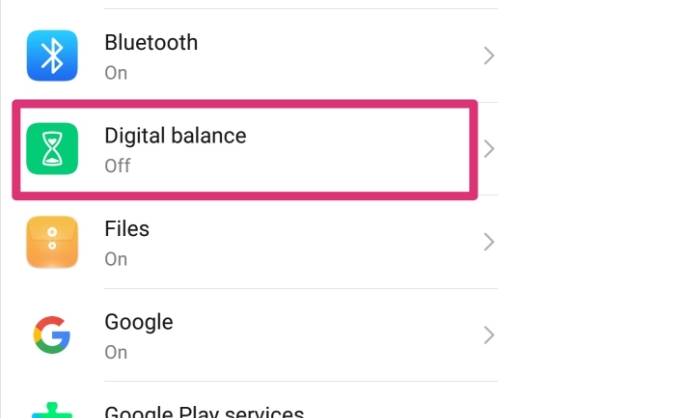
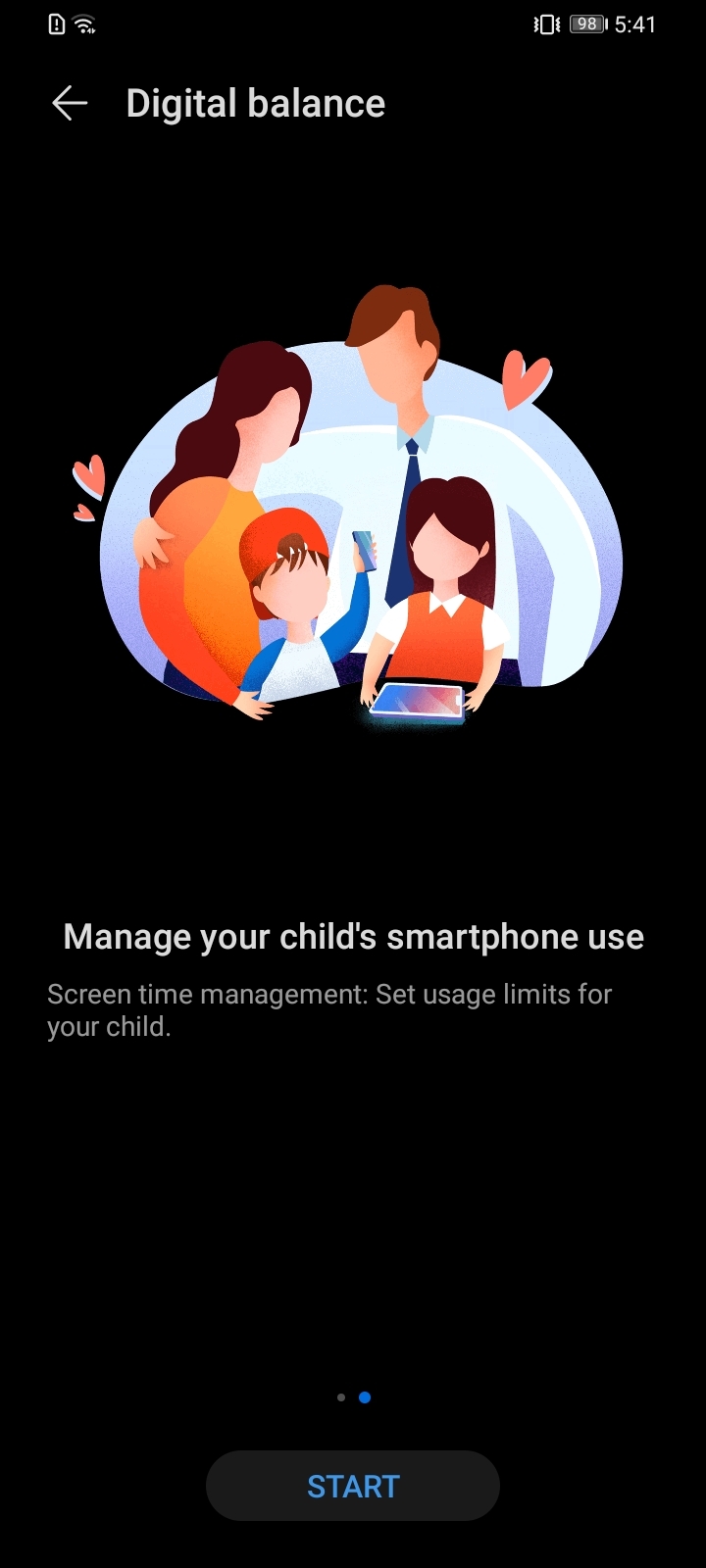
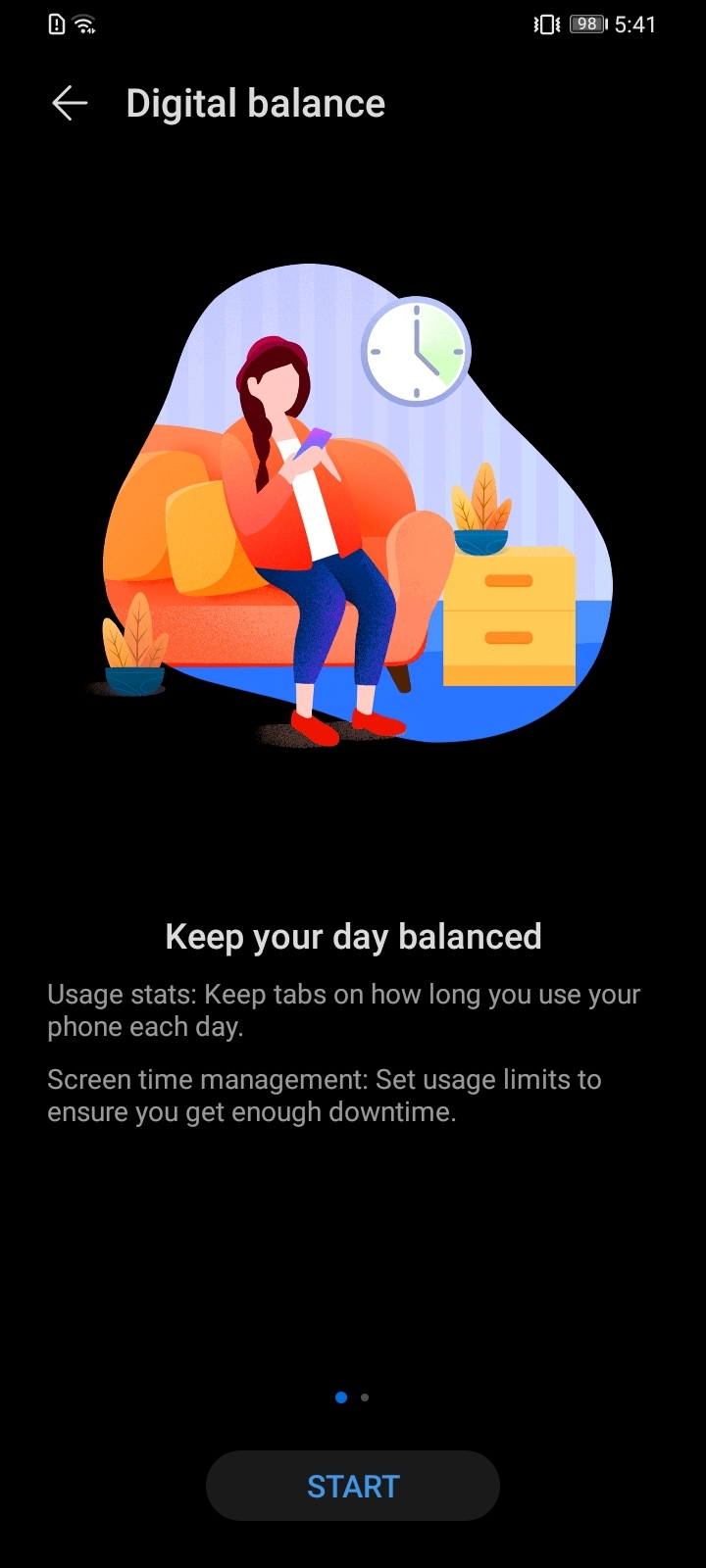
Open the path: settings- DIGITAL BALANCE
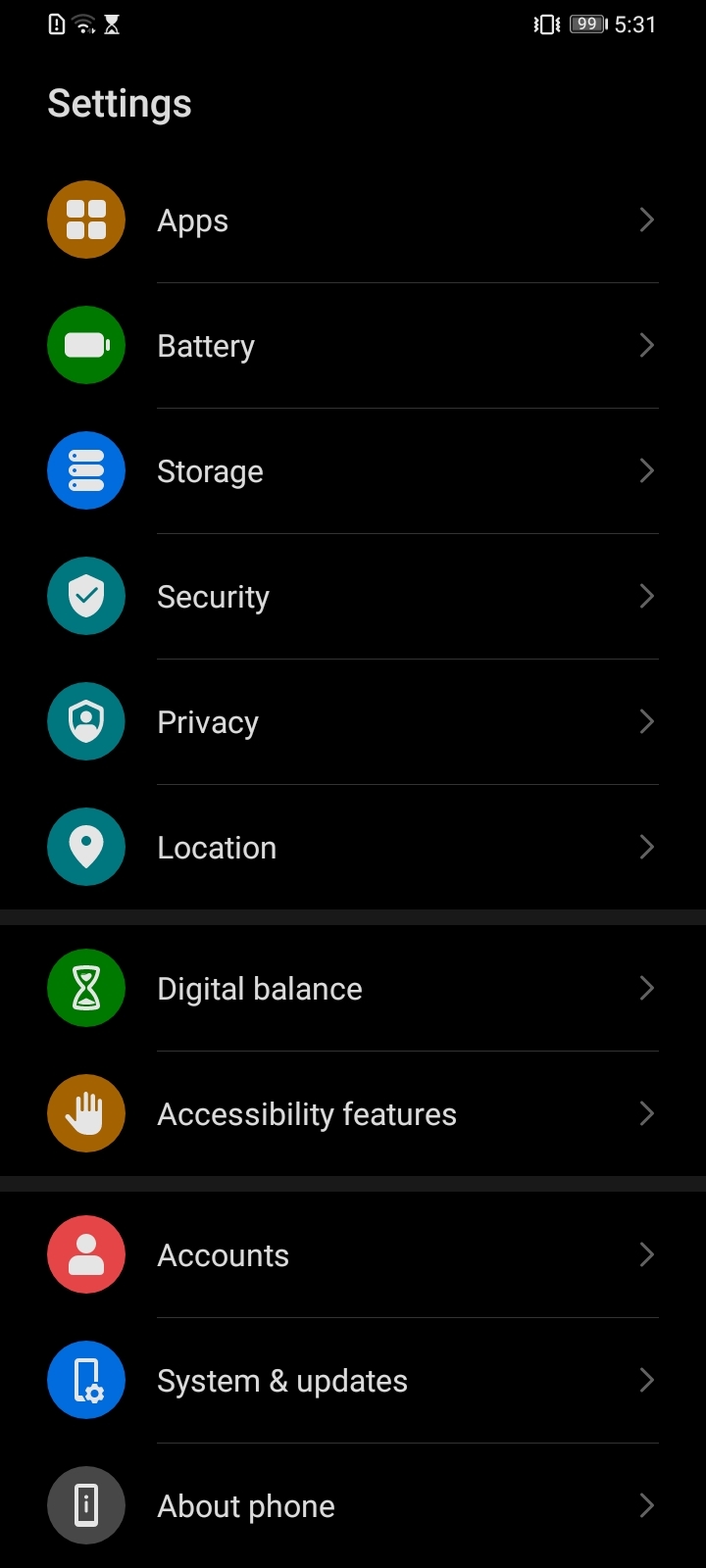
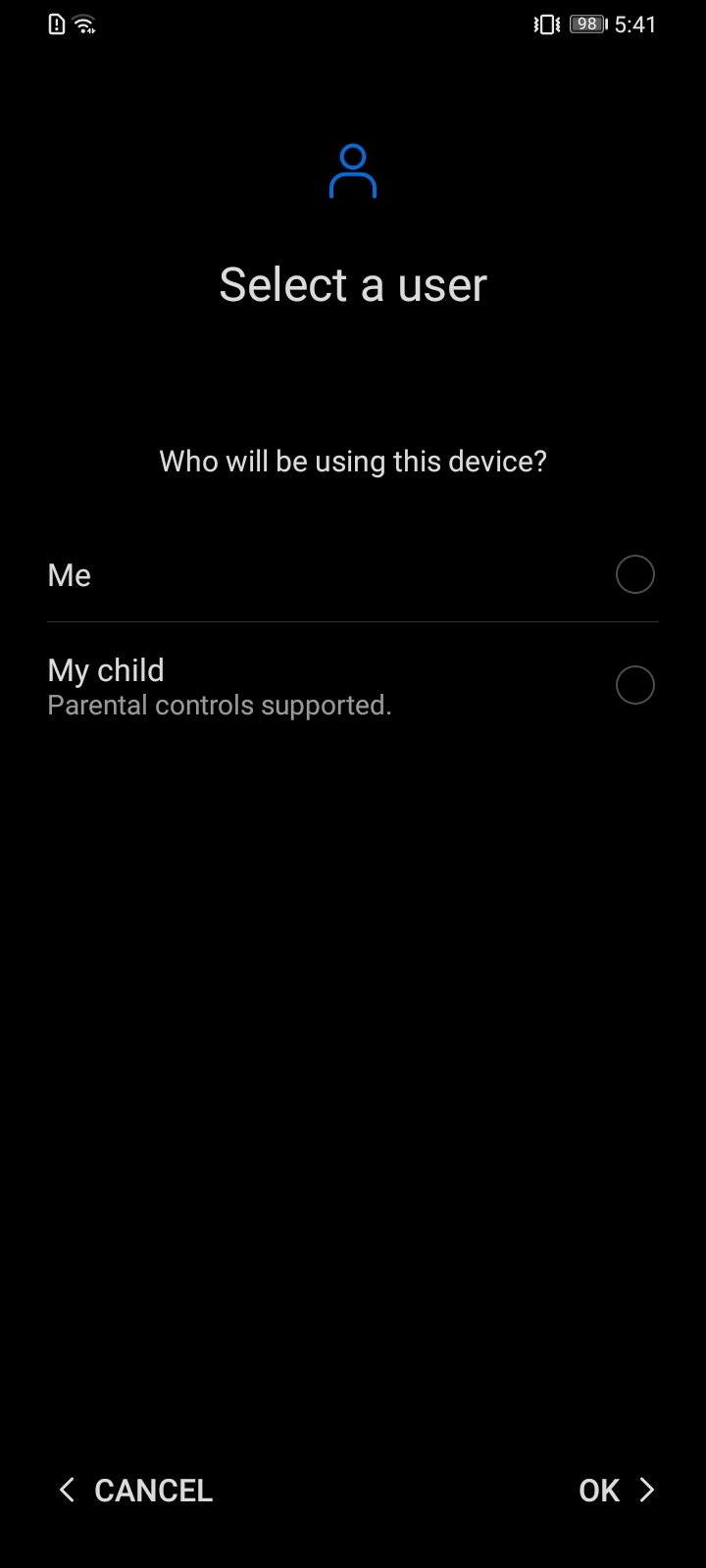
MAGIC UI 3 has little change in the digital balance, there are two modes for me, or my child. #) This is my mobile phone: it is relatively easy to control, mainly guided and reminded. #) This is a child's mobile phone: the control is relatively strict, the use of the mobile phone is controlled, and the child's healthy growth is protected.
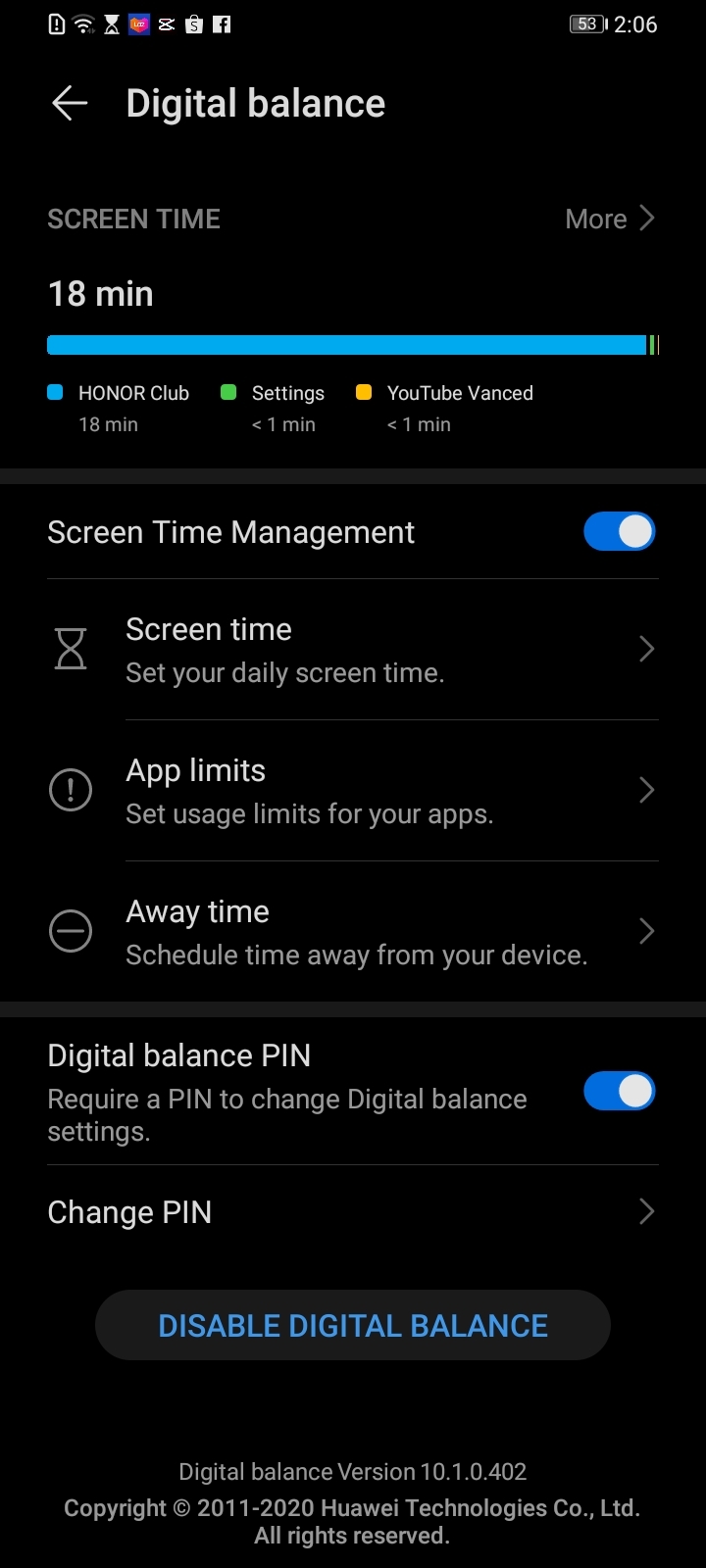
Time is precious and should be reasonably allocated. In DIGITAL BALANCE , the usage statistics can see the duration and ranking of applications used today or in the past seven days, so as to scientifically plan their daily mobile phone usage time.
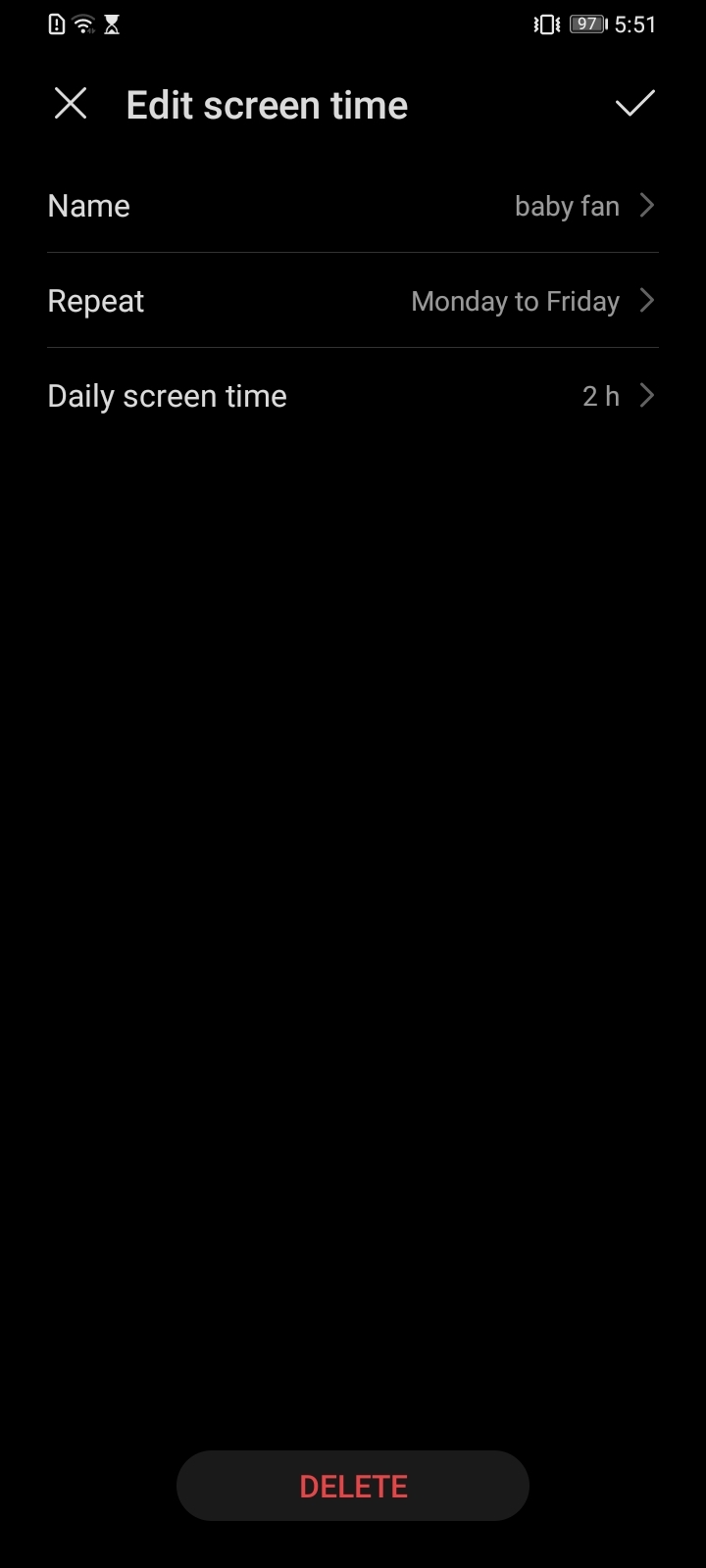
Don’t waste time In the settings-digital balance - time management-available time, you can see the remaining time here, the phone can apply for extended use in parent mode.
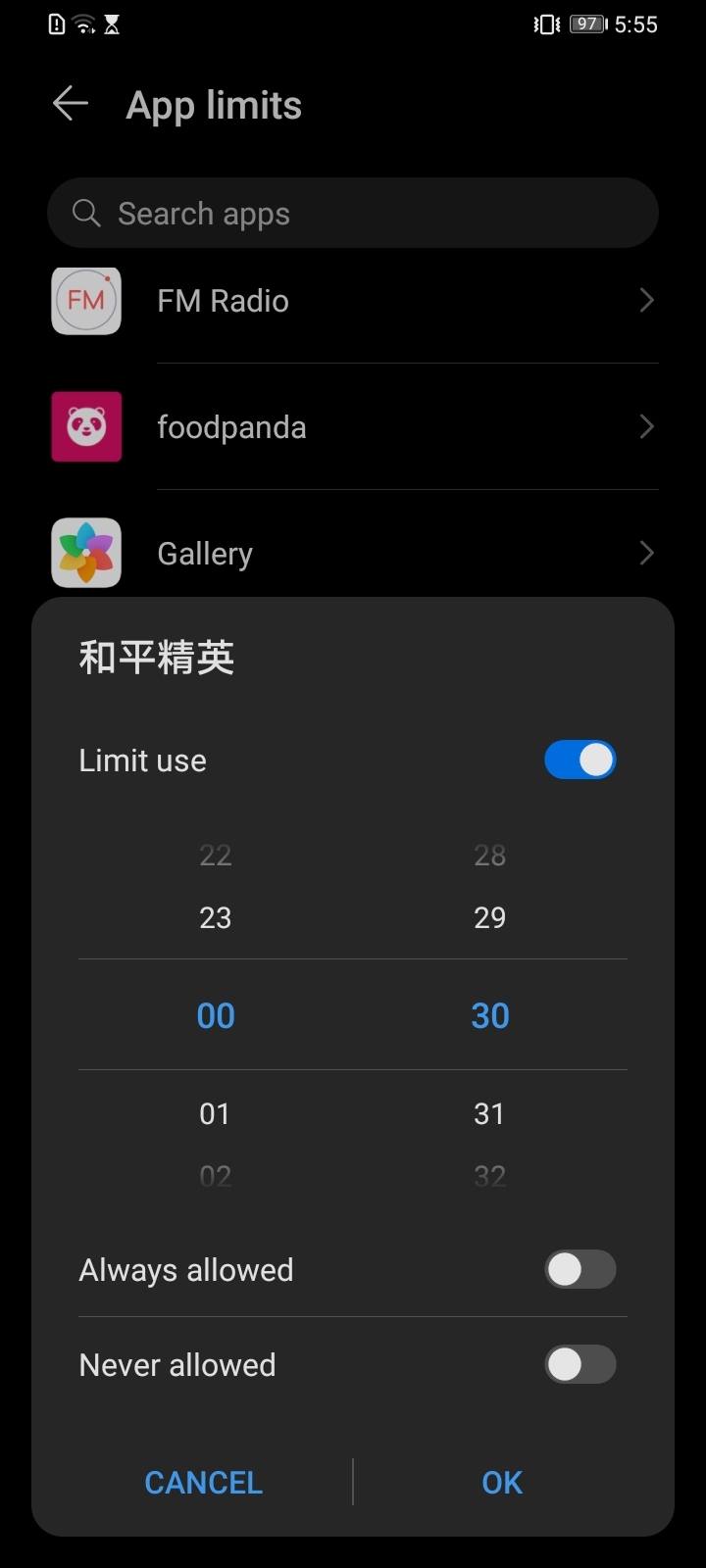
Limit application duration The mobile phone used by the child can set the duration of the application to prevent addiction to games, videos, and other applications.
Opening methods: settings-digital balance -screen time management-application restrictions, check the restricted use of applications, and set the duration of use.
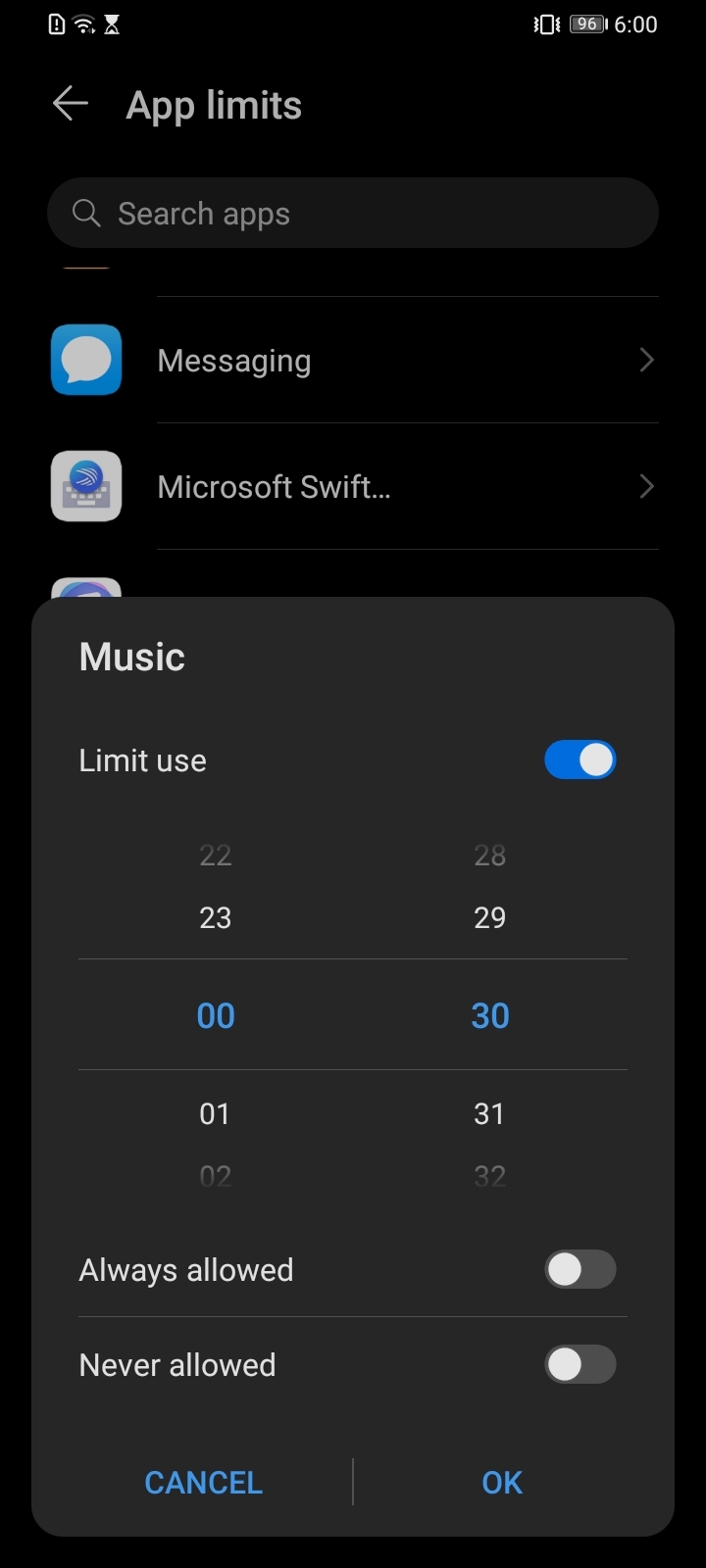
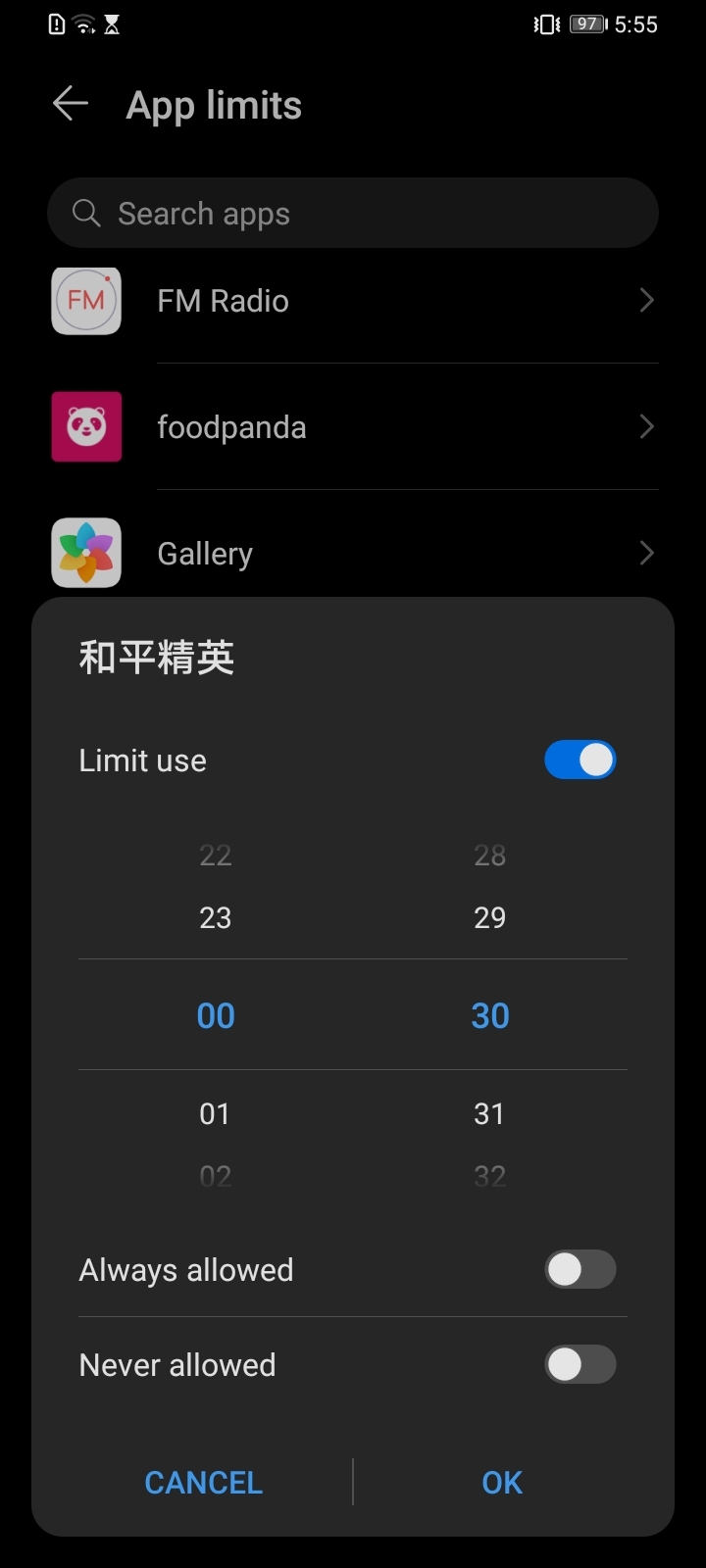
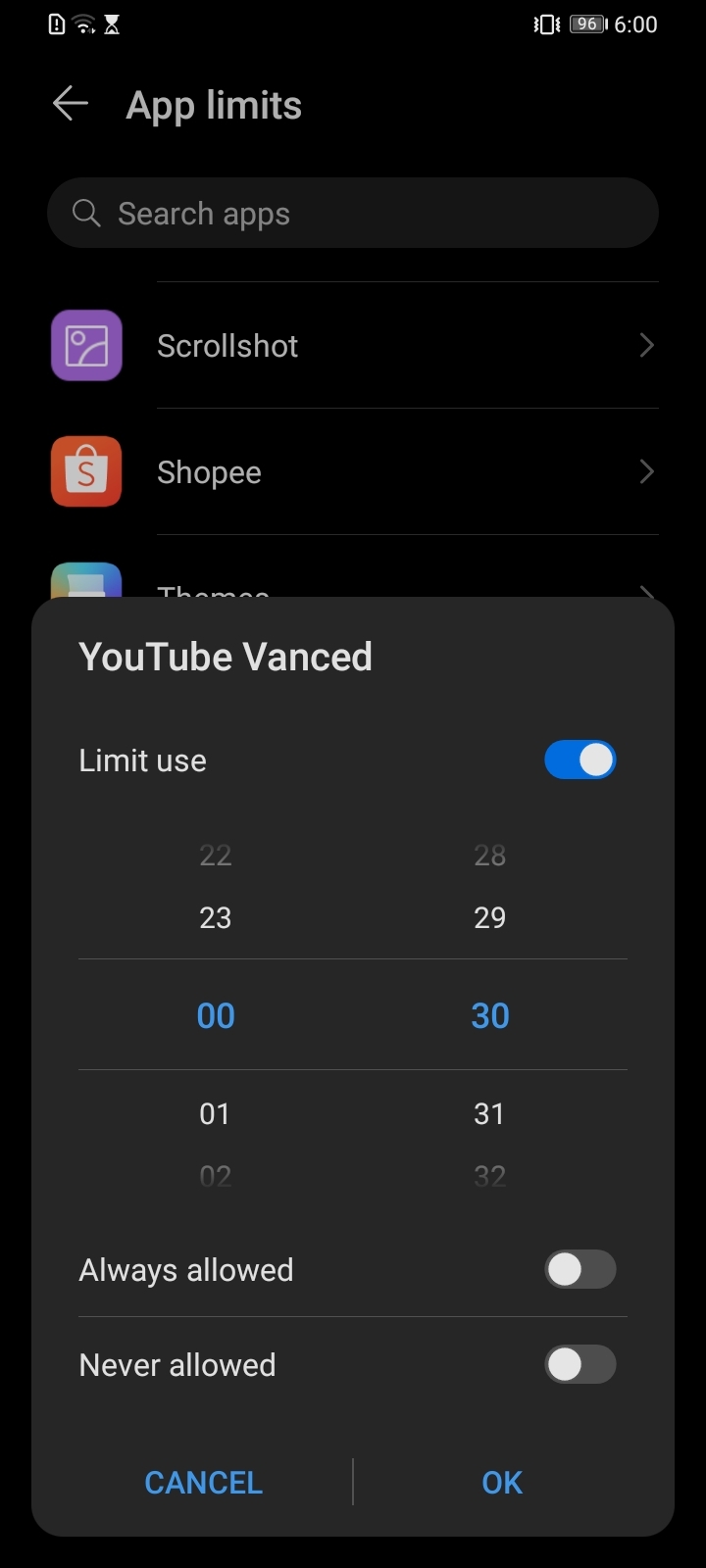
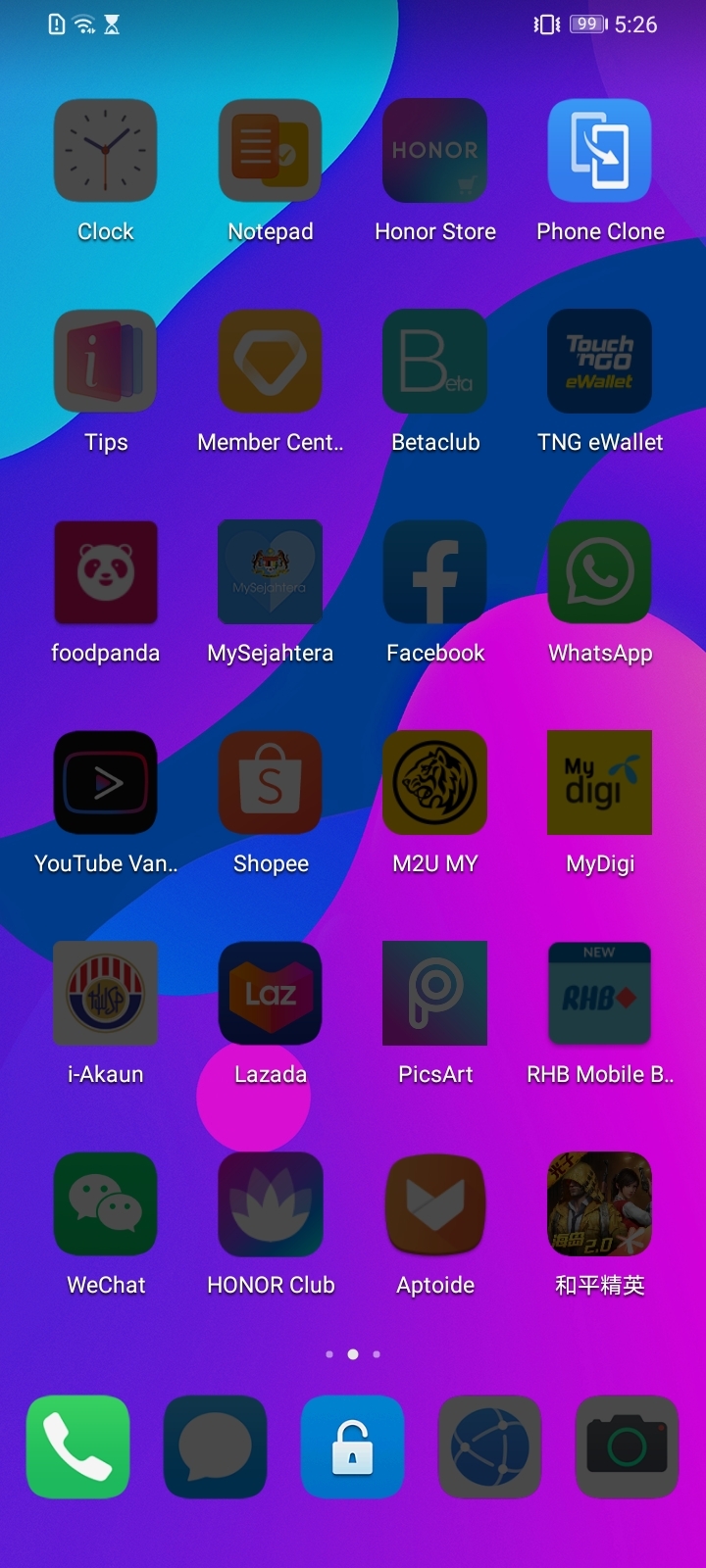
The screen is gray, it's time to rest Don’t be surprised if the screen is gray, don’t think your phone is broken, this is to remind you that it’s time to rest. When the set screen sleep time is reached, the phone screen will automatically turn gray and the application will be banned to remind you to take a break. Open the path: settings-digital balance -screen time management-sleep time, set the available time.


- Posts
- Following
- Followers
- Energy
-

 DARREN
Columnist
DARREN
Columnist
-
+ Follow

-
- 144 Posts
- 50 Following
- 211 Followers
- 12809 Energy


SUBSCRIPTION
I agree to receive the latest offers and information on HONOR products through email or IM (e.g. WhatsApp) provided below and advertisement on third-party platforms. I understand that I can unsubscribe anytime according to Chapter 5 of HONOR Platform Privacy Statement.
CONTACT

- Posts
- photo
- video

Today, with the rapid development of technology, almost every one of us can't live without a mobile phone, and the longest time to contact a mobile phone every day.
Because of this, it is necessary for us to use our mobile phones in a healthy way. What should we do? In fact, it is not difficult, MAGIC3.1 has a dedicated screen time management assistant: [DIGITAL BALANCE ] to help you.
Open the path: settings- DIGITAL BALANCE
MAGIC UI 3 has little change in the digital balance, there are two modes for me, or my child. #) This is my mobile phone: it is relatively easy to control, mainly guided and reminded. #) This is a child's mobile phone: the control is relatively strict, the use of the mobile phone is controlled, and the child's healthy growth is protected.
Time is precious and should be reasonably allocated. In DIGITAL BALANCE , the usage statistics can see the duration and ranking of applications used today or in the past seven days, so as to scientifically plan their daily mobile phone usage time.
Don’t waste time In the settings-digital balance - time management-available time, you can see the remaining time here, the phone can apply for extended use in parent mode.
Limit application duration The mobile phone used by the child can set the duration of the application to prevent addiction to games, videos, and other applications.
Opening methods: settings-digital balance -screen time management-application restrictions, check the restricted use of applications, and set the duration of use.
The screen is gray, it's time to rest Don’t be surprised if the screen is gray, don’t think your phone is broken, this is to remind you that it’s time to rest. When the set screen sleep time is reached, the phone screen will automatically turn gray and the application will be banned to remind you to take a break. Open the path: settings-digital balance -screen time management-sleep time, set the available time.