

 More Products
 Compare










我的荣耀 开启荣耀之旅



 Disagree Terms
 Log out




[TUTORIAL] Magic Watch 2 How to Customize Wallpaper {w/ video}


 Last reply :
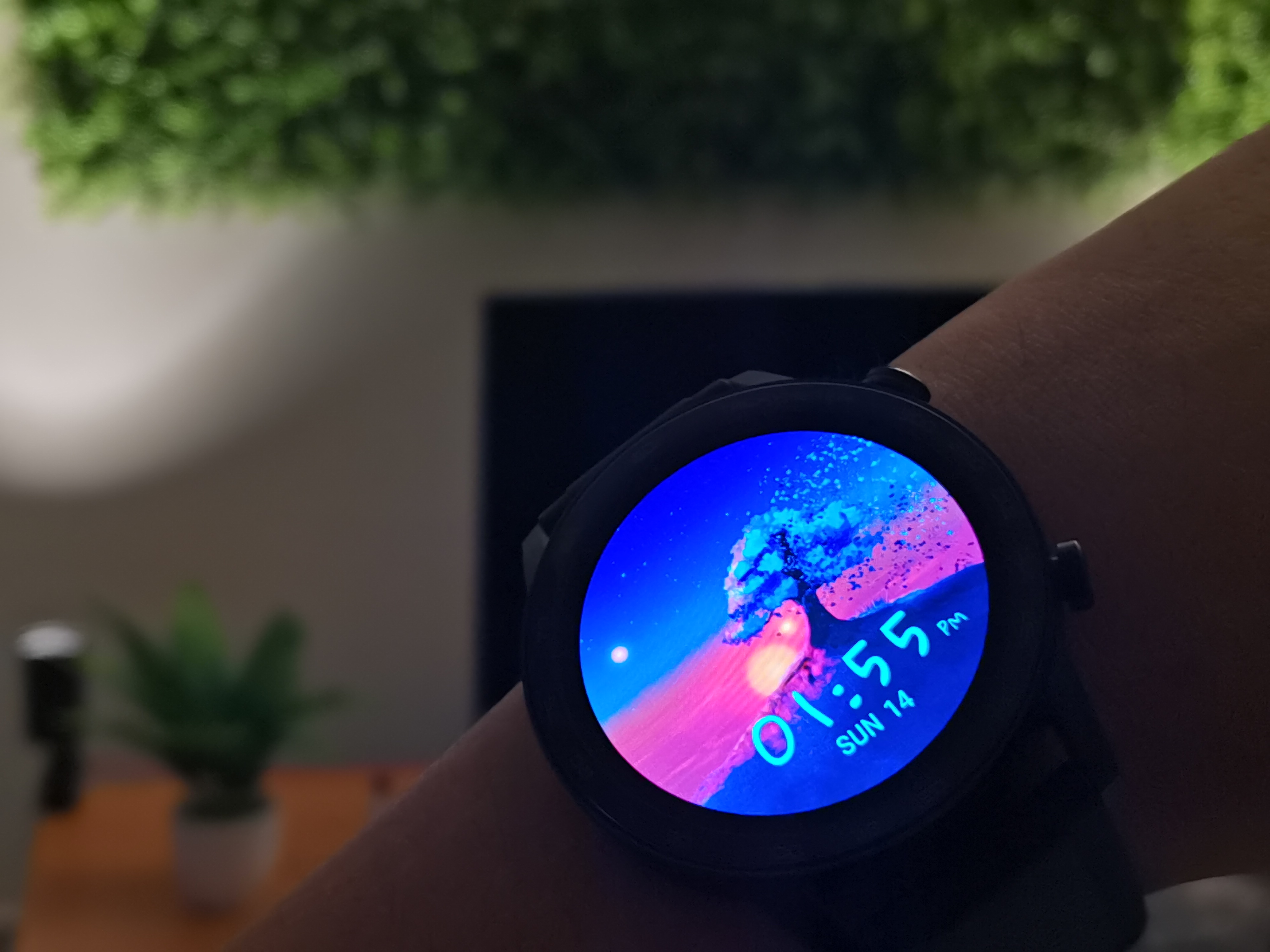
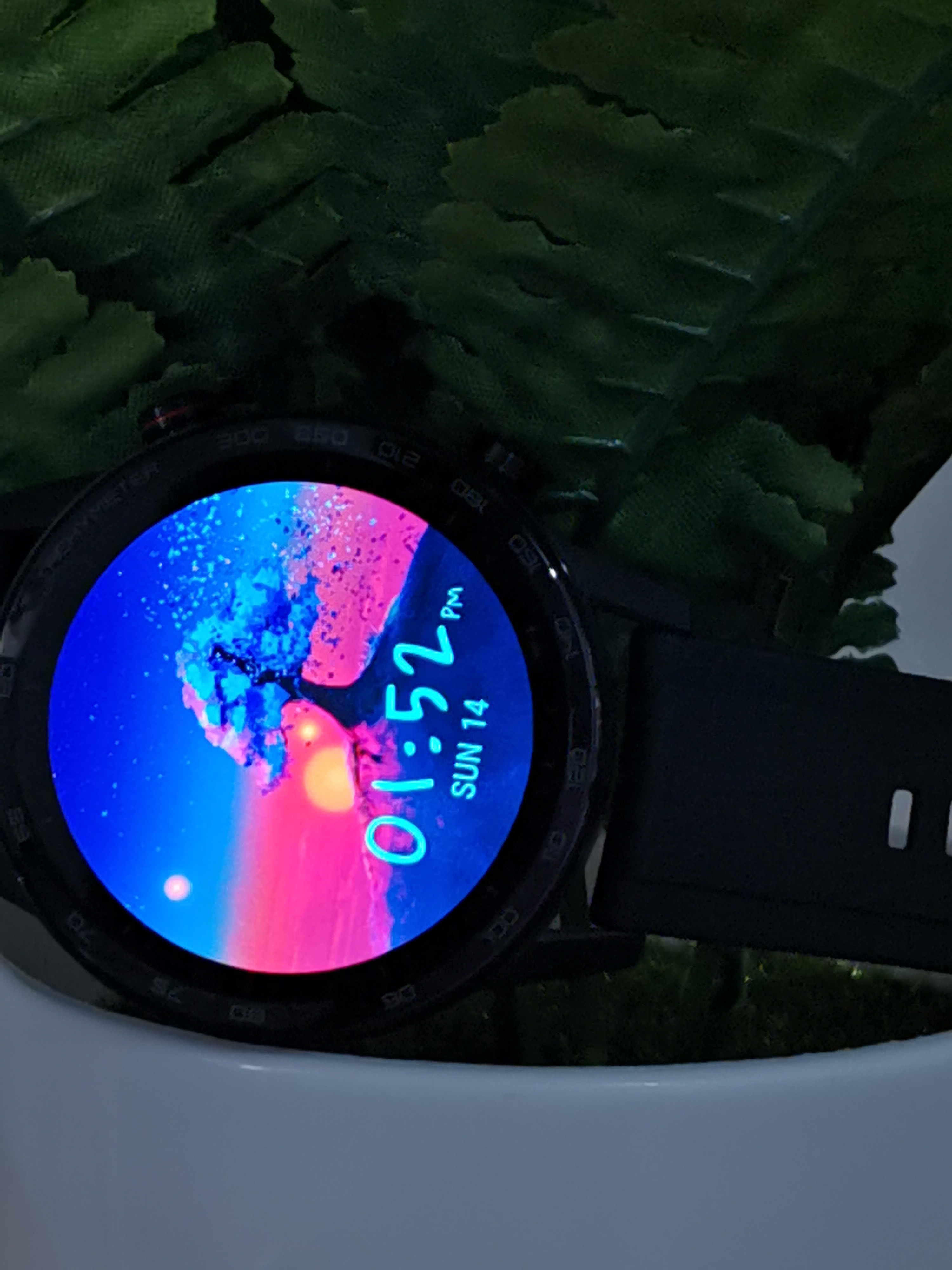
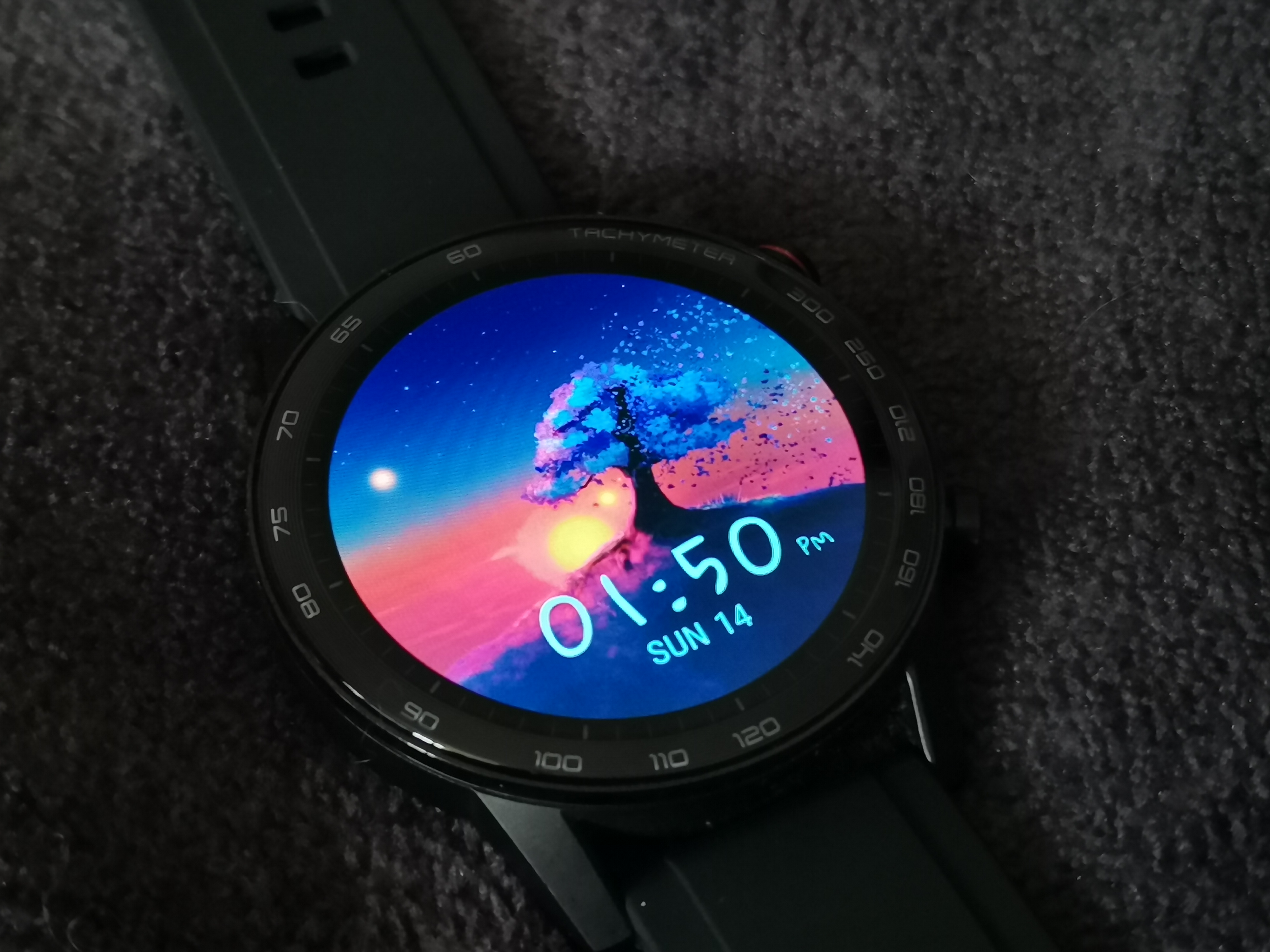
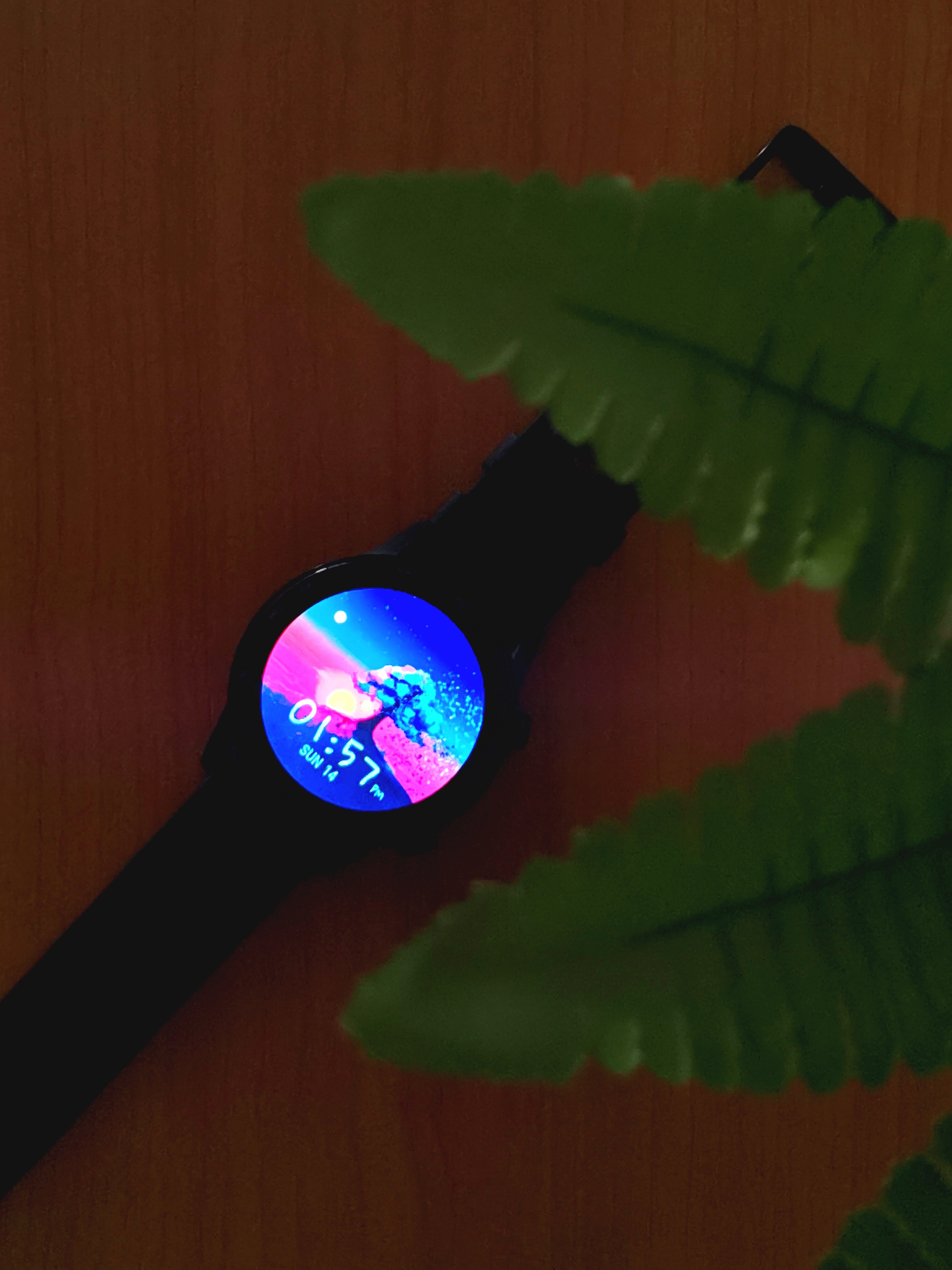
What's good Honorians!
Today I'll be showing you how to change and customize wallpaper on Magic Watch 2 to your personal preference. The steps are relatively simple and straightforward.
Step 1 : Open Huawei Health app
Step 2 : Make sure you’ve paired with your watch and search for Magic Watch 2 device
Step 3 : Navigate to Watch faces > more
Step 4 : On upper bar choose the right one ‘Mine’ and search for Gallery watch face as it is preinstalled
Step 5 : Here you have the options to choose background wallpaper, font style & colour, and layout (time placement on top or bottom)
And voila! You’ve your own personalized wallpaper on your watch.
The video below shows you more detailed step-by-step. I hope you find this useful in any way. Feel free to drop a comment if you’ve any doubt or question down below.
Youtube link : https://www.youtube.com/watch?v=TiGKGIPzlD8&feature=youtu.be


- Posts
- Following
- Followers
- Energy
-
 Alec
Columnist
Alec
Columnist
-
+ Follow

-
- 54 Posts
- 24 Following
- 77 Followers
- 4425 Energy


SUBSCRIPTION
I agree to receive the latest offers and information on HONOR products through email or IM (e.g. WhatsApp) provided below and advertisement on third-party platforms. I understand that I can unsubscribe anytime according to Chapter 5 of HONOR Platform Privacy Statement.
CONTACT

- Posts
- photo
- video

What's good Honorians!
Today I'll be showing you how to change and customize wallpaper on Magic Watch 2 to your personal preference. The steps are relatively simple and straightforward.
Step 1 : Open Huawei Health app
Step 2 : Make sure you’ve paired with your watch and search for Magic Watch 2 device
Step 3 : Navigate to Watch faces > more
Step 4 : On upper bar choose the right one ‘Mine’ and search for Gallery watch face as it is preinstalled
Step 5 : Here you have the options to choose background wallpaper, font style & colour, and layout (time placement on top or bottom)
And voila! You’ve your own personalized wallpaper on your watch.
The video below shows you more detailed step-by-step. I hope you find this useful in any way. Feel free to drop a comment if you’ve any doubt or question down below.
Youtube link : https://www.youtube.com/watch?v=TiGKGIPzlD8&feature=youtu.be