

 More Products
 Compare













我的荣耀 开启荣耀之旅


 Disagree Terms
 Log out




[Tips] How to Use NFC to Share Data Quickly on HONOR 8X


 Last reply :
NFC lets you share data across two devices quickly without the hassle of pairing. Simply place the NFC detection areas of both your devices in close proximity to each other, and then you can transfer files and other data quickly between the two NFC-enabled devices.
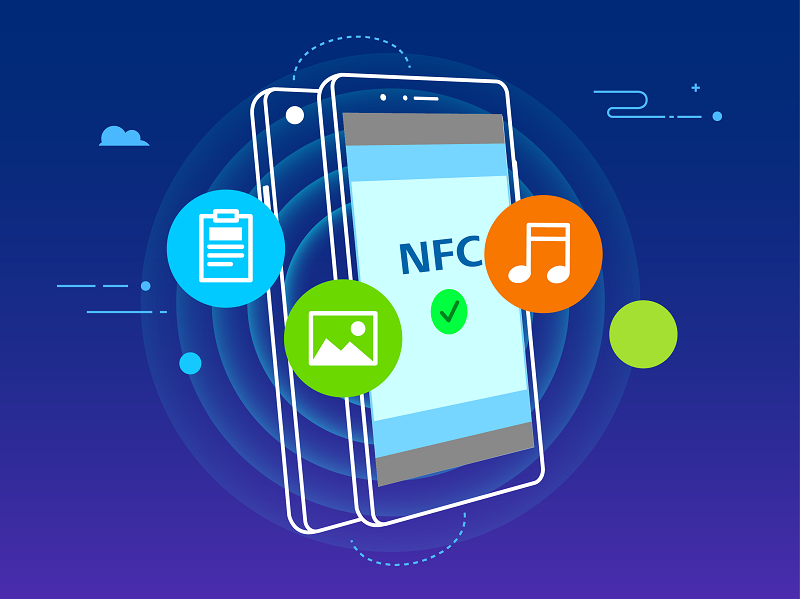
Use NFC to send data: Open  Settings, then touch Device connection > NFC and enable NFC and Huawei Beam. Select the files to be sent and touch Share > Huawei Beam. Keep your Phone unlocked and the screen on. Place the NFC detection areas of both devices close together. Once a connection is established, the transmitting device will play an audio prompt and the sharing screen will minimize. Touch the transmitting device"s screen to begin sending files.
Receive files over NFC: Open  Settings, then touch Device connection and enable NFC and Huawei Beam. Keep your HONOR 8X unlocked and the screen on. Place the NFC detection areas of both devices close together. Once a connection is established, the transmitting device will play an audio prompt. After the prompt, please wait for the file transfer to complete. Received files are saved by default to the Beam folder of your Files.
If there is an option to enable Read and write/P2P on the NFC screen, ensure that it is enabled. Features may vary depending on your network provider.


- Posts
- Following
- Followers
- Energy
-

Honorfans16477
-
+ Follow

-
- 33 Posts
- 0 Following
- 0 Followers
- 182 Energy


SUBSCRIPTION
I agree to receive the latest offers and information on HONOR products through email or IM (e.g. WhatsApp) provided below and advertisement on third-party platforms. I understand that I can unsubscribe anytime according to Chapter 5 of HONOR Platform Privacy Statement.
CONTACT

- Posts
- photo
- video

NFC lets you share data across two devices quickly without the hassle of pairing. Simply place the NFC detection areas of both your devices in close proximity to each other, and then you can transfer files and other data quickly between the two NFC-enabled devices.
Use NFC to send data: Open Settings, then touch Device connection > NFC and enable NFC and Huawei Beam. Select the files to be sent and touch Share > Huawei Beam. Keep your Phone unlocked and the screen on. Place the NFC detection areas of both devices close together. Once a connection is established, the transmitting device will play an audio prompt and the sharing screen will minimize. Touch the transmitting device"s screen to begin sending files.
Receive files over NFC: Open Settings, then touch Device connection and enable NFC and Huawei Beam. Keep your HONOR 8X unlocked and the screen on. Place the NFC detection areas of both devices close together. Once a connection is established, the transmitting device will play an audio prompt. After the prompt, please wait for the file transfer to complete. Received files are saved by default to the Beam folder of your Files.
If there is an option to enable Read and write/P2P on the NFC screen, ensure that it is enabled. Features may vary depending on your network provider.