

 More Products
 Compare













我的荣耀 开启荣耀之旅


 Disagree Terms
 Log out




How to Share Your Mobile Network with Other Devices ON HONOR 10


 Last reply :
Have extra mobile data at the end of the month? Actually, you can share it with your friends. Here, we will show you how to share your mobile network with other devices on HONOR 10.
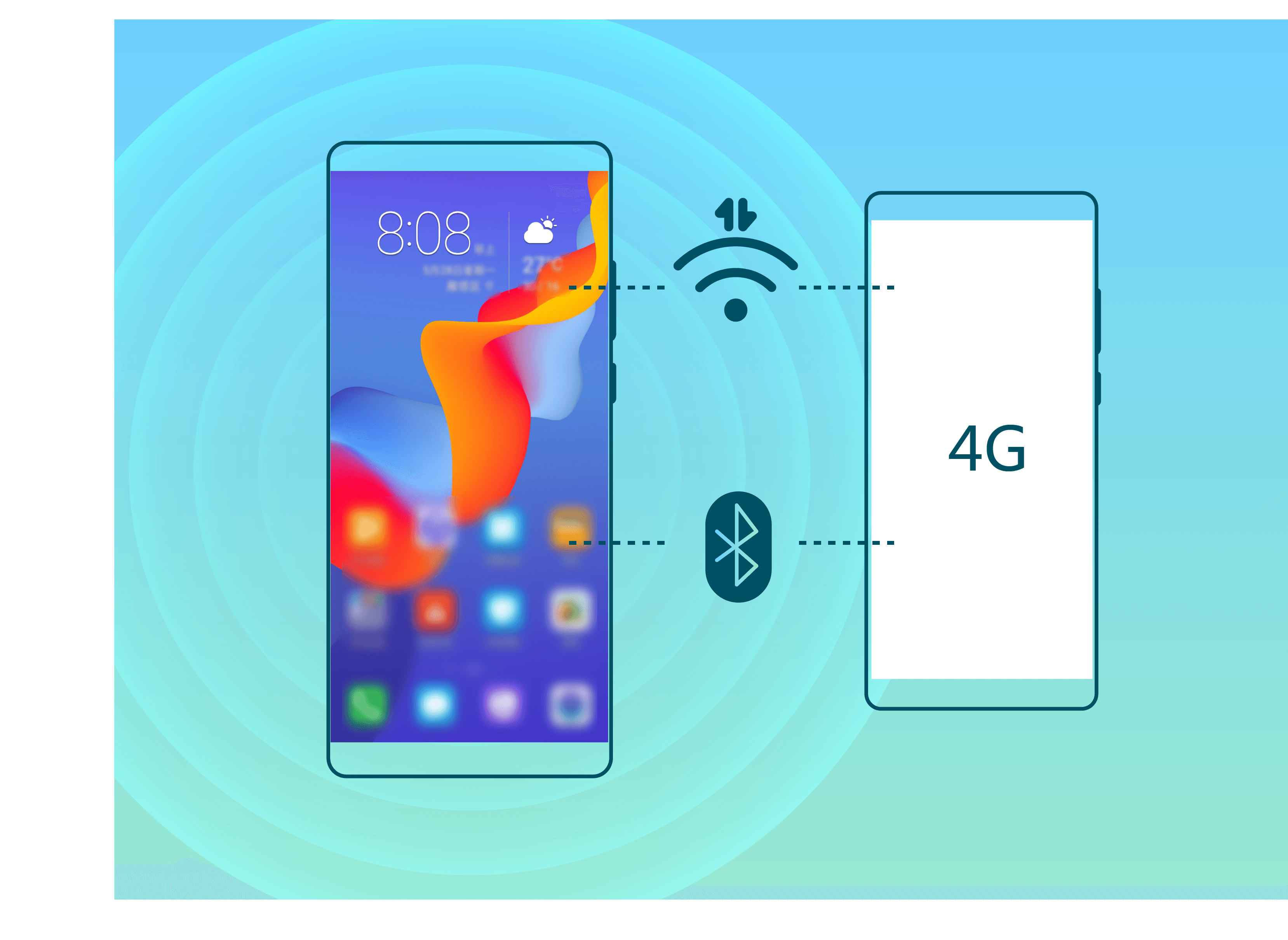
You can use Wi-Fi hotspot or Bluetooth to share your mobile data with other devices.
Use Wi-Fi hotspot to share mobile data: Open  Settings and go to . Set the network name, encryption type, and password for the Wi-Fi hotspot, then touch Save and enable the hotspot to use it.
Tip:
Worried other devices will have unlimited access to your hotspot data? On the Settings screen, touch Data limit to set the data limit for a single session. When the data sharing limit is reached, your device will automatically disable hotspot sharing.
Use Bluetooth to share mobile data: Establish a Bluetooth connection between devices before using Bluetooth to share your mobile data. Open  Settings, go to , and enable Bluetooth tethering. On the Bluetooth screen of the paired device, touch
  next to the paired device, and enable Internet access to establish an Internet connection and share your mobile data.
Use USB to share mobile data: Use a USB cable to connect your device to a computer. Open  Settings, go to , and enable USB tethering to start sharing your mobile data.
Tip:
Depending on the operating system, you may need to install drivers or establish the relevant network connection on your computer before using this function. Refer to your computer"s operating system guide for more information.


- Posts
- Following
- Followers
- Energy
-

Rane
-
+ Follow

-
- 42 Posts
- 0 Following
- 1 Followers
- 192 Energy


SUBSCRIPTION
I agree to receive the latest offers and information on HONOR products through email or IM (e.g. WhatsApp) provided below and advertisement on third-party platforms. I understand that I can unsubscribe anytime according to Chapter 5 of HONOR Platform Privacy Statement.
CONTACT

- Posts
- photo
- video

Have extra mobile data at the end of the month? Actually, you can share it with your friends. Here, we will show you how to share your mobile network with other devices on HONOR 10.
You can use Wi-Fi hotspot or Bluetooth to share your mobile data with other devices.
Use Wi-Fi hotspot to share mobile data: Open Settings and go to Wireless & networks > Tethering & portable hotspot > Portable Wi-Fi hotspot > Configure Wi-Fi hotspot. Set the network name, encryption type, and password for the Wi-Fi hotspot, then touch Save and enable the hotspot to use it.
Tip:
Worried other devices will have unlimited access to your hotspot data? On the Settings screen, touch Data limit to set the data limit for a single session. When the data sharing limit is reached, your device will automatically disable hotspot sharing.
Use Bluetooth to share mobile data: Establish a Bluetooth connection between devices before using Bluetooth to share your mobile data. Open Settings, go to Wireless & networks > Tethering & portable hotspot, and enable Bluetooth tethering. On the Bluetooth screen of the paired device, touch
  next to the paired device, and enable Internet access to establish an Internet connection and share your mobile data.
Use USB to share mobile data: Use a USB cable to connect your device to a computer. Open Settings, go to Wireless & networks > Tethering & portable hotspot, and enable USB tethering to start sharing your mobile data.
Tip:
Depending on the operating system, you may need to install drivers or establish the relevant network connection on your computer before using this function. Refer to your computer"s operating system guide for more information.