

 More Products
 Compare













我的荣耀 开启荣耀之旅



 Disagree Terms
 Log out




Honor 8X Long-Term Review (Part 3 - EMUI Explained)


 Last reply :
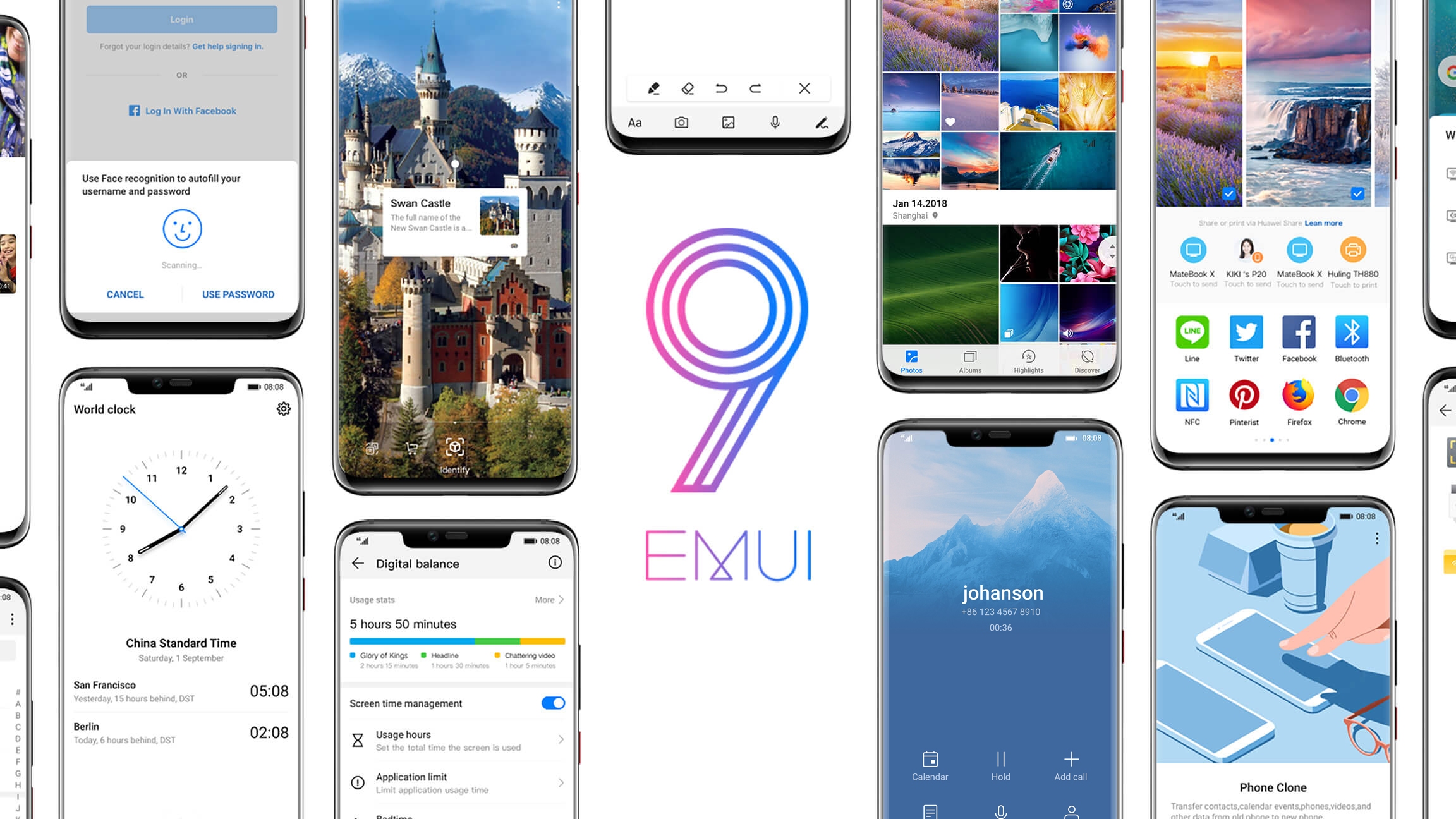
EMUI history / explainer
The Honor 8X recently, as on late March 2019, got pushed with a stable EMUI 9 update (based on Android 9 Pie). The 8X launched with EMUI 8 (to be exact, EMUI 8.2 based on Android 8.1 Oreo) when it first hit the Malaysian market back in early October 2018
EMUI (formerly known as Emotion UI) was first released in 2012 based on Android 4 ICS and the version numbering was changed starting with EMUI 8 in 2017; skipping EMUI 6 and EMUI 7, to match with the underlying Android 8 Oreo version that it’s built-on
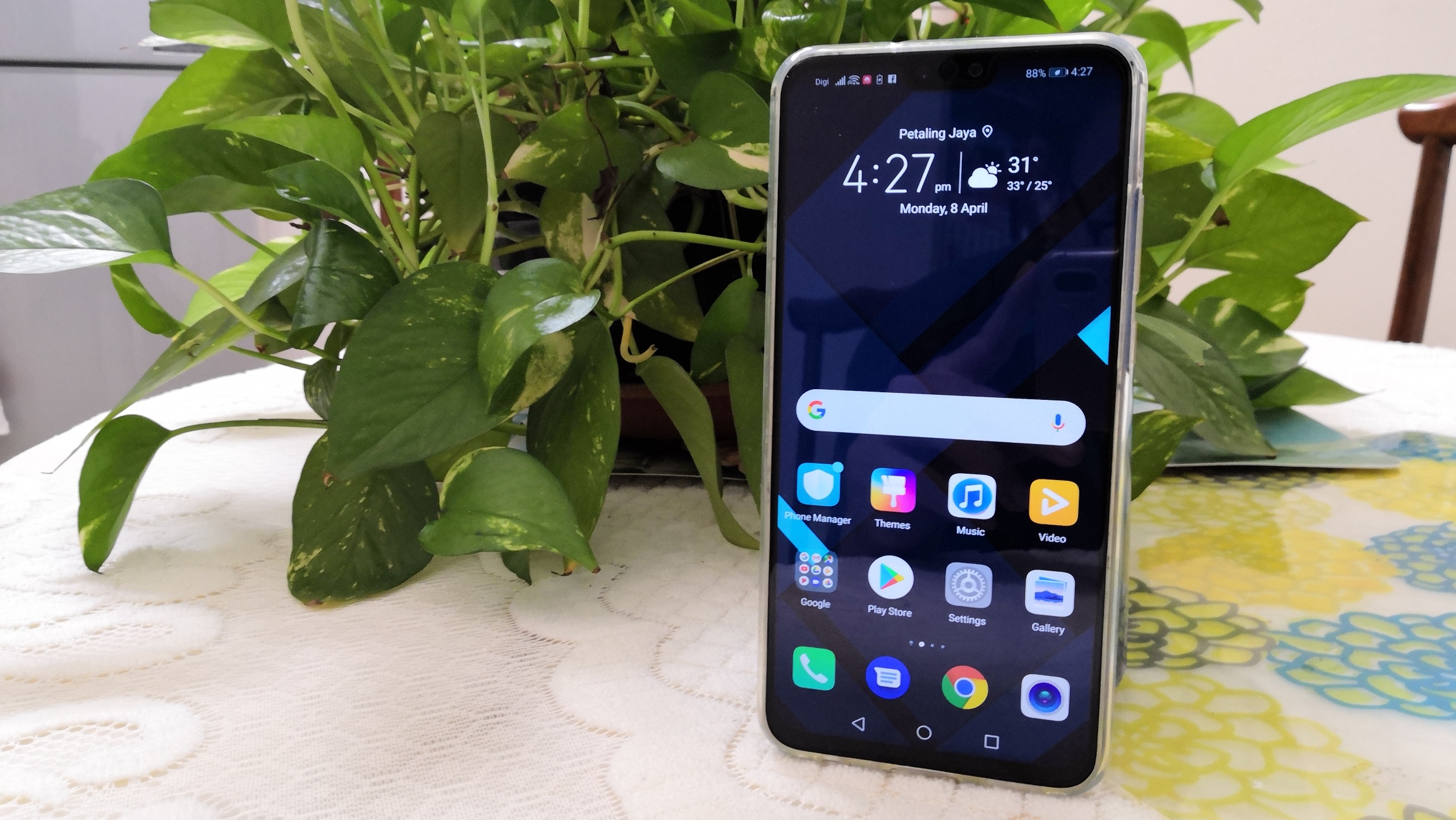
Fans of stock Android will still feel at home using EMUI as they can enable app drawer in the settings via home screen style. AI-related features such as photography scene and object recognition and GPU Turbo to improve your gaming performance are all accounted for
There’s no aggressive RAM management but if you’re facing running apps closing in the background, go to Settings > Battery > App launch > Disable “Manage automatically” and manually toggle the app to “Auto-launch”, “Secondary launch” or “Run in background”
Alternatively, go to Settings > Apps (& notifications)* > Apps > 3 dots at upper right-hand corner (Settings) > Special access > (Ignore) Battery optimization > Change drop-down menu to “All apps” > Change to “Don’t allow” (“Allow”) on the selected app
*Instructions that are in parentheses / round brackets “()” are for users that are still running on EMUI 8
---> Honor 8X Long-Term Review (Part 4 - EMUI 9 for Honor 8X)
<--- Honor 8X Long-Term Review (Part 2 - Design, Display)


- Posts
- Following
- Followers
- Energy
-

 eleazar.j
HONOR Content Crew
eleazar.j
HONOR Content Crew
-
+ Follow

-
- 32 Posts
- 15 Following
- 84 Followers
- 5750 Energy


SUBSCRIPTION
I agree to receive the latest offers and information on HONOR products through email or IM (e.g. WhatsApp) provided below and advertisement on third-party platforms. I understand that I can unsubscribe anytime according to Chapter 5 of HONOR Platform Privacy Statement.
CONTACT

- Posts
- photo
- video

EMUI history / explainer

The Honor 8X recently, as on late March 2019, got pushed with a stable EMUI 9 update (based on Android 9 Pie). The 8X launched with EMUI 8 (to be exact, EMUI 8.2 based on Android 8.1 Oreo) when it first hit the Malaysian market back in early October 2018
EMUI (formerly known as Emotion UI) was first released in 2012 based on Android 4 ICS and the version numbering was changed starting with EMUI 8 in 2017; skipping EMUI 6 and EMUI 7, to match with the underlying Android 8 Oreo version that it’s built-on
Fans of stock Android will still feel at home using EMUI as they can enable app drawer in the settings via home screen style. AI-related features such as photography scene and object recognition and GPU Turbo to improve your gaming performance are all accounted for
There’s no aggressive RAM management but if you’re facing running apps closing in the background, go to Settings > Battery > App launch > Disable “Manage automatically” and manually toggle the app to “Auto-launch”, “Secondary launch” or “Run in background”
Alternatively, go to Settings > Apps (& notifications)* > Apps > 3 dots at upper right-hand corner (Settings) > Special access > (Ignore) Battery optimization > Change drop-down menu to “All apps” > Change to “Don’t allow” (“Allow”) on the selected app
*Instructions that are in parentheses / round brackets “()” are for users that are still running on EMUI 8
---> Honor 8X Long-Term Review (Part 4 - EMUI 9 for Honor 8X)
<--- Honor 8X Long-Term Review (Part 2 - Design, Display)