More Products
 Compare




























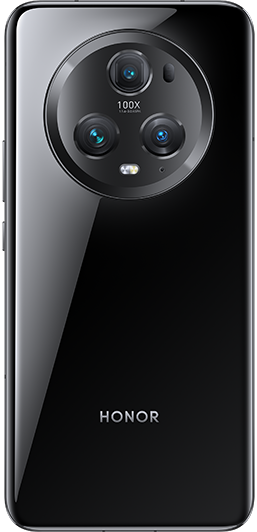






















Start a new calling experience with VoWi-Fi
| Start a new calling experience with VoWi-Fi |
VoWi-Fi is based on the WiFi network for internet calling and can be used in airplane mode.
This feature requires support from your carrier. Please contact your carrier to enable VoWi-Fi.
Go to Phone >
 > Settings > Wi-Fi Calling and turn on Wi-Fi Calling.
If the settings do not take effect automatically, restore the network settings. Go to and reset Wi-Fi, mobile data and Bluetooth.
微信扫描二维码分享文章
Thank you for helping us grow better!
Your response has been submitted successfully!