More Products
 Compare












































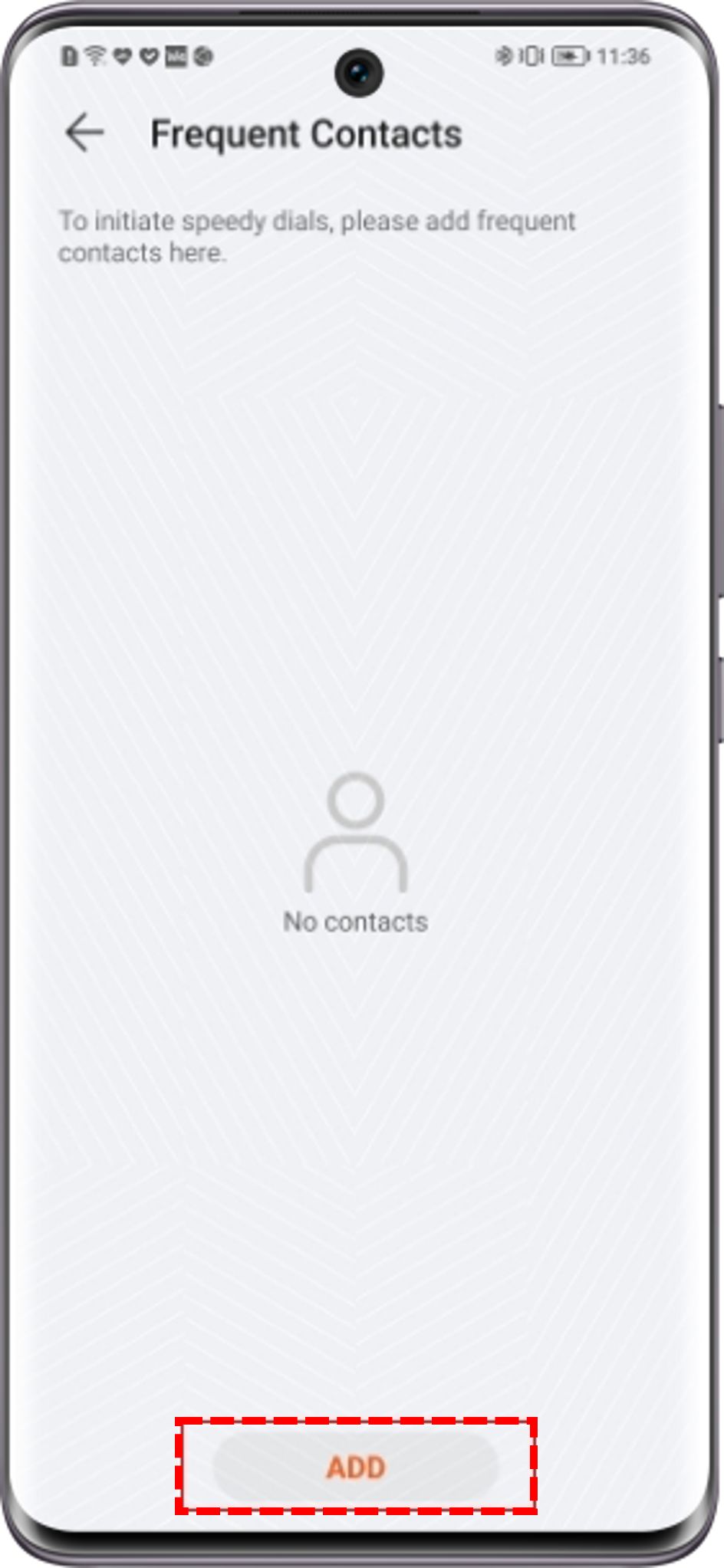
How to add a frequent contact
| How to add a frequent contact |
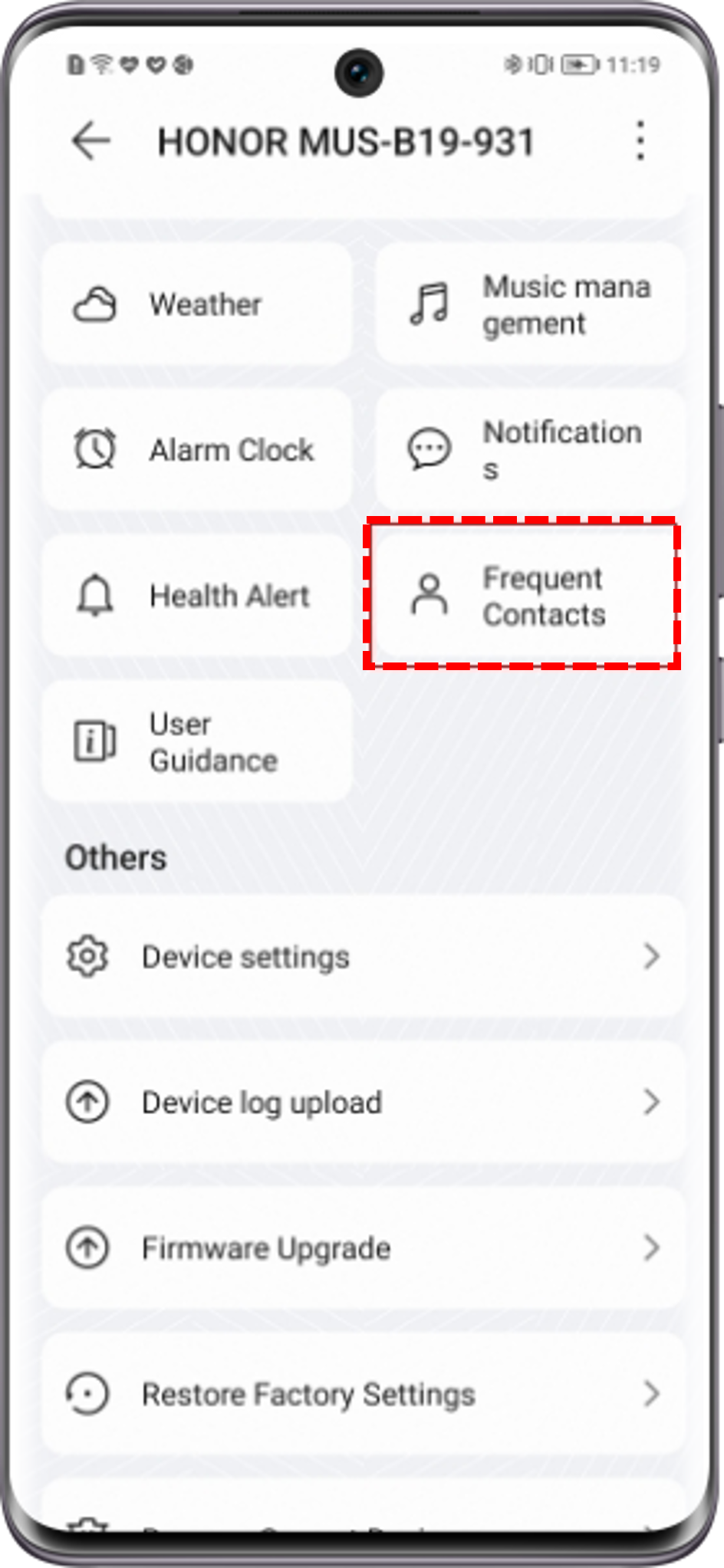
Go to to add up to 10 frequent contacts.
Once a frequent contact is added, you can call that contact using your watch.
Because frequent contact information is sensitive information, removing a device will also remove frequent contact information from your watch and it will not be restored even when the same device is added again.
微信扫描二维码分享文章
Thank you for helping us grow better!
Your response has been submitted successfully!