More Products
 Compare










































Unable to find the charger or data cable in the retail box
| Unable to find the charger or data cable in the retail box |
Cause
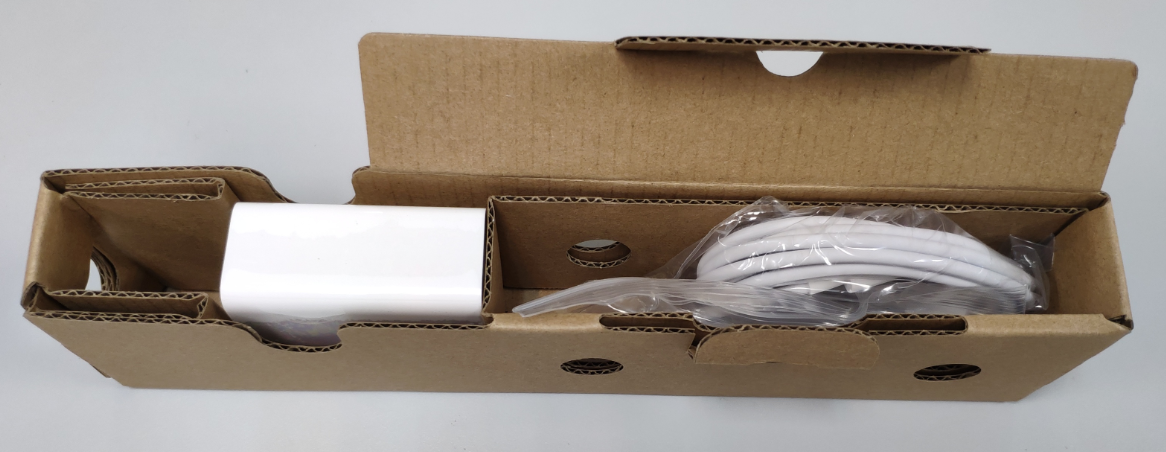
The charger and the cable are placed in the accessory box. The accessory box is placed to the side of the retail box. The color of the outer side of the accessory box is the same as that of the interior of the retail box.
Solution
Perform the following steps to take out the accessories:
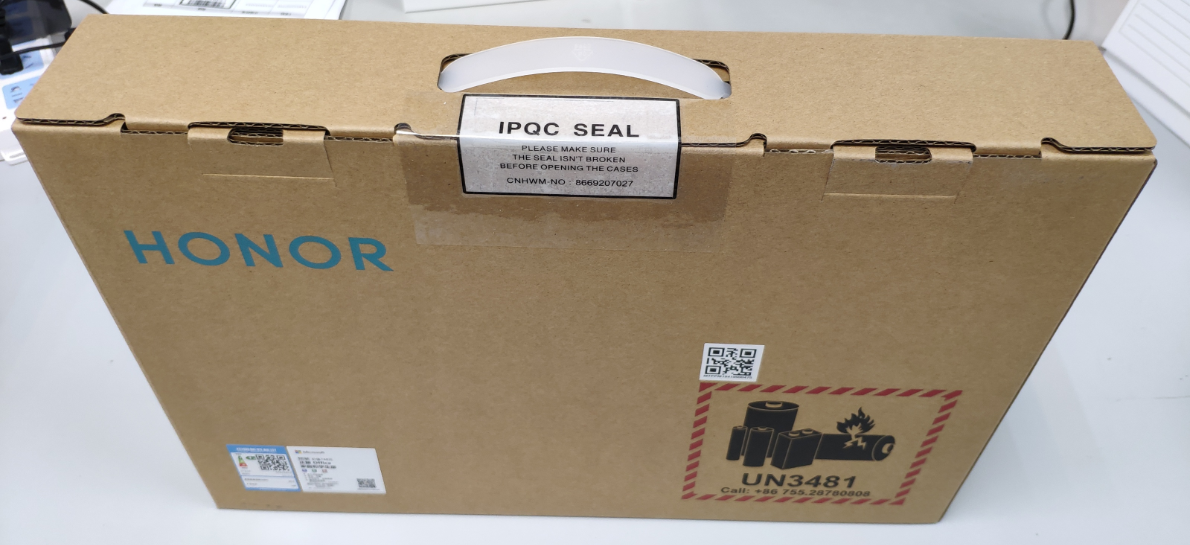
Step 1: You will receive a retail box containing your computer and all accessories, as shown in the following figure.
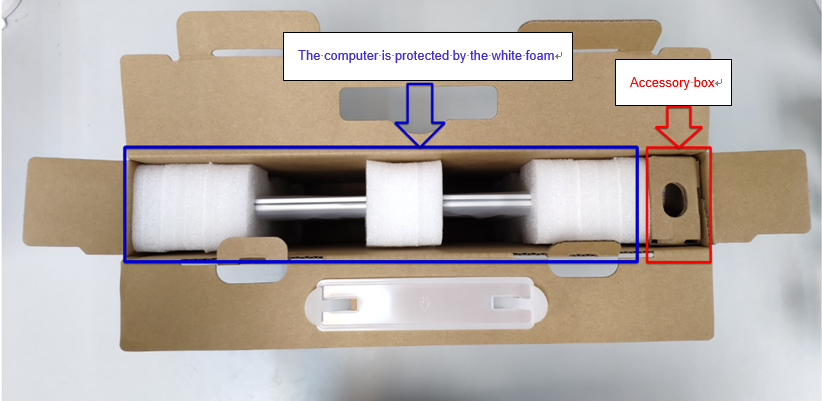
Step 2: Open the retail box. The computer is protected by white foam, and next to it is the accessory box.
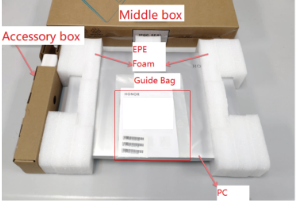
Step 3: Take out the computer, Quick Start Guide, and accessory box from the retail box.
Step 4: Take out the accessories from the accessory box.
微信扫描二维码分享文章
Thank you for helping us grow better!
Your response has been submitted successfully!