



 More Products
 Compare














我的荣耀 开启荣耀之旅



 Disagree Terms
 Log out




[Wallpapers] X10 Default Wallpapers for your HONOR Phones


 Last reply :
Dear HONOR Fans  ,
,
1. About the theme
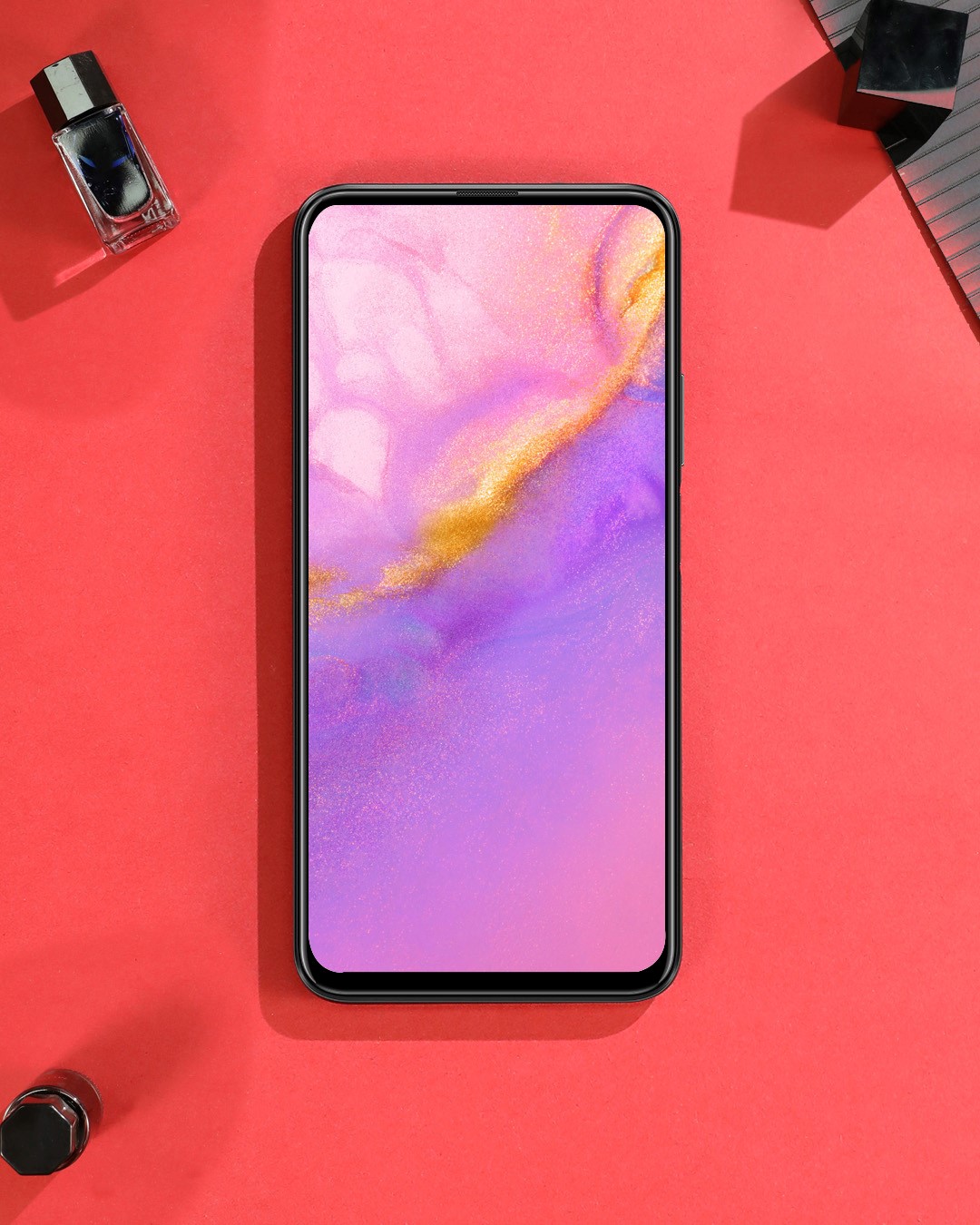
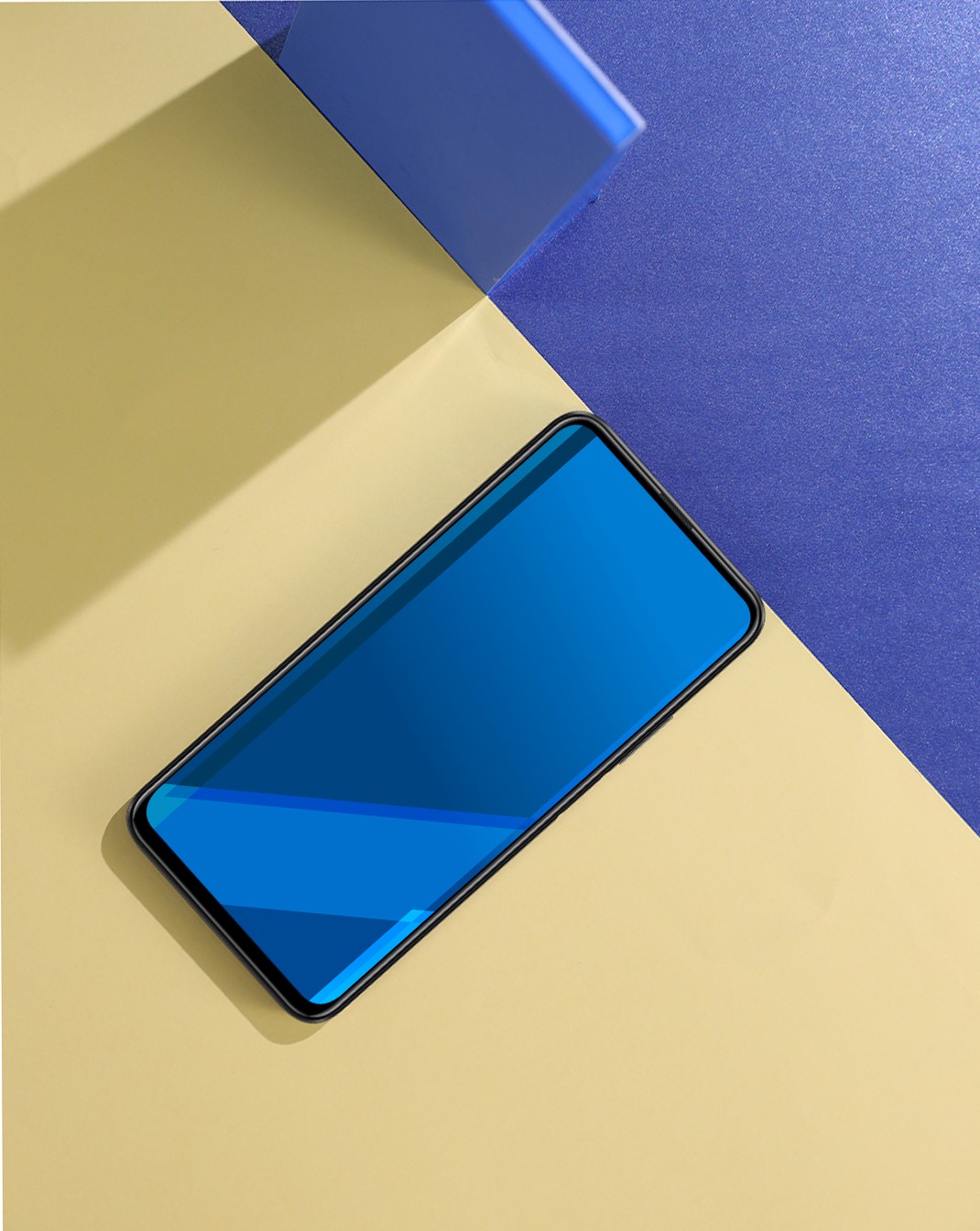
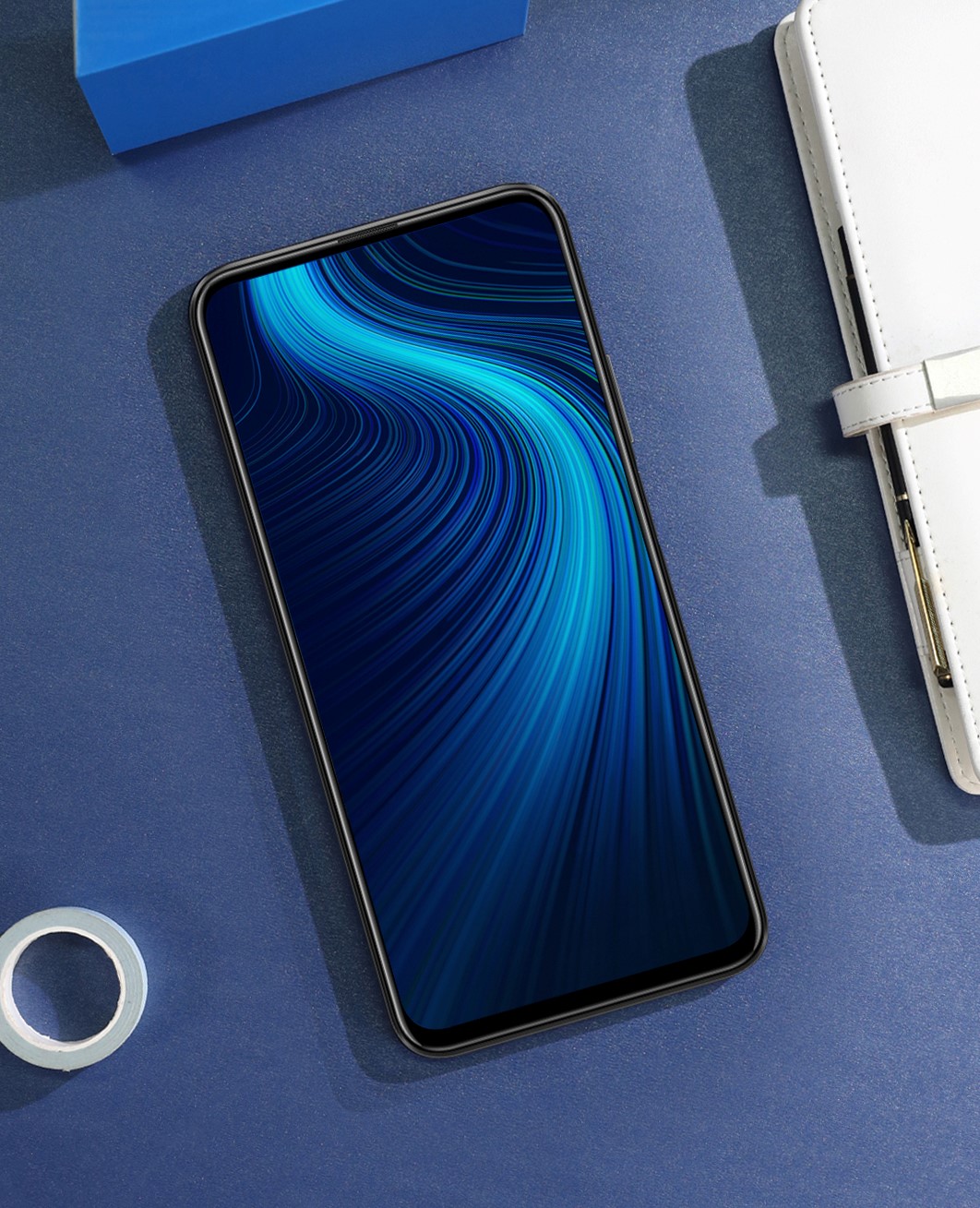
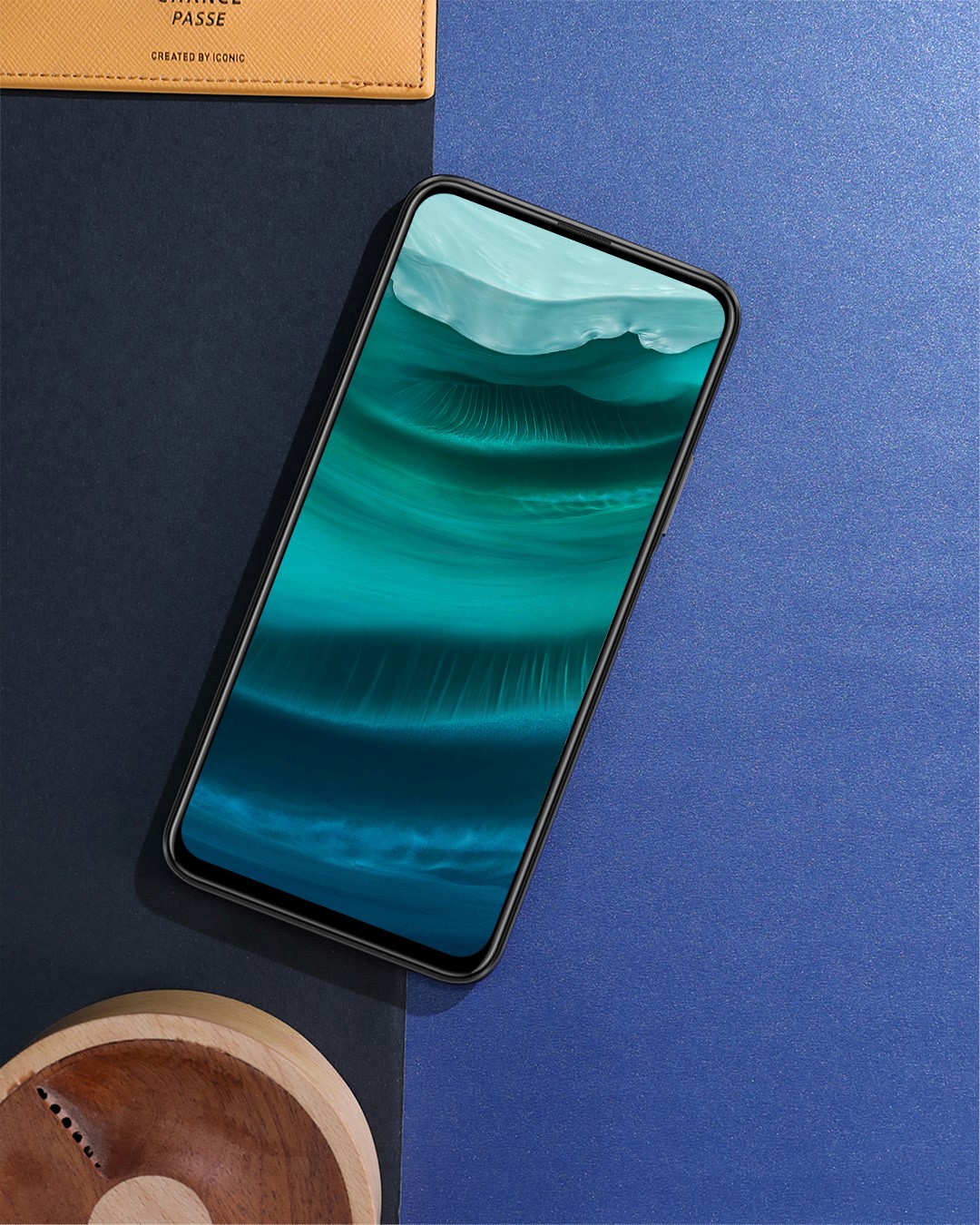
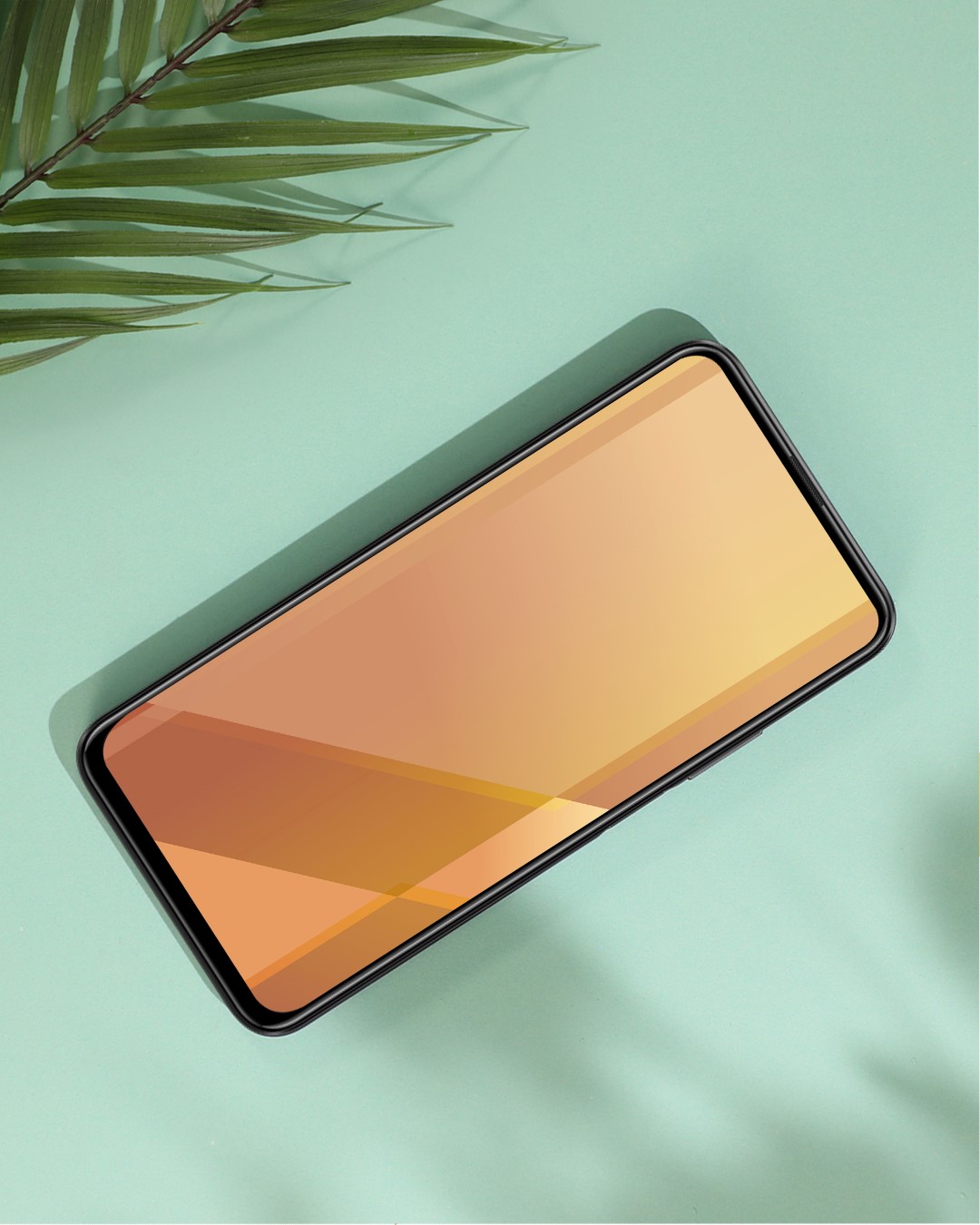
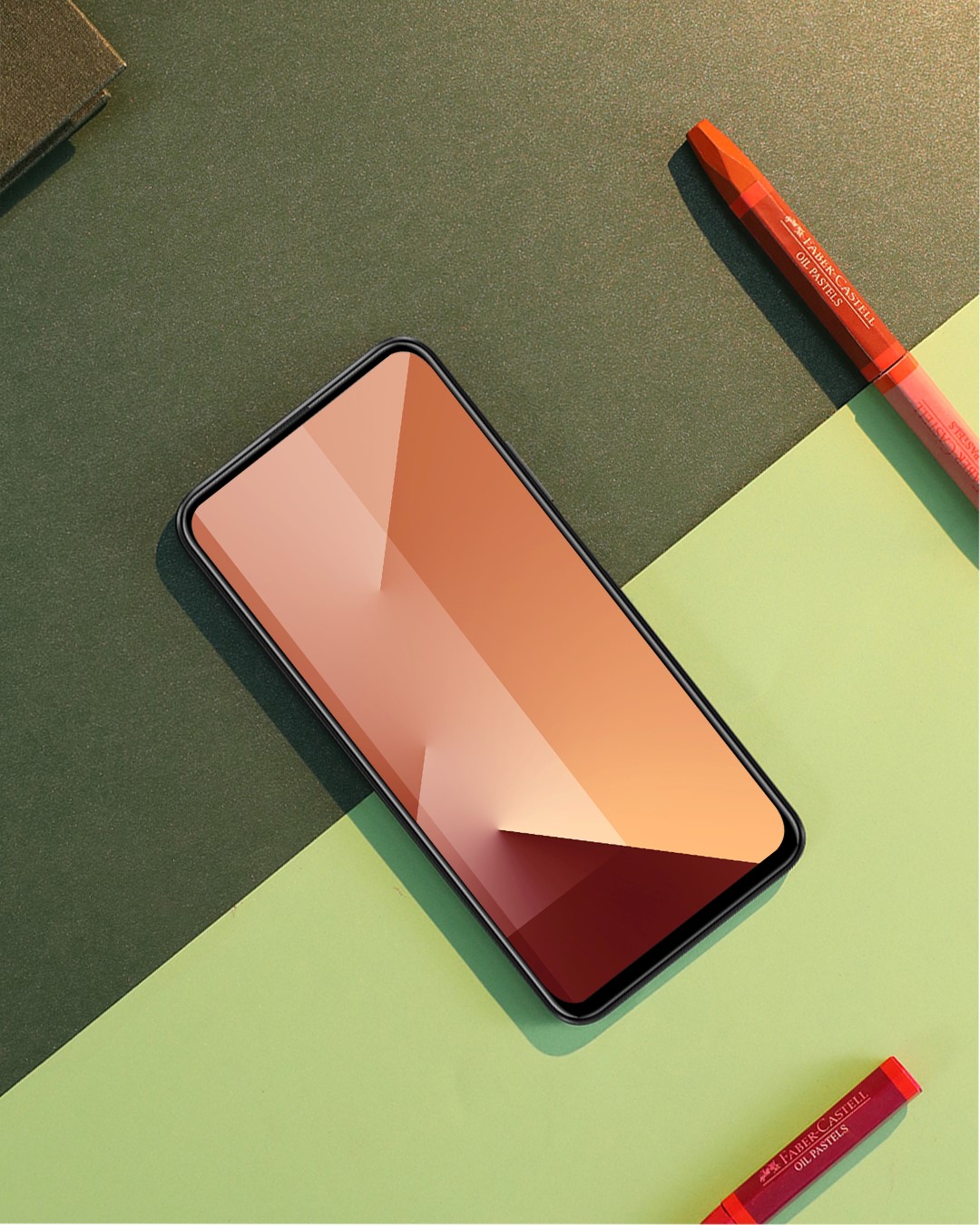
Name: X10 default Wallpaper
Size: 10 MB
Format: PNG and JPG
Amount: 7 wallpapers from the download link
Statement: Only for personal use, modification and commercial use is forbidden.
2. What are the wallpapers like?
3. Download link:
Comment and let us know what other wallpapers you would like to get in the future.
Leave a comment below to unlock the content
4. How to use it on your phone?
Option one:
Download the wallpapers to your phone, then find the wallpaper you want to apply in Gallery. Click the three dot (More) in the lower right corner, then set as wallpaper(Gallery).
Option two:
Scroll down the screen to get the apps search box. Then type in “wallpaper” and open that. There you are going to see Thems and Wallpaper. Go to Wallpaper then find the wallpapers you want to apply in the Gallery.
Follow me if you want to get more creative watch/Band faces and wallpapers  .
.


- Posts
- Following
- Followers
- Energy
-

 Akram Elsaiegh [1]
Designer
Akram Elsaiegh [1]
Designer
-
+ Follow

-
- 23 Posts
- 20 Following
- 47 Followers
- 3392 Energy








- Posts
- photo
- video

Dear HONOR Fans ,
,
1. About the theme
Name: X10 default Wallpaper
Size: 10 MB
Format: PNG and JPG
Amount: 7 wallpapers from the download link
Statement: Only for personal use, modification and commercial use is forbidden.
2. What are the wallpapers like?
3. Download link:
Comment and let us know what other wallpapers you would like to get in the future.
Leave a comment below to unlock the content
4. How to use it on your phone?
Option one:
Download the wallpapers to your phone, then find the wallpaper you want to apply in Gallery. Click the three dot (More) in the lower right corner, then set as wallpaper(Gallery).
Option two:
Scroll down the screen to get the apps search box. Then type in “wallpaper” and open that. There you are going to see Thems and Wallpaper. Go to Wallpaper then find the wallpapers you want to apply in the Gallery.
Follow me if you want to get more creative watch/Band faces and wallpapers .
.