



 More Products
 Compare














我的荣耀 开启荣耀之旅



 Disagree Terms
 Log out




[Tips & Tricks] Say good night to the world with your NIGHT mode photography!


 Last reply :
Hello HONOR Fans'
I hope you all doing great ;)
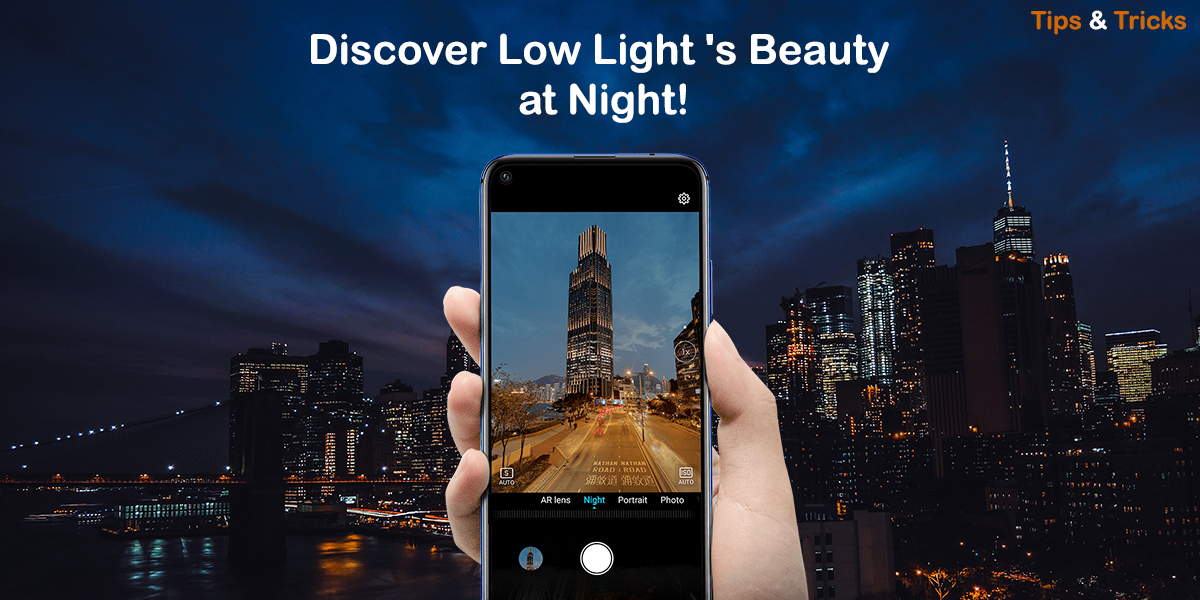
In this article - I'm going to share you all about Super "NIGHT Mode" on your HONOR Smartphones!
Night Mode
Night mode is a useful feature available on the camera of your HONOR smartphone that helps you to take clear and sharp pictures in low-light environments.
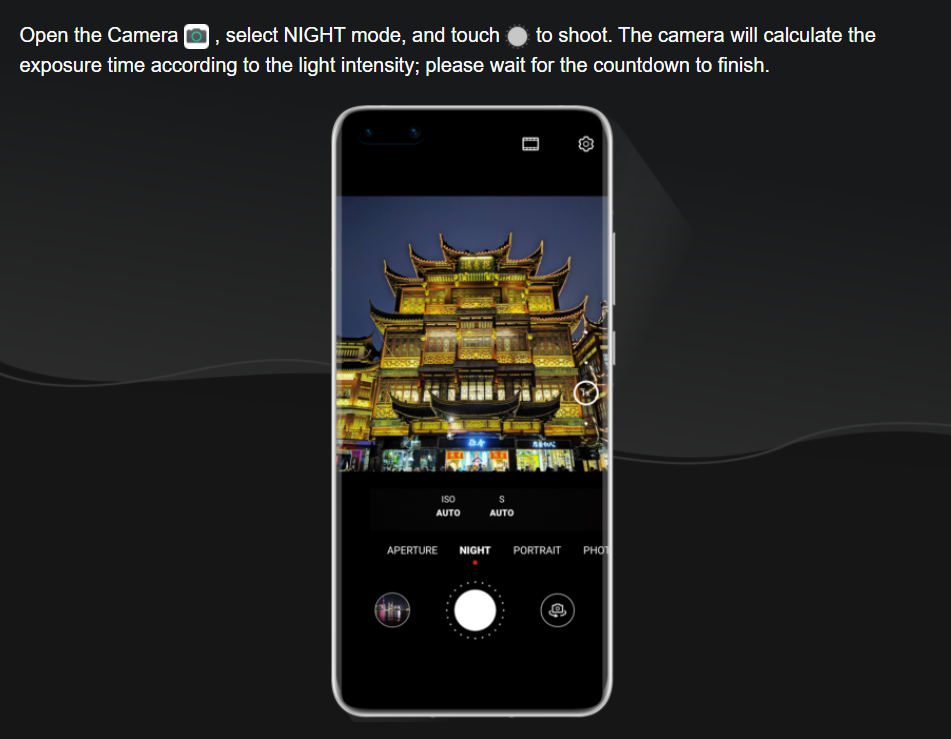
How to use the NIGHT mode?
Four tips for shooting with the NIGHT mode
Keep the lens still
One common cause for blurry images is camera shake - please try to keep it steady when taking photos. Using a tripod can help improve the photograph’s results.
Camera shake can be avoided by remotely pressing the shutter button with the key function using your earphones.
Adjust to appropriate exposure
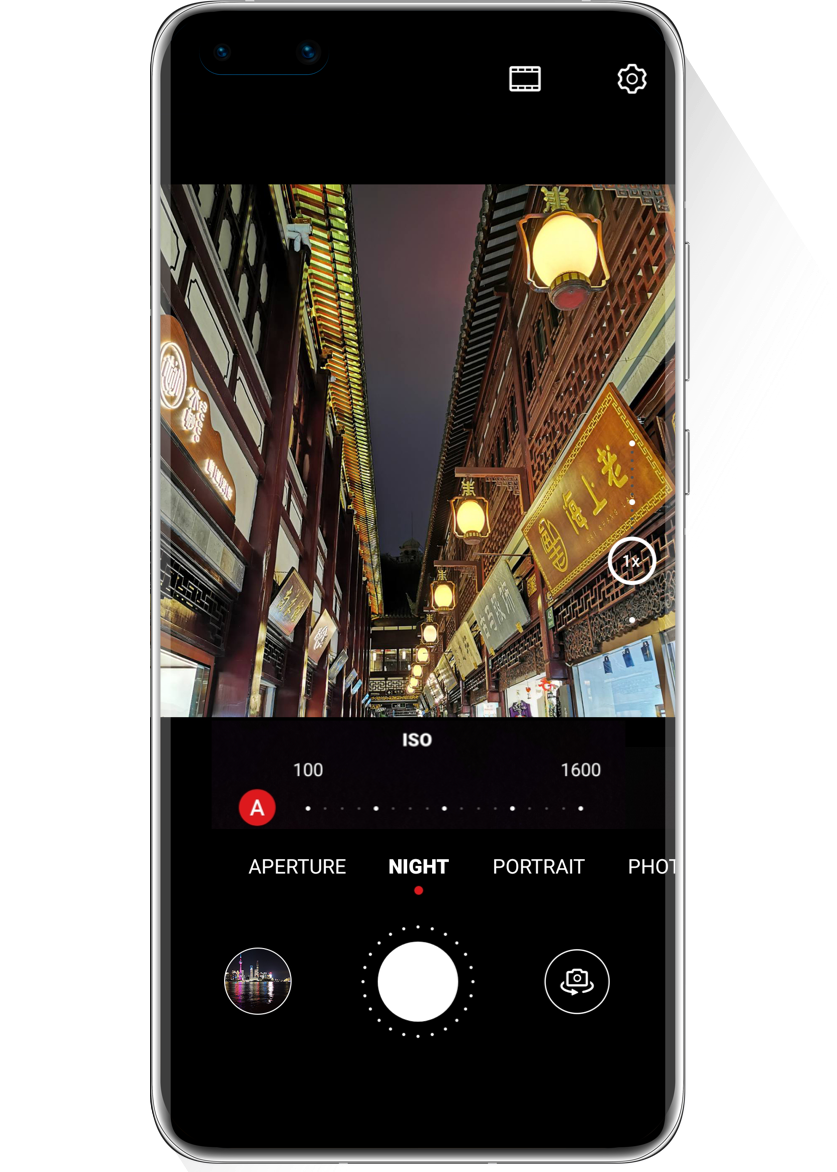
When in dark environments, the NIGHT mode will automatically increase the sensitivity (ISO) – too high sensitivity will produce a lot of noise and result in a bad quality photograph.
You can take a test shot by setting the ISO value to 100 and SHUTTER SPEED to 2 seconds. If there is too much noise, reduce the shutter speed. If the photo is too dark, then increase the shutter speed until nailing the perfect exposure.
Find the proper time
Shooting at sunrise or sunset enables you to capture the tranquil night scene with a dim blue sky, producing more artistic and interesting photos.
Rainy days are an excellent opportunity to photograph water droplets and neon images – try focusing on the reflection of a puddle to get a sense of oil painting.
Utilise the angle
You can adjust the shooting angle according to different subjects and environments.
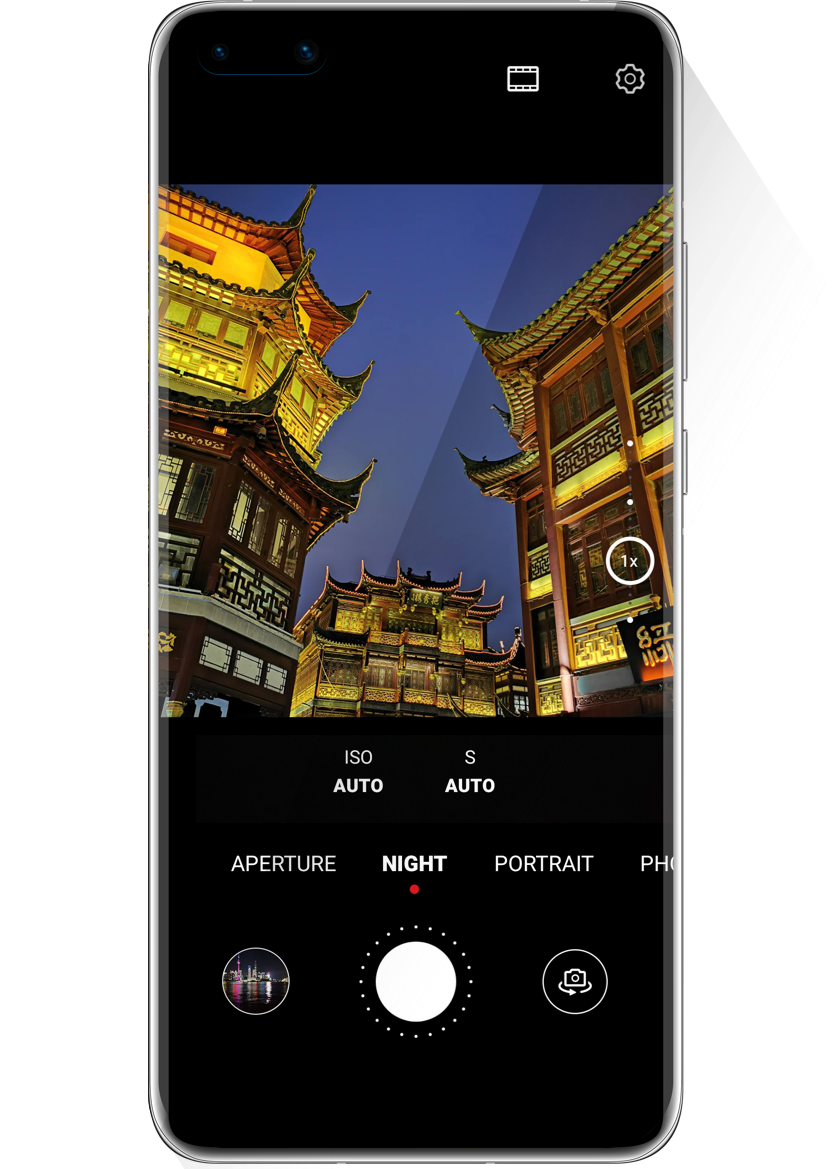
To capture further into the background and create a bold perspective, use the bird’s eye view at a high position, like on the top of high building or a mountain.
Low angle is good for taking impactful photos of tall and majestic buildings.
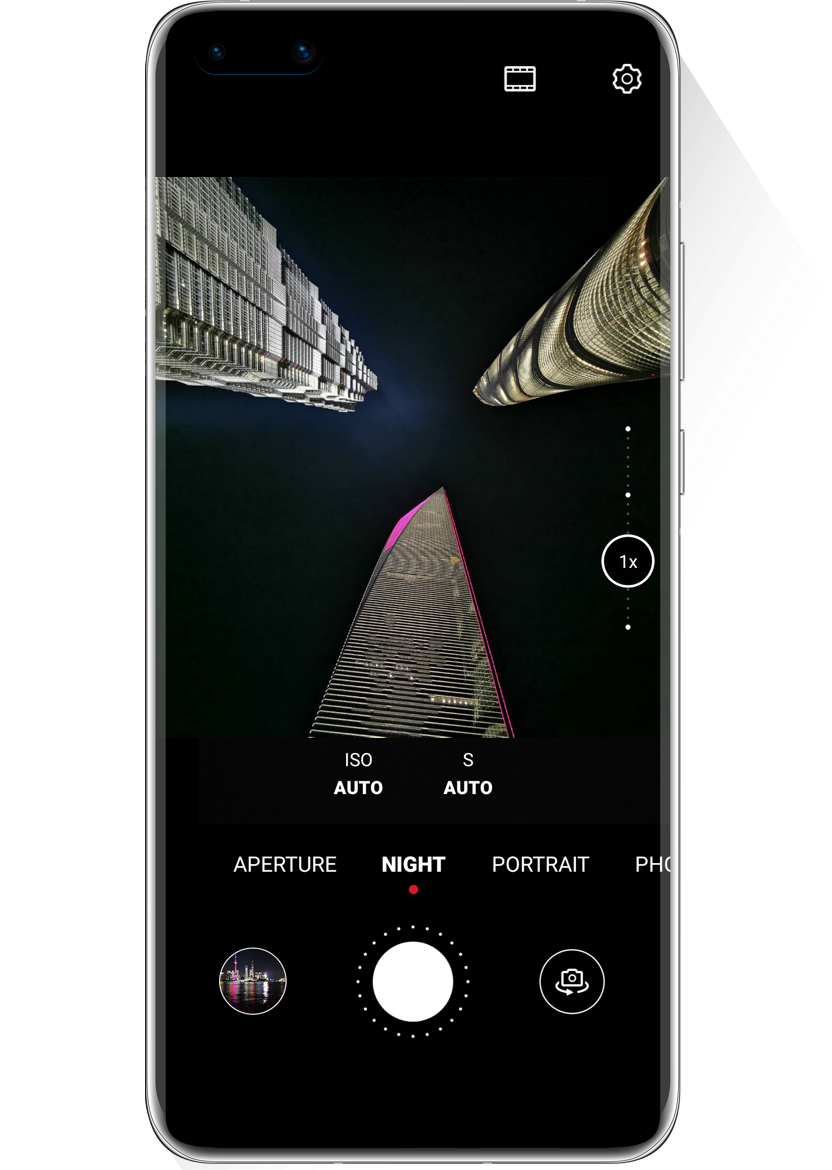
For your information:
✓ To avoid blurring the photo, please keep your phone steady until the countdown is finished.
✓ NIGHT mode is not recommended for indoor scenes with too much lighting, or very dim, completely dark scenes.
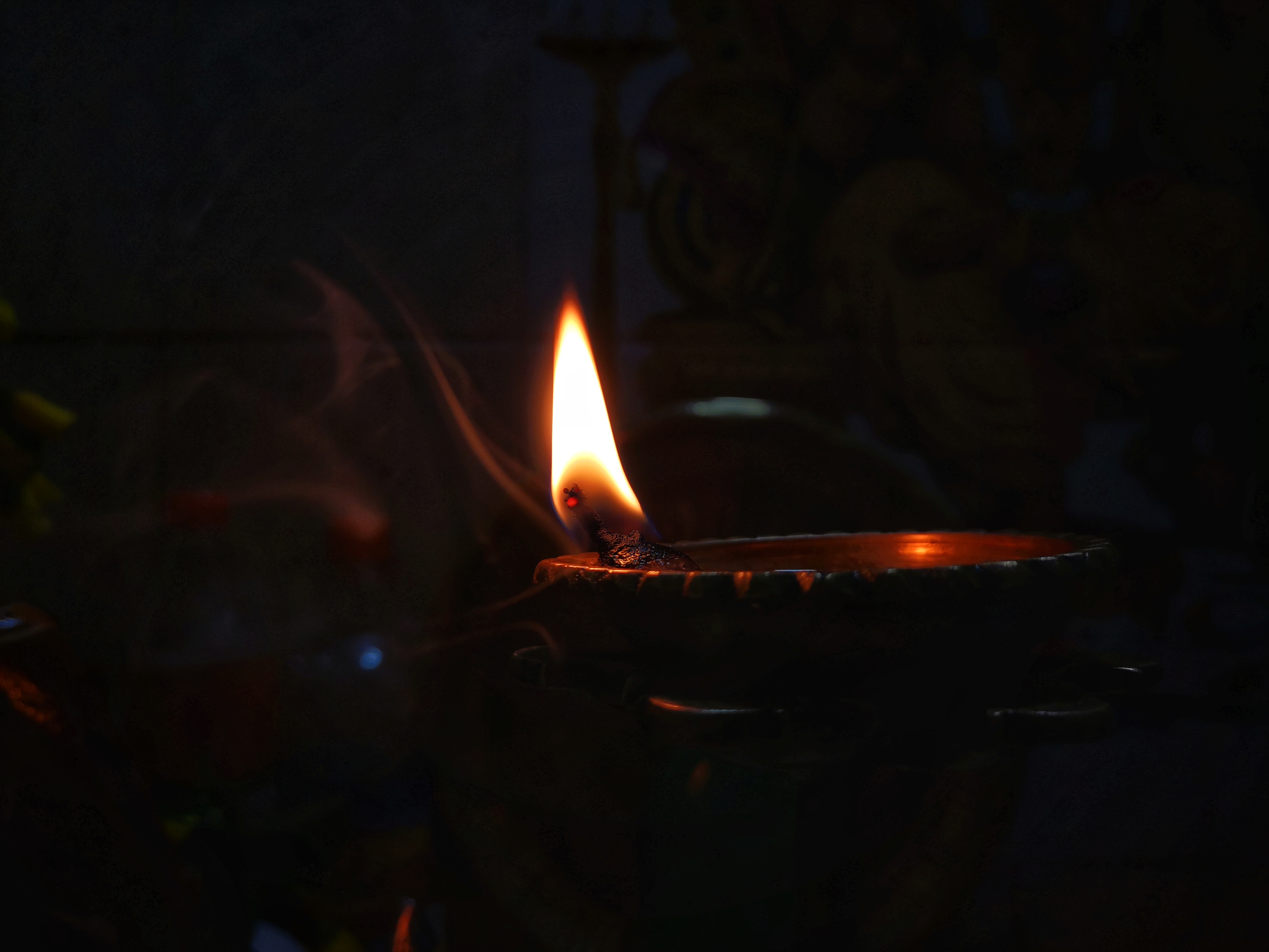
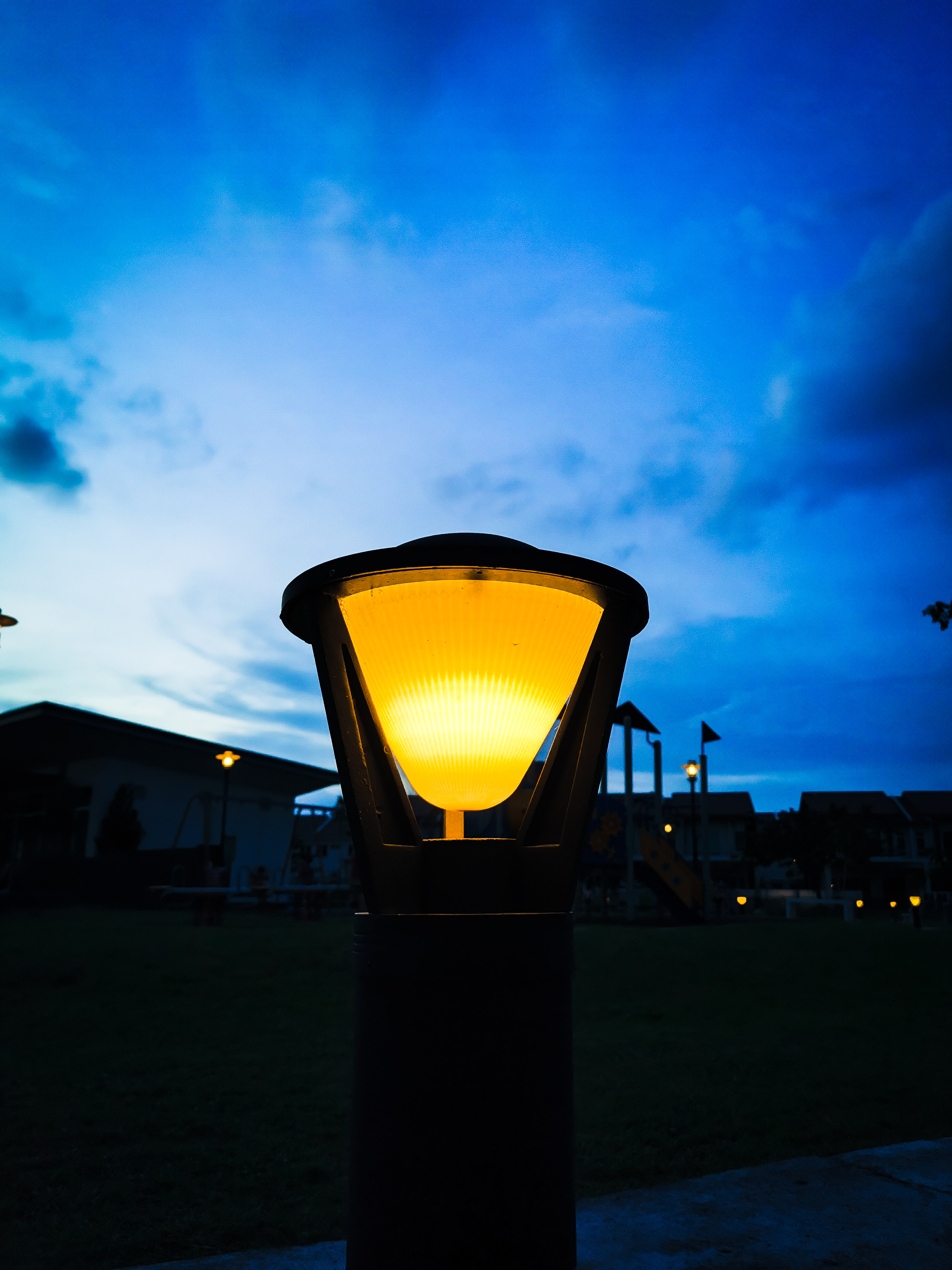
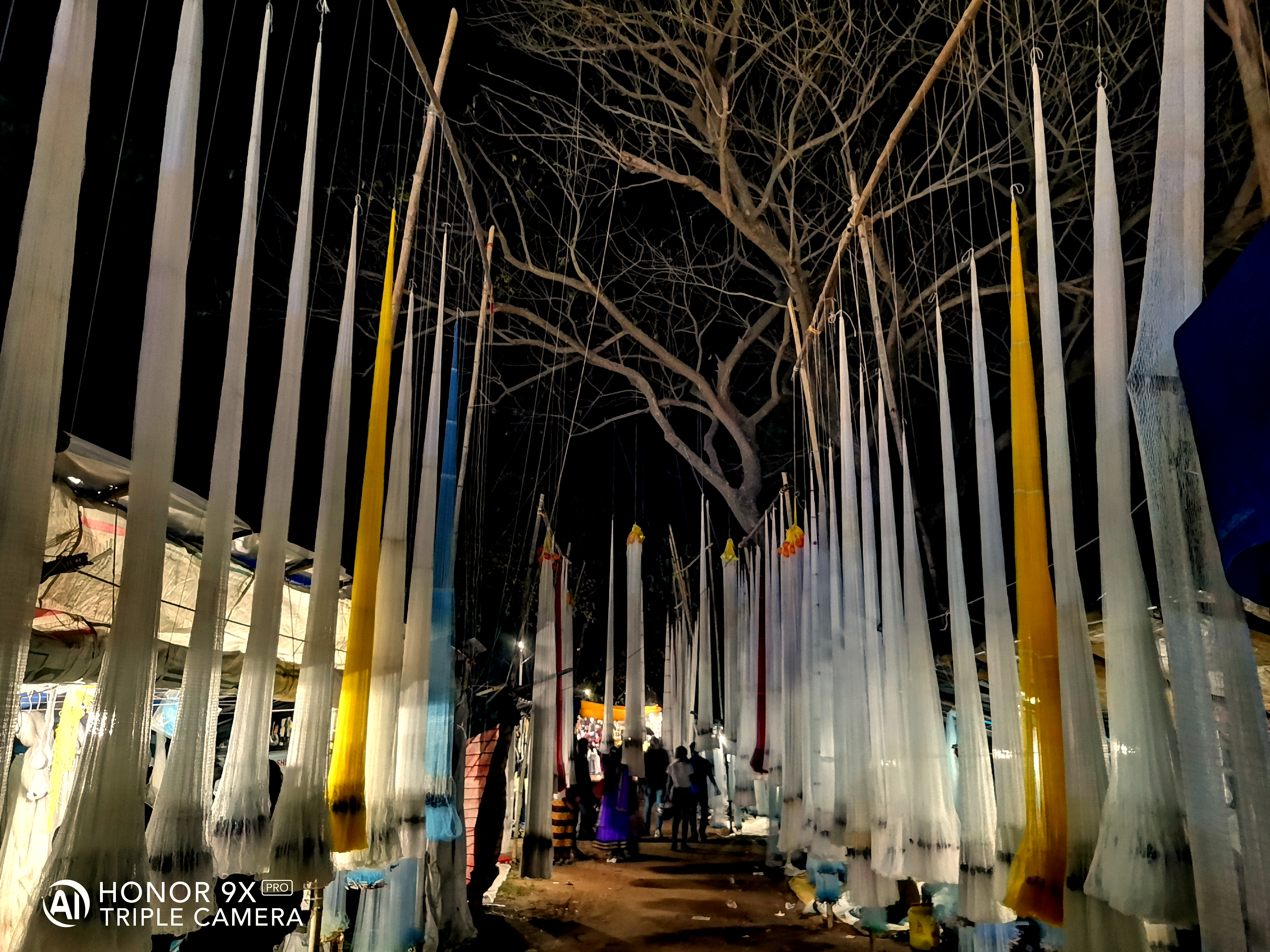
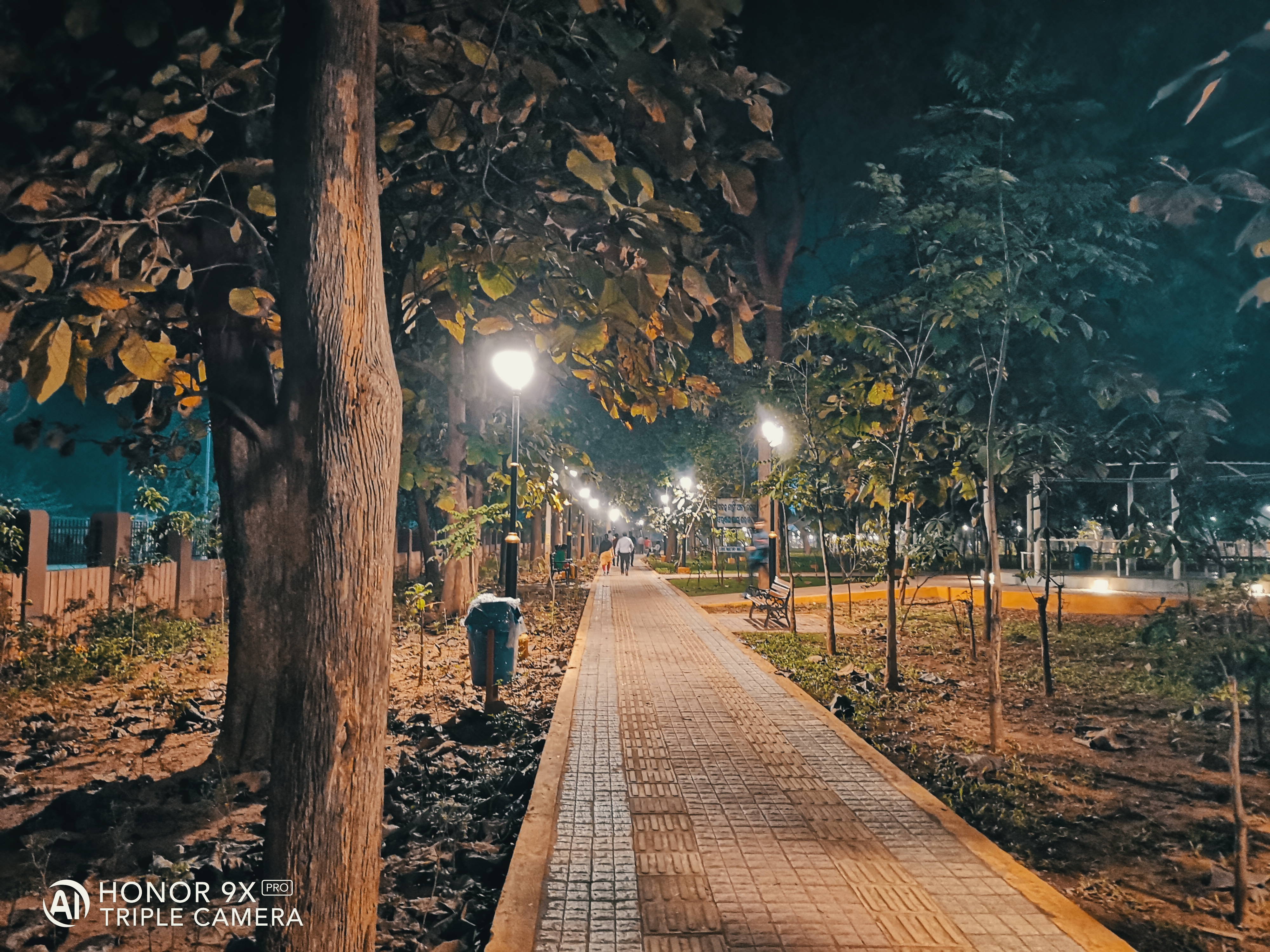
Picture Credits: HONOR Fans
Piyush and Reshman
Do share your Night Photography Pictures in comments below!
That's it guys - I hope you all find this post useful | Thank you for reading ;)
Stay tuned for more!


- Posts
- Following
- Followers
- Energy
-
 Tamil G
Moderator Intern
Tamil G
Moderator Intern
-
+ Follow

-
- 542 Posts
- 49 Following
- 881 Followers
- 39795 Energy

-
 New Comer
-
 Followers reach 50
-
 Followers reach 100
-
 Followers reach 200
-
 7 Days Check-in
-
 30 Days Check-in
-
 100 Days Check-in
-
 Moderator
-
 Halloween 2020
-
 HONOR STAR 2020
-
 New Year 2021
-
 Animal Photography
-
 Plant Photography
-
 Red Photography
-
 Survey Medal!
-
 Water Photography
-
 World Cycling & Running Day
-
 Product Photography
-
 Sky Photography
-
 Activity Photography Medal
-
 Autumn Photography
-
 Rain Photography
-
 HONOR 50: Best Shot!
-
 Monthly Photo Sharing #1 Landscape
-
 HONOR Magic4 Pro
-
 Monthly Photo Sharing #2 People
-
 Monthly Photo Sharing #3 Spring
-
 Monthly Photo Sharing #4 Animal



- Posts
- photo
- video

Hello HONOR Fans'
I hope you all doing great ;)
In this article - I'm going to share you all about Super "NIGHT Mode" on your HONOR Smartphones!
Night Mode
Night mode is a useful feature available on the camera of your HONOR smartphone that helps you to take clear and sharp pictures in low-light environments.
How to use the NIGHT mode?
Four tips for shooting with the NIGHT mode
Keep the lens still
One common cause for blurry images is camera shake - please try to keep it steady when taking photos. Using a tripod can help improve the photograph’s results.
Camera shake can be avoided by remotely pressing the shutter button with the key function using your earphones.
Adjust to appropriate exposure
When in dark environments, the NIGHT mode will automatically increase the sensitivity (ISO) – too high sensitivity will produce a lot of noise and result in a bad quality photograph.
You can take a test shot by setting the ISO value to 100 and SHUTTER SPEED to 2 seconds. If there is too much noise, reduce the shutter speed. If the photo is too dark, then increase the shutter speed until nailing the perfect exposure.
Find the proper time
Shooting at sunrise or sunset enables you to capture the tranquil night scene with a dim blue sky, producing more artistic and interesting photos.
Rainy days are an excellent opportunity to photograph water droplets and neon images – try focusing on the reflection of a puddle to get a sense of oil painting.
Utilise the angle
You can adjust the shooting angle according to different subjects and environments.
To capture further into the background and create a bold perspective, use the bird’s eye view at a high position, like on the top of high building or a mountain.
Low angle is good for taking impactful photos of tall and majestic buildings.
For your information:
✓ To avoid blurring the photo, please keep your phone steady until the countdown is finished.
✓ NIGHT mode is not recommended for indoor scenes with too much lighting, or very dim, completely dark scenes.
Picture Credits: HONOR Fans
Piyush and Reshman
Do share your Night Photography Pictures in comments below!
That's it guys - I hope you all find this post useful | Thank you for reading ;)
Stay tuned for more!