



 More Products
 Compare














我的荣耀 开启荣耀之旅



 Disagree Terms
 Log out




[Tips & Tricks] Huawei Share: Make sharing faster and easier


 Last reply :
Hello guys,
What is Huawei Share?
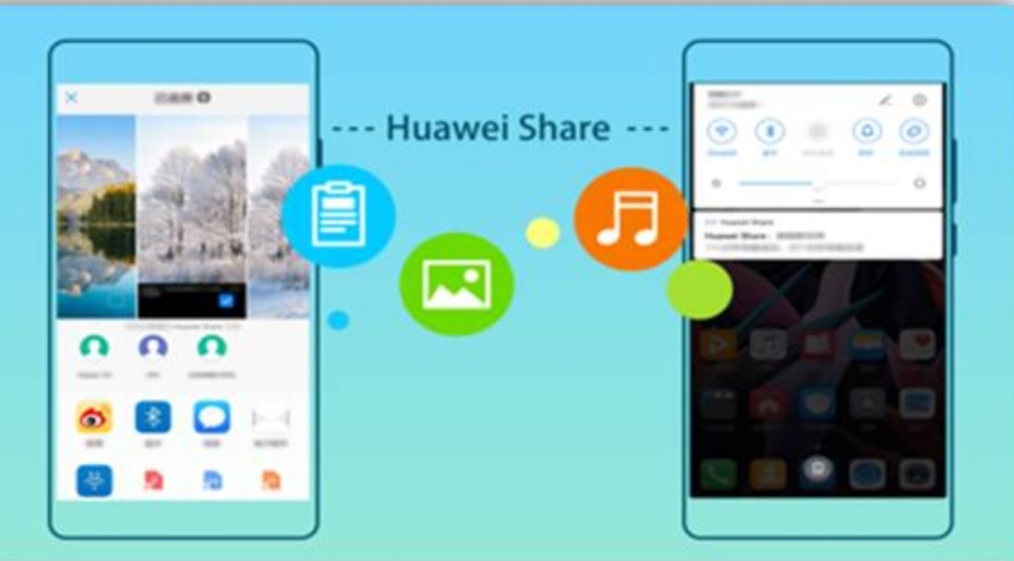
Huawei Share is a fast way to share files. You can use Huawei share to transfer pictures, videos, and other files between Huawei devices quickly and easily. Huawei Share uses Bluetooth to detect other nearby Huawei devices and then uses Wi-Fi Direct to transfer files quickly without using mobile data.
How to send files using Huawei Share?
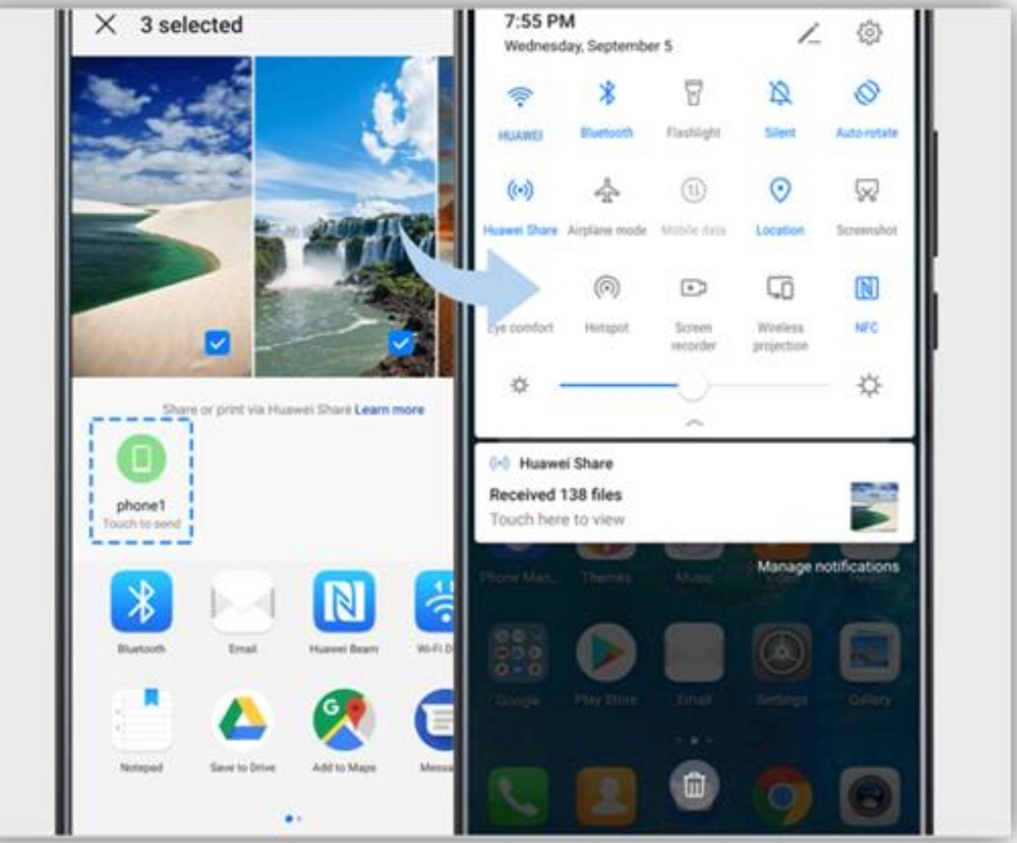
1. On both phones, swipe down the status bar to display all shortcuts.
2. Touch Huawei Share to turn it on.
3. Select the files you want to share and then touch Share.
4. Select a receiving device from the list of nearby devices and confirm.
And then a notification will pop up on the other phone, just touch ACCEPT.
How to access phone files from your computer?
Bid farewell to that messy tangle of wires and cables. You can now share phone files to your PC or MAC wirelessly.
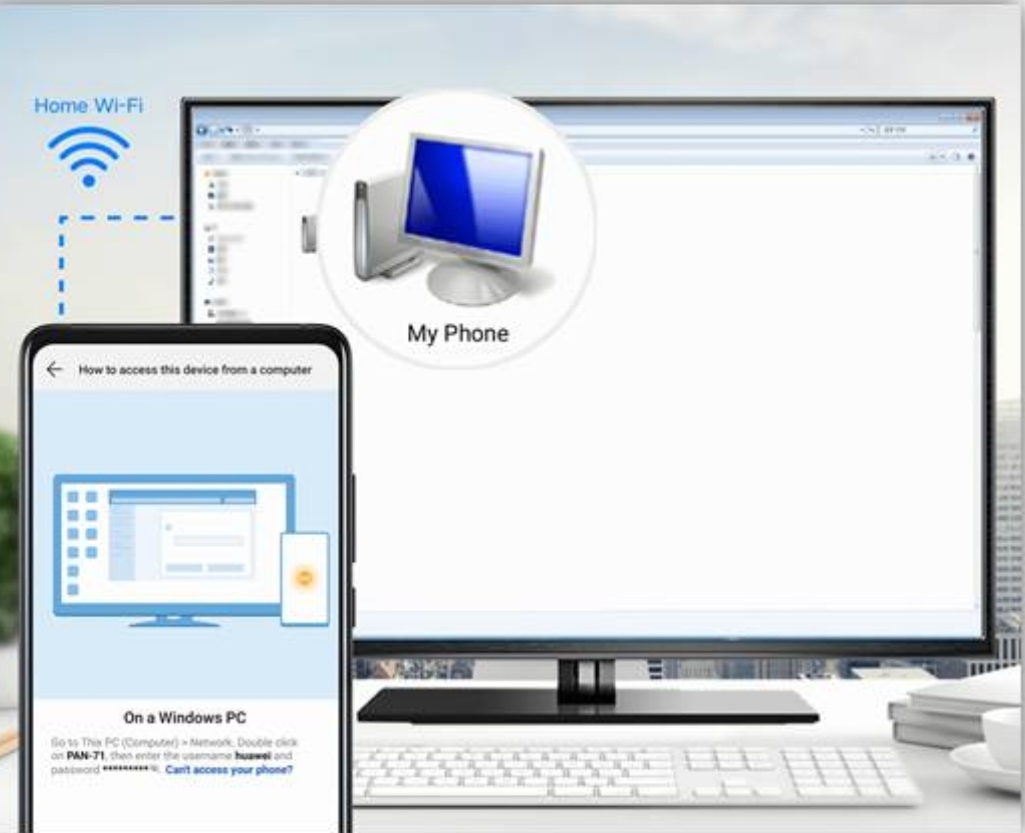
1. Connect your phone and computer to the same Wi-Fi network.
2. Swipe down the status bar to display all shortcuts. Touch and hold Huawei Share. Then, enable Huawei Share and Computer share.
3. Touch How to access this device from a computer and follow the onscreen instructions to complete the connection.
Hope you guys got that. Try it now. If you have any questions, leave your feedback in the comment section below.
Note: Not all devices support Huawei Share.
Thanks you...


- Posts
- Following
- Followers
- Energy
-

 Gracy
Moderator Intern
Gracy
Moderator Intern
-
+ Follow

-
- 80 Posts
- 19 Following
- 318 Followers
- 8689 Energy










- Posts
- photo
- video

Hello guys,
What is Huawei Share?
Huawei Share is a fast way to share files. You can use Huawei share to transfer pictures, videos, and other files between Huawei devices quickly and easily. Huawei Share uses Bluetooth to detect other nearby Huawei devices and then uses Wi-Fi Direct to transfer files quickly without using mobile data.
How to send files using Huawei Share?
1. On both phones, swipe down the status bar to display all shortcuts.
2. Touch Huawei Share to turn it on.
3. Select the files you want to share and then touch Share.
4. Select a receiving device from the list of nearby devices and confirm.
And then a notification will pop up on the other phone, just touch ACCEPT.
How to access phone files from your computer?
Bid farewell to that messy tangle of wires and cables. You can now share phone files to your PC or MAC wirelessly.
1. Connect your phone and computer to the same Wi-Fi network.
2. Swipe down the status bar to display all shortcuts. Touch and hold Huawei Share. Then, enable Huawei Share and Computer share.
3. Touch How to access this device from a computer and follow the onscreen instructions to complete the connection.
Hope you guys got that. Try it now. If you have any questions, leave your feedback in the comment section below.
Note: Not all devices support Huawei Share.
Thanks you...