



 More Products
 Compare


ABOUT HONOR
Events













我的荣耀 开启荣耀之旅



 Disagree Terms
 Log out




[Tips & Tricks] How to Get Free Cloud Storage? Don’t Miss Out On The Benefits!


 Last reply :

Hey Girls N' Guys!
I hope everyone has had a fantastic week?
Many of here are already aware of the Free Cloud storage available to us through the HUAWEI Mobile Cloud... I'm also aware that the HONOR community is growing bigger every day so thought I'd pass on a quick post for any newcomers or to anyone else who may be unaware of this cracking little offer...
First off, Here's a quick video guide on how to access Huawei Mobile Cloud. ?☁️
As you can see from the Video, By using Cloud, you get 5GB of space straight off the bat.
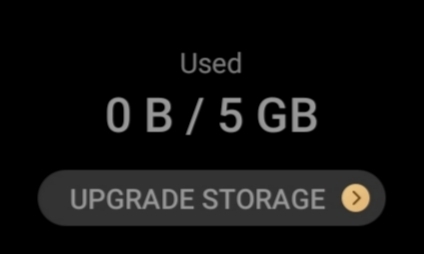
But, if you're anything like me, 5GB isn't even going to touch the sides... But don't worry, Huawei Mobile Services has prepared a special offer so you can get the most out of your new phone. ??
Huawei offers free additional cloud storage for 1 year to the following models before December 31, 2020.
HONOR 9X PRO 15GB
HONOR 9A 15GB
(The Additional free storage is for one year and it begins at the time of request, the additional space can be used on all Huawei devices with the Cloud application using the same Huawei ID to connect. Each Huawei ID is only eligible once and each device can support a maximum of 3 Huawei IDs).
How to request for additional storage?
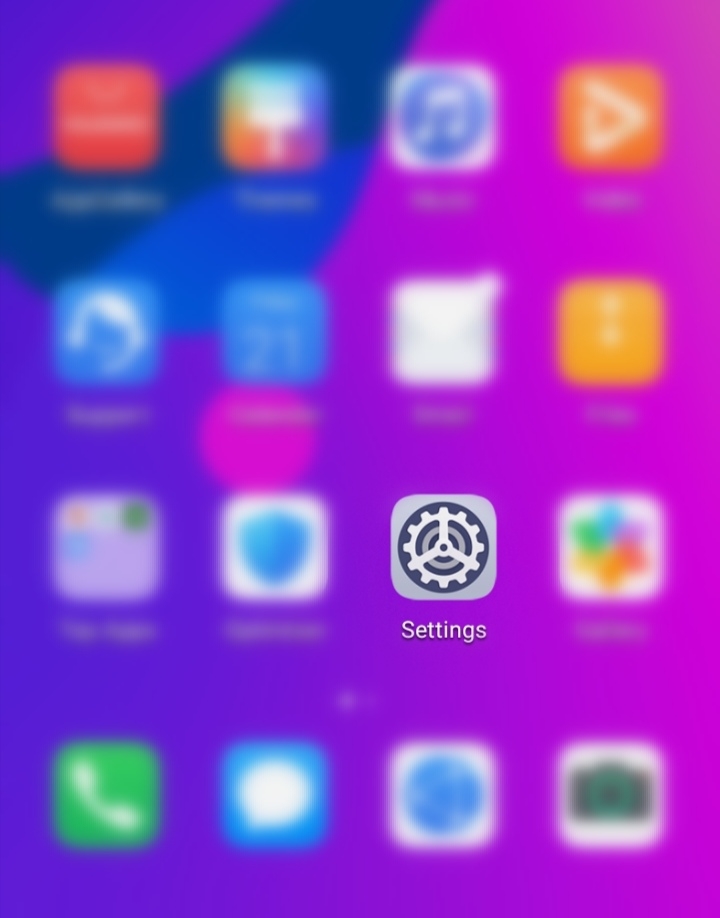
A) Go to Settings and select your HUAWEI ID (if this is a new device, you can either connect an Existing Huawei ID or Create a new one...)
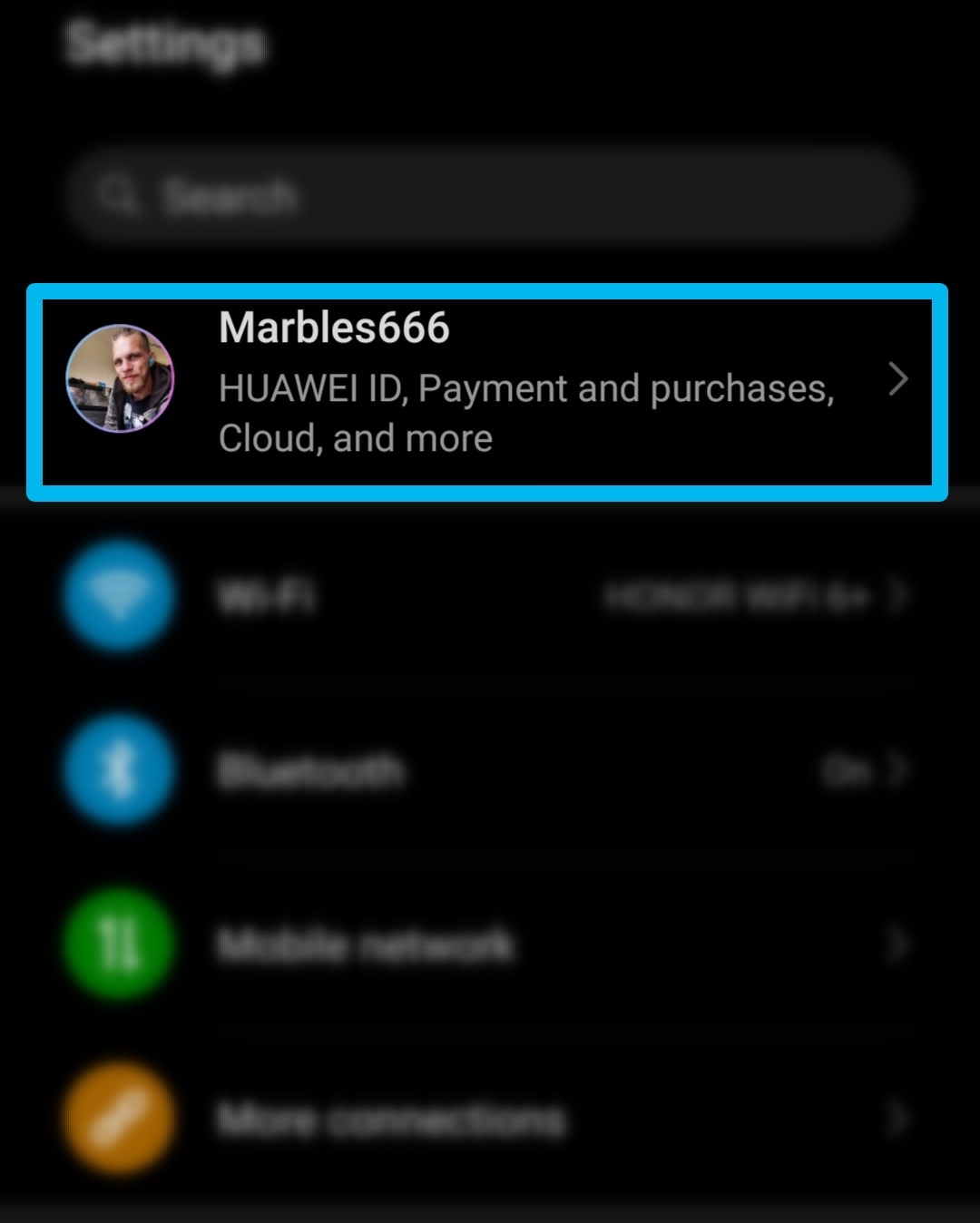
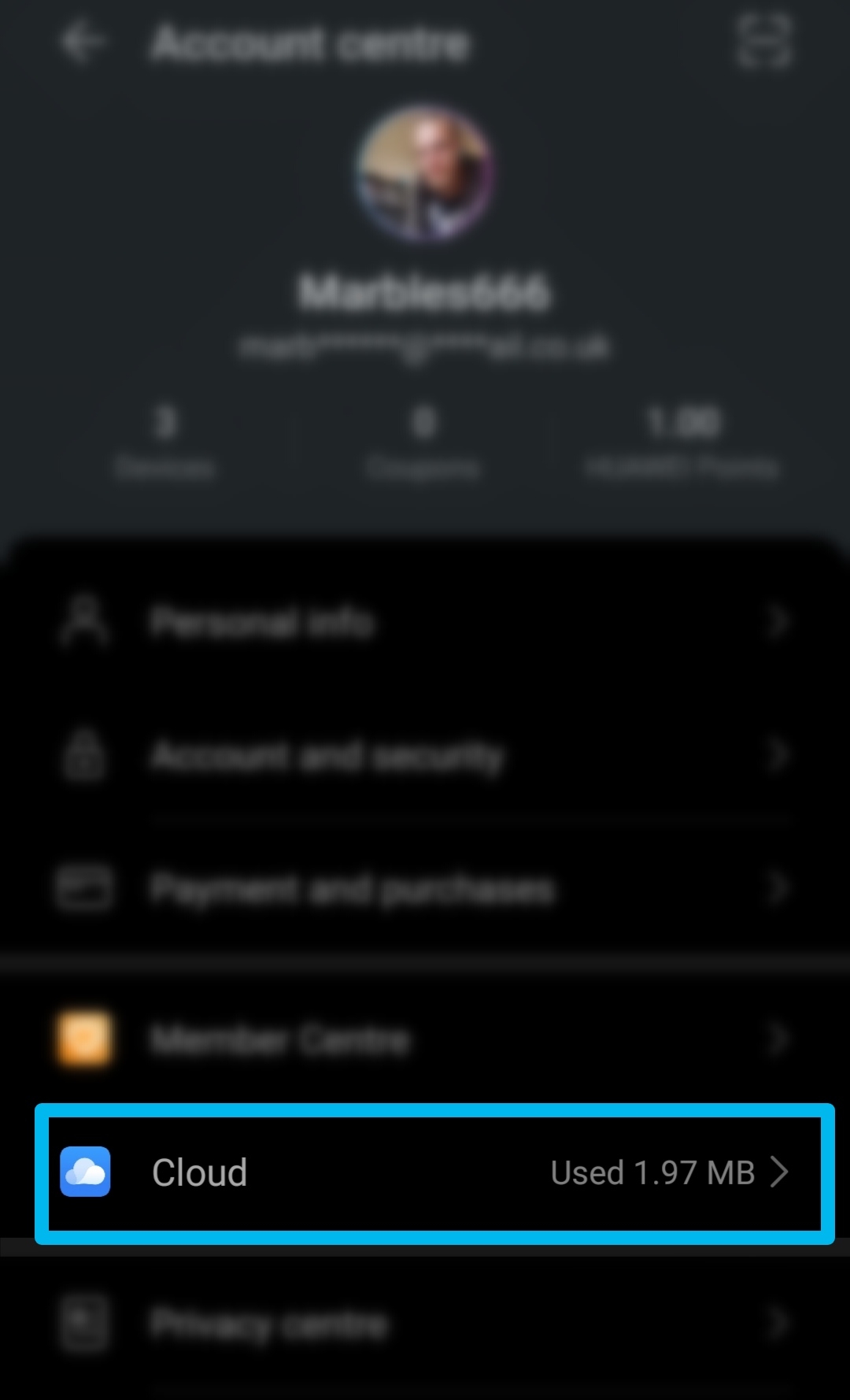
B) Enter your Huawei ID, click on "Cloud". ☁️
C) Click on "Upgrade Cloud Storage".
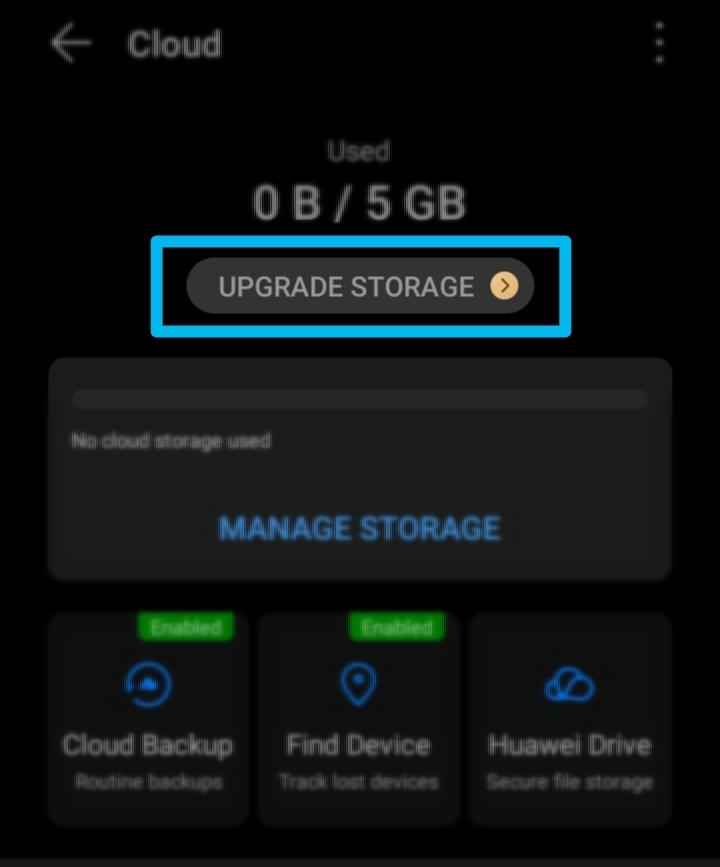
D) Link a bank card to your account to benefit from free storage. ?
And that's it!!
⚠️Upto 20GB of FREE Cloud storage for you to use as you wish!!⚠️
What are you waiting for?
Go and Claim your Free Cloud Storage Now!
After more Tips & Tricks? Check out some of my Previous Posts:
▪️EMUI 10 TIPS: How to take screenshots and scrollshot on HONOR 9A
https://community.hihonor.com/uk/topicdetail/?topicId=23107
▪️ How to Participate in the "Beta App Test" Campaign on HONOR Club App!
https://community.hihonor.com/uk/topicdetail/?topicId=20383
▪️How to Enable and Use New "Gesture Navigation" on the HONOR 9A +Others
https://community.hihonor.com/uk/topicdetail/?topicId=20875
▪️HONOR Magic Earbuds and... Photography?
https://community.hihonor.com/uk/topicdetail/?topicId=20599
Thanks for reading my post and I hope you all have a fantastic weekend!
I'll catch you in the next one!
Marbles666


- Posts
- Following
- Followers
- Energy
-

Marbles666
-
+ Follow

-
- 68 Posts
- 199 Following
- 410 Followers
- 18367 Energy











- Posts
- photo
- video

Hey Girls N' Guys!
I hope everyone has had a fantastic week?
Many of here are already aware of the Free Cloud storage available to us through the HUAWEI Mobile Cloud... I'm also aware that the HONOR community is growing bigger every day so thought I'd pass on a quick post for any newcomers or to anyone else who may be unaware of this cracking little offer...
First off, Here's a quick video guide on how to access Huawei Mobile Cloud. ?☁️
As you can see from the Video, By using Cloud, you get 5GB of space straight off the bat.
But, if you're anything like me, 5GB isn't even going to touch the sides... But don't worry, Huawei Mobile Services has prepared a special offer so you can get the most out of your new phone. ??
Huawei offers free additional cloud storage for 1 year to the following models before December 31, 2020.
HONOR 9X PRO 15GB
HONOR 9A 15GB
(The Additional free storage is for one year and it begins at the time of request, the additional space can be used on all Huawei devices with the Cloud application using the same Huawei ID to connect. Each Huawei ID is only eligible once and each device can support a maximum of 3 Huawei IDs).
How to request for additional storage?
A) Go to Settings and select your HUAWEI ID (if this is a new device, you can either connect an Existing Huawei ID or Create a new one...)
B) Enter your Huawei ID, click on "Cloud". ☁️
C) Click on "Upgrade Cloud Storage".
D) Link a bank card to your account to benefit from free storage. ?
And that's it!!
⚠️Upto 20GB of FREE Cloud storage for you to use as you wish!!⚠️
What are you waiting for?
Go and Claim your Free Cloud Storage Now!
After more Tips & Tricks? Check out some of my Previous Posts:
▪️EMUI 10 TIPS: How to take screenshots and scrollshot on HONOR 9A
https://community.hihonor.com/uk/topicdetail/?topicId=23107
▪️ How to Participate in the "Beta App Test" Campaign on HONOR Club App!
https://community.hihonor.com/uk/topicdetail/?topicId=20383
▪️How to Enable and Use New "Gesture Navigation" on the HONOR 9A +Others
https://community.hihonor.com/uk/topicdetail/?topicId=20875
▪️HONOR Magic Earbuds and... Photography?
https://community.hihonor.com/uk/topicdetail/?topicId=20599
Thanks for reading my post and I hope you all have a fantastic weekend!
I'll catch you in the next one!
Marbles666