



 More Products
 Compare


ABOUT HONOR
Events













我的荣耀 开启荣耀之旅



 Disagree Terms
 Log out




[Tips and Tricks] Manage Windows Updates | HONOR MagicBook Series


 Last reply :
Hello HONOR Fans'
I hope you all doing great ;)
In this article - I'm going to share you all Tips & Tricks about "How to manage Windows Updates" on your HONOR MagicBook Series laptops!
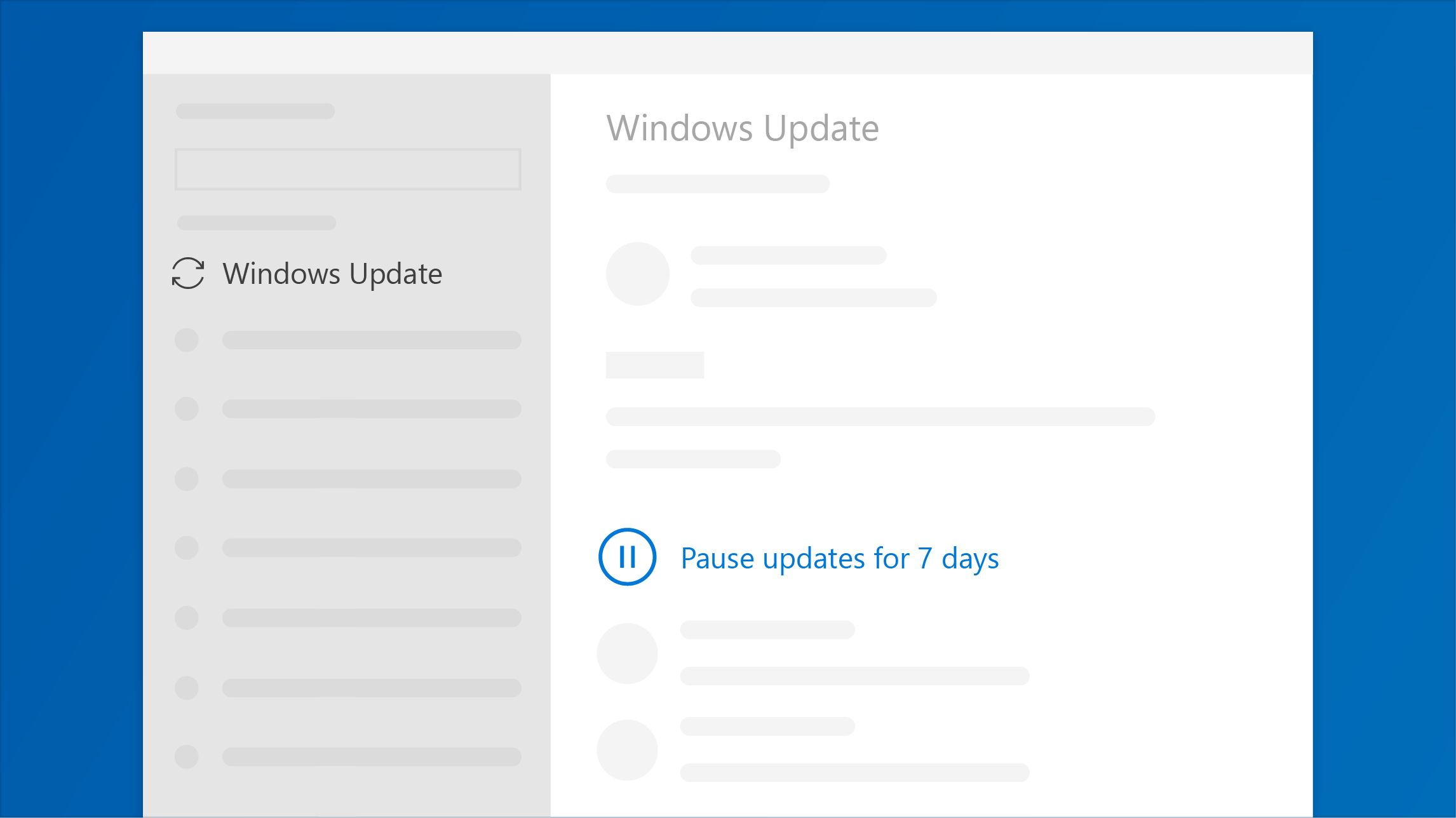
Pause updates until a convenient time
To temporarily delay updates for your device, go to

Once you reach the pause limit, you'll need to get the latest updates before you can pause again.
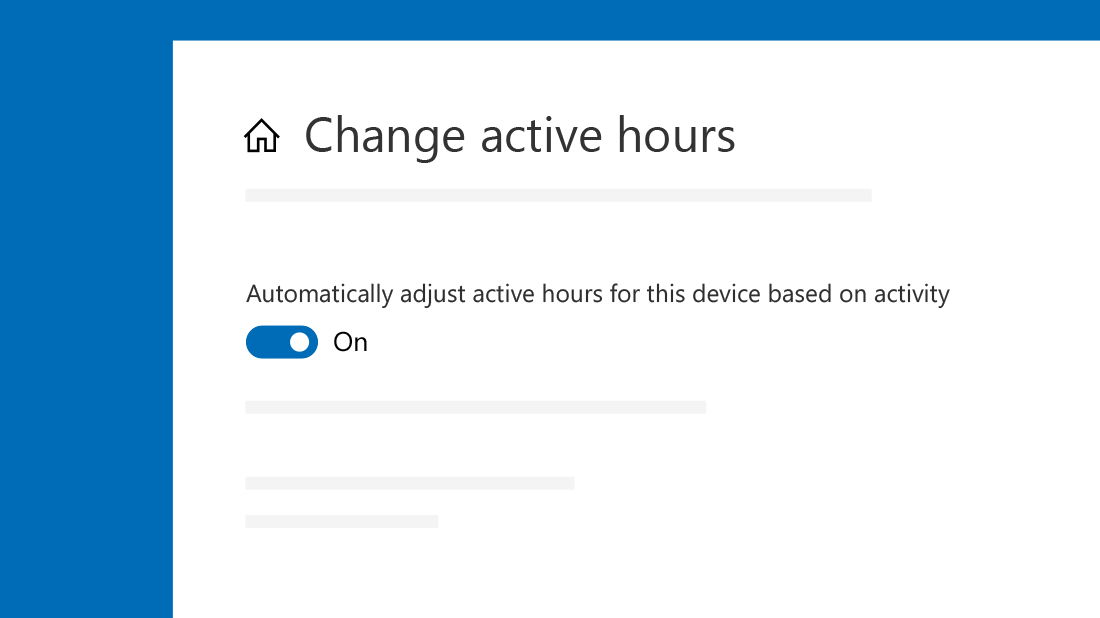
Stay interruption-free with smarter active hours
Let Windows pick active hours for you based on your device activity. We won't restart for updates during that time.
Update when it’s good for you
Windows Update automatically makes sure you have the latest features and security updates. Part of the process includes restarting your PC.
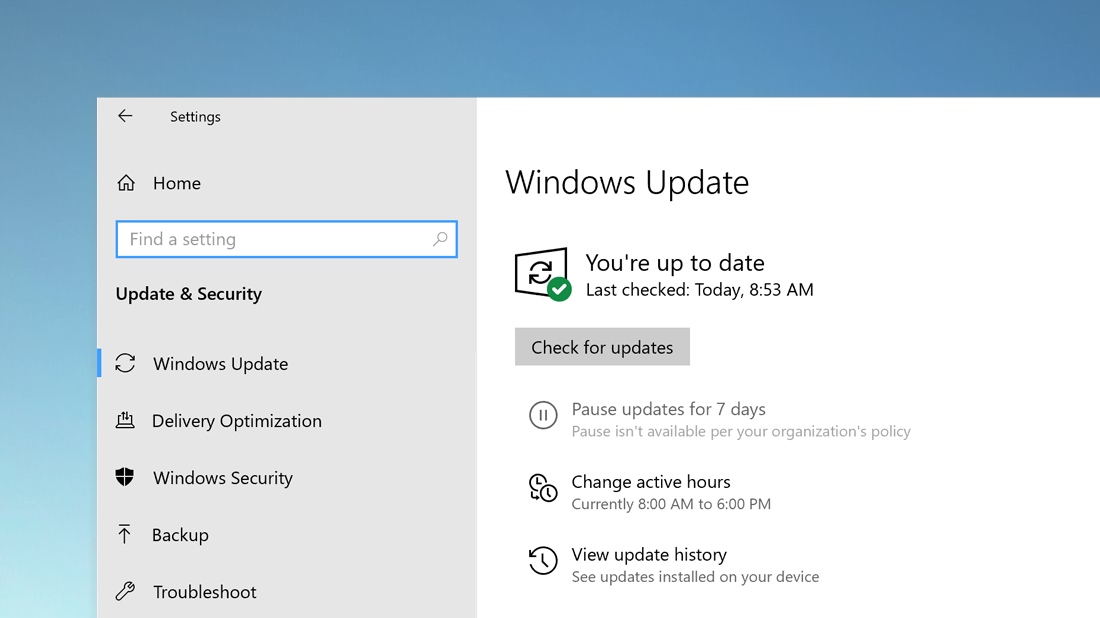
To adjust when this happens,

Free up space automatically
To make sure you always have enough space for updates, use Storage Sense to automatically clear up files you don't use, like temporary files and items in your Recycle Bin.
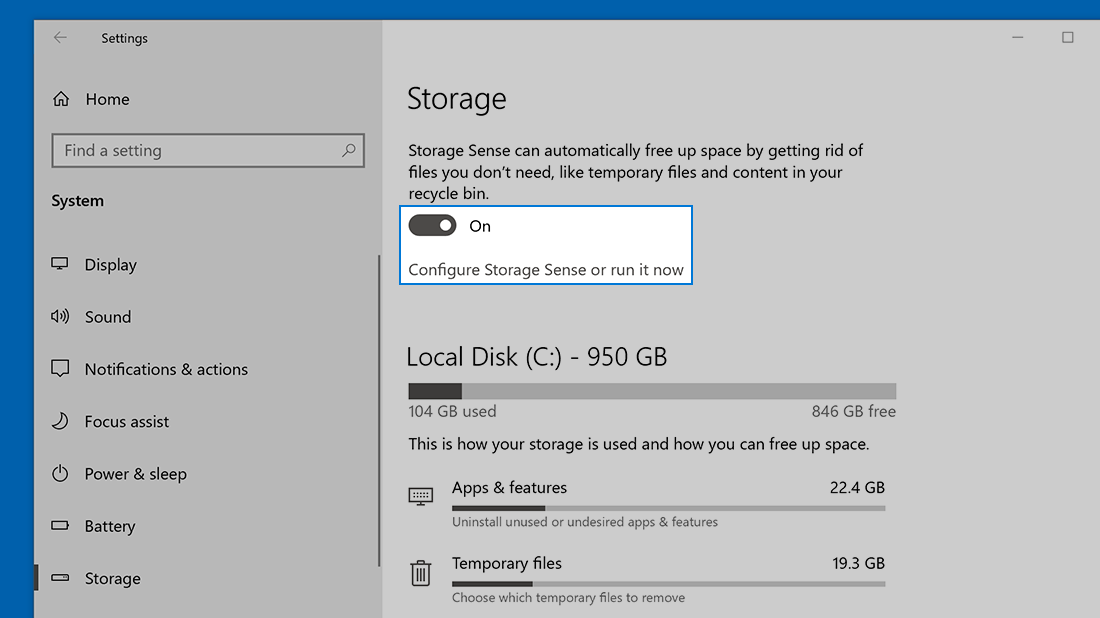
Go to

Update overnight
To minimize update interruptions, plug your PC into a power source and stay connected to the internet to allow your device to update overnight.


That's it for today - I hope you all find this post useful - Stay tuned for more!
Thank you for reading ;)


- Posts
- Following
- Followers
- Energy
-
 Tamil G
Moderator Intern
Tamil G
Moderator Intern
-
+ Follow

-
- 542 Posts
- 49 Following
- 887 Followers
- 39811 Energy

-
 New Comer
-
 Followers reach 50
-
 Followers reach 100
-
 Followers reach 200
-
 7 Days Check-in
-
 30 Days Check-in
-
 100 Days Check-in
-
 Moderator
-
 Halloween 2020
-
 HONOR STAR 2020
-
 New Year 2021
-
 Animal Photography
-
 Plant Photography
-
 Red Photography
-
 Survey Medal!
-
 Water Photography
-
 World Cycling & Running Day
-
 Product Photography
-
 Sky Photography
-
 Activity Photography Medal
-
 Autumn Photography
-
 Rain Photography
-
 HONOR 50: Best Shot!
-
 Monthly Photo Sharing #1 Landscape
-
 HONOR Magic4 Pro
-
 Monthly Photo Sharing #2 People
-
 Monthly Photo Sharing #3 Spring
-
 Monthly Photo Sharing #4 Animal



- Posts
- photo
- video

Hello HONOR Fans'
I hope you all doing great ;)
In this article - I'm going to share you all Tips & Tricks about "How to manage Windows Updates" on your HONOR MagicBook Series laptops!
Pause updates until a convenient time
To temporarily delay updates for your device, go to
Once you reach the pause limit, you'll need to get the latest updates before you can pause again.
Stay interruption-free with smarter active hours
Let Windows pick active hours for you based on your device activity. We won't restart for updates during that time.
Update when it’s good for you
Windows Update automatically makes sure you have the latest features and security updates. Part of the process includes restarting your PC.
To adjust when this happens,
Free up space automatically
To make sure you always have enough space for updates, use Storage Sense to automatically clear up files you don't use, like temporary files and items in your Recycle Bin.
Go to
Update overnight
To minimize update interruptions, plug your PC into a power source and stay connected to the internet to allow your device to update overnight.
That's it for today - I hope you all find this post useful - Stay tuned for more!
Thank you for reading ;)