



 More Products
 Compare










我的荣耀 开启荣耀之旅



 Disagree Terms
 Log out




[Tips and Tricks] How to Customize Wallpapers for Individual Chats


 Last reply :
Hello HONOR Fans'
I hope - All is Well with everyone ;)
In this article - I'm going to share you all on "How to Customize Wallpapers for Individual Chats"
Whatsapp Messenger
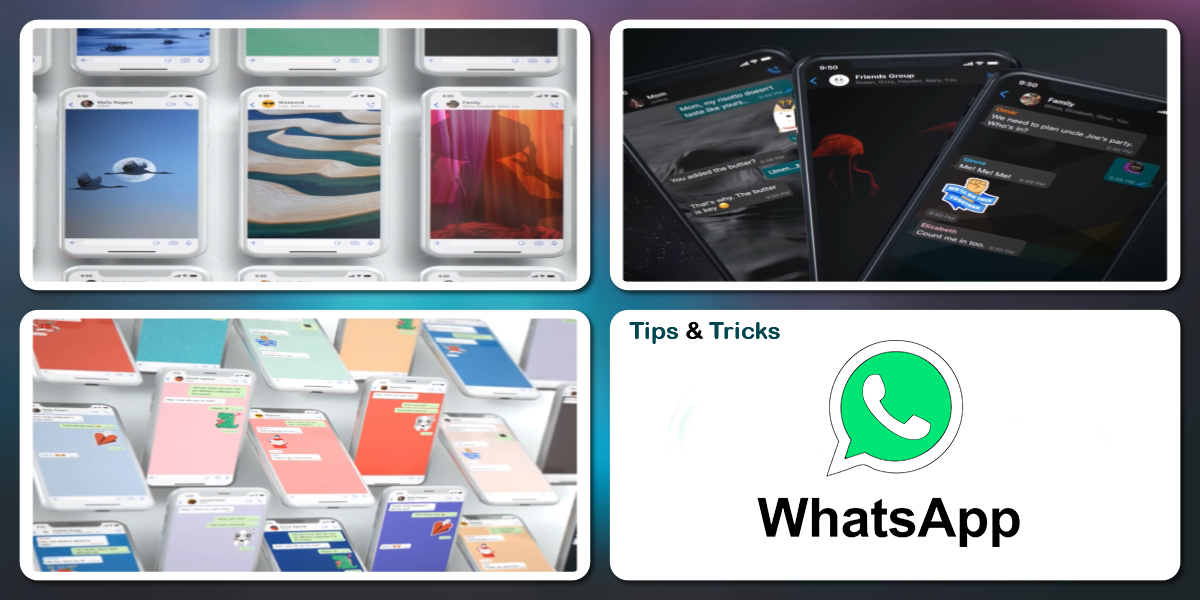
New wallpaper customization options include the ability to set different custom wallpapers for each conversation, color variations with doodles to the solid wallpapers, a variety of new nature and architecture wallpapers, and the ability to set specific wallpapers for light and dark modes.
To change
Open Whatsapp > Settings > Chat > Wallpaper > Change
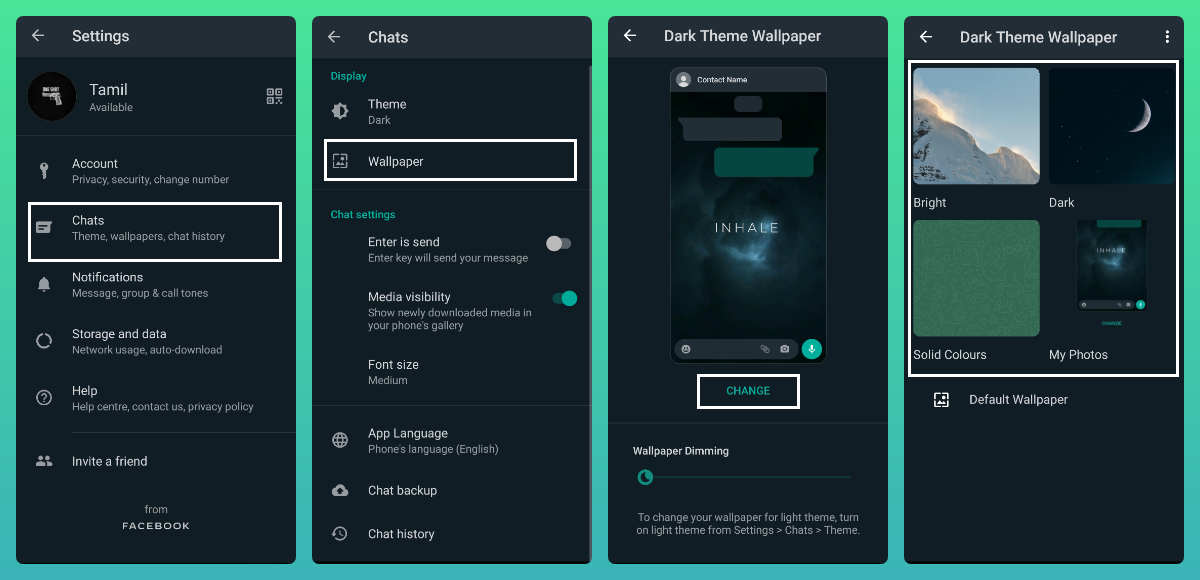
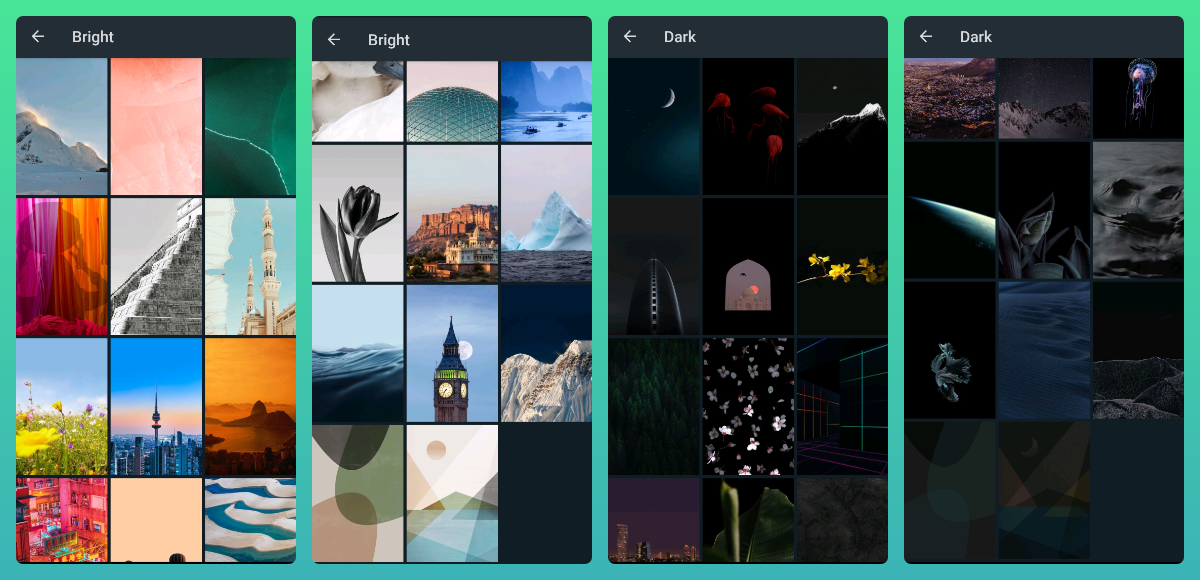
Choose your preferred Wallpaper types
Bright
Dark
Solid Colours
My Photos
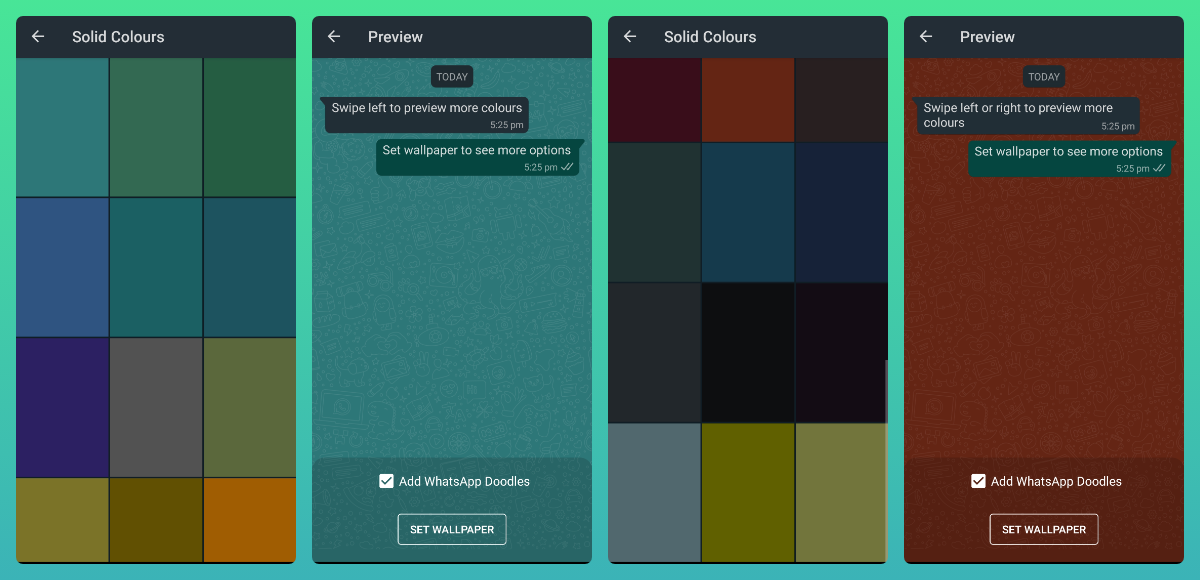
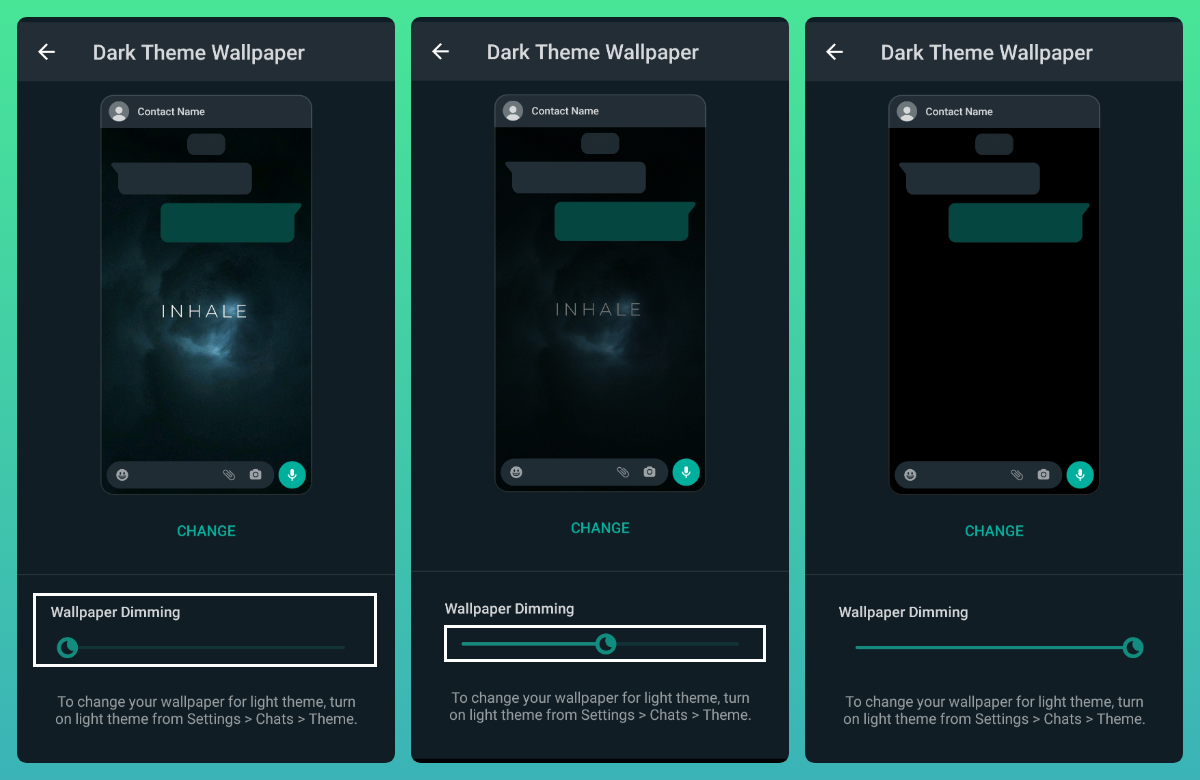
Wallpaper Dimming
When dark mode is active, the wallpaper based on ambient light will automatically darken. This helps make the background picture clearer for the eye.
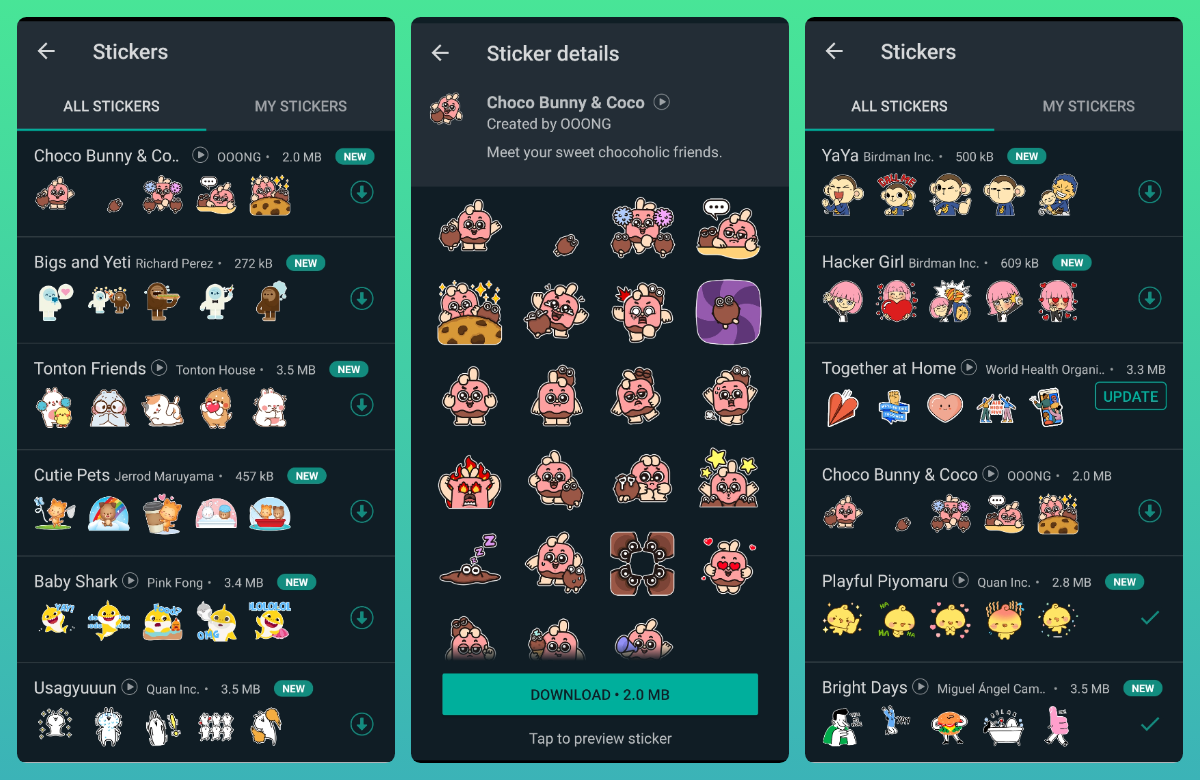
Along with the new wallpaper customization features, the latest update to WhatsApp involves improvements to the stickers search. Users will now be able to check for text or emoji stickers and even browse through popular sticker categories.
That's it. You've now set up a custom wallpaper for your talk. Bear in mind that for groups, only but if you're an admin can change the wallpaper.
Change the chatting style as you like ;)

I hope you all find this post useful | Thank you for reading ;)


- Posts
- Following
- Followers
- Energy
-
 Tamil G
Moderator Intern
Tamil G
Moderator Intern
-
+ Follow

-
- 542 Posts
- 49 Following
- 879 Followers
- 39795 Energy

-
 New Comer
-
 Followers reach 50
-
 Followers reach 100
-
 Followers reach 200
-
 7 Days Check-in
-
 30 Days Check-in
-
 100 Days Check-in
-
 Moderator
-
 Halloween 2020
-
 HONOR STAR 2020
-
 New Year 2021
-
 Animal Photography
-
 Plant Photography
-
 Red Photography
-
 Survey Medal!
-
 Water Photography
-
 World Cycling & Running Day
-
 Product Photography
-
 Sky Photography
-
 Activity Photography Medal
-
 Autumn Photography
-
 Rain Photography
-
 HONOR 50: Best Shot!
-
 Monthly Photo Sharing #1 Landscape
-
 HONOR Magic4 Pro
-
 Monthly Photo Sharing #2 People
-
 Monthly Photo Sharing #3 Spring
-
 Monthly Photo Sharing #4 Animal



- Posts
- photo
- video

Hello HONOR Fans'
I hope - All is Well with everyone ;)
In this article - I'm going to share you all on "How to Customize Wallpapers for Individual Chats"
Whatsapp Messenger
New wallpaper customization options include the ability to set different custom wallpapers for each conversation, color variations with doodles to the solid wallpapers, a variety of new nature and architecture wallpapers, and the ability to set specific wallpapers for light and dark modes.
To change
Open Whatsapp > Settings > Chat > Wallpaper > Change
Choose your preferred Wallpaper types
Bright
Dark
Solid Colours
My Photos
Wallpaper Dimming
When dark mode is active, the wallpaper based on ambient light will automatically darken. This helps make the background picture clearer for the eye.
Along with the new wallpaper customization features, the latest update to WhatsApp involves improvements to the stickers search. Users will now be able to check for text or emoji stickers and even browse through popular sticker categories.
That's it. You've now set up a custom wallpaper for your talk. Bear in mind that for groups, only but if you're an admin can change the wallpaper.
Change the chatting style as you like ;)
I hope you all find this post useful | Thank you for reading ;)