



 More Products
 Compare


ABOUT HONOR
Events















我的荣耀 开启荣耀之旅



 Disagree Terms
 Log out




[THEME] Earth Week EMUI Theme for EMUI 10/11!


 Last reply :
Morning everyone!
I was checking the Global Community as I stumbled upon a very nice looking theme!
It fits perfectly within this Earth Week!
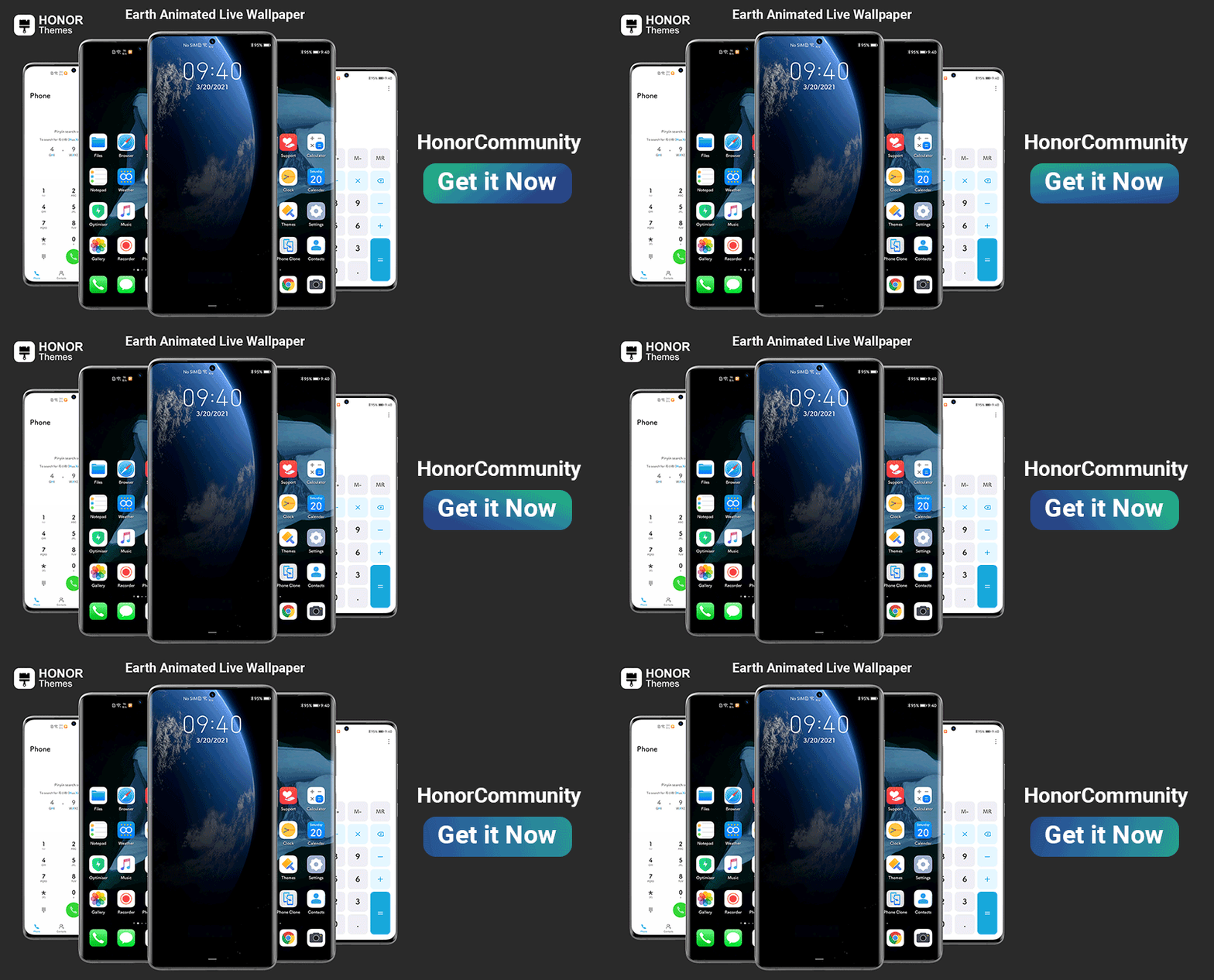
Please keep in mind that this Theme only works for EMUI 10/11 and Magic UI 4!
Thanks to the great work of Aniket_Kumar!

Download the .hwt theme file.
Copy the .hwt files to the internal storage themes folder.
Then open the “Theme” app ⇒ go to My Themes and apply the themes.

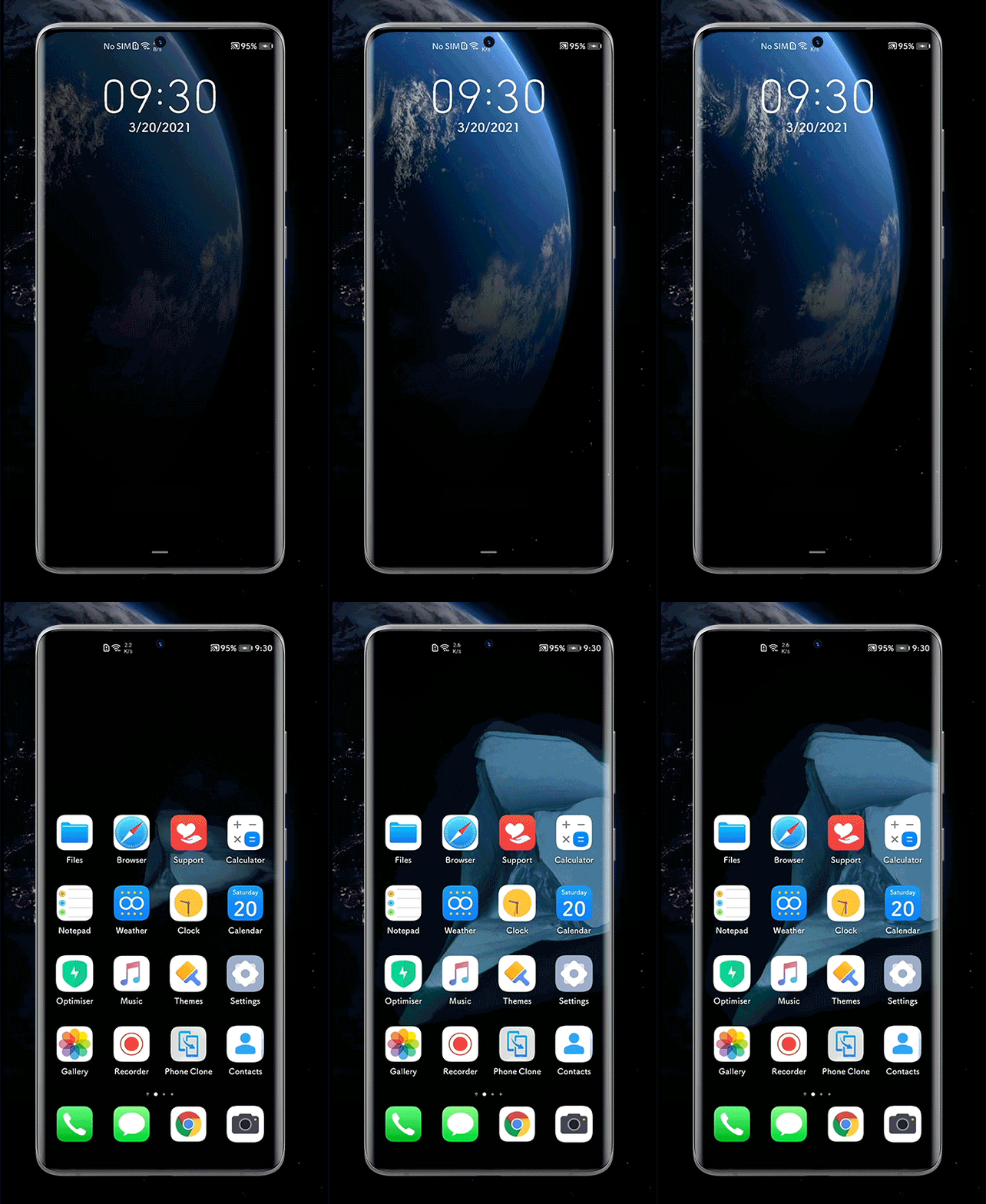
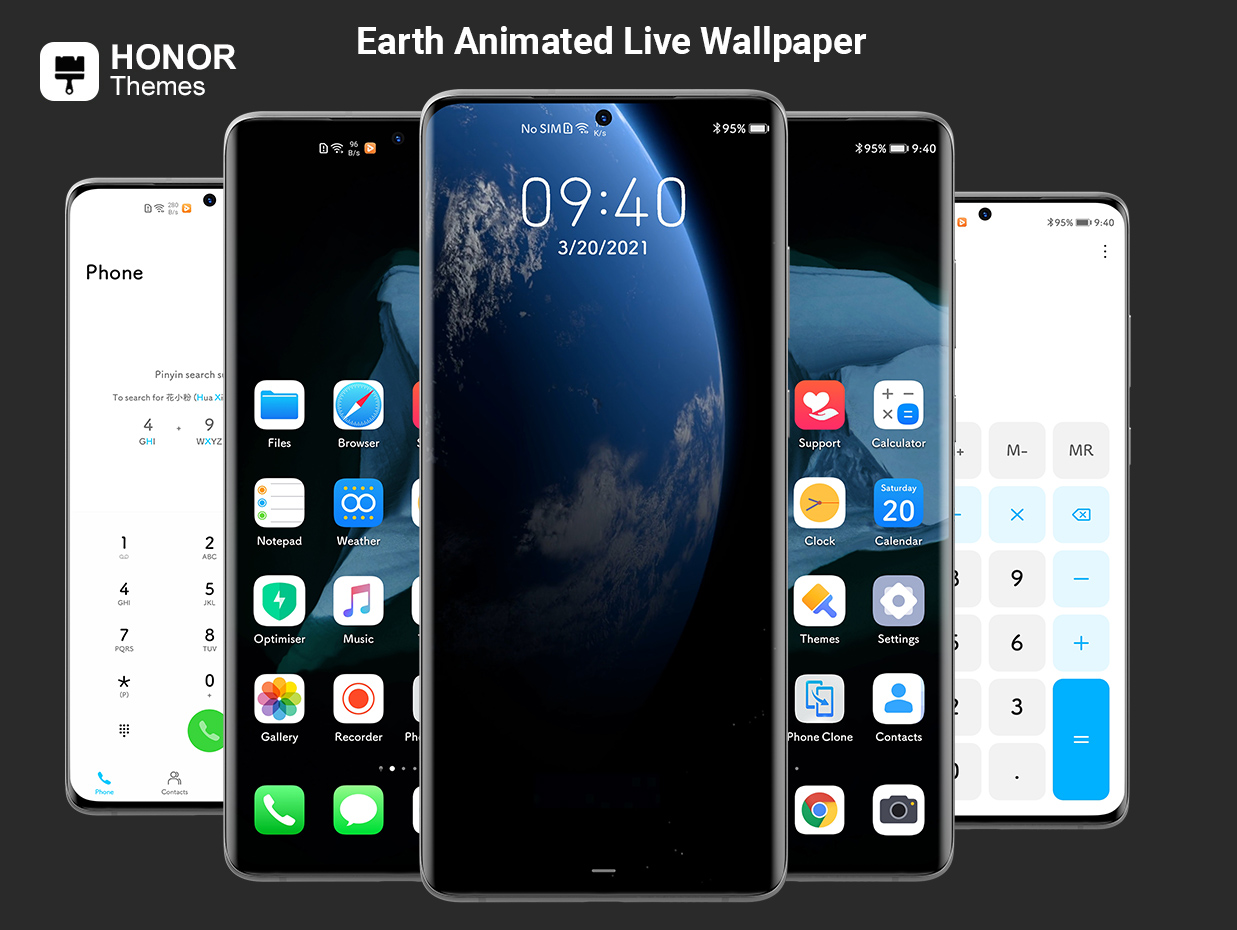
- Themed System Ui
- 600+ Icons
- MIUI 12 Super Live Wallpaper.
- Themed System Application
- Animated Super Live Wallpaper Lockscreen
- Supports EMUI 10/11/ Magic UI 4
Make sure you have properly pasted the Theme File in the Theme Folder [File manager]
Theme not showin up in Theme Store?
-Restart your device
-Open Theme Application
[Make sure you have Turned on Mobile Data / WIFI]
- Select the theme and hit the Apply button
ATTENTION:
- Above theme is designed for EMUI 10/11, Please check your device EMUI version before installing it on your device -
Some contents will not be visible on the device running EMUI 10/11. Due to the latest updates, this update breaks some of the features of the theme.

If you need any help, please refer to THIS POST!


- Posts
- Following
- Followers
- Energy
-

Revolt
-
+ Follow

-
- 131 Posts
- 23 Following
- 253 Followers
- 8528 Energy






- Posts
- photo
- video

Morning everyone!
I was checking the Global Community as I stumbled upon a very nice looking theme!
It fits perfectly within this Earth Week!
Please keep in mind that this Theme only works for EMUI 10/11 and Magic UI 4!
Thanks to the great work of Aniket_Kumar!
Download the .hwt theme file.
Copy the .hwt files to the internal storage themes folder.
Then open the “Theme” app ⇒ go to My Themes and apply the themes.
- Themed System Ui
- 600+ Icons
- MIUI 12 Super Live Wallpaper.
- Themed System Application
- Animated Super Live Wallpaper Lockscreen
- Supports EMUI 10/11/ Magic UI 4
Make sure you have properly pasted the Theme File in the Theme Folder [File manager]
Theme not showin up in Theme Store?
-Restart your device
-Open Theme Application
[Make sure you have Turned on Mobile Data / WIFI]
- Select the theme and hit the Apply button
ATTENTION:
- Above theme is designed for EMUI 10/11, Please check your device EMUI version before installing it on your device -
Some contents will not be visible on the device running EMUI 10/11. Due to the latest updates, this update breaks some of the features of the theme.
If you need any help, please refer to THIS POST!