



 More Products
 Compare














我的荣耀 开启荣耀之旅



 Disagree Terms
 Log out




[Photography] How to take good pictures with Wide Aperture Mode


 Last reply :
Hi guys!
Sometimes it bothers us that the background is messy or too eye-catching. Now today I will teach you how to handle this problem!
Open Camera. Touch (Aperture) at the top of the screen to enable wide aperture mode. If you cannot see the icon, please touch “More”-“Aperture”.
Touch the subject of the photo to adjust the focal point. Choosing “Aperture level” and swiping up or down on the slider to preview the blurred area.
1. Take a photo and go to the gallery
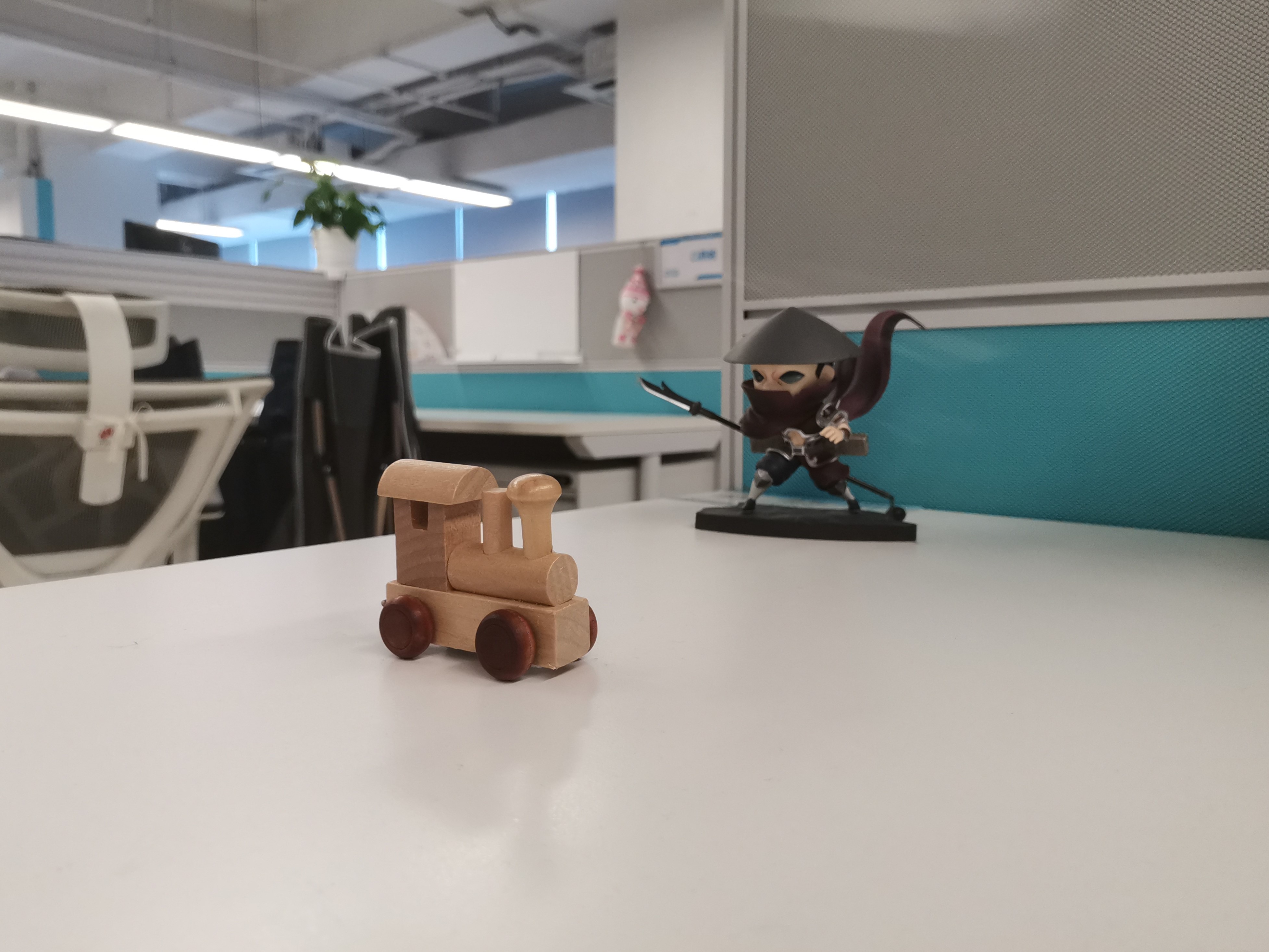
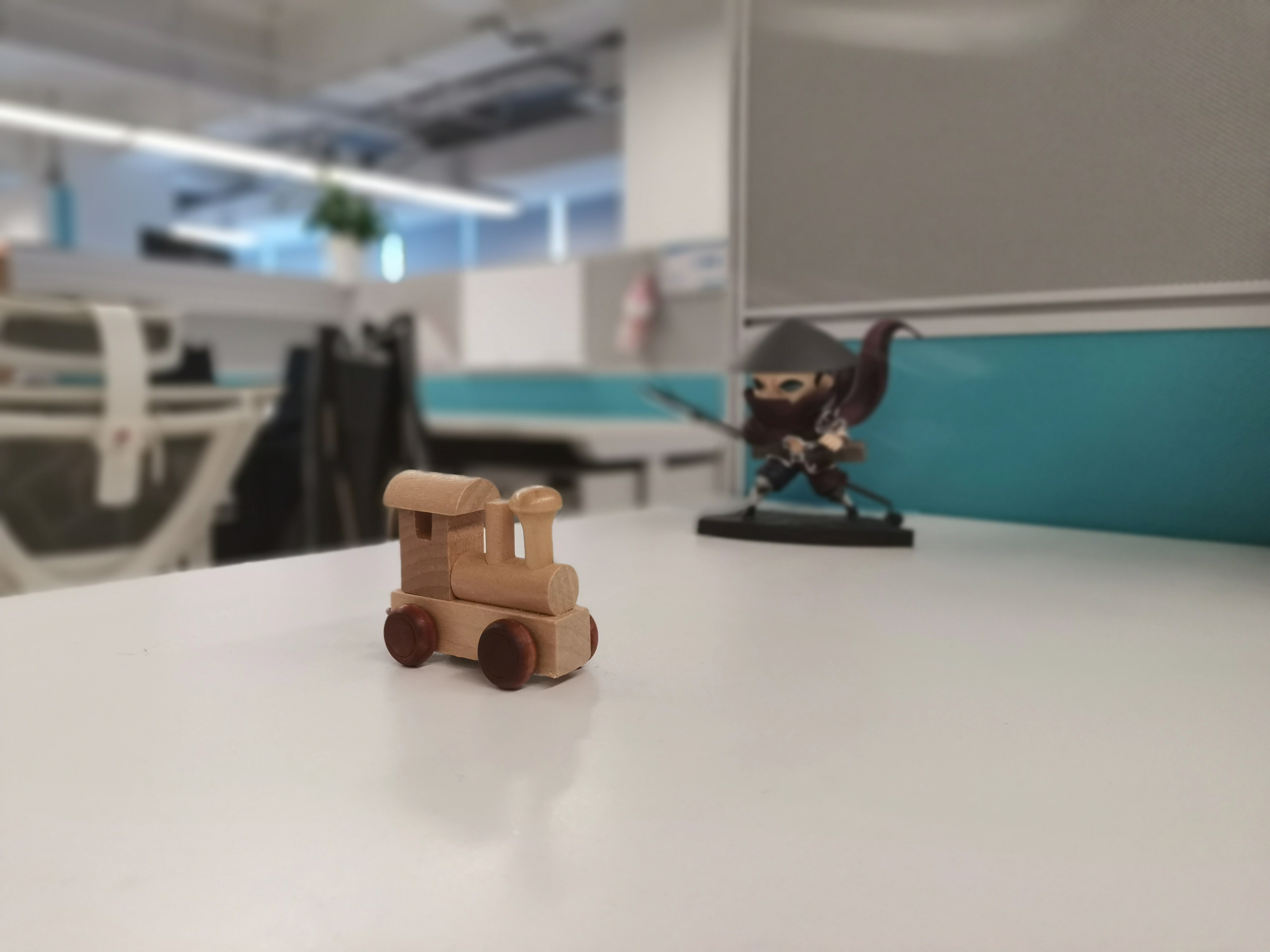
2. Adjust the blurred background effect and apply a filter. Remember to save after edit.
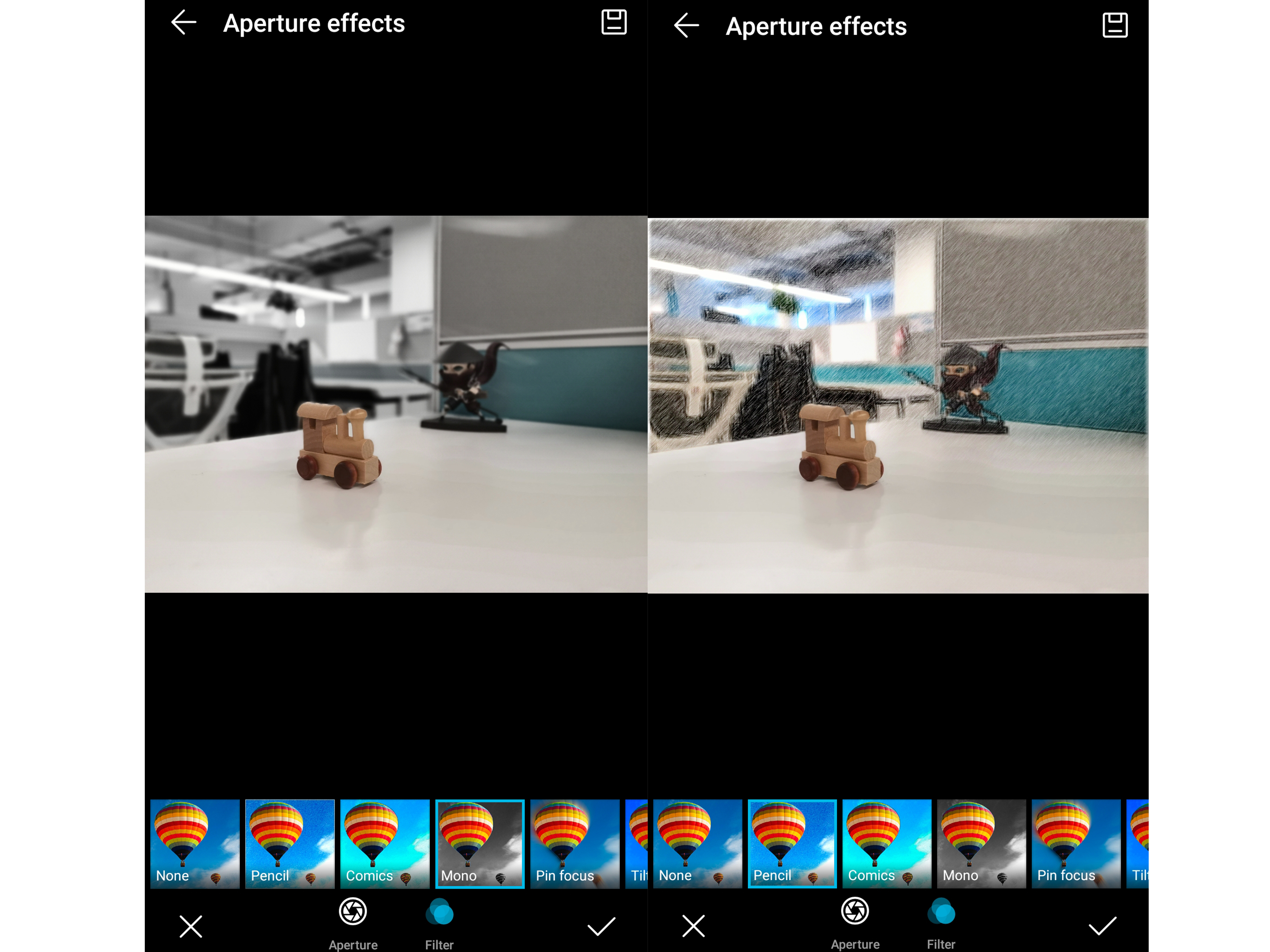
Note:
(Aperture) Indicates photos that were taken in wide aperture mode.
You can apply a filter when adjusting.
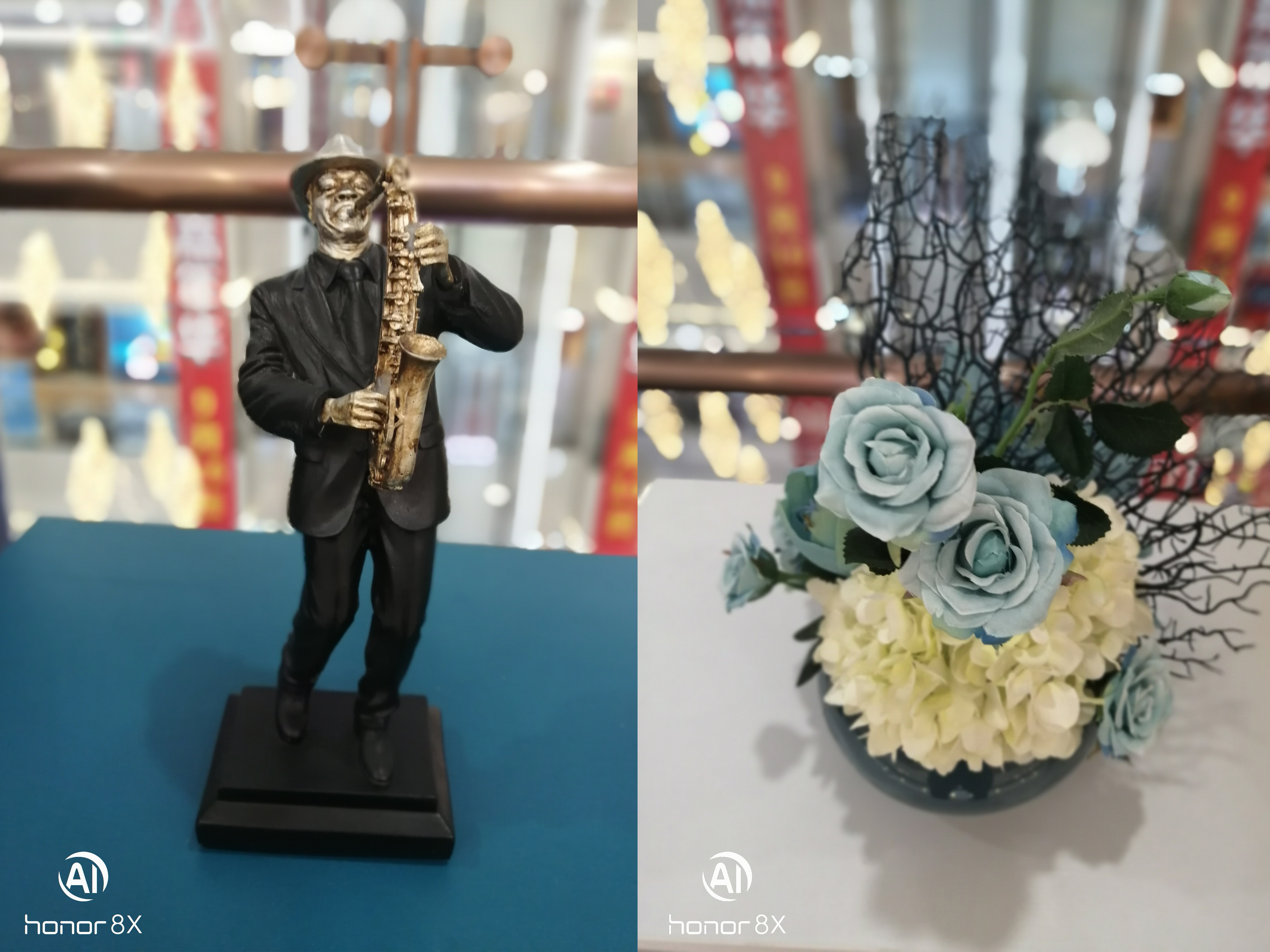
Credit: Pictures from HONOR Fans Dudioahanjiangyue
That is all for today guys. I hope this is very helpful. Please for any other questions comment below.
Thanks!


- Posts
- Following
- Followers
- Energy
-

GeekyMarshmallow
-
+ Follow

-
- 114 Posts
- 445 Following
- 649 Followers
- 10729 Energy



- Posts
- photo
- video

Hi guys!
Sometimes it bothers us that the background is messy or too eye-catching. Now today I will teach you how to handle this problem!
Open Camera. Touch (Aperture) at the top of the screen to enable wide aperture mode. If you cannot see the icon, please touch “More”-“Aperture”.
Touch the subject of the photo to adjust the focal point. Choosing “Aperture level” and swiping up or down on the slider to preview the blurred area.
1. Take a photo and go to the gallery
2. Adjust the blurred background effect and apply a filter. Remember to save after edit.
Note:
(Aperture) Indicates photos that were taken in wide aperture mode.
You can apply a filter when adjusting.
Credit: Pictures from HONOR Fans Dudioahanjiangyue
That is all for today guys. I hope this is very helpful. Please for any other questions comment below.
Thanks!