



 More Products
 Compare














我的荣耀 开启荣耀之旅



 Disagree Terms
 Log out




Huawei Cloud - Access Your Gallery From Your PC


 Last reply :
We all love our HONOR phones and we all love to take pictures with it, because they come out really amazing thanks to the great camera and functions.
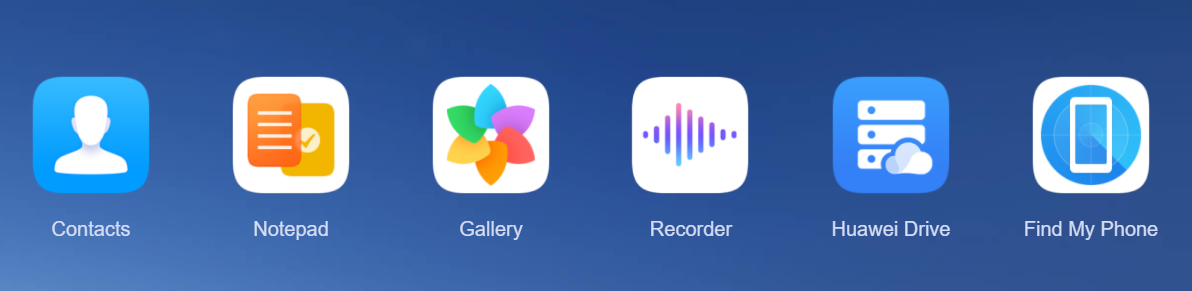
Nowadays, saving the pictures externally is really easy, thanks to Huawei Cloud. This is a system integrated in your Huawei Account, which can be used to get the best out of your HONOR phone and save all your data, so in case your phone gets lost or you change it, you will have it on the new device exactly as you have left it in the previous phone.
If you enabled Huawei Cloud on your device, then you can relax, because everything is backed up.
If you haven't enabled it as of yet, you can check this post!
Configuring Cloud is really simple, but do you know, that you can view your pictures even from your PC? If not, let me show how!
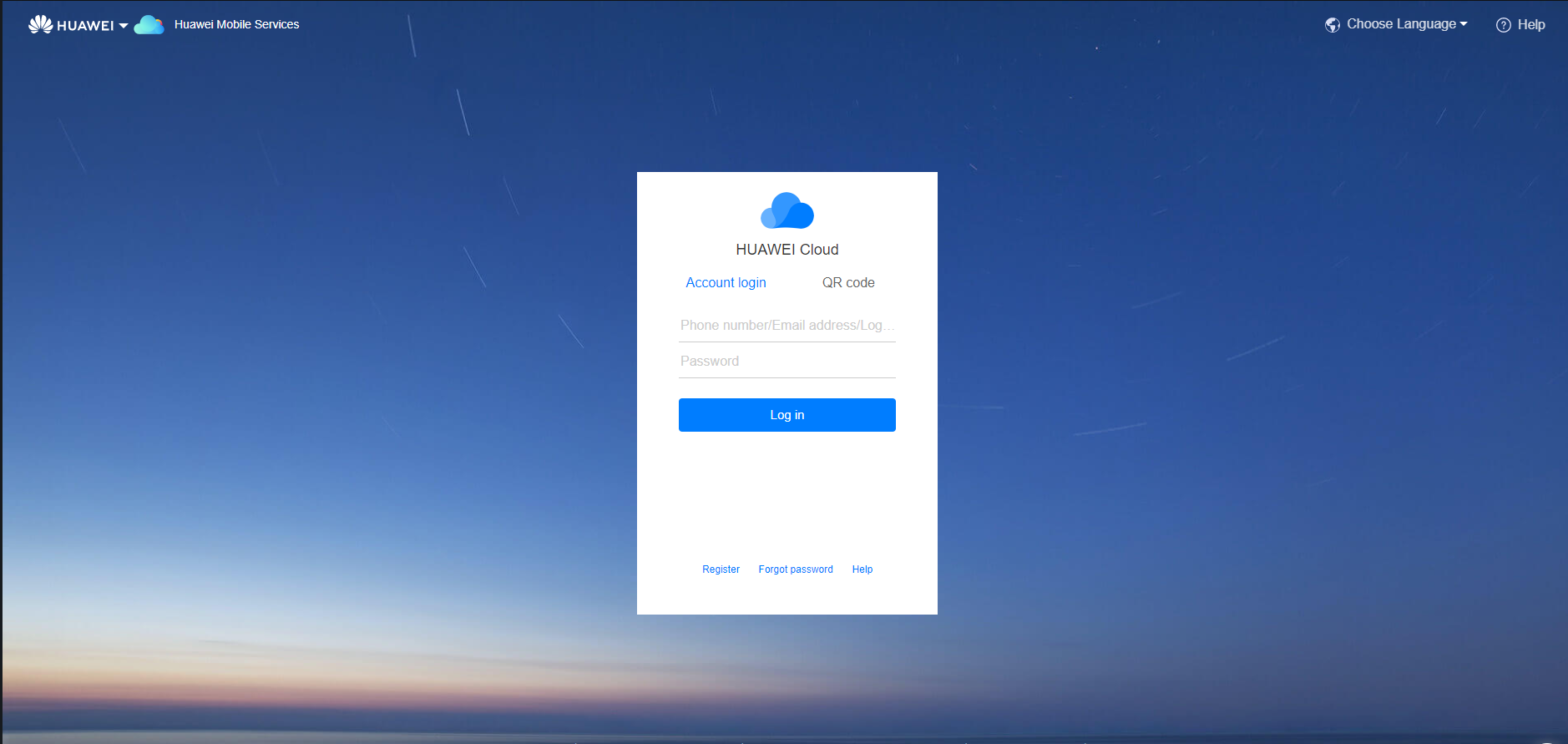
Steps to open cloud on pc:
1. Open your browser;
2. Go to "cloud.huawei.com"
3. Login with your Huawei ID.
4. All your cloud data is there.
Now, you can access your Gallery and have the same pictures directly on your web.
Let me know if you have some difficulties in accessing your Gallery!
Much love,
Revolt


- Posts
- Following
- Followers
- Energy
-

Revolt
-
+ Follow

-
- 131 Posts
- 23 Following
- 252 Followers
- 8524 Energy






- Posts
- photo
- video

We all love our HONOR phones and we all love to take pictures with it, because they come out really amazing thanks to the great camera and functions.
Nowadays, saving the pictures externally is really easy, thanks to Huawei Cloud. This is a system integrated in your Huawei Account, which can be used to get the best out of your HONOR phone and save all your data, so in case your phone gets lost or you change it, you will have it on the new device exactly as you have left it in the previous phone.
If you enabled Huawei Cloud on your device, then you can relax, because everything is backed up.
If you haven't enabled it as of yet, you can check this post!
Configuring Cloud is really simple, but do you know, that you can view your pictures even from your PC? If not, let me show how!
Steps to open cloud on pc:
1. Open your browser;
2. Go to "cloud.huawei.com"
3. Login with your Huawei ID.
4. All your cloud data is there.
Now, you can access your Gallery and have the same pictures directly on your web.
Let me know if you have some difficulties in accessing your Gallery!
Much love,
Revolt