



 More Products
 Compare














我的荣耀 开启荣耀之旅



 Disagree Terms
 Log out




How I installed Calculator in My Honor Watch GS Pro


 Last reply :
Hello Friends, Good Evening All.
Hope You are doing well. Today,I am going to tell you how I installed calculator and some other extenal applications in my Honor watch GS Pro. So
Let me start telling you the easy steps.
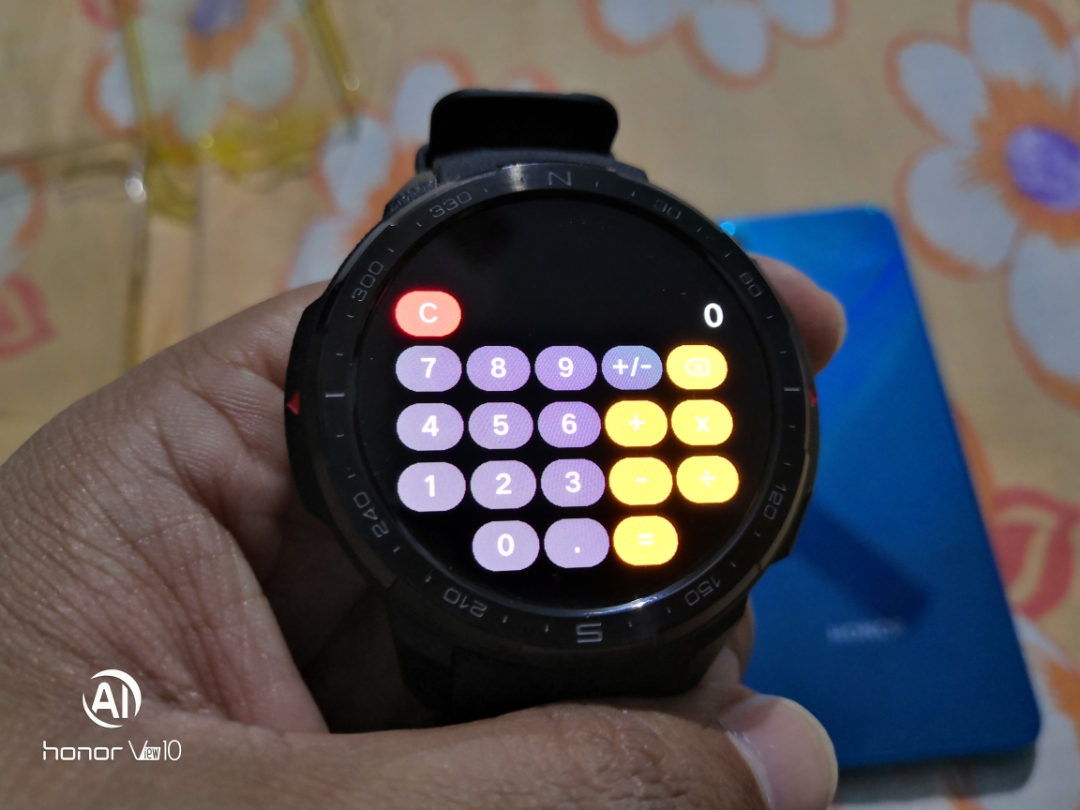
Ensure that your Honor Watch GS Pro is connected to your Honor device and updated to the latest software. (firmware version 10.1.3.52)
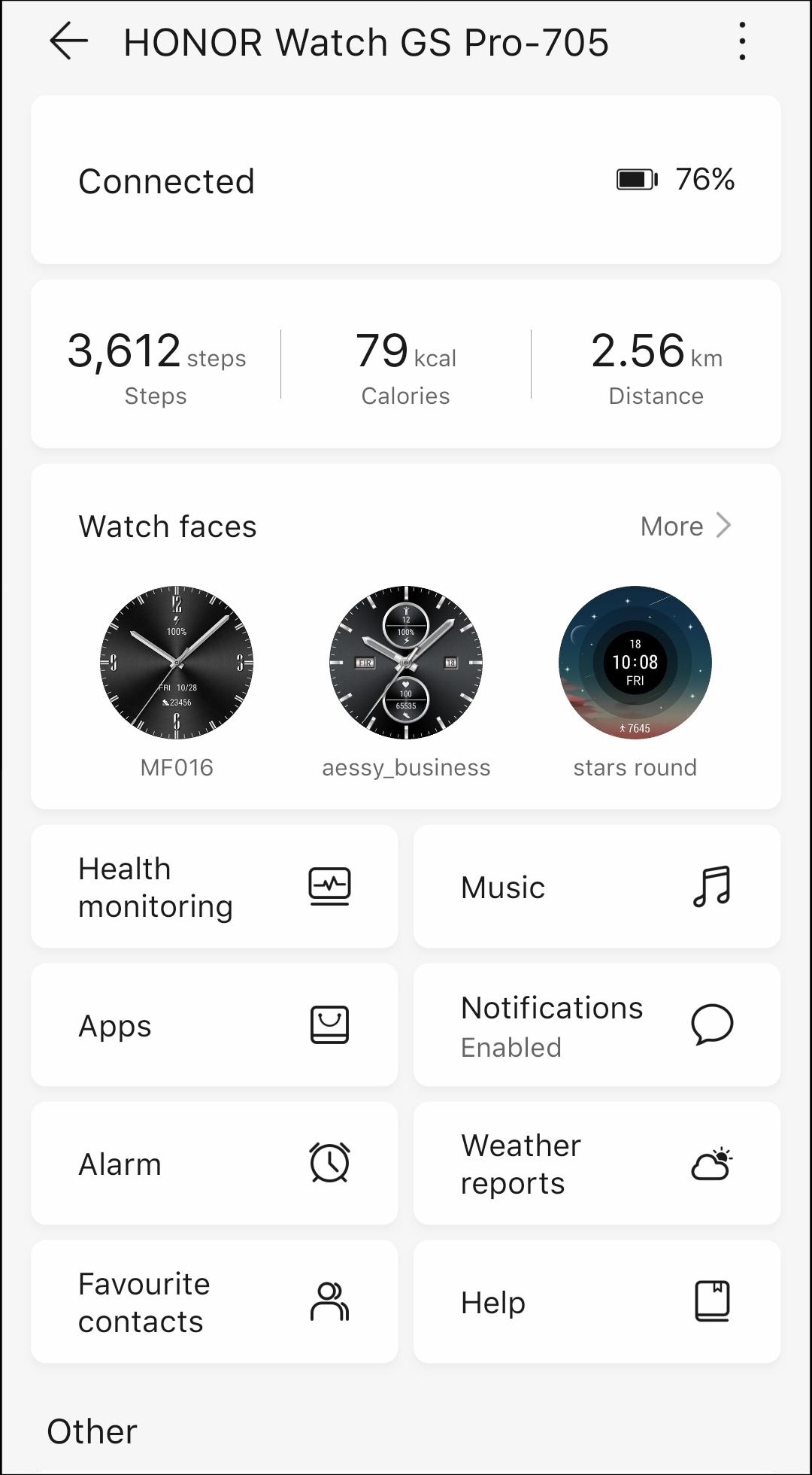
Open the Huawei health application from your mobile and find these options as shown below in the next image.
You have to Click on the Apps option as shown in the next image.
The available apps you can see from the next screen shots.
Among all of them I firstly chose the Calculator.
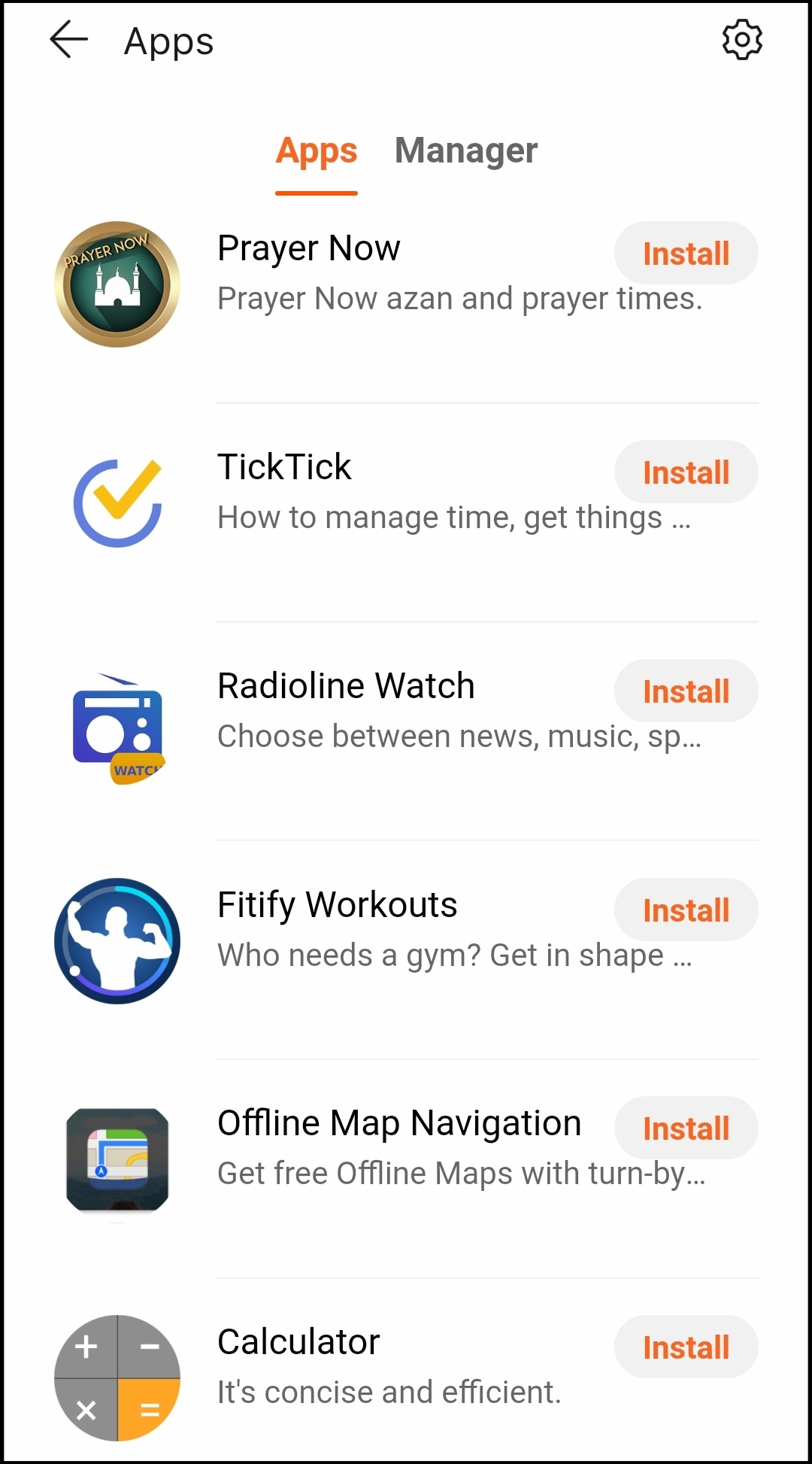
I have clicked on the install button against the needed apps.
I have installed many of them friends?.
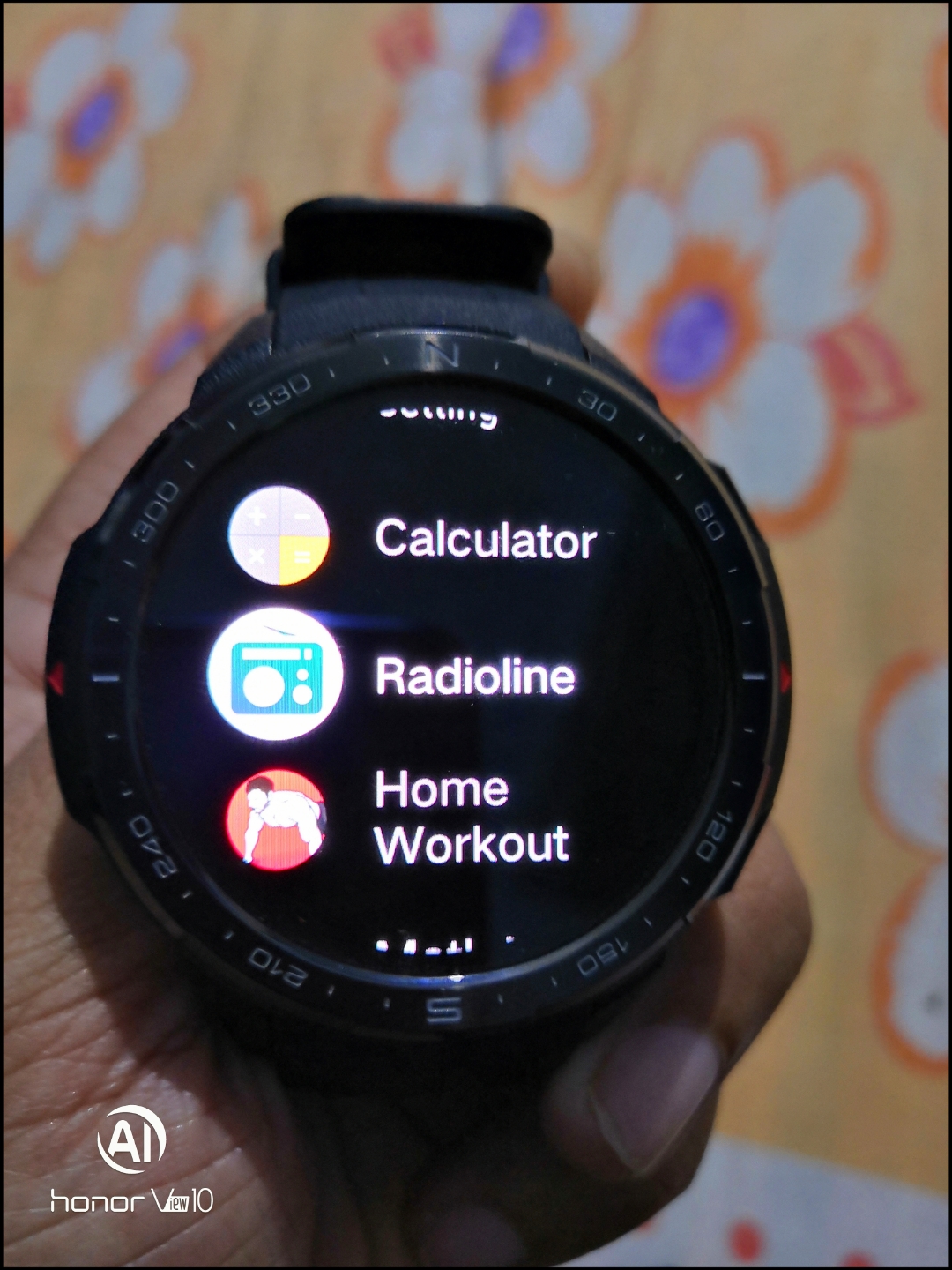
Now look at the calculator which I have installed from there. It is really great and was a much needed app for me.
Please try it once and let me know in comments.
THANKS ALL.
STAY SAFE AND BLESSED.
Finally thanks to Product Master @Revolt for his informative article on Honor club from which I got these valuable informations.


- Posts
- Following
- Followers
- Energy
-

UJJAL@2K20
-
+ Follow

-
- 768 Posts
- 18 Following
- 547 Followers
- 34343 Energy
-
 New Comer
-
 Followers reach 50
-
 Followers reach 100
-
 7 Days Check-in
-
 Photography Expert
-
 Animal Photography
-
 Plant Photography
-
 Food Photography
-
 Portrait Medal
-
 Architecture Medal
-
 Landscape Photography
-
 Red Photography
-
 Survey Medal!
-
 Water Photography
-
 Spring Photography
-
 Museum Day
-
 City Photography
-
 World Cycling & Running Day
-
 Night Photography
-
 Summer Photo Contest 2021
-
 Product Photography
-
 Sky Photography
-
 Activity Photography Medal
-
 Autumn Photography
-
 Monthly Photo Sharing #2 People
-
 Monthly Photo Sharing #3 Spring
-
 Monthly Photo Sharing #4 Animal
-
 Monthly Photo Sharing #5 Sunset
-
 Summer vibes photography



- Posts
- photo
- video

Hello Friends, Good Evening All.
Hope You are doing well. Today,I am going to tell you how I installed calculator and some other extenal applications in my Honor watch GS Pro. So
Let me start telling you the easy steps.
Ensure that your Honor Watch GS Pro is connected to your Honor device and updated to the latest software. (firmware version 10.1.3.52)
Open the Huawei health application from your mobile and find these options as shown below in the next image.
You have to Click on the Apps option as shown in the next image.
The available apps you can see from the next screen shots.
Among all of them I firstly chose the Calculator.
I have clicked on the install button against the needed apps.
I have installed many of them friends?.
Now look at the calculator which I have installed from there. It is really great and was a much needed app for me.
Please try it once and let me know in comments.
THANKS ALL.
STAY SAFE AND BLESSED.
Finally thanks to Product Master @Revolt for his informative article on Honor club from which I got these valuable informations.