



 More Products
 Compare














我的荣耀 开启荣耀之旅



 Disagree Terms
 Log out




How compatible are the HONOR wearables and earbuds with the iPhone?


 Last reply :
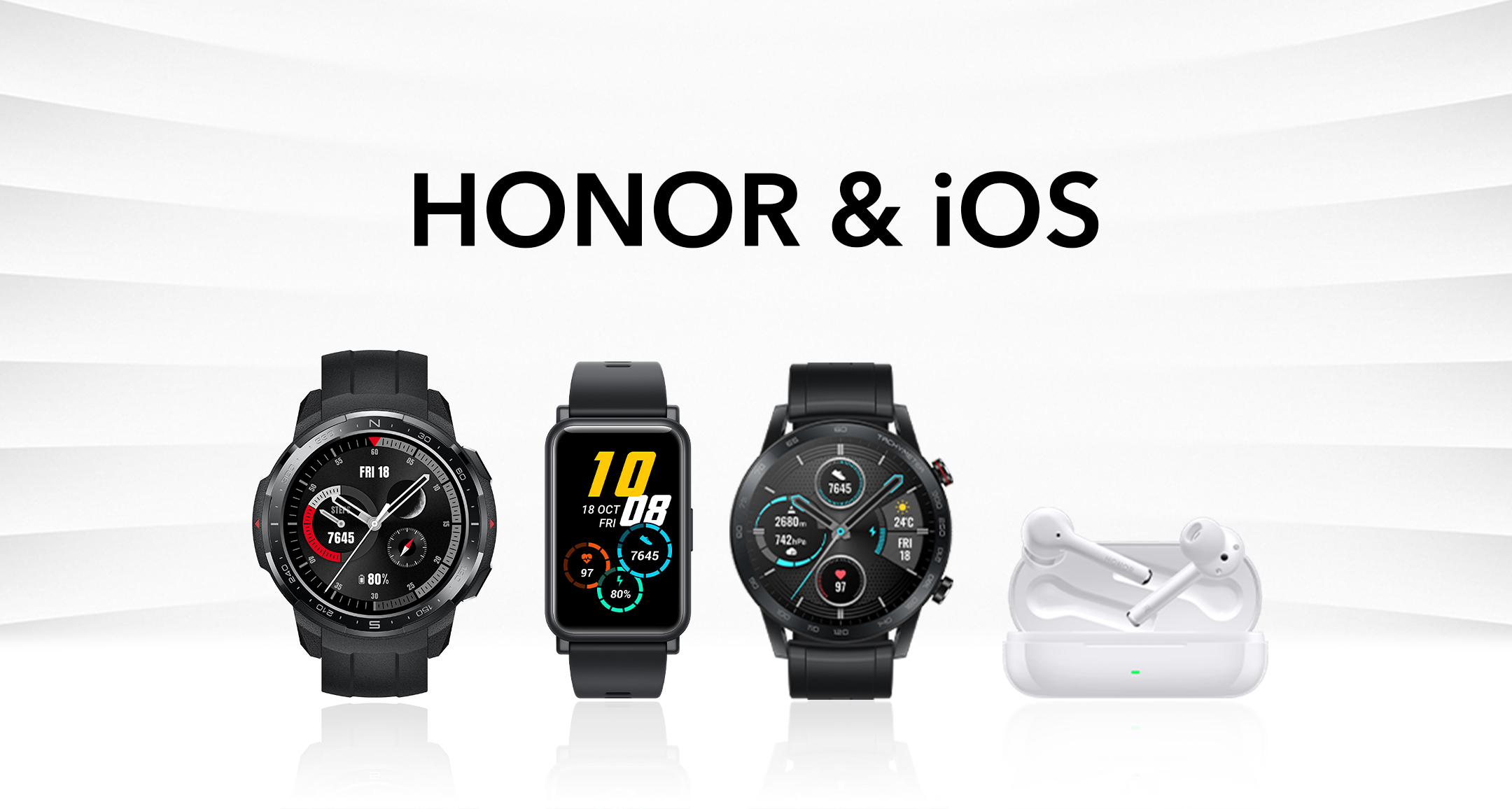
Since I’ve seen many people wondering if the HONOR wearables and earbuds are compatible with their iPhone, I decided to do some research for you guys.
In this article I’ve gathered all my experiences with the products and I’d like to share them with everyone.
Let’s get right into it!
HONOR Watch GS Pro, Magic Watch 2 & Watch ES
Music
Though, most of the functions do actually work with the Huawei Health app, there’s no option to control the music or to put music on the watch. I hope a future update will make it possible to at least be able to skip songs directly from the watch on your phone.
Stress level

Since last update, you’ll now be able to enable the Stress Level feature through the Huawei Health app! Simply connect your device and go to Health monitoring > Automatic Stress Test > Toggle on. The app will start to ask some questions. Just answer them truthfully.
Watch faces
At the beginning I had to use an Android phone to be able to install watch faces.
I’m now happy to announce that this is now working on your iPhone as well.
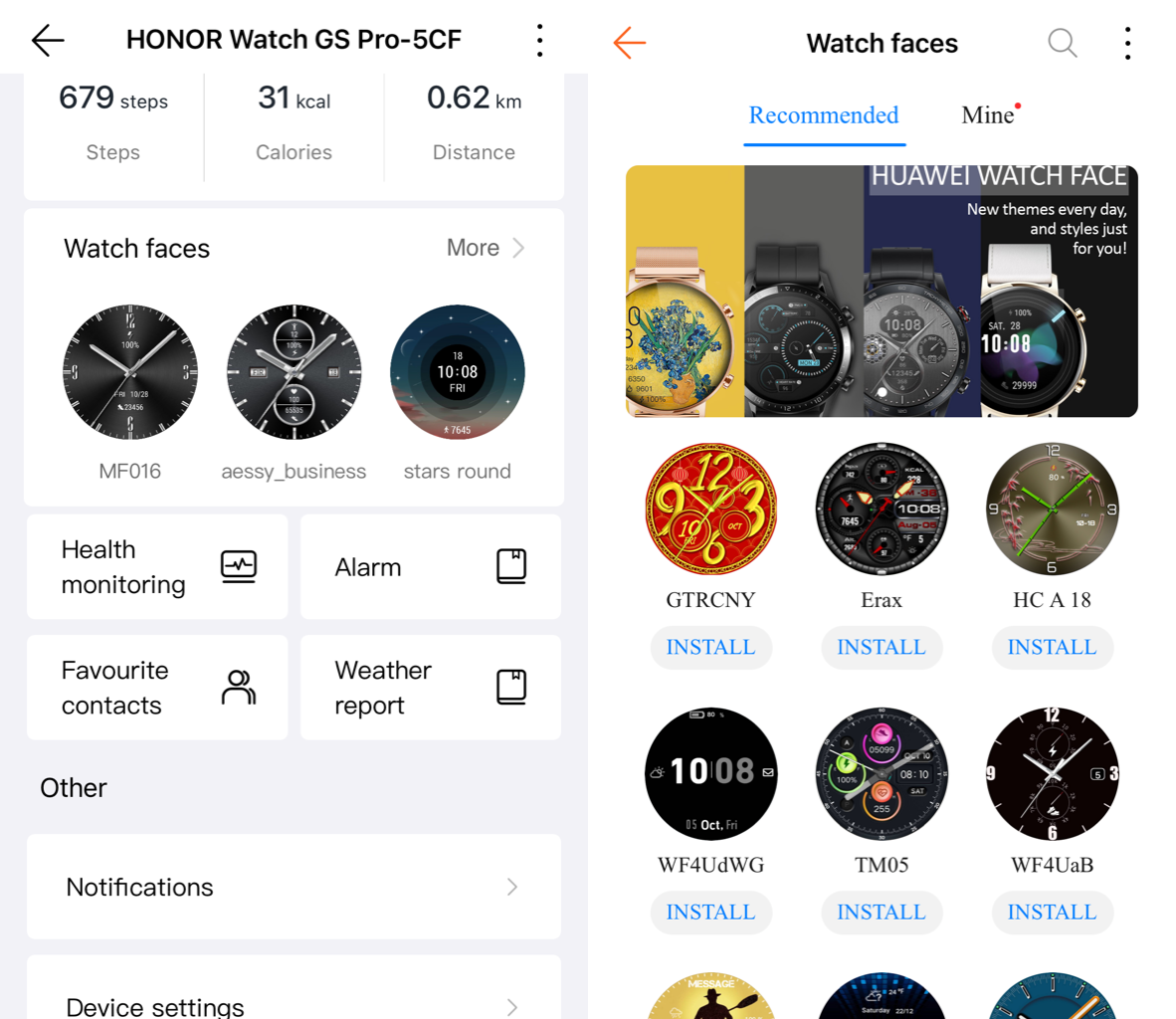
New watch faces are being added every week!
HONOR Magic Earbuds
Noise Cancelling modes
The HONOR Magic Earbuds have 3 modes: Off, Awareness & Noise Cancellation.
You can easily toggle between these modes by holding your finger against the earbud.
All three modes seem to work fine with the iPhone.
Battery Level
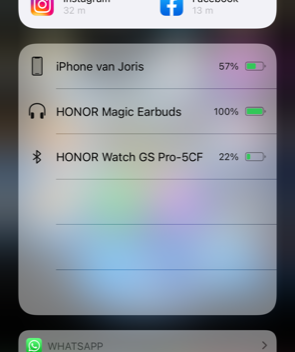
With your Android phone, it’s possible to see info like the battery level of each earbud or the battery level of the case. This is not possible on the iPhone. Although, you can see the total battery percentage if you go all the way to the left of the iPhones home screen.
Shortcuts
Again, since the Huawei AI Life app on iPhone does not recognize the HONOR Magic Earbuds, it sadly won’t be possible to change shortcuts. on iPhone, double-tap means: Play/Pause. Touch & Hold: Noise control.
Wearing detection
You cannot toggle wearing detection On or Off with your iPhone, since the HONOR AI Life app doesn’t recognize the Magic Earbuds.
Smart Connect
Smart connect only works on HONOR and Huawei phones.
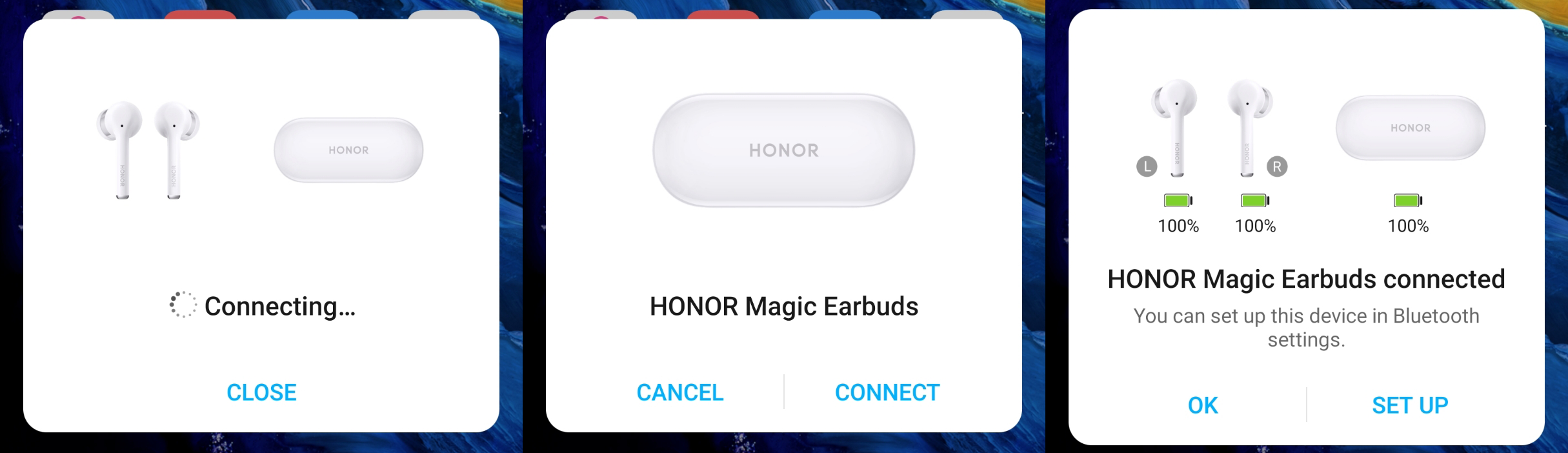
On iPhone you need to go to Settings > Bluetooth > untitleddailyDEVICE NAMEuntitleddaily
So here we are. This is all you need to know about the compatibility of HONOR wearables and watches for iPhones.
Does anyone like to share his/her experience with HONOR products connected to iOS?


- Posts
- Following
- Followers
- Energy
-

Revolt
-
+ Follow

-
- 131 Posts
- 23 Following
- 252 Followers
- 8524 Energy






- Posts
- photo
- video

Since I’ve seen many people wondering if the HONOR wearables and earbuds are compatible with their iPhone, I decided to do some research for you guys.
In this article I’ve gathered all my experiences with the products and I’d like to share them with everyone.
Let’s get right into it!
HONOR Watch GS Pro, Magic Watch 2 & Watch ES
Music
Though, most of the functions do actually work with the Huawei Health app, there’s no option to control the music or to put music on the watch. I hope a future update will make it possible to at least be able to skip songs directly from the watch on your phone.
Stress level
Since last update, you’ll now be able to enable the Stress Level feature through the Huawei Health app! Simply connect your device and go to Health monitoring > Automatic Stress Test > Toggle on. The app will start to ask some questions. Just answer them truthfully.
Watch faces
At the beginning I had to use an Android phone to be able to install watch faces.
I’m now happy to announce that this is now working on your iPhone as well.
New watch faces are being added every week!
HONOR Magic Earbuds
Noise Cancelling modes
The HONOR Magic Earbuds have 3 modes: Off, Awareness & Noise Cancellation.
You can easily toggle between these modes by holding your finger against the earbud.
All three modes seem to work fine with the iPhone.
Battery Level
With your Android phone, it’s possible to see info like the battery level of each earbud or the battery level of the case. This is not possible on the iPhone. Although, you can see the total battery percentage if you go all the way to the left of the iPhones home screen.
Shortcuts
Again, since the Huawei AI Life app on iPhone does not recognize the HONOR Magic Earbuds, it sadly won’t be possible to change shortcuts. on iPhone, double-tap means: Play/Pause. Touch & Hold: Noise control.
Wearing detection
You cannot toggle wearing detection On or Off with your iPhone, since the HONOR AI Life app doesn’t recognize the Magic Earbuds.
Smart Connect
Smart connect only works on HONOR and Huawei phones.
On iPhone you need to go to Settings > Bluetooth > untitleddailyDEVICE NAMEuntitleddaily
So here we are. This is all you need to know about the compatibility of HONOR wearables and watches for iPhones.
Does anyone like to share his/her experience with HONOR products connected to iOS?