



 More Products
 Compare














我的荣耀 开启荣耀之旅



 Disagree Terms
 Log out




[HONOR Watch] HONOR Watch GS Pro: Hidden Features


 Last reply :
As you might know, the GS Pro has been out for some time now, but there are always new things to explore.
The GS Pro has a lot of handy features and I would like to talk about the more hidden ones!
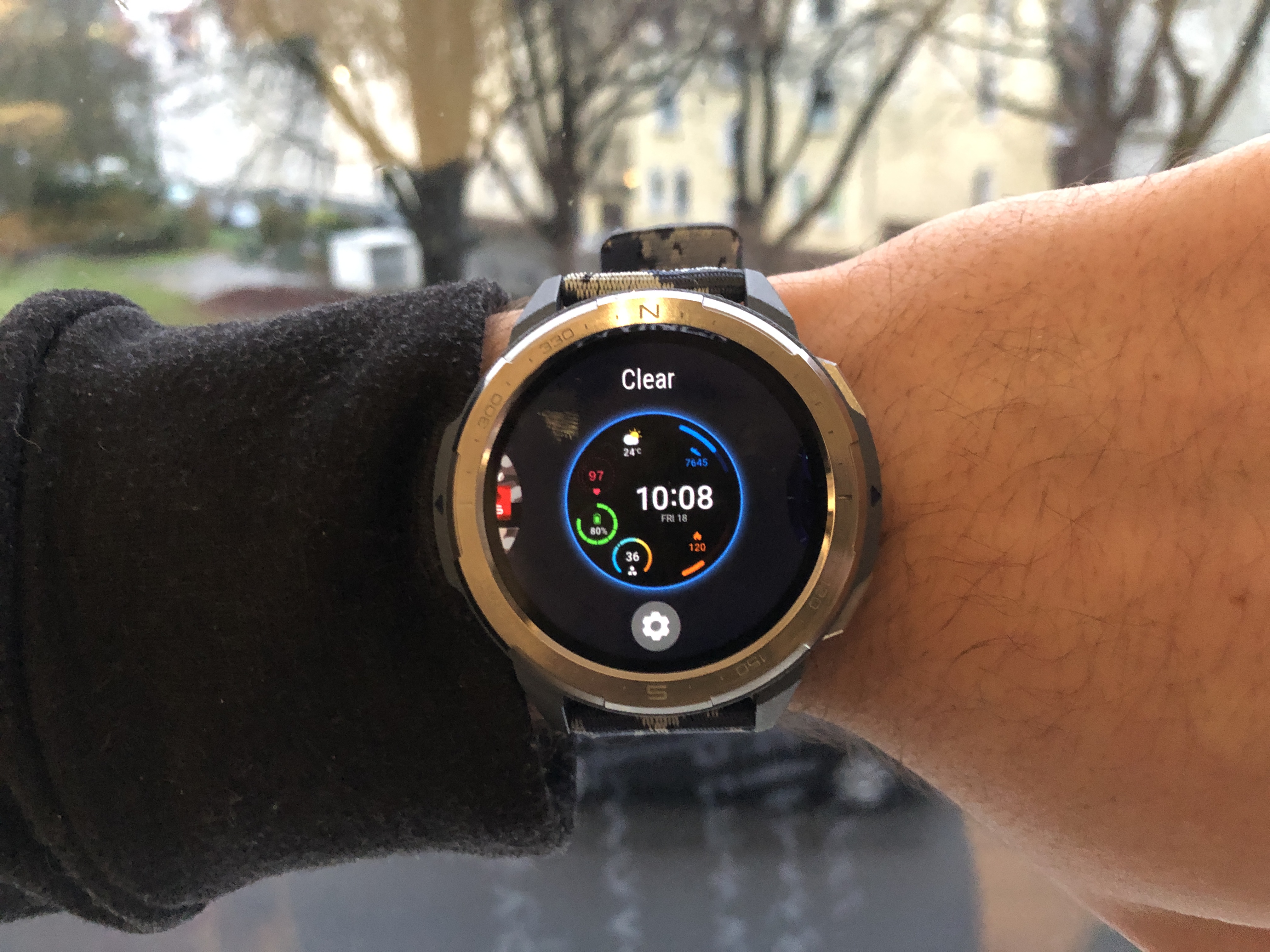
Watch Face
Hold your finger onto the homescreen to change the watch face real quick. Some have a settings icon.
These watch faces are very nice, because you can customize them yourself a bit like changing the timezone or change some icons and shortcuts.
Always on display
The Always on display just looks really nice! You can choose between multiple different designs and will look great on your watch! It’s a cool show-off feature. Please keep in mind that your battery will last longer when turned off!
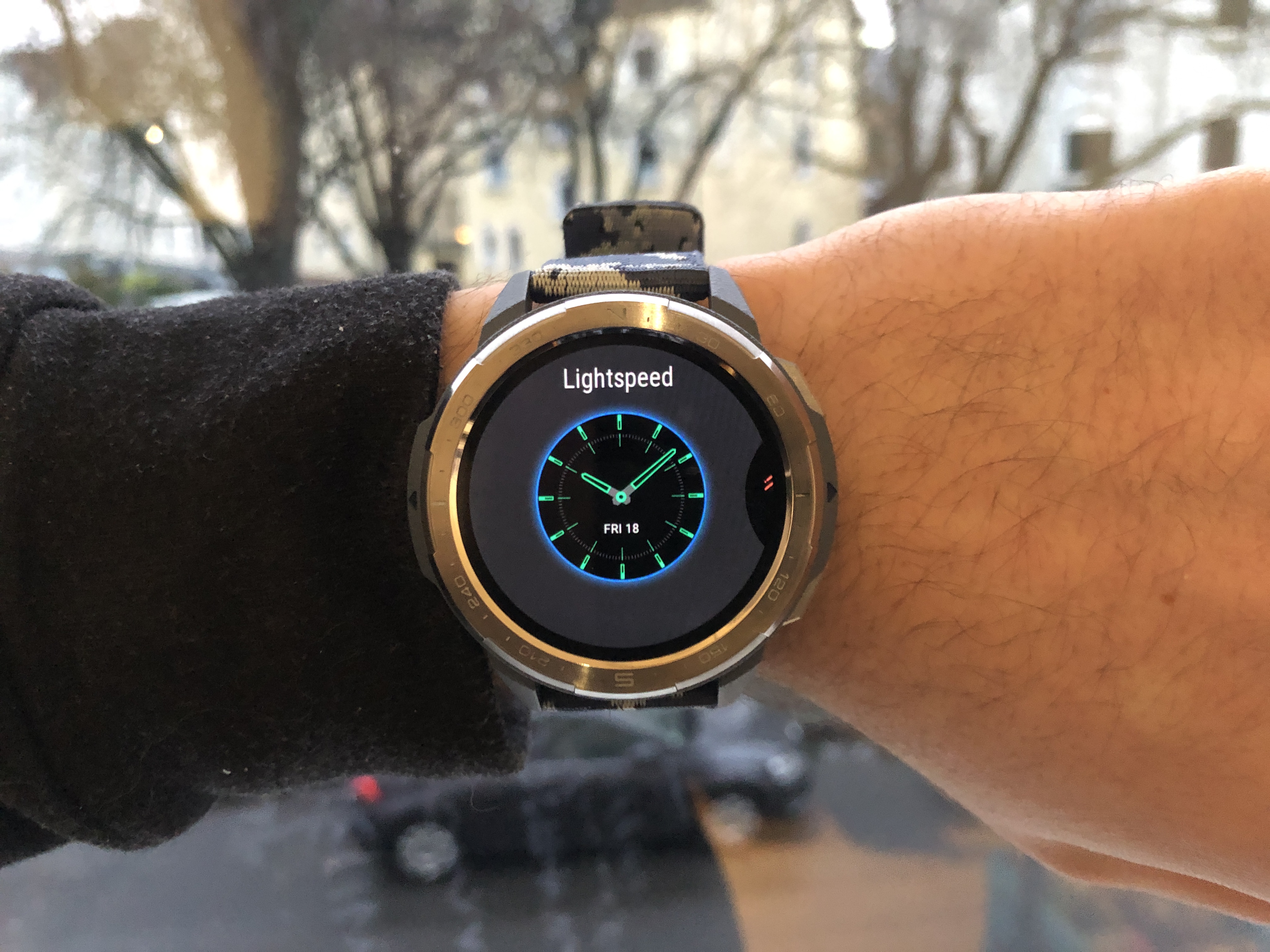
How to turn on/off this feature:
Settings > Display > Always on display
Do not disturb
This feature is handy in class, at the cinema, in a meeting or many other situations where you have to be quiet.
You can turn it on or off for all day or schedule it for a certain period of time.
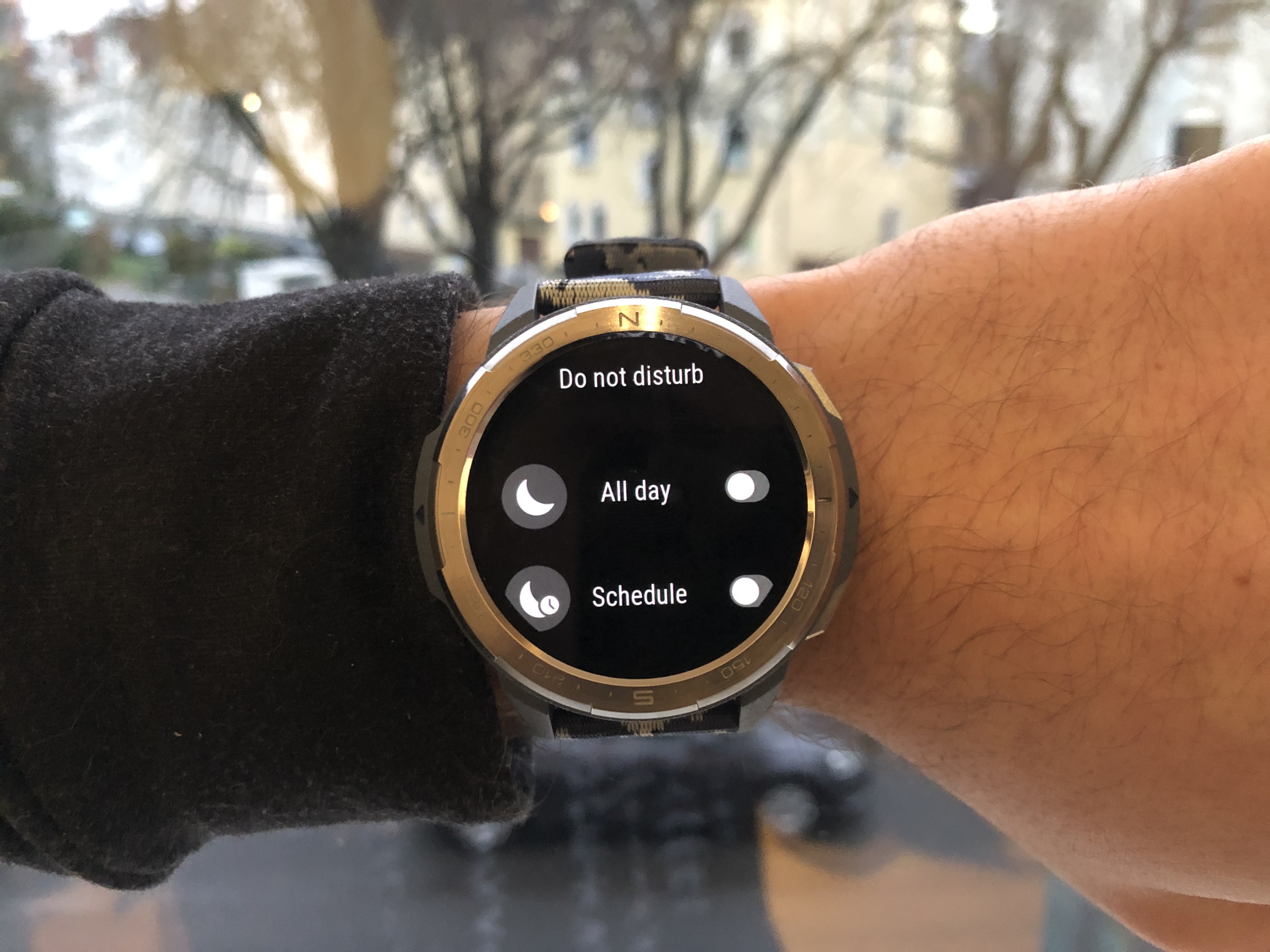
How to turn on/off this feature:
Settings > Do not disturb (All day, Schedule)
OneHop
I personally really like this feature. It’s just an extremely fast and easy way to add your own image to your watch face.
Make sure to have NFC turned-on at your device!
Just select an image in Gallery and hold your watch against the back of your HONOR Smartphone to create and transfer custom watch faces.
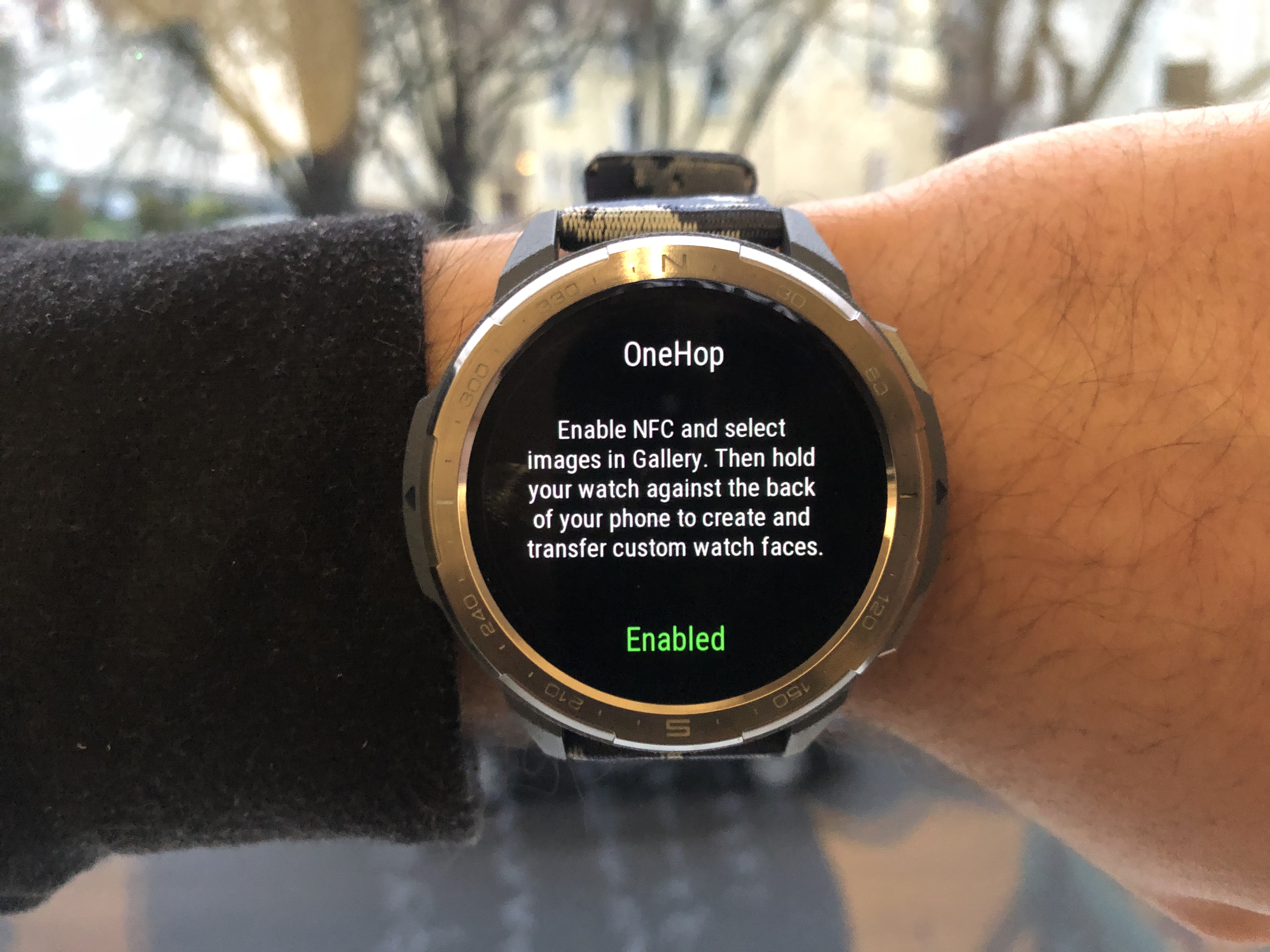
How to enable/disable this feature:
Settings > OneHop (NFC enable, fast images)
Thanks for reading and I hope you've learned from my article.
What is your favourite hidden feature?


- Posts
- Following
- Followers
- Energy
-

Revolt
-
+ Follow

-
- 131 Posts
- 23 Following
- 252 Followers
- 8524 Energy






- Posts
- photo
- video

As you might know, the GS Pro has been out for some time now, but there are always new things to explore.
The GS Pro has a lot of handy features and I would like to talk about the more hidden ones!
Watch Face
Hold your finger onto the homescreen to change the watch face real quick. Some have a settings icon.
These watch faces are very nice, because you can customize them yourself a bit like changing the timezone or change some icons and shortcuts.
Always on display
The Always on display just looks really nice! You can choose between multiple different designs and will look great on your watch! It’s a cool show-off feature. Please keep in mind that your battery will last longer when turned off!
How to turn on/off this feature:
Settings > Display > Always on display
Do not disturb
This feature is handy in class, at the cinema, in a meeting or many other situations where you have to be quiet.
You can turn it on or off for all day or schedule it for a certain period of time.
How to turn on/off this feature:
Settings > Do not disturb (All day, Schedule)
OneHop
I personally really like this feature. It’s just an extremely fast and easy way to add your own image to your watch face.
Make sure to have NFC turned-on at your device!
Just select an image in Gallery and hold your watch against the back of your HONOR Smartphone to create and transfer custom watch faces.
How to enable/disable this feature:
Settings > OneHop (NFC enable, fast images)
Thanks for reading and I hope you've learned from my article.
What is your favourite hidden feature?