



 More Products
 Compare














我的荣耀 开启荣耀之旅



 Disagree Terms
 Log out




Get YouTube on HONOR phones without Google Play?? (Potentially)


 Last reply :
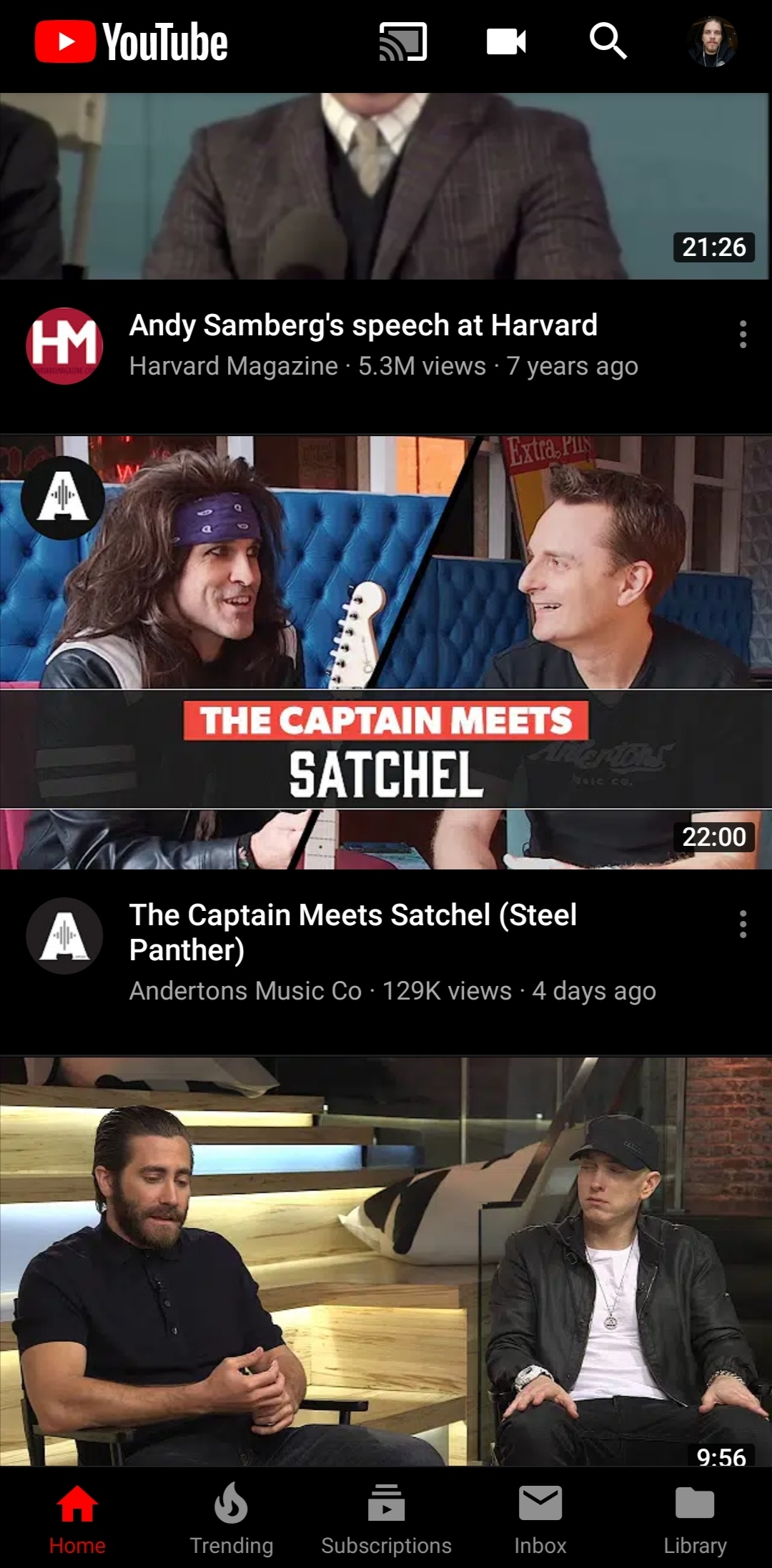
I'm not sure if you guys have heard of YouTube Vanced but I've been using it for well over a year now, on my View20 Pro and my Honor 10 it's awesome. You download it via and APK (I followed a link of a YouTube video I found about the best apps of 2018) and I've not looked back. Now, before I go into any detail, I've no idea whether this works on any of the Honor/Huawei models without google play services as I've not been able to test it for myself, but it's definitely worth a try because you don't download it from the Play Store which could mean access to the all of YouTube's app features that just aren't there on the mobile browser version. YouTube Vanced also gives you some of YouTube's premium features, for example NO Ads and background playback!
So go to your search engine (I used Google at the time) and Search YouTube Vanced APK (or Follow this link that I swiped from YouTube.... https://youtubevanced.com/non-root). Select the Non-root version (Also, please know you're doing this at your own risk but I will say, I've never had any problems).
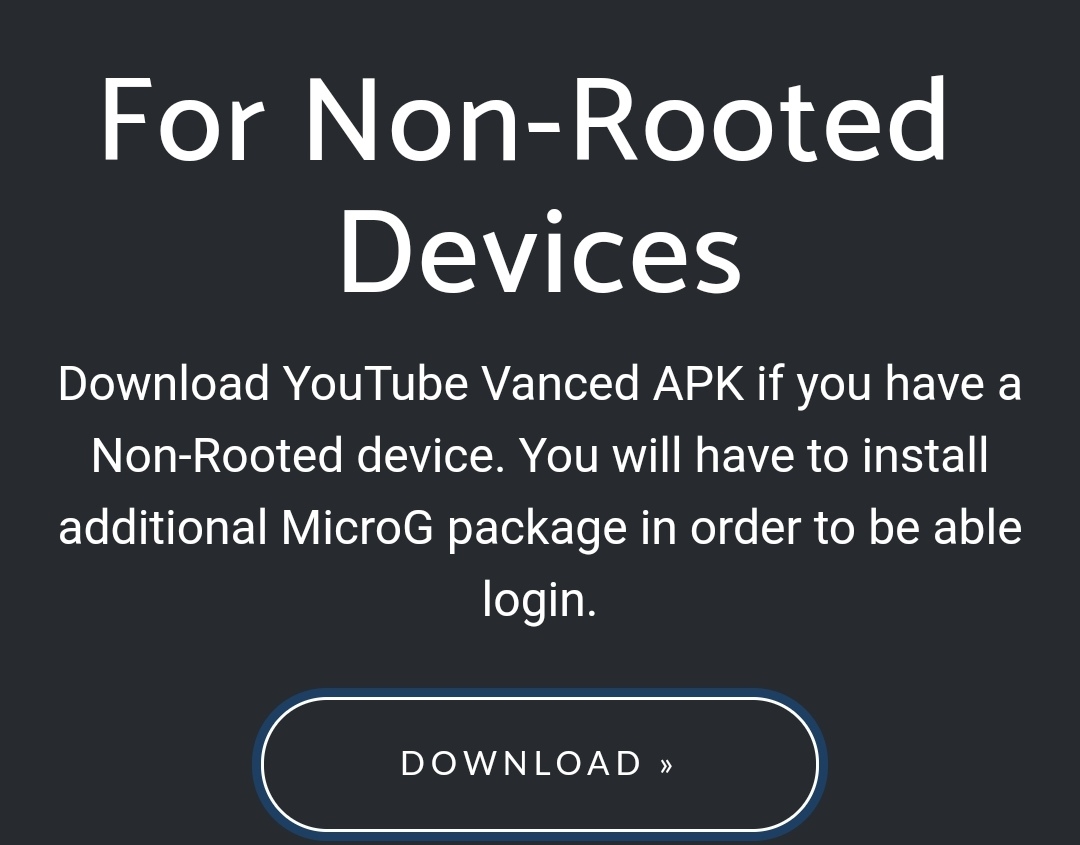
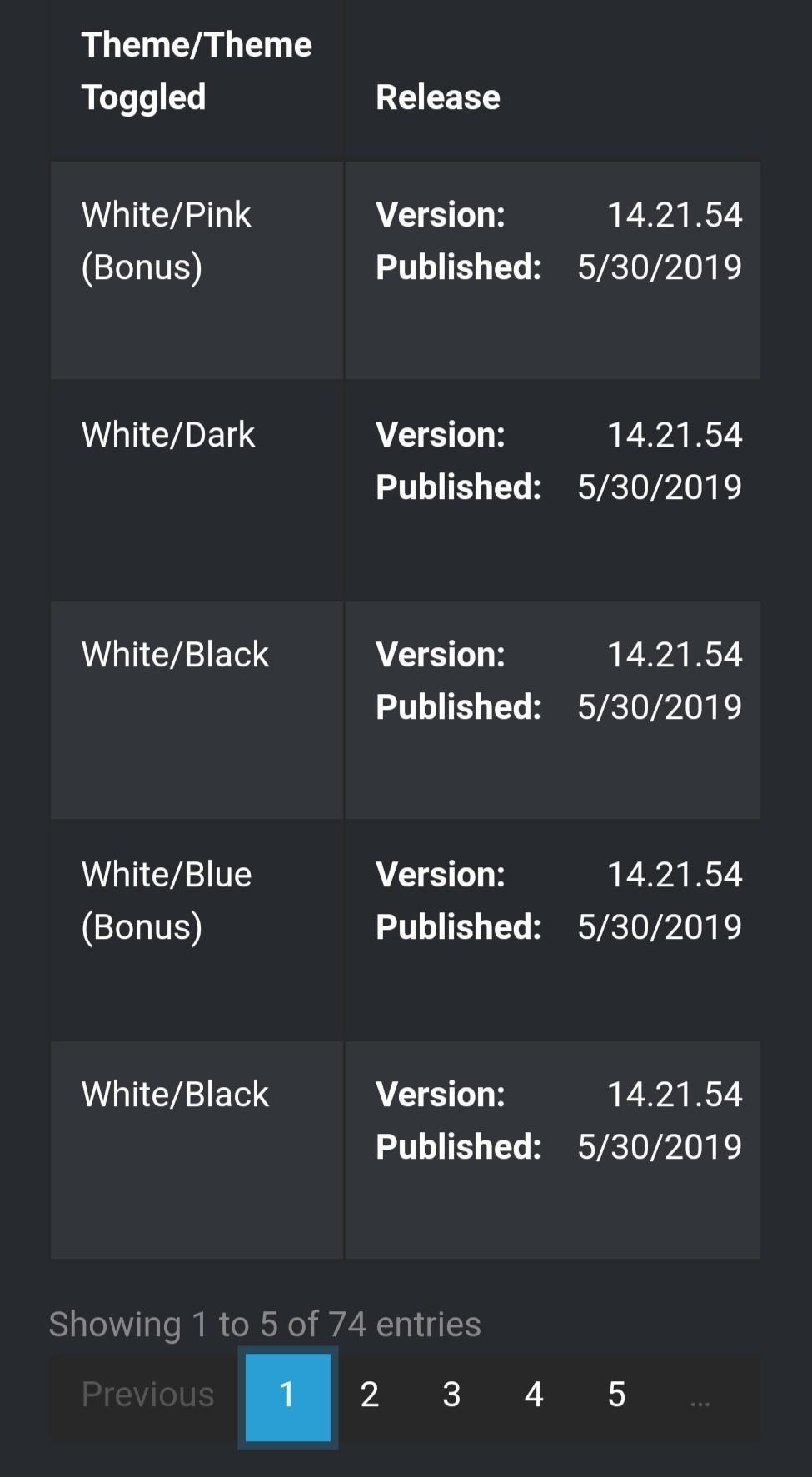
There will be instructions on how to download and run YTVanced but here's a quick rundown... First you'll need to download the YTVanced APK, there are many color pallets so you may need to download a couple of different versions to get on that suits your style...
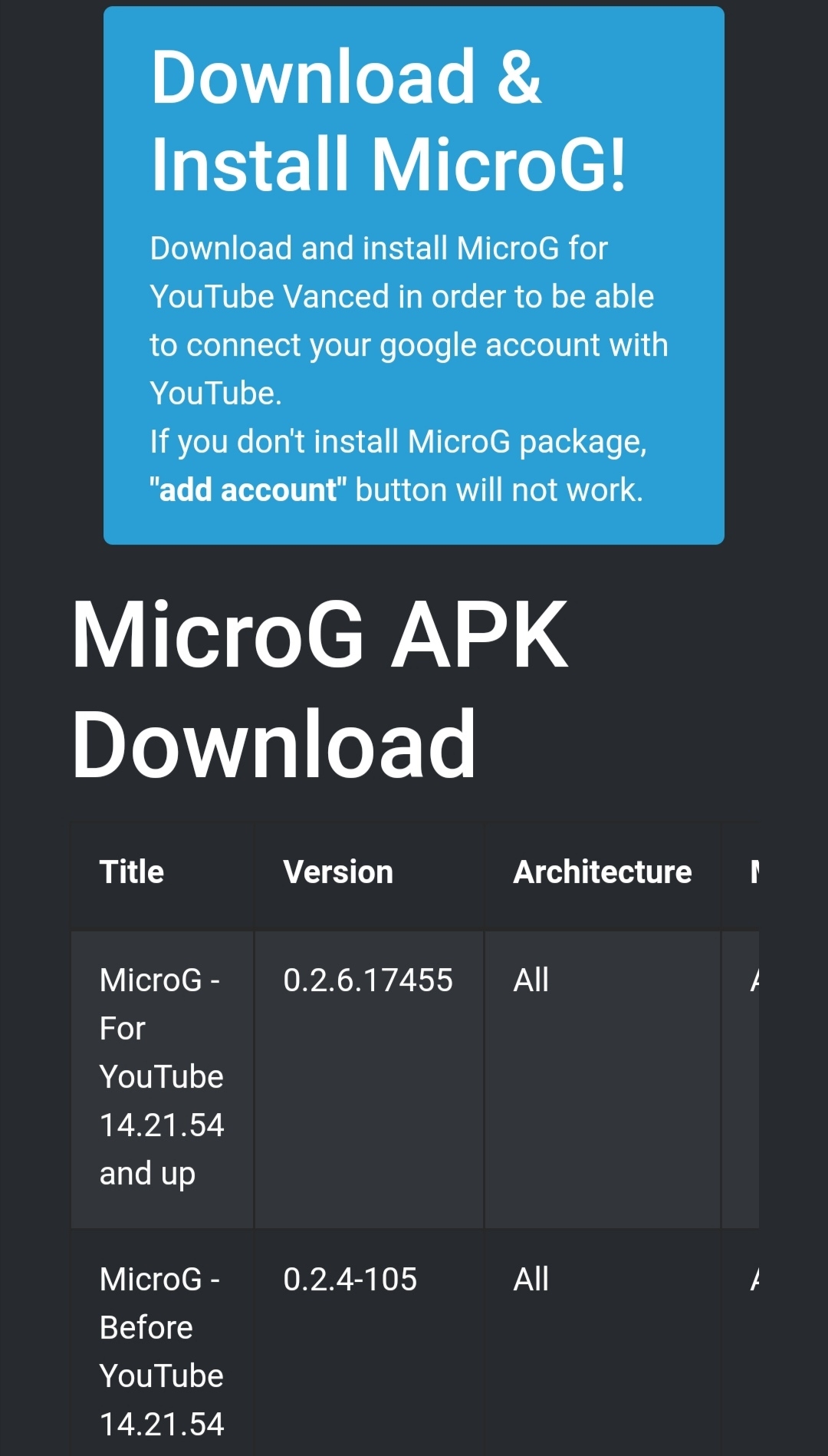
if you only want to install YouTube and not log into your account, you're done, you can browse YouTube freely, But if like me, you want to access your channel and subscriptions etc, you'll need to download and install "Micro G" too. Which is also available on the same Web page.
Once both have been installed, you should be able to Instantly sign in to your YouTube account as normal... But as mentioned before, I have no. Idea if this works without Google Services, but it's probably worth a try... If anyone does have a 9X or V30 Pro to try this on and you're willing to give it a go, please let me know if it works in the comments.
Thanks everyone and I hope this works for you.


- Posts
- Following
- Followers
- Energy
-

Marbles666
-
+ Follow

-
- 68 Posts
- 199 Following
- 406 Followers
- 18353 Energy











- Posts
- photo
- video

I'm not sure if you guys have heard of YouTube Vanced but I've been using it for well over a year now, on my View20 Pro and my Honor 10 it's awesome. You download it via and APK (I followed a link of a YouTube video I found about the best apps of 2018) and I've not looked back. Now, before I go into any detail, I've no idea whether this works on any of the Honor/Huawei models without google play services as I've not been able to test it for myself, but it's definitely worth a try because you don't download it from the Play Store which could mean access to the all of YouTube's app features that just aren't there on the mobile browser version. YouTube Vanced also gives you some of YouTube's premium features, for example NO Ads and background playback!
So go to your search engine (I used Google at the time) and Search YouTube Vanced APK (or Follow this link that I swiped from YouTube.... https://youtubevanced.com/non-root). Select the Non-root version (Also, please know you're doing this at your own risk but I will say, I've never had any problems).
There will be instructions on how to download and run YTVanced but here's a quick rundown... First you'll need to download the YTVanced APK, there are many color pallets so you may need to download a couple of different versions to get on that suits your style...
if you only want to install YouTube and not log into your account, you're done, you can browse YouTube freely, But if like me, you want to access your channel and subscriptions etc, you'll need to download and install "Micro G" too. Which is also available on the same Web page.
Once both have been installed, you should be able to Instantly sign in to your YouTube account as normal... But as mentioned before, I have no. Idea if this works without Google Services, but it's probably worth a try... If anyone does have a 9X or V30 Pro to try this on and you're willing to give it a go, please let me know if it works in the comments.
Thanks everyone and I hope this works for you.