



 More Products
 Compare


ABOUT HONOR
Events













我的荣耀 开启荣耀之旅



 Disagree Terms
 Log out




[Applications] Convert Audio and Videos with Timbre


 Last reply :
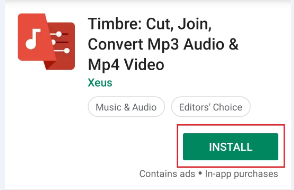
Hey Guys,
Today I would like to share with all of you a very cool app call Timbre. Timbre is a critically acclaimed app for editing audio and videos files. It allows you to cut, join and convert audio or video files. It is completely free.
Timbre allows you to perform many kinds of operations on your audio or video files. Among the most popular are:
Audio Cutter + Video Cutter: Timbre lets you quickly cut a song or cut videos to your liking. Using the high-quality audio/video cutter in Timbre, you can cut songs or cut videos.
Audio Joiner + Video Joiner: Want to join audio files? Or perhaps merge videos? Timbre lets you seamlessly join mp3 songs or join videos together combining as many files as you like into one.
Audio Converter + Video Converter: With Timbre, you can quickly convert audio and convert video files to and from many formats including mp3, wav, flac, m4a, aac, & wma for audio and mp4, flv, avi, mkv, webm, & MPEG for video.
Video to audio: Timbre includes a high-quality mp3 video converter that lets you extract mp3 from videos.
Video to GIF: Convert videos to GIF animated files easily.
Let’s take a look into the Application:
Audio:

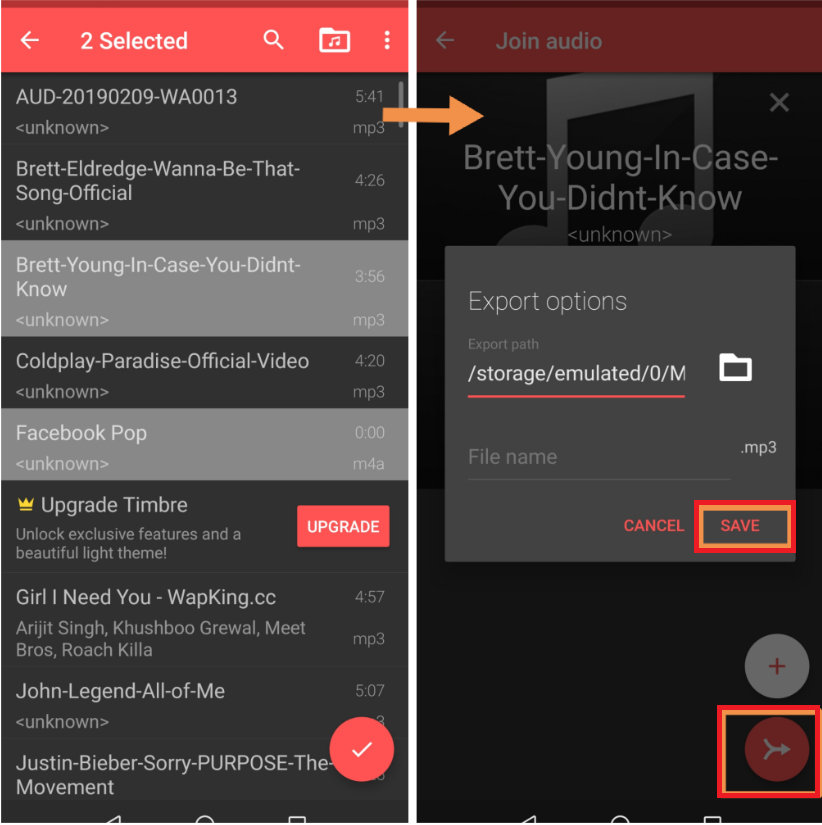
Many people prefer fast song, on the contrary, some people prefer a slow song. This feature is for both kinds of people as you can change the speed by increasing and decreasing the speed. You can reverse the song. Sometimes we listen to a song and the actual volume of that song is low in that case you can manage the volume and can listen clearly. So, the volume is also a very helpful feature.
Video:
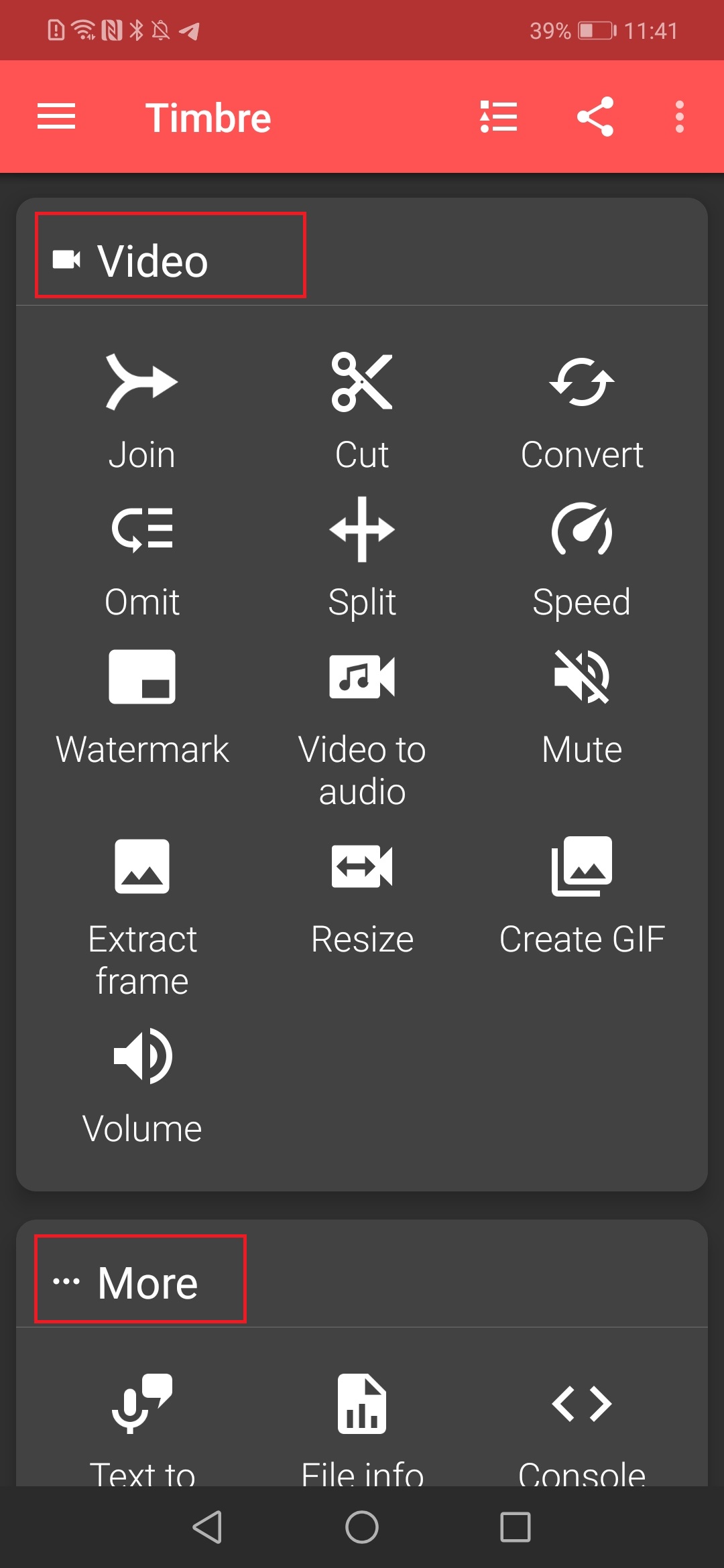
Similar features are in the video. Some more features are available like, you can convert videos to audio. Can mute the video to make it noiseless video. You can add your watermark to your videos, you may see many YouTubers add watermark to their video and many online learning courses also add their watermark on the videos. Also can resize the video by decreasing the resolution. You can also create your own GIFS from your videos.
This is all for now. Hope you like it and don’t forget to comment and like my post. Seeking for your feedback in the comment section below!
Cheers!


- Posts
- Following
- Followers
- Energy
-

Sebastian
-
+ Follow

-
- 139 Posts
- 390 Following
- 426 Followers
- 10125 Energy



- Posts
- photo
- video

Hey Guys,
Today I would like to share with all of you a very cool app call Timbre. Timbre is a critically acclaimed app for editing audio and videos files. It allows you to cut, join and convert audio or video files. It is completely free.
Timbre allows you to perform many kinds of operations on your audio or video files. Among the most popular are:
Audio Cutter + Video Cutter: Timbre lets you quickly cut a song or cut videos to your liking. Using the high-quality audio/video cutter in Timbre, you can cut songs or cut videos.
Audio Joiner + Video Joiner: Want to join audio files? Or perhaps merge videos? Timbre lets you seamlessly join mp3 songs or join videos together combining as many files as you like into one.
Audio Converter + Video Converter: With Timbre, you can quickly convert audio and convert video files to and from many formats including mp3, wav, flac, m4a, aac, & wma for audio and mp4, flv, avi, mkv, webm, & MPEG for video.
Video to audio: Timbre includes a high-quality mp3 video converter that lets you extract mp3 from videos.
Video to GIF: Convert videos to GIF animated files easily.
Let’s take a look into the Application:
Audio:
Many people prefer fast song, on the contrary, some people prefer a slow song. This feature is for both kinds of people as you can change the speed by increasing and decreasing the speed. You can reverse the song. Sometimes we listen to a song and the actual volume of that song is low in that case you can manage the volume and can listen clearly. So, the volume is also a very helpful feature.
Video:
Similar features are in the video. Some more features are available like, you can convert videos to audio. Can mute the video to make it noiseless video. You can add your watermark to your videos, you may see many YouTubers add watermark to their video and many online learning courses also add their watermark on the videos. Also can resize the video by decreasing the resolution. You can also create your own GIFS from your videos.
This is all for now. Hope you like it and don’t forget to comment and like my post. Seeking for your feedback in the comment section below!
Cheers!