

 More Products
 Compare








Enable Air Scroll
| Enable Air Scroll |
When it is inconvenient for you to touch the screen, you can use air gestures to scroll the screen and read the information on the phone.
Go to and enable Air scroll.

Landscape orientation
Lock screen
Entering text with keyboard
Apps in split-screen view or floating windows
Phone is collaborating with a computer
One-Handed mode is on
ScreenReader is on
Some apps do not support Air Scroll.
Air Scroll
Scroll down
Hold your palm towards the screen (20-40 cm away) with your fingers pointing up, then wave down when  appears.

Scroll up
Hold the back of your hand towards the screen (20-40 cm away) with your fingers pointing down, then wave up when  appears.

What to Do if Air Scroll Fails
Keep your hand a half arm away from the screen.
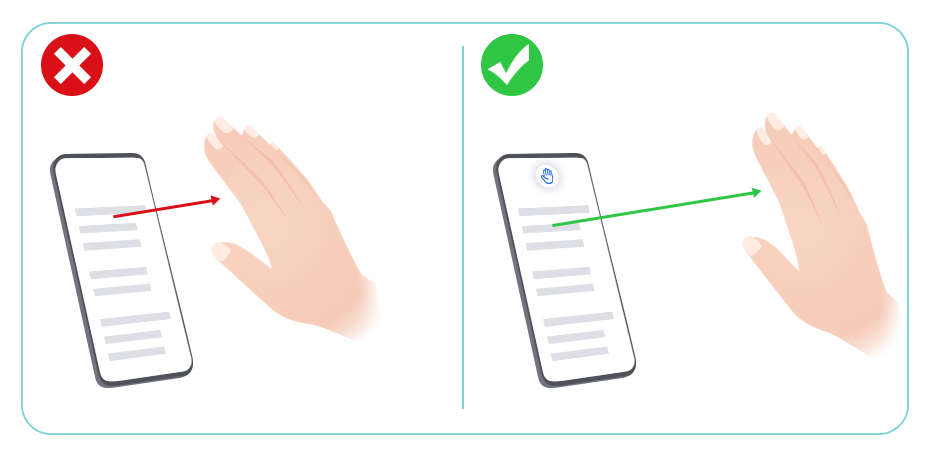
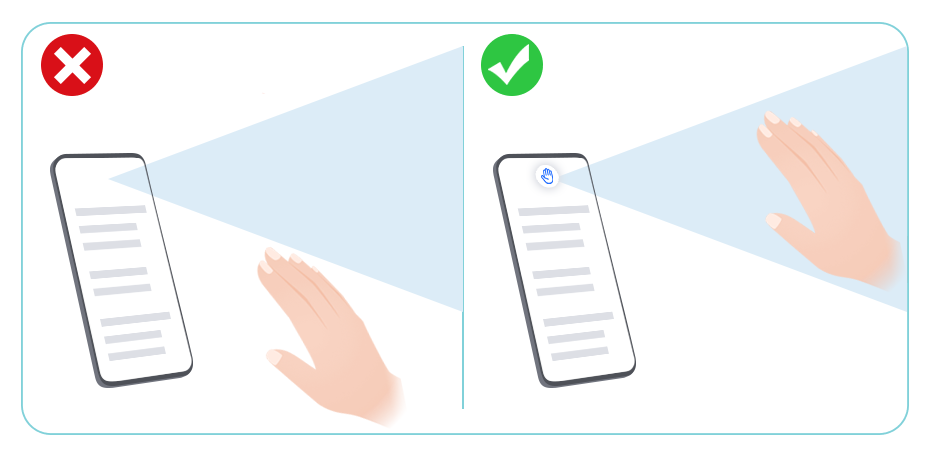
Keep your hand straight up directly in front of the screen.
To scroll up, hold the back of your hand towards the screen with your fingers pointing down, then wave up when
appears.
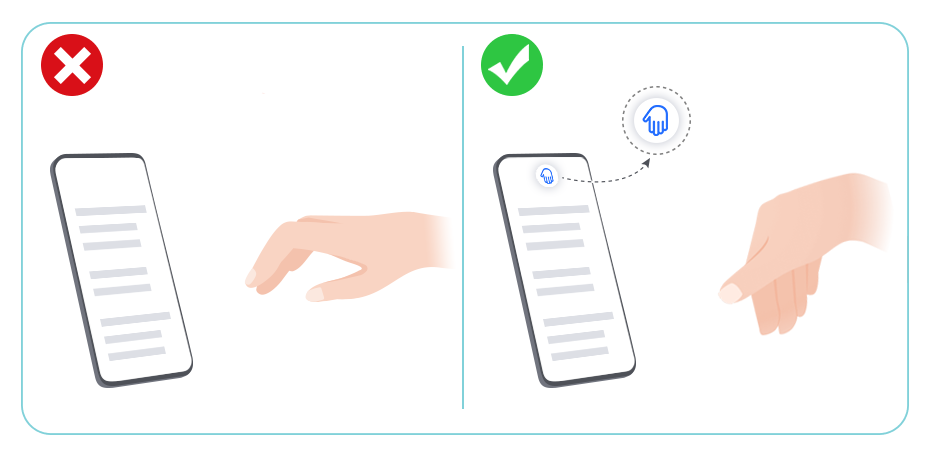
To scroll down, hold your palm towards the screen with your fingers pointing up, then wave down when
appears.
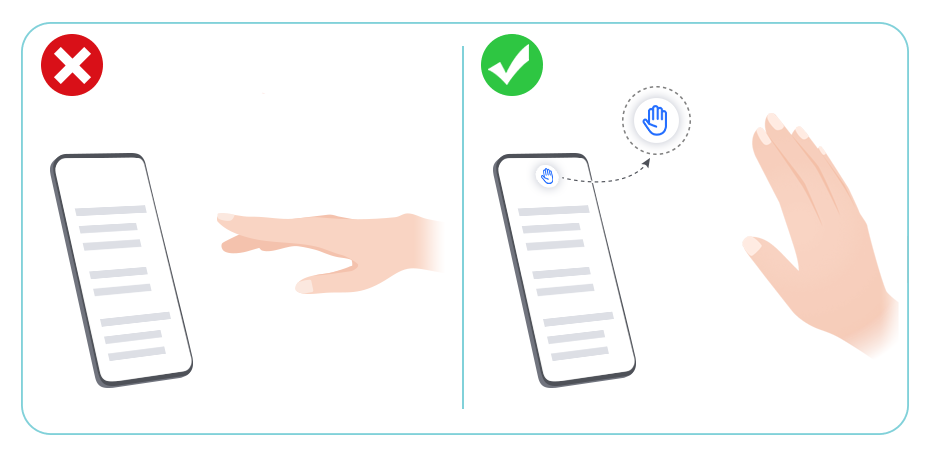
Wave up and down slowly and gently. Wave just once when
or appears.


