

 More Products
 Compare






































How to set the Watch Faces
| How to set the Watch Faces |

The iOS version does not support paid Watch Faces at present.
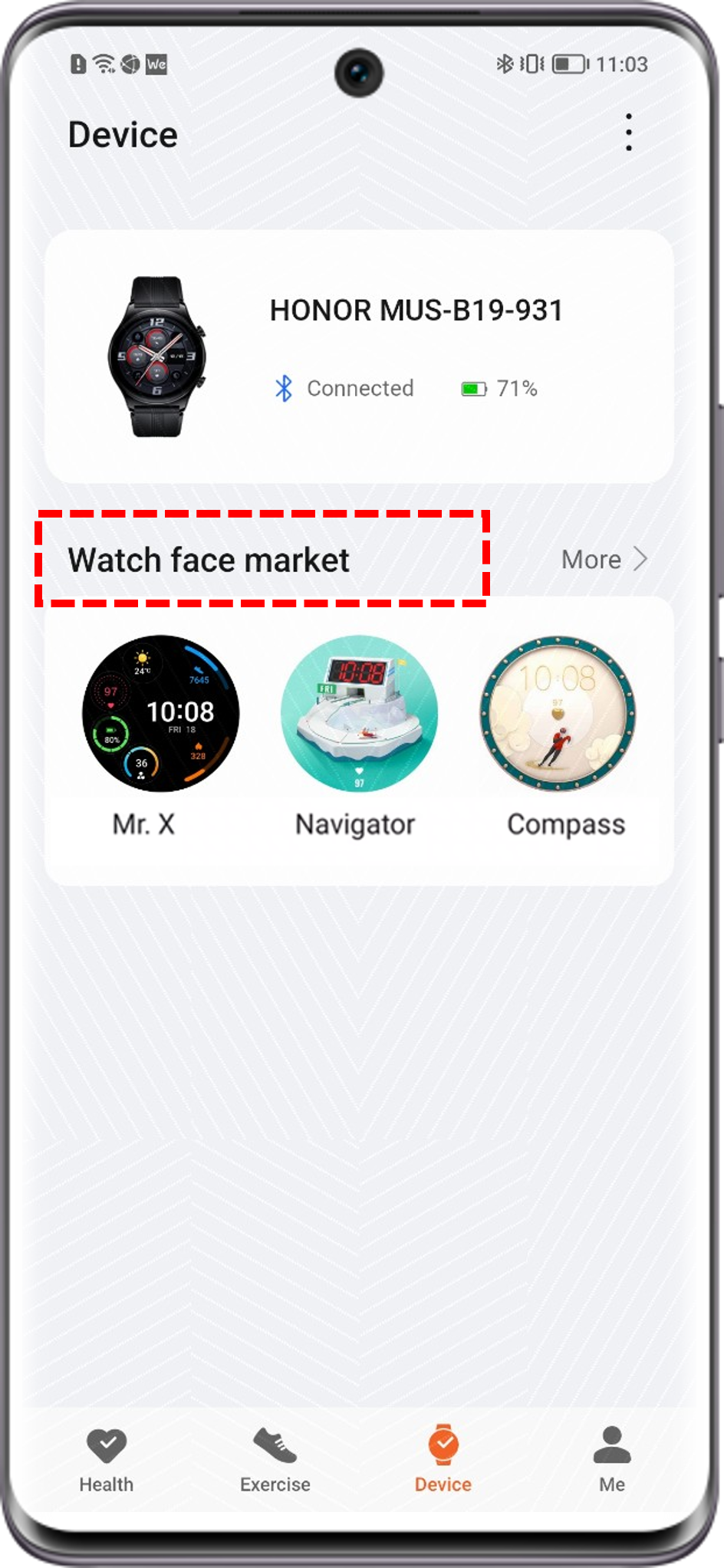
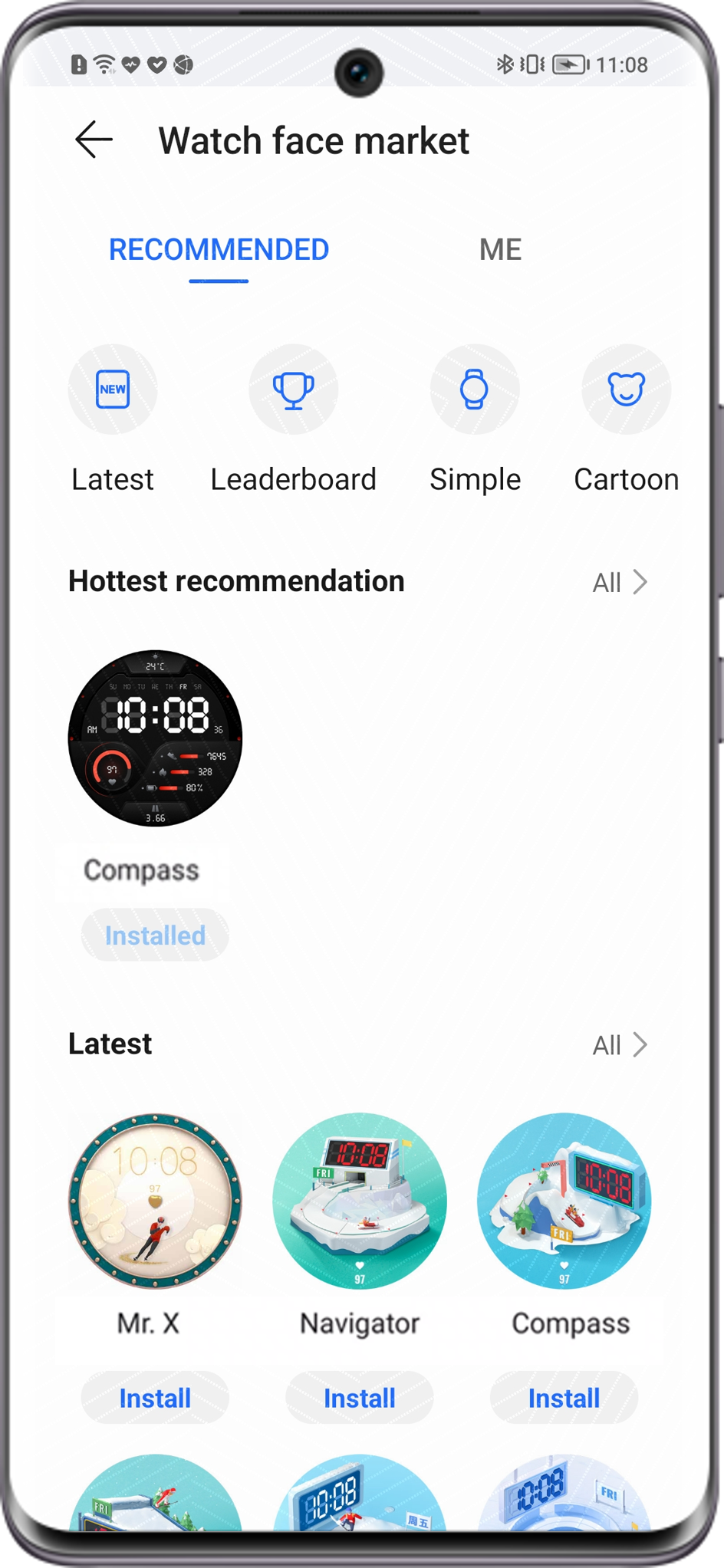
Online Watch Faces:
Go to to set a watch face for your wearable device.
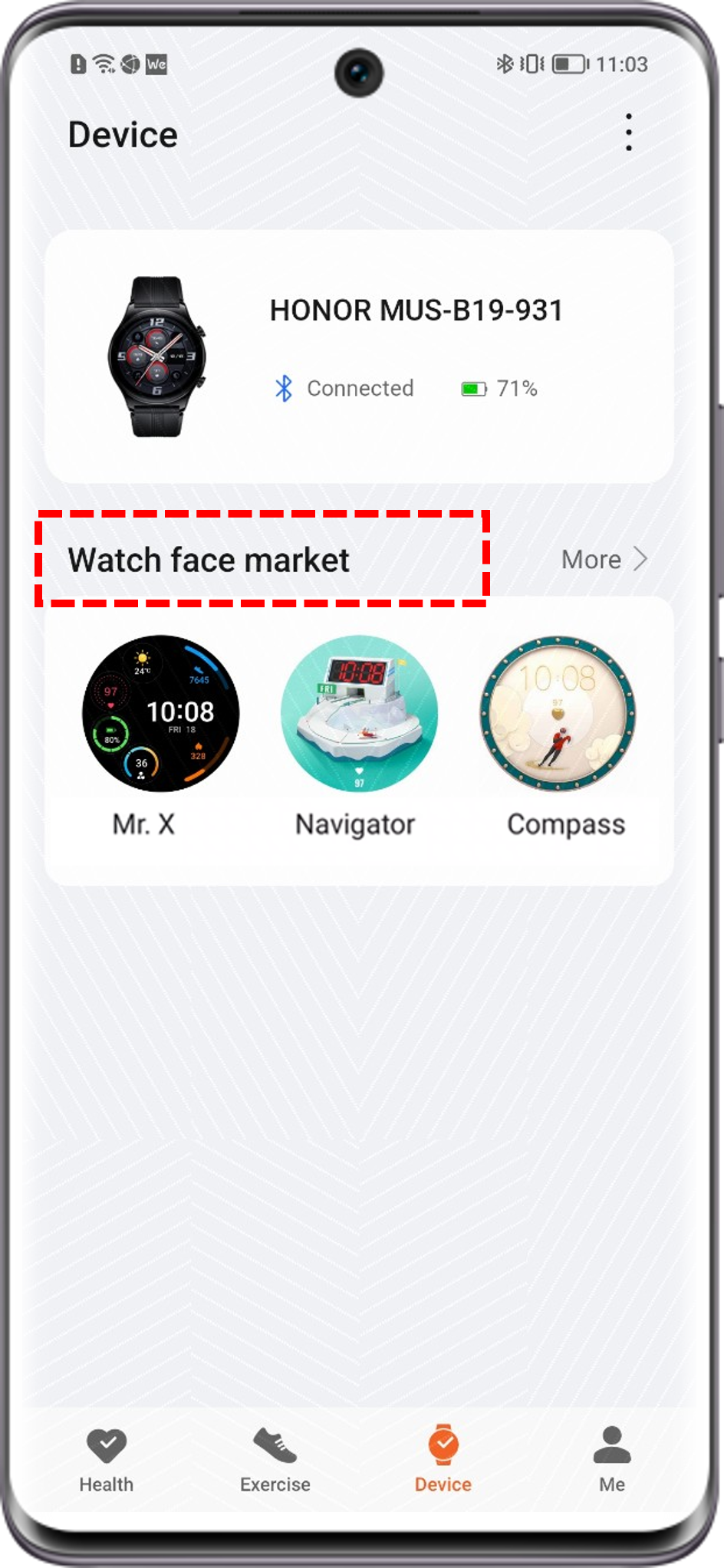
Customized Watch Faces:
Go to to set an image in the album as the watch face.
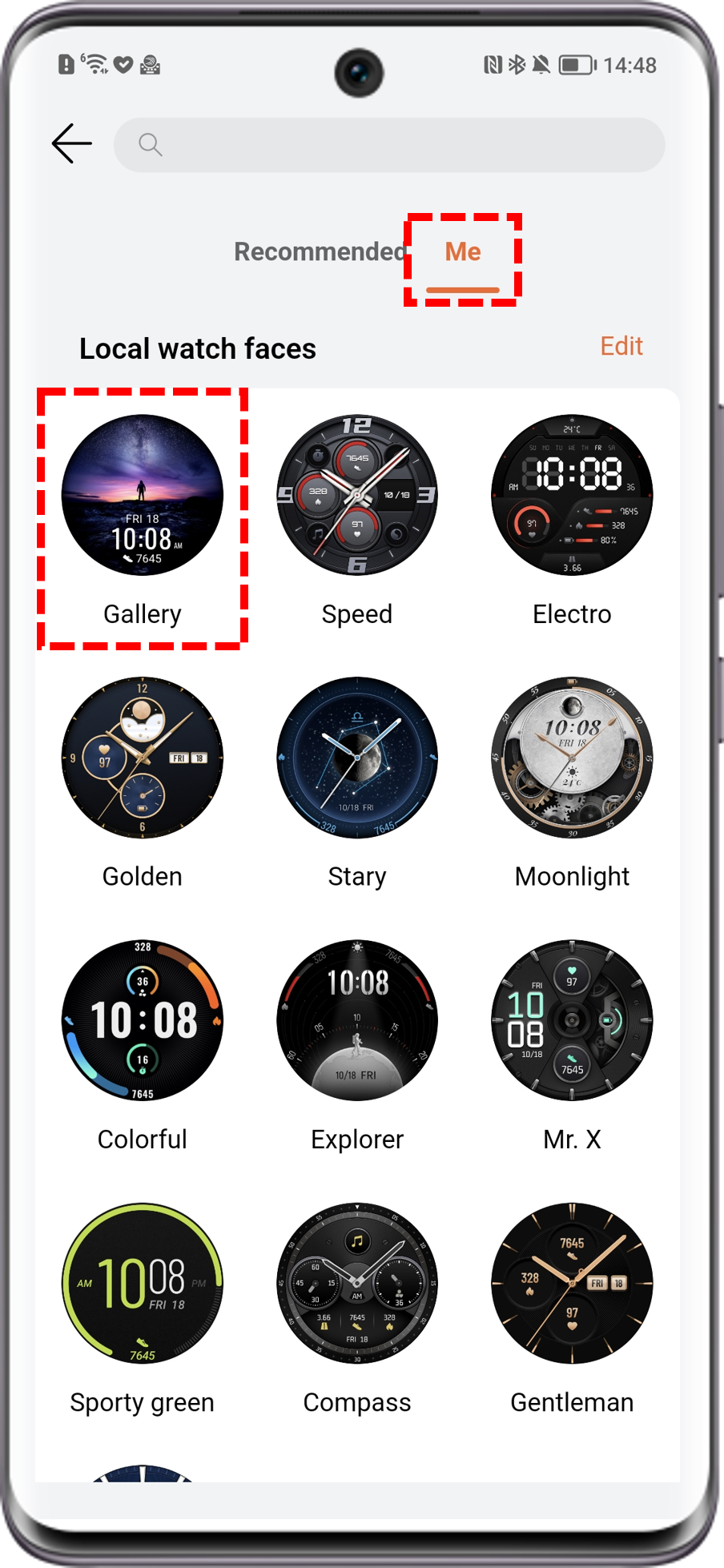
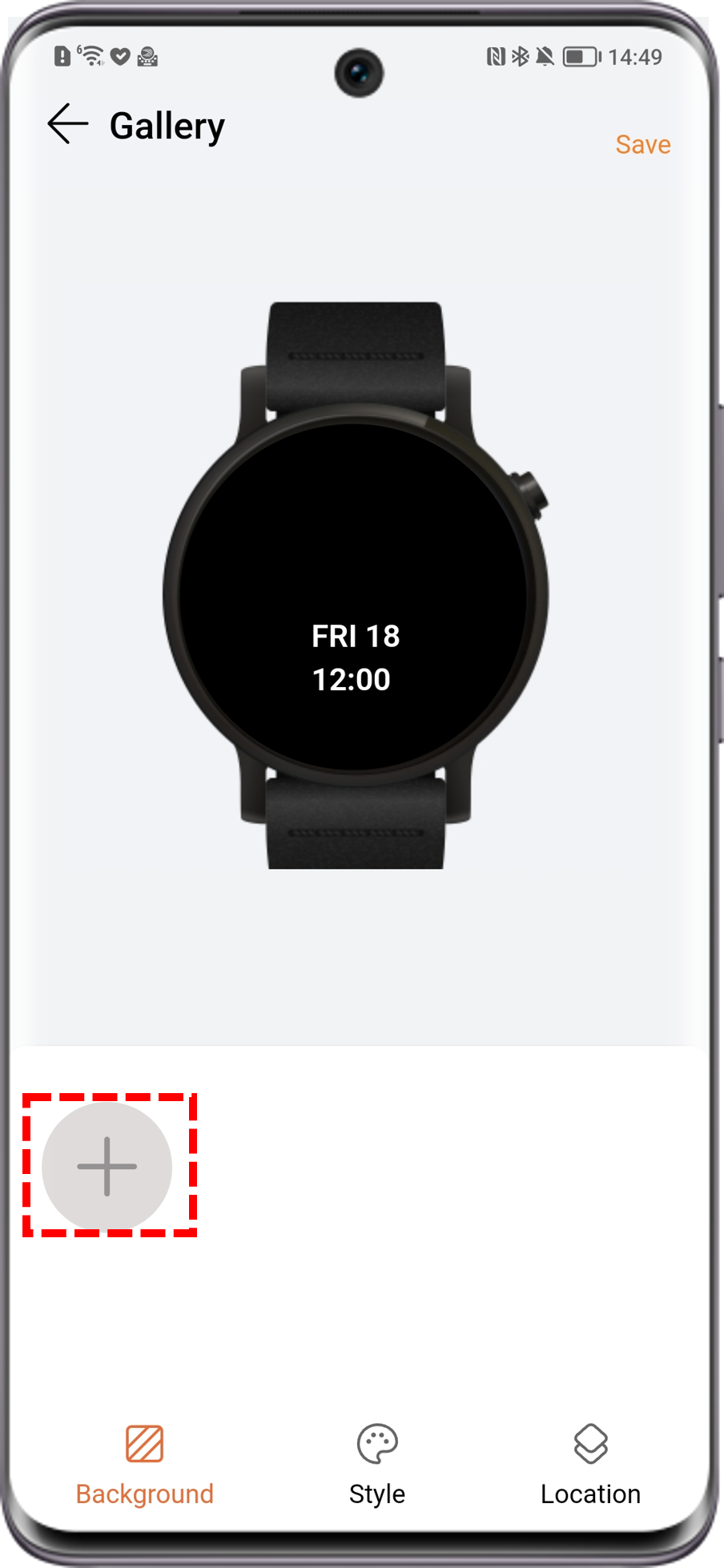
- Only still images can be used as watch faces.
- The current version does not support paid watch faces. Please stay tuned for future updates.
微信扫描二维码分享文章
Thank you for helping us grow better!
Your response has been submitted successfully!
More Support

Hotline Support
Hotline:
1800-88-5645

Email Support




