

 More Products
 Compare



























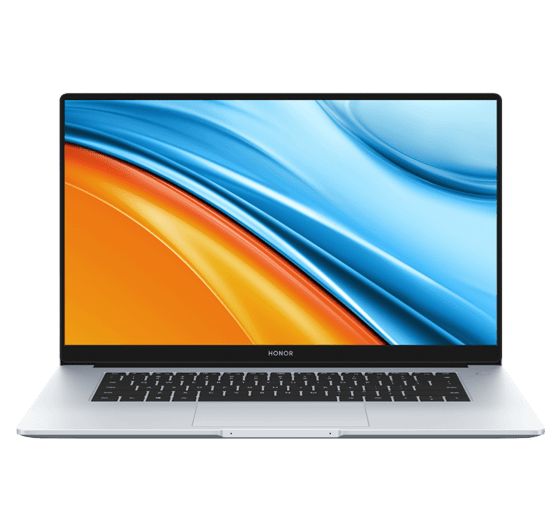

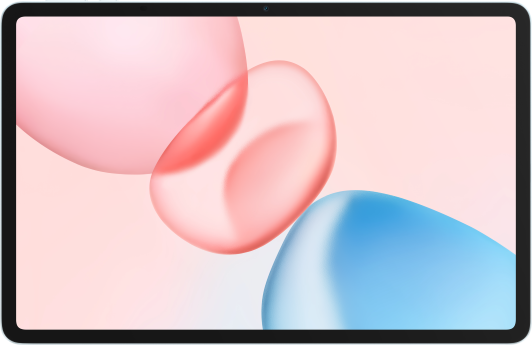






Soft Keyboard Does Not Pop Up Automatically If Input Box Is Clicked When No Keyboard Is Attached to Computer
| Soft Keyboard Does Not Pop Up Automatically If Input Box Is Clicked When No Keyboard Is Attached to Computer |
The automatic soft keyboard pop-up function may not be enabled. Press Win + I to enter Windows settings, choose Devices > Input, and enable the Show the touch keyboard when not in tablet mode and there's no keyboard attached option.
Due to the incompatibility of some applications (such as QQ) with Windows 10, or because some earlier applications do not support the touch screen function, the soft keyboard still will not pop up automatically after the settings are modified. In this case, directly click the soft keyboard icon and enable the Show touch keyboard button option in the lower right corner to show the soft keyboard.
微信扫描二维码分享文章
Thank you for helping us grow better!
Your response has been submitted successfully!
More Support

Hotline Support
Hotline:
1800-88-5645

Email Support




