

 More Products
 Compare


























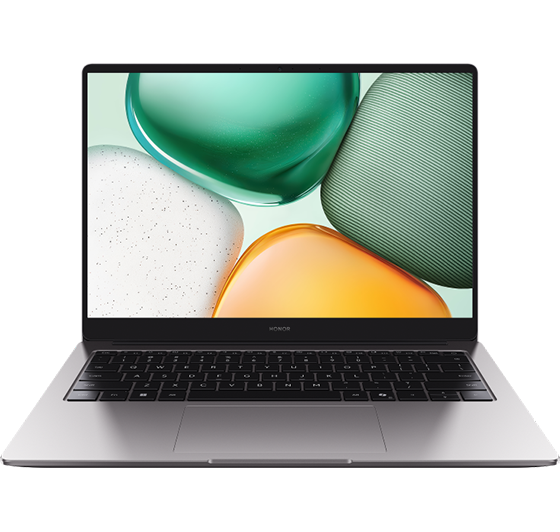
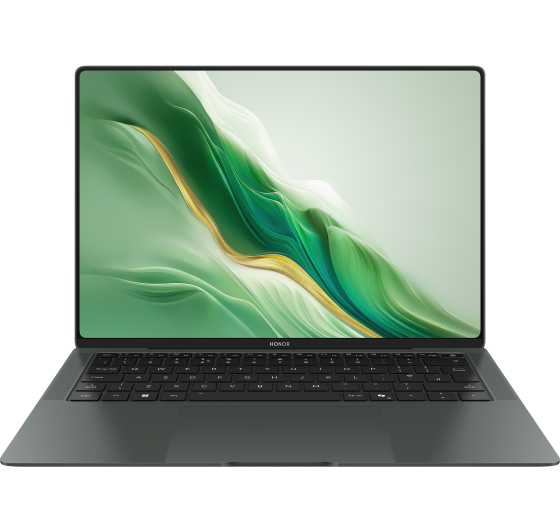



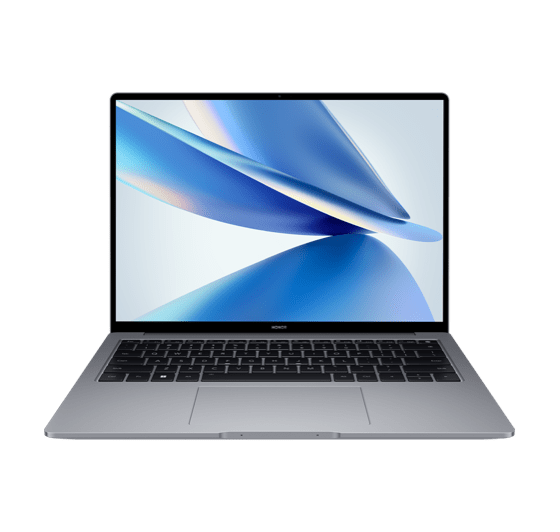








The computer is unable to power on when I use it for the first time
| The computer is unable to power on when I use it for the first time |
- Before powering on your computer for the first time, plug in the charger to disable Shipping mode. Otherwise, your computer will not power on.
- Please check whether the power cord is plugged into the correct charging port. The power charging port is usually on the left side of the computer and there is a power indicator light next to it.
- When powering on the computer, press the power button until the keyboard light or the screen lights up. Please do not press and hold the power button, as long press will not power on the computer.
- It is recommended that you use the standard charger to charge for more than 30 minutes before trying to power on the computer.
- If the issue persists, bring your computer, proof of purchase, and warranty to an authorized HONOR Customer Service Center for assistance.
微信扫描二维码分享文章
Thank you for helping us grow better!
Your response has been submitted successfully!
More Support

Hotline Support
Hotline:
1800-88-5645

Email Support




