

 More Products
 Compare










我的荣耀 开启荣耀之旅
Minimum Requirements for Gaming Laptop: Full Guide
Table of Contents
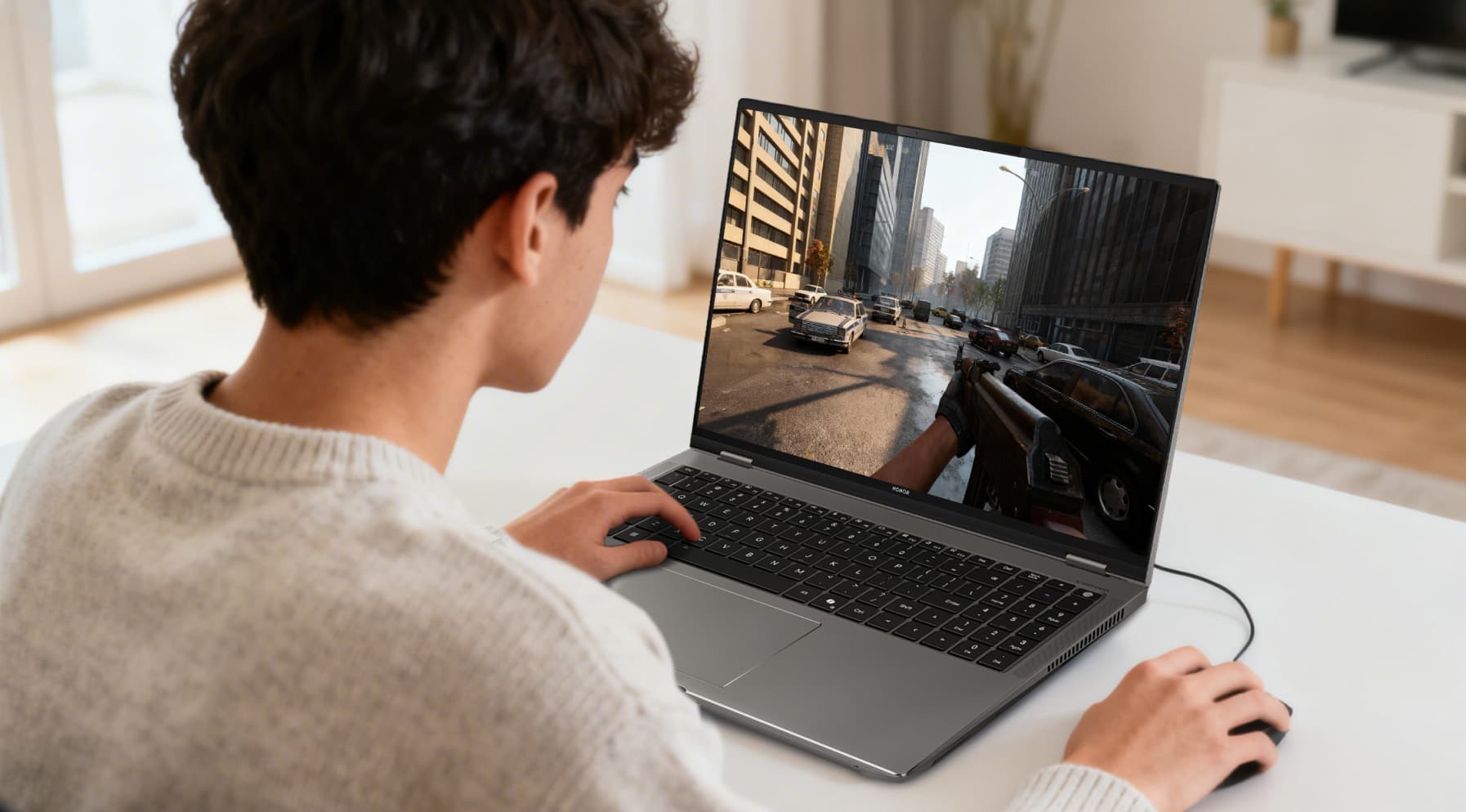
Playing Minecraft or Fortnite on a regular laptop? You already know what happens. The lag kicks in, the fans roar, and sometimes it just crashes for no reason. It’s the worst. Gaming laptops don’t do that. They’ve got the power for smooth games, plus they can handle schoolwork and even creative projects without breaking a sweat.
But here’s the tricky part: picking the right one. That’s why we’ve kept things simple. This gaming laptop buying guide points you to the minimum requirements for gaming laptop and shows you three laptops that actually deliver.
So, if you’re ready to get a laptop that works for both school and play, let’s check out the best options this year.
Minimum Spec for Gaming Laptop
When picking a new gaming laptop, there’s a lot to think about. To make it easier, we’ve put together recommended setups and the minimum specs you should check for before deciding on your next machine.
1. Screen Size
A minimum gaming laptop usually comes with a 15-17-inch display, offering a solid balance between immersion and portability. For those who want an even broader view, some premium models now feature massive 18-inch screens.
2. Screen Resolution
Resolution is directly tied to image clarity, making it one of the most important specs for gaming laptop devices. Common options include:
● 1080p (FHD): The entry-level standard. Affordable, popular, and doesn't require the most powerful GPU to deliver crisp visuals.
● 1440p (QHD): With 1.7× more pixels than FHD, QHD provides sharper visuals and is ideal for high-quality esports gaming.
● 4K: The highest option, but not always cost-effective. Compared with QHD, the improvement in image quality is minimal relative to the price increase.
3. Refresh Rate
For smooth gameplay, your specs needed for gaming laptop should include at least a 60Hz refresh rate. For easier aiming and richer details, 120Hz or higher is strongly recommended.
4. CPU
As the heart of your laptop, the CPU influences everything from screen rendering to program startup and multitasking speed. The minimum spec for gaming laptops should include at least a quad-core CPU. Ideally, go for Intel Core i5 or AMD Ryzen 5 processors or newer.
5. GPU
The GPU determines how well your system handles 2D and 3D graphics, particularly in complex, detail-heavy environments.
For entry- and mid-level gaming, the minimum graphics card for gaming laptops should come with at least 4GB of VRAM. For AAA titles and more demanding games, 6GB or higher is strongly recommended.
6. RAM & Storage
RAM allows you to run multiple applications smoothly. At minimum, 8GB is required, but 16GB ensures smoother multitasking alongside gaming.
On storage, at least 256GB SSD is needed, though that only accommodates lighter games and apps. For a stress-free experience without constant memory warnings, 512GB SSD is the safer bet.
7. Battery Life
While at-home gaming usually isn't limited by power outlets, portability changes the equation.
Ideally, your gaming laptop should offer at least 2-4 hours of battery life when unplugged.
Gaming Laptops Worth Trying in 2026
By now, you should have a good sense of things to look for in a gaming laptop. So, let’s take a look at some of the top models worth checking out.
HONOR MagicBook Art 14 2025
When talking about what spec laptop do I need for gaming, the HONOR MagicBook Art 14 instantly earns a spot. It’s light, slim, and still packs serious power. At just 1kg and 1cm thick, it’s easy to carry across campus or slip into a backpack without weighing you down.
Don’t let the size fool you. It runs on the Intel® Core™ Ultra 7 Processor 255H with Intel® Arc™ 140T graphics, plus 32GB RAM and a 1TB SSD. Multitasking feels smooth, whether you’re juggling assignments or jumping into a game.
The 3.1K OLED display looks sharp indoors and outdoors, with an anti-reflective coating and up to 1600 nits brightness. Add a 10-hour battery, and it’s a perfect mix of portability and performance.
Why We Choose It
● Ultra-light 1kg, 1cm slim build
● 3.1K OLED Eye Comfort Display
● 1600 nits brightness, anti-reflective coating
● 32GB RAM + 1TB SSD storage
HONOR MagicBook Pro 14
The MagicBook Pro 14 is made for students who push their laptops to the limit. It’s slim and light at 1.39kg, but still powerful enough to handle heavy gaming and creative projects.
Powered by the Intel® Core™ Ultra 9 Processor 285H and Intel® Arc™ 140T GPU, it runs AAA games, editing tools, and more with ease. A massive 92Wh battery keeps you going for up to 12 hours, and 100W fast charging gets you back up quickly.
The OLED display is bright and smooth at 120Hz, while Turbo X cooling keeps things quiet even when the laptop is under load. It’s a laptop built for long days and late nights.
Why We Choose It
● Huge 92Wh all-day battery
● Turbo X silent cooling system
● 3120×2080 120Hz OLED display
● Reverse charging for mobile devices
HONOR MagicBook X 16 2024
How to choose a gaming laptop at a more affordable price? The MagicBook X16 2024 is the answer. It proves that a budget laptop doesn’t have to feel basic. It’s built with a 16-inch FullView display that looks big and clear, perfect for studying or a little light gaming.
Powered by a 12th Gen Intel® Core™ i5-12450H with 8GB RAM and a 512GB SSD, it handles schoolwork and multitasking without a fuss. It’s not for hardcore gaming, but it gives plenty of value for everyday use.
Typing is smooth on the full-size keyboard, and the silent keys mean you can work in libraries or classrooms without disturbing others. Solid, practical, and affordable, this laptop hits the essentials right.
Why We Choose It
● Large 16-inch immersive display
● TÜV-certified eye comfort features
● Silent, responsive full-size keyboard
● Strong performance at a budget price
Conclusion
Now you know what to consider when buying a gaming laptop. A clear screen, good battery life, solid graphics, and a design that’s easy to carry all affect how it works day to day.
The models here show you don’t have to give something up to get what you want. Smooth gaming and reliable performance can come together in the same laptop.
HONOR’s latest laptops stand out in 2026 with choices that are powerful, practical, and ready for whatever you need next.
FAQs
What processor do I need for a gaming laptop?
A proper gaming laptop should have at least a quad-core processor, such as an Intel Core i5 or AMD Ryzen 5 or above.
To smoothly run AAA titles or demanding software, newer models like Intel Core i7/i9 or AMD Ryzen 7/9 are recommended for sustained performance and better overall experience.
How much RAM for a gaming laptop?
A gaming laptop should have at least 8GB of RAM as the minimum standard. However, 16GB RAM is recommended for smoother gameplay, allowing multiple programs to run simultaneously.
This setup ensures stable graphics performance and also handles multitasking or study-related tasks efficiently, making it ideal for both gaming and productivity.
Is 32GB RAM overkill for a gaming laptop?
For most everyday users and gamers, 32GB RAM can be considered overkill since 16GB is sufficient for stable performance in most games. However, if you frequently work with video editing, 3D modeling, run multiple applications at once, or play large AAA games, 32GB ensures smoother performance and more efficient multitasking.
Does RAM size matter for FPS?
RAM influences FPS indirectly. Too little memory can cause stuttering or frame drops, especially when several programs run in the background. Adequate RAM prevents slowdowns, but beyond a certain point, adding more won’t make games run faster.
Is 16GB DDR5 RAM good for gaming?
16GB DDR5 RAM is excellent for a gaming laptop. DDR5 provides higher bandwidth and faster speeds compared to DDR4, reducing load times and improving overall smoothness. When paired with a capable GPU and CPU, 16GB DDR5 easily handles most modern games, ensuring stable performance and responsive gameplay without memory-related issues.
Source: HONOR Club
Products Recommend
Latest Blogs

Subscribe For Updates - Special Offers And More.
By providing your email address, you consent to receive the latest offers and information on Honor products, events and services through email or advertisement on third-party platforms. You can unsubscribe anytime according to Chapter 5 of HONOR Platform Privacy Statement.
Consumer hotline

