



 More Products
 Compare










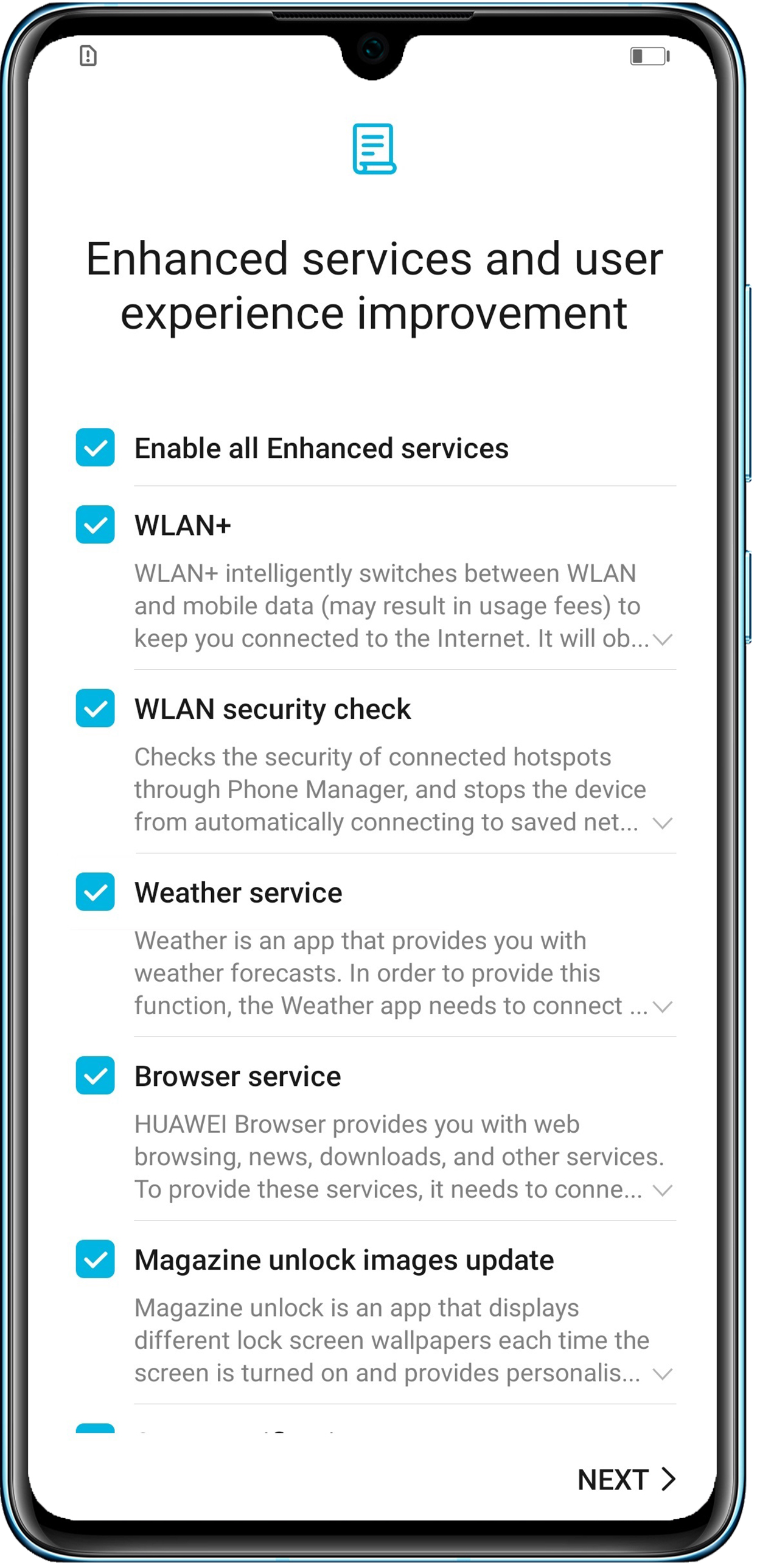
A screen titled "Enhanced services and user experience improvement" is displayed during the startup wizard
| A screen titled "Enhanced services and user experience improvement" is displayed during the startup wizard |
Problem:
After a system update, a screen titled "Enhanced services and user experience improvement" is displayed during the startup wizard.
Cause:
- This screen will be displayed during the startup wizard if the update incorporates changes to the privacy statements of any apps.
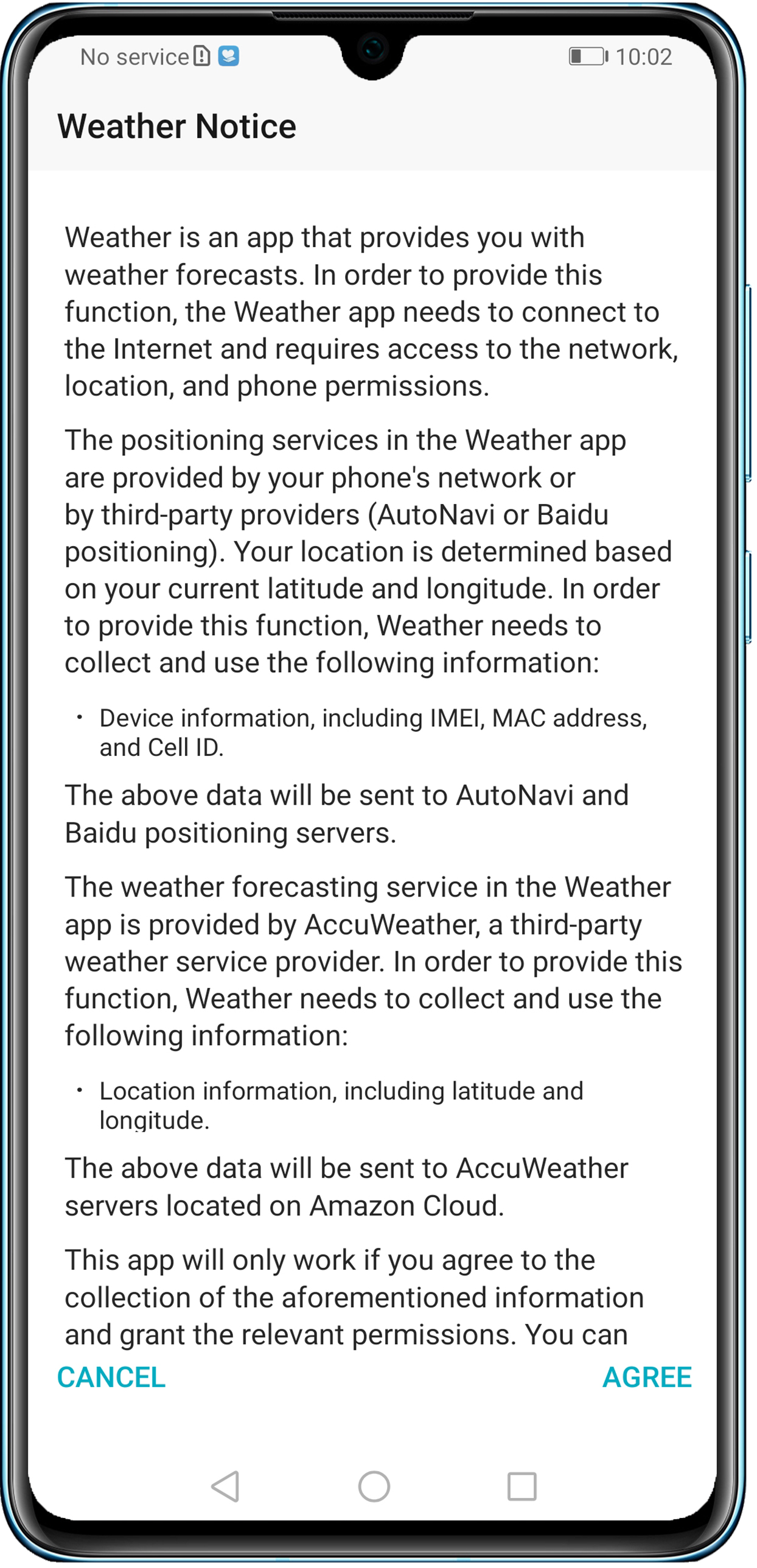
- Selecting a checkbox for a specific app during the startup wizard means that you accept the updated privacy statement of this app and will be able to access it directly. If you choose not to select the checkbox for an app during the startup wizard, a prompt will appear the next time you access the app. The preceding figures take the Weather app as an example. If you did not select Weather service on the screen during the startup wizard, the prompt (on the right) will appear the next time you access the app. The app will only work if you agree to the terms and grant the relevant permissions.
微信扫描二维码分享文章
Thank you for helping us grow better!
Your response has been submitted successfully!





