


 More Products
 Compare










我的荣耀 开启荣耀之旅
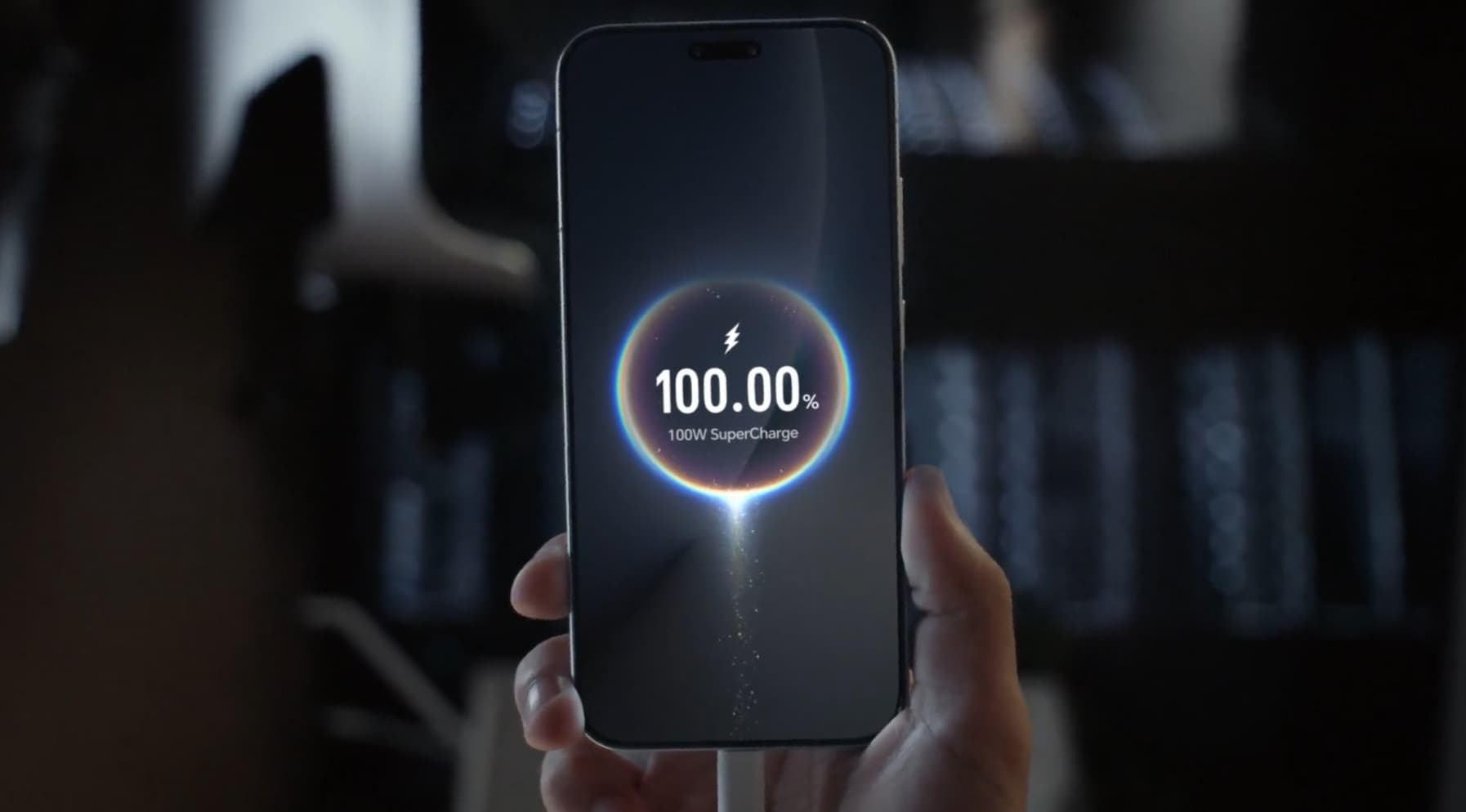
Why Is My Phone Not Fast Charging? What You Need to Know
Table of Contents
You plug your phone in before bed, expecting a brisk recharge. Instead, the battery crawls through the night and wakes up barely half full. Frustrating? Absolutely. Especially when your schedule depends on a reliable device.
If you’ve found yourself muttering “why is my phone not fast charging?” you’re far from alone. Nowadays, phones double as train tickets, work tools, and daily organisers. Slow charging isn’t a small inconvenience—it’s a disruption.
This article unpacks the reasons why your phone isn’t charging fast, the practical fixes worth trying today, and the habits that keep your device primed for when you need it most.
What Is Fast Charging? Does Your Phone Support It?
In 2026, most UK smartphone users expect fast charging to leave their phone at 50-70% in around 30 minutes. But what does fast charging really mean?
Fast charging means delivering higher wattage than the traditional 5–18W range of standard charging. A standard USB charger may push 5V at 1A, while fast charging standards can range from 20W to 100W or more. The result is dramatic: topping up to 50% in half an hour rather than two hours.
However, not every smartphone is designed to support this. Some budget or older models cap their charging speeds at lower levels for stability and safety. For example, if your phone only supports 18W, plugging it into a 65W charger will not increase the speed. The phone itself decides the maximum wattage it can accept.
In short, the ability to fast charge depends first and foremost on whether your device supports it at a hardware level. Once confirmed, any disruption to fast charging usually stems from other external factors—which we’ll explore in the next section.
Common Reasons Your Phone Is Not Charging Fast
Since your phone already supports fast charging, the real question becomes: why does it suddenly slow down? In most cases, the issue lies not in the device itself but in the accessories or conditions around it.
Here are the main culprits when your phone is not charging fast:
● Incompatible or low-power charger/adapter
If your charger doesn’t deliver sufficient wattage or correct USB standard (PD, QC etc.), fast charging won’t engage.
● Bad or worn cable
Damaged wires, loose connectors, or cheap non-certified cables often can’t carry the current needed. Even slight resistance in the cable can reduce charging speed a lot.
● Phone doesn’t allow fast charging in current settings/mode
Some phones disable fast charging when battery is very low (<5-10%), when in power‐saving mode, or when it’s too hot. Even some “fast chargers” need to be enabled in settings.
● Battery health / aged battery
Over time lithium batteries degrade. The phone may throttle charging speed to avoid overheating or excessive wear. Many users notice after 2-3 years that their phone charges slower even though the charger hasn’t changed.
● Temperature/overheating
If the device becomes hot (while gaming, under the sun, in a warm case), charging speed is reduced as a safety measure.
● Background power usage
Apps, screens on, location services—these consume energy even while plugged in, making it seem like your phone fast charging not working properly.
● Port issues/dirt/damage
Dust or debris in the charging port can interrupt good contact. Ports get loose or worn physically.
● Software bugs or outdated firmware
Sometimes updates fix charging speed or compatibility issues. Without them, your phone may mis-recognise charger or malfunction. It’s why some users say their phone says fast charging but it’s not truly drawing higher wattage.
How to Fix Your Phone Not Fast Charging
Most of the time, you can resolve slow or absent fast charging with a few checks. Here’s what our team (at HONOR and in tech support) often recommends, step by step:
1. Inspect the Cable and Charger
Use the original charger supplied with your phone. If unavailable, ensure the replacement matches your phone’s wattage.
Try a different cable certified for fast charging. USB-C cables vary widely—some only handle data, not power. This simple swap often solves cases where users report their Android fast charging not working unexpectedly.
2. Clean the Charging Port
Dust, lint, and pocket debris can block connections. Gently use a wooden toothpick or soft brush to clear the port. Never poke with metal tools.
3. Enable Fast Charging in Settings
On many Android devices, you’ll find toggles under Battery or Device Care. Make sure both “Fast charging” and “Super fast charging” options are enabled.
4. Reduce Background Usage
Close heavy apps. Switch to airplane mode if you need a rapid top-up. This reduces power draw while charging.
5. Watch Temperature
Avoid charging in direct sunlight or under bedding. If your phone feels hot, let it cool before charging again.
6. Update Software
Manufacturers often patch charging issues. Check for system updates in Settings → Software Update.
7. Test Another Charger
Borrow a known fast charger from a friend. If your phone starts charging quickly, the issue lies with your original charger.
Practical Tips for Preventing Future Fast-Charging Issues
It’s better to avoid the slowdown in the first place. Here are long-term habits & care strategies to keep fast charging working as it should.
● Stick with high quality/certified accessories. Cheap cables or adapters may seem fine initially but deteriorate quickly.
● Keep your smartphone clean & ventilated. Avoid thick cases or environments where device stays hot. Heat is the enemy of battery & charging circuits.
● Don’t always let battery go to 0% before charging, and avoid staying plugged in at 100% too long. Partial charges are gentler.
● Charge in optimal conditions—standard UK room temperature, using reliable power outlets. Avoid charging under direct sun or next to radiators.
● Update firmware & apps regularly. Security patches often include improvements to power management.
● Monitor battery health metrics if available. Many phones show “battery capacity” or “charging cycles” in settings. If capacity drops too far, consider servicing.
● Avoid using phone heavily while charging (gaming, streaming, video calls). Even small usage adds heat and power draw, which slows net charging.
Conclusion
Fast charging has become more than a luxury—it’s an expectation. When it fails, it disrupts work, travel, and even emergencies. If you’ve been wondering “why is my phone not fast charging?” the fixes are usually simple: check cables, chargers, settings, and cleanliness. With consistent care, you’ll prevent most issues and keep your phone ready for the moments you need it most.
FAQ
How do I fix my phone not fast charging?
Go through a simple checklist: use the right charger and cable, check if fast charging is enabled in settings, avoid overheating, update your software, and inspect the charging port. If your phone not fast charging issues persist after these steps, the battery health may need attention.
Why isn't the fast charger working?
Possible reasons include incompatible charger or cable, safety mechanisms (battery health, temperature), or the phone failing to detect the charger’s proper signalling. Also, the charger might be damaged.
How to activate fast charging?
On many Android phones, you’ll find the option in Settings › Battery › Charging / Additional settings. Toggle “Fast Charging”, “Rapid Charge”, or specific brand-label. Ensure your charger & cable support the required wattage.
Does water damage cause slow charging?
Yes. Water or moisture in the charging port can interfere with contacts. Even residual moisture can increase resistance or cause the phone to disable fast charging for safety. Always dry the port fully before charging.
How do I know if my charger supports fast charging?
Look for wattage ratings (18W, 40W, 65W). Certified fast chargers often carry branding like “SuperCharge” or “Quick Charge.” Check your phone manual for supported levels.
Source: HONOR Club
Products Recommend


Latest Blogs


