

 More Products
 Compare



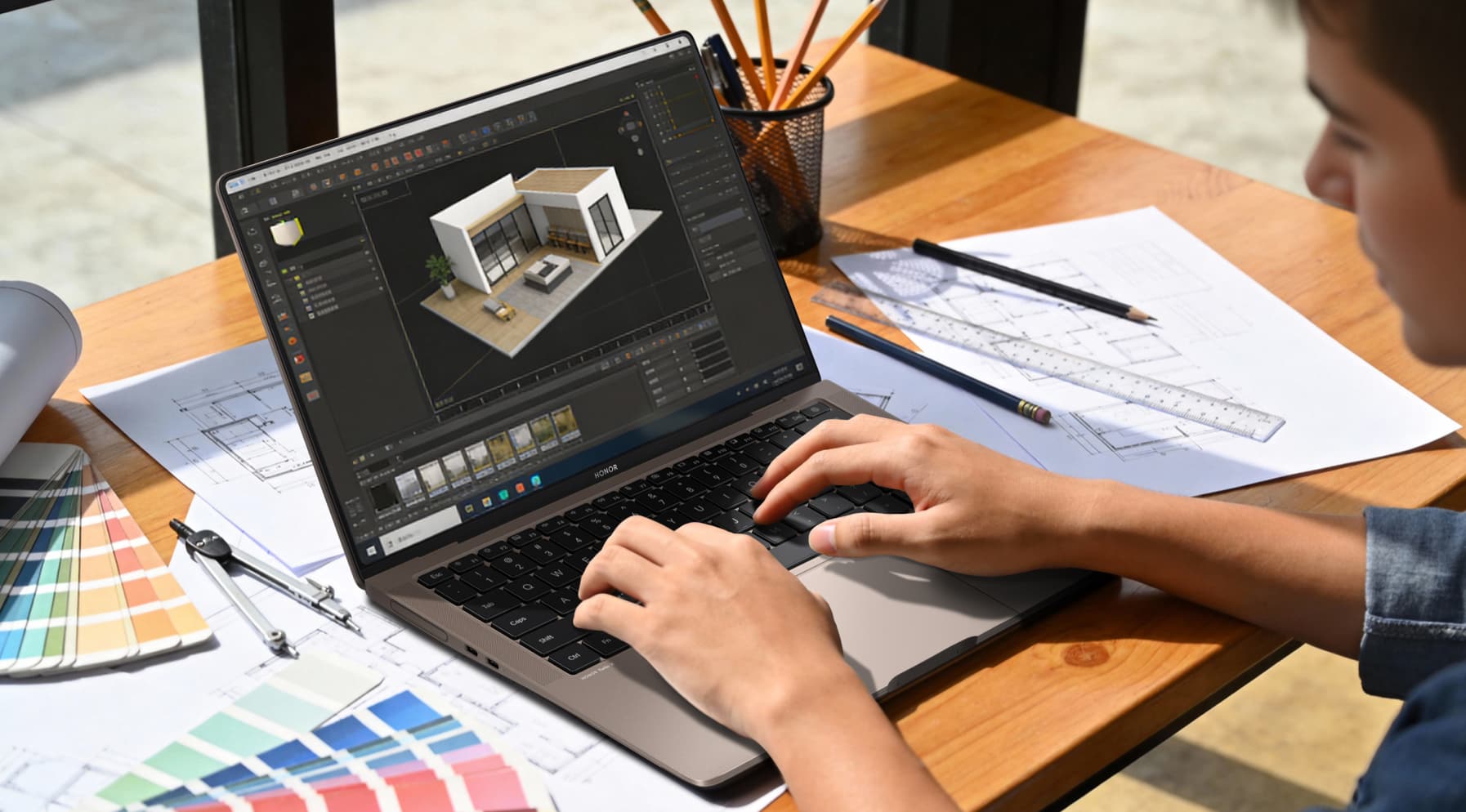
Best Laptops for Architecture Students 2026 | Top Picks for Design & Performance
Table of Contents
As an architecture student, your laptop is your studio on the go. It’s where you sketch, model, and bring ideas to life. The best laptops for architecture students balance strong performance, sharp visuals, and easy portability so you can run heavy software like AutoCAD and Revit without trouble.
This guide will show you some top picks that redefine what's possible for aspiring architects. We'll explore their specs, why they excel in design workflows, and how they meet architecture student laptops requirements. By the end, you'll have the insights to choose the ideal machine that fuels your creativity on the go.
Best Laptops for Architecture Students in 2026
When choosing the best laptops for architecture students, look for devices that run 3D modeling smoothly, stay portable, and last through long design sessions. Here are three models built for precision, efficiency, and student needs.
1. HONOR MagicBook Art 14 2025
The HONOR MagicBook Art 14 2025 is an ultra-light 1kg laptop designed for architecture students who need both portability and power. Crafted with a durable magnesium alloy chassis, it’s only 1cm thin yet sturdy enough to withstand daily commutes between studio, class, and site visits.
Despite its featherweight design, it packs Intel Core Ultra processors and Arc graphics, handling AutoCAD, Rhino, and Revit with ease. The 60Wh battery supports an entire day of critiques, presentations, and design iterations without hunting for outlets.
Why We Like This
● 14.6" 3.1K OLED touchscreen with 120Hz refresh rate
● True-to-life colors (100% DCI-P3, ΔE<0.5)
● Slim, 1cm thin design for easy mobility
● Long battery life for critiques and fieldwork
● Multiple ports (Thunderbolt 4, HDMI, USB-A) for versatile use
2. HONOR MagicBook Pro 14
The HONOR MagicBook Pro 14 balances high performance with portability for architecture students tackling intensive 3D modeling and simulations. Equipped with Intel Core Ultra 9 processors, Arc graphics, and an AI-enhanced NPU, it accelerates workflows in Revit, SketchUp, and rendering tools like Lumion.
The 92Wh battery paired with 100W fast charging ensures you stay productive during back-to-back studio sessions. Despite its performance, the laptop remains portable with a 15.9mm slim metal body, making it equally suited for presentations or late-night design marathons.
Why We Like This
● 14.6" 3.1K OLED touchscreen, 700-nit brightness
● AI-enhanced NPU for faster rendering and sketching
● Long-lasting 92Wh battery with fast 100W charging
● Quiet cooling under heavy loads
● Dual M.2 SSD slots and multiple ports for expansion
3. HONOR MagicBook X 16 2024
The HONOR MagicBook X 16 2024 is ideal for students needing a larger screen without bulk. At just 1.68kg, it balances screen size and mobility, making it ideal for drafting in AutoCAD, creating floor plans in SketchUp, or reviewing models in class.
The 16-inch 16:10 IPS display gives extra vertical workspace for blueprints and layouts, while the slim 17.9mm metal body ensures durability. With a 42Wh battery providing 7–9 hours of real-world use, this budget laptop for architecture students comfortably supports lectures, workshops, and presentations.
Why We Like This
● 16" IPS display, 1920x1200 resolution, 16:10 ratio
● Slim 17.9mm metal body for durability
● 42Wh battery with 7–9 hours of use
● Full-size keyboard with numeric pad for easy data entry
● Multi-device collaboration via HONOR Connect and versatile ports
What to Look for When Choosing Laptops for Architecture Students?
Knowing laptop specs for architecture student needs is key. Look for strong CPUs, sufficient RAM, and SSD storage. Here are the detailed specs you should look for:
1. Processor (CPU)
Opt for at least an Intel Core i7 (13th gen or newer) or AMD Ryzen 7 (7000 series or newer). For top performance in rendering and multitasking, Intel Core Ultra or AMD Ryzen 9 will handle complex workflows more smoothly.
2. Graphics (GPU)
Dedicated graphics are crucial for 3D modeling, rendering, and visualization. Intel Arc, NVIDIA GeForce RTX 4060/4070, or AMD Radeon options ensure smooth handling of Rhino, Revit, Lumion, and V-Ray.
3. Memory (RAM)
16GB RAM is the baseline, but 32GB is ideal for handling multiple modeling, rendering, and Adobe software simultaneously without lag.
4. Storage
SSD storage is non-negotiable. A 1TB SSD gives space for CAD files, 3D models, and large project archives, with quick access and faster boot times. If possible, choose laptops with dual M.2 SSD slots for easy expansion.
5. Display
A sharp and color-accurate display helps ensure precision in drawings and renderings. Aim for 2.5K or higher resolution, OLED or IPS panels, 100% DCI-P3 coverage, and at least 400 nits brightness for outdoor site reviews.
6. Battery Life
Architecture students often spend long hours in critiques, workshops, or field visits. Look for laptops with 8–12 hours of real-world use and support for fast charging (at least 65W).
7. Portability and Build Quality
Since you’ll carry it to studios, classrooms, and construction sites, a durable yet lightweight build (under 2kg) with slim dimensions is important. Magnesium alloy or aluminum chassis ensure durability without adding bulk.
8. Ports and Connectivity
Multiple ports are essential for projectors, external monitors, and drives. Thunderbolt 4/USB-C, HDMI, and legacy USB-A provide flexibility. Features like Wi-Fi 6E and Bluetooth 5.3 also improve connectivity in collaborative settings.
Conclusion
The best laptops for architecture students combine performance, portability, and stunning displays to support every stage of your design workflow. Choose a device that keeps up with your creativity, helps you work efficiently, and turns your ideas into reality. HONOR’s latest laptop models deliver this balance with smart features made for today’s students.
FAQs
Which laptop brand is best for architecture students?
HONOR excels as the go-to brand for architecture students, offering the best laptops for architecture students with superior displays, AI performance, and portability tailored to design demands.
What specs should I look for in a laptop for architecture?
Look for an Intel Core Ultra processor, 16GB to 32GB of RAM, and at least 512GB of SSD storage. A high-resolution OLED or IPS screen with full color accuracy is important for design work. Integrated Arc graphics or better will handle AutoCAD, Revit, and other architecture software smoothly.
Which laptop is good for AutoCAD and Revit?
The HONOR MagicBook Pro 14 stands out as a top choice for AutoCAD and Revit, with its Ultra 9 processor and Arc graphics ensuring seamless rendering and modeling.
How to choose a laptop for designing?
Look for speed and power first. A strong processor and at least 16GB of memory keep design apps running smoothly.
A sharp, color-accurate screen makes your work look true to life.
Long battery life and a light build make it easier to take anywhere.
In the end, the right laptop is the one that fits your budget and matches the way you like to work.
How much RAM does a student laptop need?
For architecture, 16GB minimum handles basics, but 32GB is ideal for multitasking in Revit, aligning with architecture student laptop requirements for future-proofing.
Source: HONOR Club
Products Recommend

Latest Blogs
Consumer hotline
