Select your country or region: Stay on current site Select another site

  • Store
    EN AR
    logo

    我的荣耀 开启荣耀之旅

    打开
    App 内打开

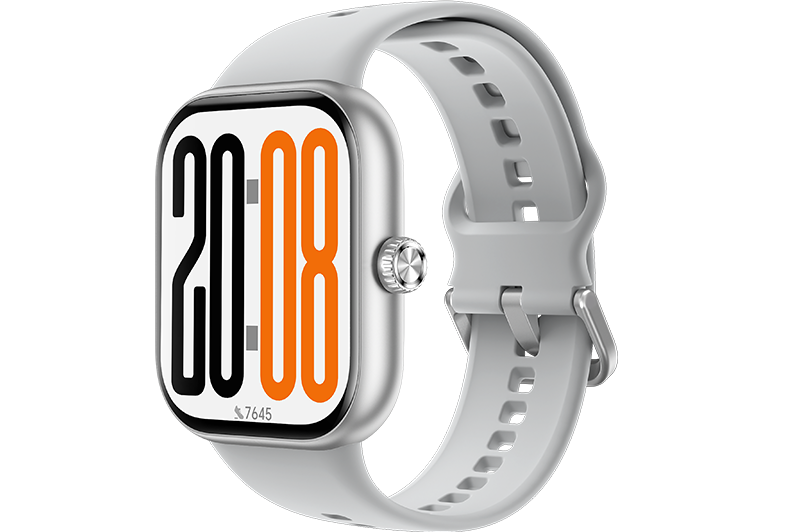
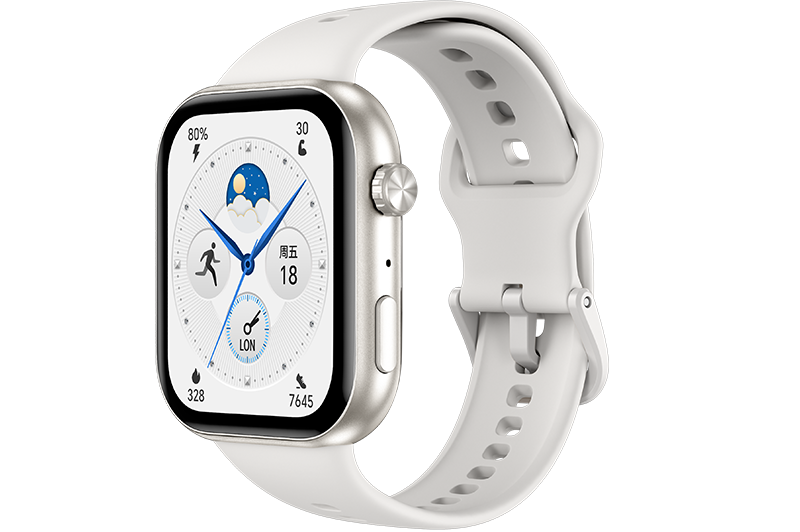
    Deleting a watch face

    Deleting a watch face

    1. Open HONOR Health app.

    2. Tap Device

    3. Tap More on the right of Watch face market, and then tap Me > Edit.

    4. Delete the watch face you want to delete.

    微信扫描二维码分享文章

    Thank you for helping us grow better!
    Your response has been submitted successfully!

    More Support

    Hotline Support
    Hotline: 80004444408
    More Support More Support
    Share to

    The Link Cpoied!
    My HONOR
    Get exclusive service in APP!
    OPEN