More Products
 Compare


























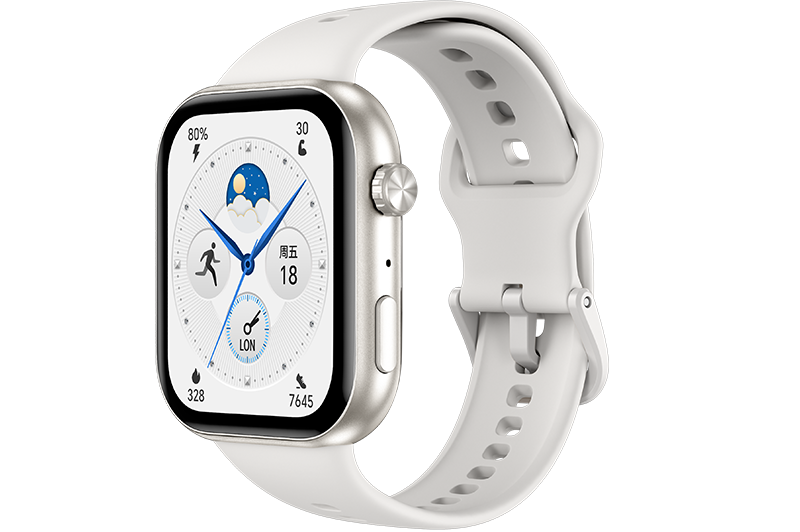


Adjusting screen brightness
| Adjusting screen brightness |
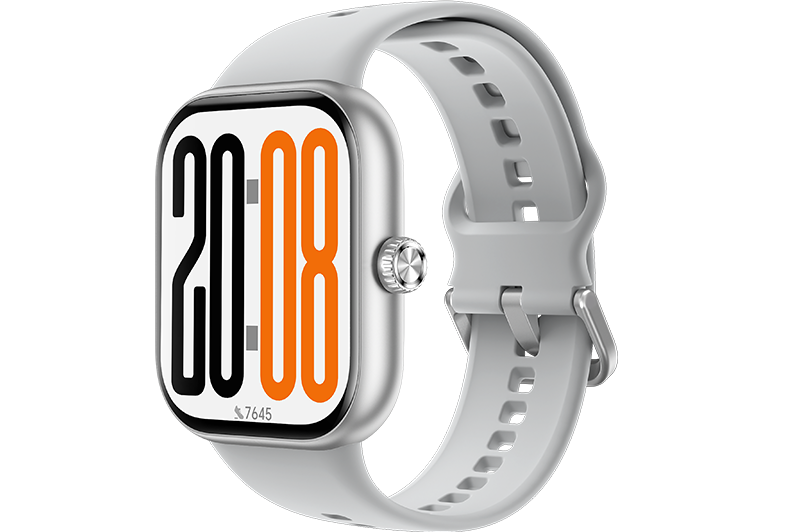
- From the home screen press the Up button, swipe until you find Settings > Display > Brightness to adjust the screen brightness.
- Brightness is set to Auto by default, which automatically adjusts screen brightness based on your environment. Level 5 is the brightest setting and Level 1 is the dimmest setting.
微信扫描二维码分享文章
Thank you for helping us grow better!
Your response has been submitted successfully!
- Hotline
- Live Chat
-
WhatsApp
9am – 9pm
English and Arabic Language - ae.support@hihonor.com
More Support

Hotline Support
Hotline:
80004444408

Email Support