More Products
 Compare






























Route back
| Route back |
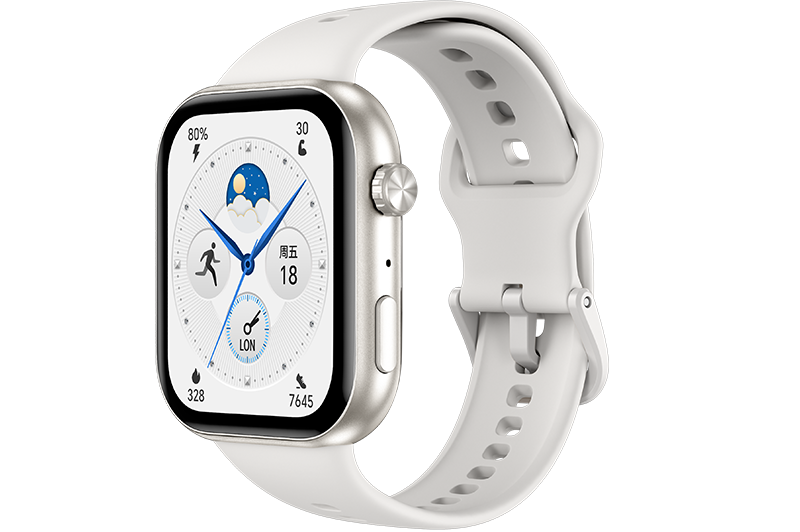
When you start an outdoor workout and enable the Route back feature, the device will record the route you took and provide you with navigation services. After reaching your destination, you can use this feature to find out how to return to where you passed through or came from.
- From the home screen press the Up button, swipe until you find Workout and touch it. Start an individual outdoor workout session.
- Swipe left on the screen and select Route back or Straight line to the starting point. If there is no Route back or Straight line on the screen, touch the screen to display it.

Please upgrade your device to the latest version for a better navigation experience.
The track information provided by the route back function is only for reference, not the only basis during the course of your return. Please use this function according to the actual road conditions and traffic management information.
微信扫描二维码分享文章
Thank you for helping us grow better!
Your response has been submitted successfully!
- Hotline
- Live Chat
-
WhatsApp
9am – 9pm
English and Arabic Language - ae.support@hihonor.com
More Support

Hotline Support
Hotline:
80004444408

Email Support