More Products
 Compare
























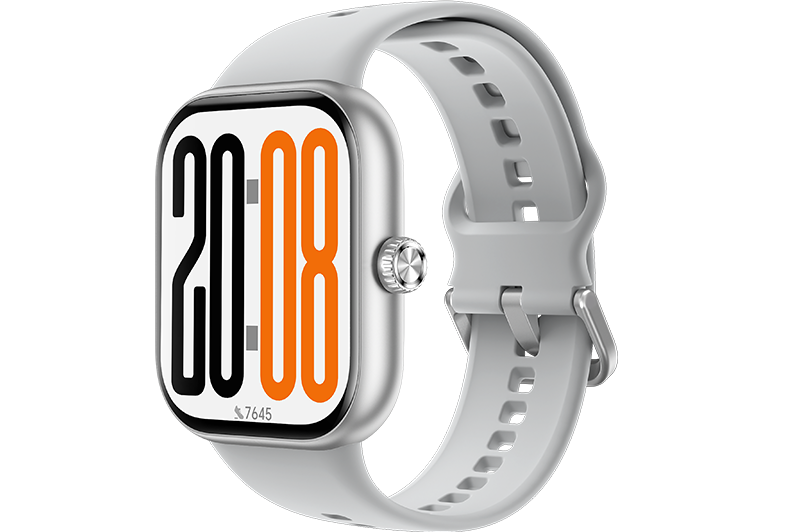


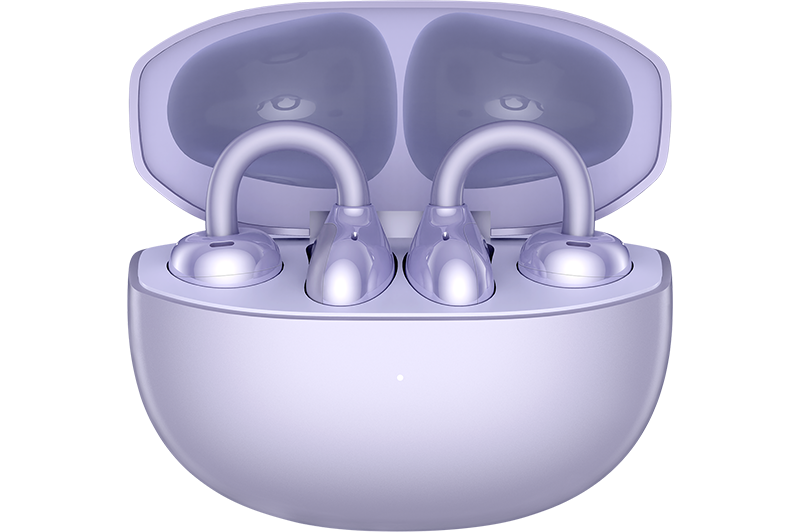
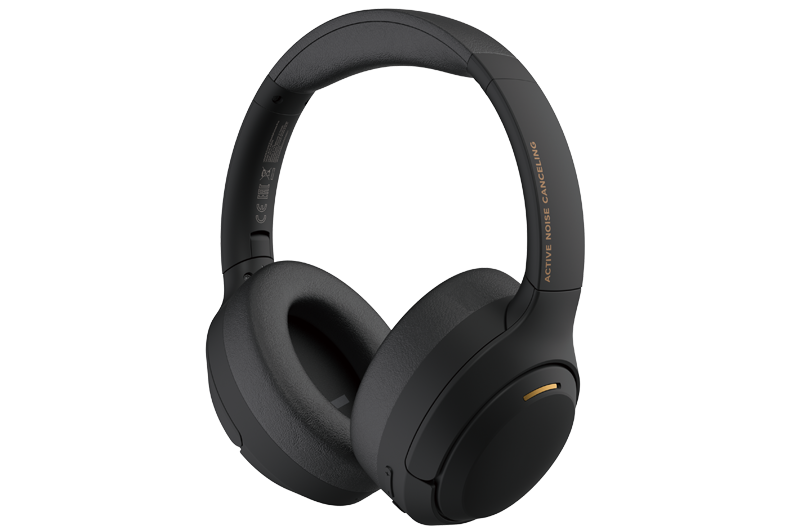
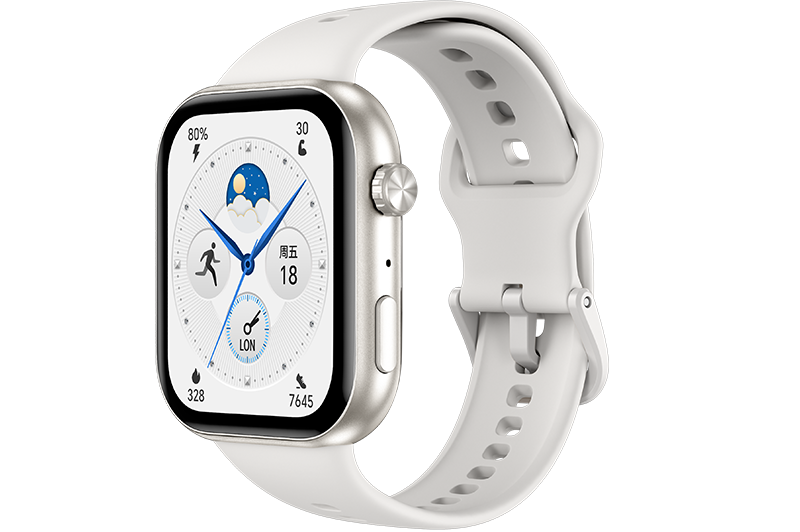


After I Switch the Music Mode in the Watch to the Phone Mode, the Bluetooth Headset Option Disappears from the Music Menu of the Watch
| After I Switch the Music Mode in the Watch to the Phone Mode, the Bluetooth Headset Option Disappears from the Music Menu of the Watch |
Problem
After I switch the music mode in the watch to the phone mode, the Bluetooth headset option disappears from the music menu of the watch.
Cause
After you switch to the phone mode, the watch synchronizes the play state from the mobile phone without playing music when you play music through the mobile phone. Therefore, it is a normal phenomenon that the Bluetooth headset option disappears.
Solution
If you want to play music using a Bluetooth headset in phone mode, it is recommended that you pair your mobile phone with the Bluetooth headset.
微信扫描二维码分享文章
Thank you for helping us grow better!
Your response has been submitted successfully!
- Hotline
- Live Chat
-
WhatsApp
9am – 9pm
English and Arabic Language - ae.support@hihonor.com
More Support

Hotline Support
Hotline:
80004444408

Email Support