
 More Products
 Compare




March 12, 2026
blog
Best Laptop for Students: A 2026 Guide for PH Learners
Table of Contents
In 2026, students need more than just a “basic laptop.” You want something portable, powerful, and long-lasting. This guide will walk you through how to pick the right device and highlight three HONOR models that make excellent choices for around campus, lecture halls, or your remote study space.
Best Laptop for Students in 2026
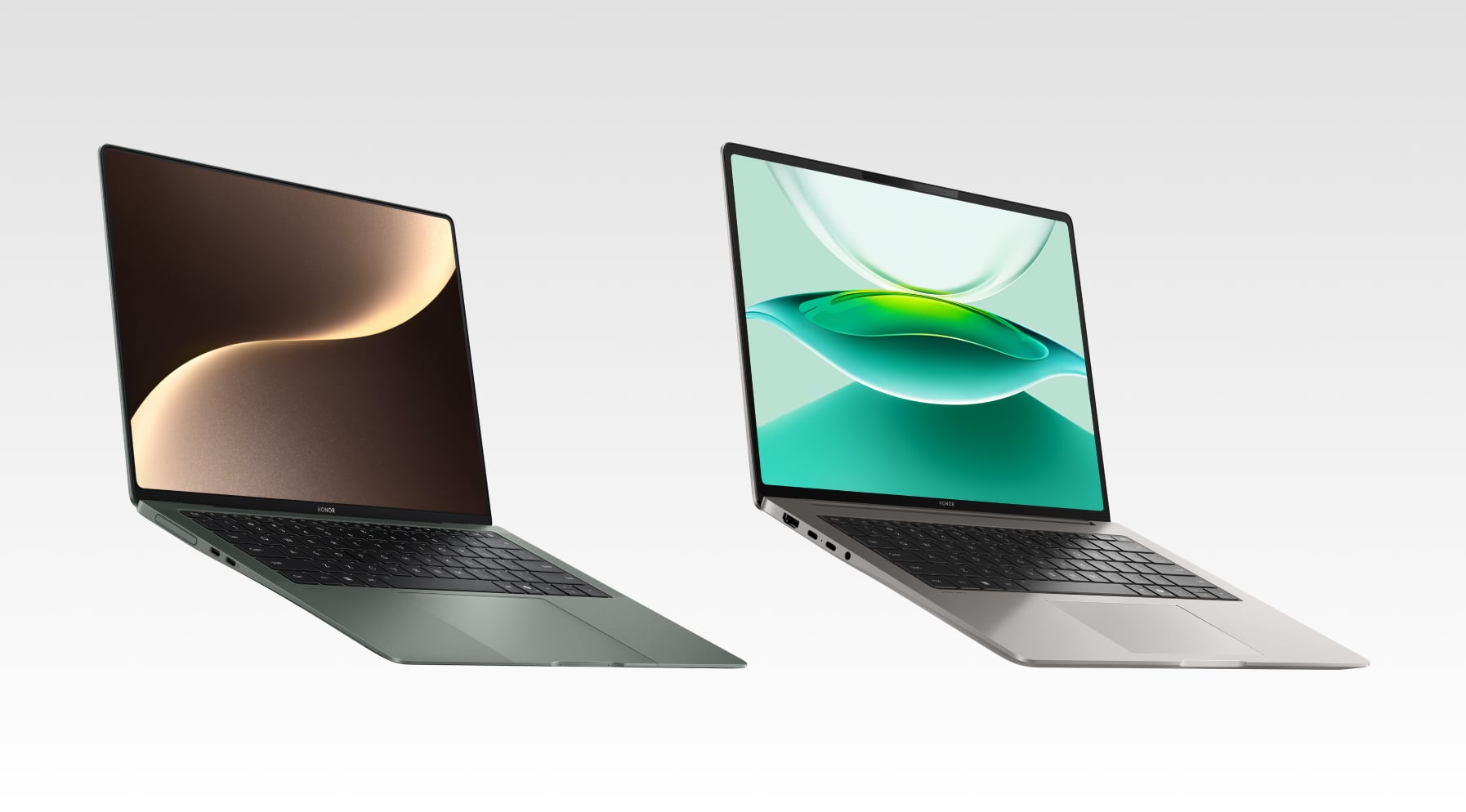
Below are three HONOR models well-suited to students’ needs. Each balances performance, portability, battery life, and value—all key when you're juggling essays, slideshows, code, or creative work.
HONOR MagicBook Art 14 2025
The MagicBook Art 14 2025 is an ultra-light laptop built for students who carry their devices everywhere— a good laptop for students in humanities or design who want portability and high-quality visuals for note-taking, reading, and creative work.
Key Features:
● Super lightweight: 1.03 kg and only 11.5 mm thin — effortless to slip into a backpack.
● High-quality display: 14.6-inch OLED with 120 Hz refresh rate — ideal for long hours of reading or design projects.
● Strong everyday performance: Intel Core Ultra 7 255H with Intel Arc graphics — smooth for Office apps, coding, and light creative tools.
● Smart details: Removable magnetic webcam for online classes and privacy, plus quiet cooling for study spaces.
● Battery life: 8–10 hours for light tasks, 4–6 hours under heavier workloads.
HONOR MagicBook Pro 14
The MagicBook Pro 14 is designed for students who need more muscle for creative or technical studies. It’s one of the top rated laptops for students in computer science, design, or media majors who want performance for heavier software without carrying a bulky workstation.
Key Features:
● Performance boost: Typically equipped with an Intel Core Ultra 9 285H processor, 24/32 GB RAM, and up to 1 TB SSD storage. Paired with integrated Intel Arc140T graphics, it handles Adobe Creative Cloud, coding IDEs, and data simulations smoothly.
● Smooth multitasking: With large memory and fast NVMe storage, it can keep 10+ browser tabs, coding environments, and presentation tools running without lag.
● High-quality display: A 14-inch 3.1K OLED panel with sRGB coverage and 120 Hz refresh rate, delivering sharp visuals for design and study.
● Practical build: Ports include USB-C (charging & data), HDMI, and USB-A, making it easy to connect external monitors and drives.
● Comfortable typing: A full-sized backlit keyboard with responsive keys, ideal for long essay-writing or coding sessions.
What to Look for When Choosing the Best Laptops for Students
When aiming for the best laptop for university students, you’ll want a mix of features—not just raw specs. Here’s a breakdown of what matters most and how to set realistic expectations.
Core Essentials (What Every Student Should Check)
1. Weight & Size
You’ll carry your laptop every day. Aim for 13–15 inches — big enough to work comfortably, light enough to slip in a backpack.
Ultra-thin designs look sleek, but check they don’t sacrifice cooling or ports.
2. Battery Life
Look for 7–9 hours of mixed use so you can get through lectures and study sessions without scrambling for outlets.
Fast charging (USB-C PD) is a huge plus — 50% charge in ~30 minutes keeps you moving.
3. Performance Basics
CPU: A modern mid-range processor like Intel Core Ultra or Ryzen 5/7 will handle multitasking and coursework.
RAM: 16 GB is the sweet spot for smooth performance; 8 GB may feel limiting quickly.
Storage: At least 512 GB SSD — faster and more reliable than HDDs.
4. Display Quality
Choose a sharp, high-resolution screen (2.5K or above) so reading and multitasking don’t strain your eyes.
Brightness ≥400 nits makes it usable near windows or in bright rooms.
5. Ports & Connectivity
At minimum: USB-C + USB-A + HDMI so you don’t live on adapters.
Wi-Fi 6 or above ensures smooth video calls and online collaboration.
Don’t forget a decent webcam & microphone — essential for online classes.
6. Budget & Value
Most students spend around £500–£1,000 for a capable laptop.
Take advantage of student discounts or refurbished models for better value.
7. Durability & Support:
A metal chassis lasts longer than plastic.
Ensure at least a 1-year warranty, with an option to extend.
Good after-sales support is worth it, especially if you’re studying abroad.
Advanced Considerations (For Specialized Courses)
Performance Power:
Engineering / Architecture / GIS → Higher-end CPU, 16–32 GB RAM, and GPU support for 3D modeling or CAD.
Creative / Media Studies → Prioritize a color-accurate display (100% sRGB, 90%+ DCI-P3), discrete GPU, and at least 1 TB SSD for large media files.
Computer Science / Data Science → Look for multi-core performance, strong thermals, and fast SSD storage to handle coding environments and data analysis.
Humanities / Social Sciences → A lighter build with 8–16 GB RAM and mid-tier CPU is enough for writing, research, and presentations.
Conclusion
Choosing the best laptop for students is about matching your course needs with a device you’ll enjoy carrying and using every day. With the right balance of portability, performance, and value, your laptop becomes a reliable partner through lectures, projects, and late-night study sessions. Use the buying checklist to focus on what matters most — and make a choice that supports your studies, not slows them down.
Ready to find your study companion? Explore the latest HONOR laptops and see which model fits your student journey best.
FAQs
Which laptop brand is best for students?
There isn’t one universal answer — the best brand is the one that combines reliable service, strong specs, and good value in your region. HONOR stands out for its focus on design, innovation, and student-friendly features like lightweight builds, high-quality displays, and long-lasting batteries.
What’s the best laptop for a student?
The best laptop for a student is one that covers everyday academic tasks — writing essays, managing spreadsheets, attending online classes, and light creative work — without straining your budget or your backpack. A well-rounded option typically has a 14-inch display, 16 GB of RAM, SSD storage, a modern CPU, and at least 7–9 hours of battery life.
What type of laptop is best for studying?
Lightweight yet capable: ultra-thin notebooks with mid-to-upper range specs. Avoid bulky gaming rigs (unless needed for your major) and toy-level Chromebooks (unless your coursework fits).
How much RAM do students actually need?
In 2026, 16 GB RAM is the sweet spot for most students. It allows smooth multitasking across browsers, research tools, IDEs, and creative software. While **8 GB** can be enough for lighter tasks like word processing, it may feel restrictive with larger projects.
Which RAM is faster for a laptop?
Speed depends on type (e.g. DDR5, LPDDR5X) and clock rates. For example, high-frequency LPDDR5X modules can outperform lower-rate DDR4. Integrated memory architectures (as in modern ultrabooks) often use LPDDR. Match memory speed to CPU support and avoid bottlenecks.
Source: HONOR Club
Products Recommend

Latest Blogs